Check the acquisition promise
Read the store headline, screenshots and description. What problem is the app promising to solve?
Study the storefront ↗
Julien Faure · iOS
Explore the ad evidence, study the storefront, and build your next acquisition hypothesis.
01 / Creative research
Read the store headline, screenshots and description. What problem is the app promising to solve?
Study the storefront ↗Explore apps with direct store-link matches. Compare their hooks and formats without assuming the same approach works here.
Browse observed advertisers ↗Store rankings and revenue estimates describe market context. They do not establish ad spend, conversions or ROAS.
Review the market context ↗02 / Storefront & product
Study the product story and store experience behind the acquisition funnel.

03 / Market context
Keep revenue, downloads and store rankings separate from advertising performance.
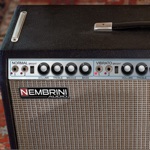
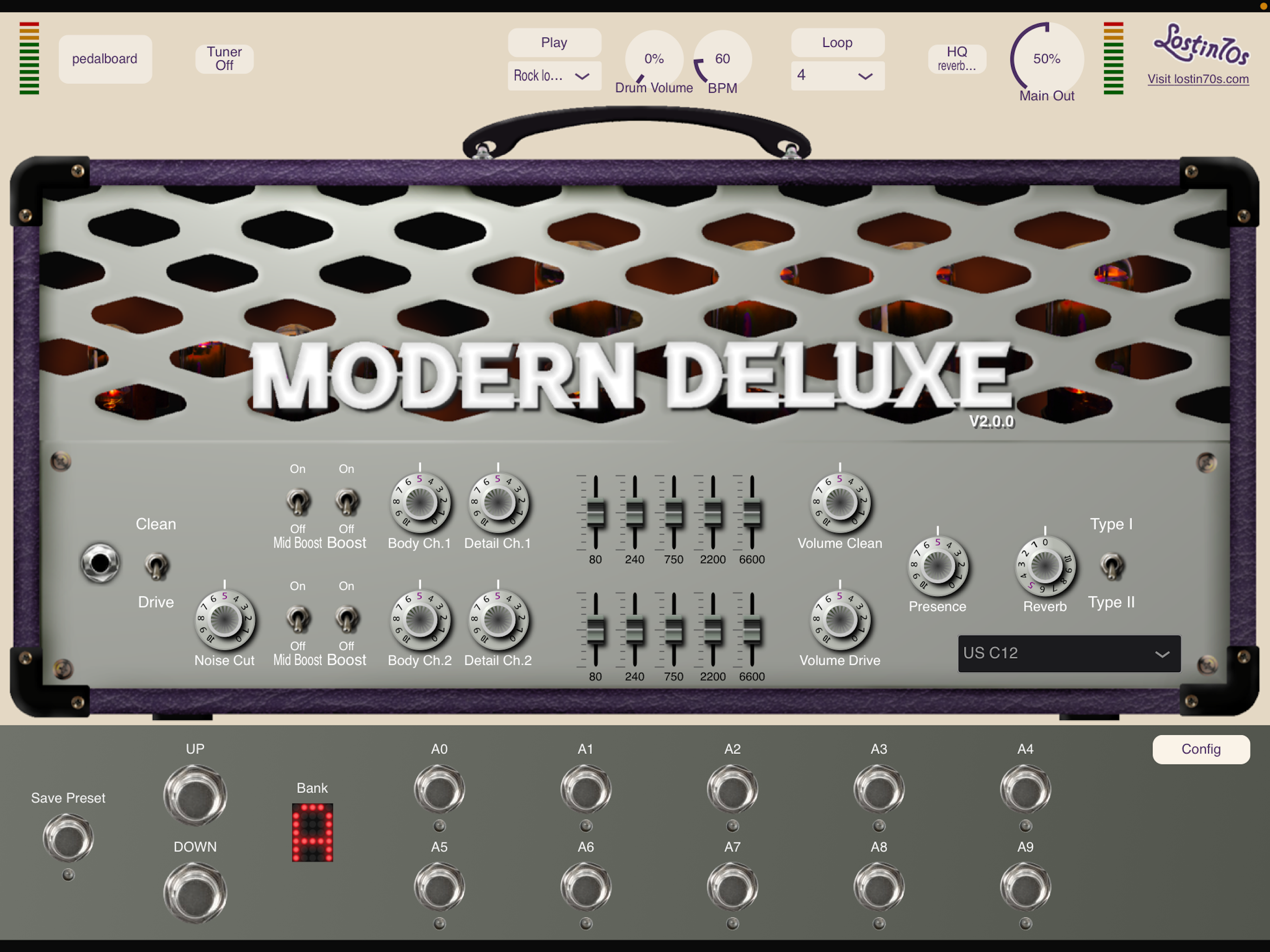
There was a point when I'd tried every guitar amp app out there, spent a fair amount on them all in agregate. It was useful; i learned a lot. some were over wrought and tried to do too much. i eventually learned that none of them come close to an actual good aounding tube amp. BUT they are useful and even necesary in most studio work flows. if i had to choose only one, it might be this one because it really sounds good and is a pretty simple amp without useless settings. But keep in mind that it deos include an easy to use LOOPER and a funtional PEDALBOARD all in one package. I also discovered that after I bought it in the iOS store it showed up in the MAC app store as well as "mine" - so I only had to buy it once for both platforms. Loved that!
I’ve got a few amp sims here. This one sounds great for a clean tone. The drum loop player built in is handy for practice, and more interesting to play with than a standard metronome click. The UI is a little clunky, and difficult to steer through. My Focusrite Scarlett Solo that I use with my iPad means that my guitar comes through input 2. The plugin defaults to input 1, as many do. The clickable area to change this is quite small, and took me a few times to get right. Maybe I have huge fingers, but I don’t have this issue in other apps. Also, for some reason, I only have audio output on a single channel, including the drum loop output. There doesn’t appear to be any way to change the output though. Again, it’s a great, clean tone. The UI could use some love, and then it’s a fantastic experience!
Clean, crunch and more crunch! The pre-amps are nothing more than a capture of my personal British style amp. The hardware version has only one channe...