
Check the acquisition promise
Read the store headline, screenshots and description. What problem is the app promising to solve?
Study the storefront ↗
Veo Technologies ApS · iOS
Explore the ad evidence, study the storefront, and build your next acquisition hypothesis.
01 / Creative research
Read the store headline, screenshots and description. What problem is the app promising to solve?
Study the storefront ↗Explore apps with direct store-link matches. Compare their hooks and formats without assuming the same approach works here.
Browse observed advertisers ↗Store rankings and revenue estimates describe market context. They do not establish ad spend, conversions or ROAS.
Review the market context ↗02 / Storefront & product
Study the product story and store experience behind the acquisition funnel.



03 / Market context
Keep revenue, downloads and store rankings separate from advertising performance.
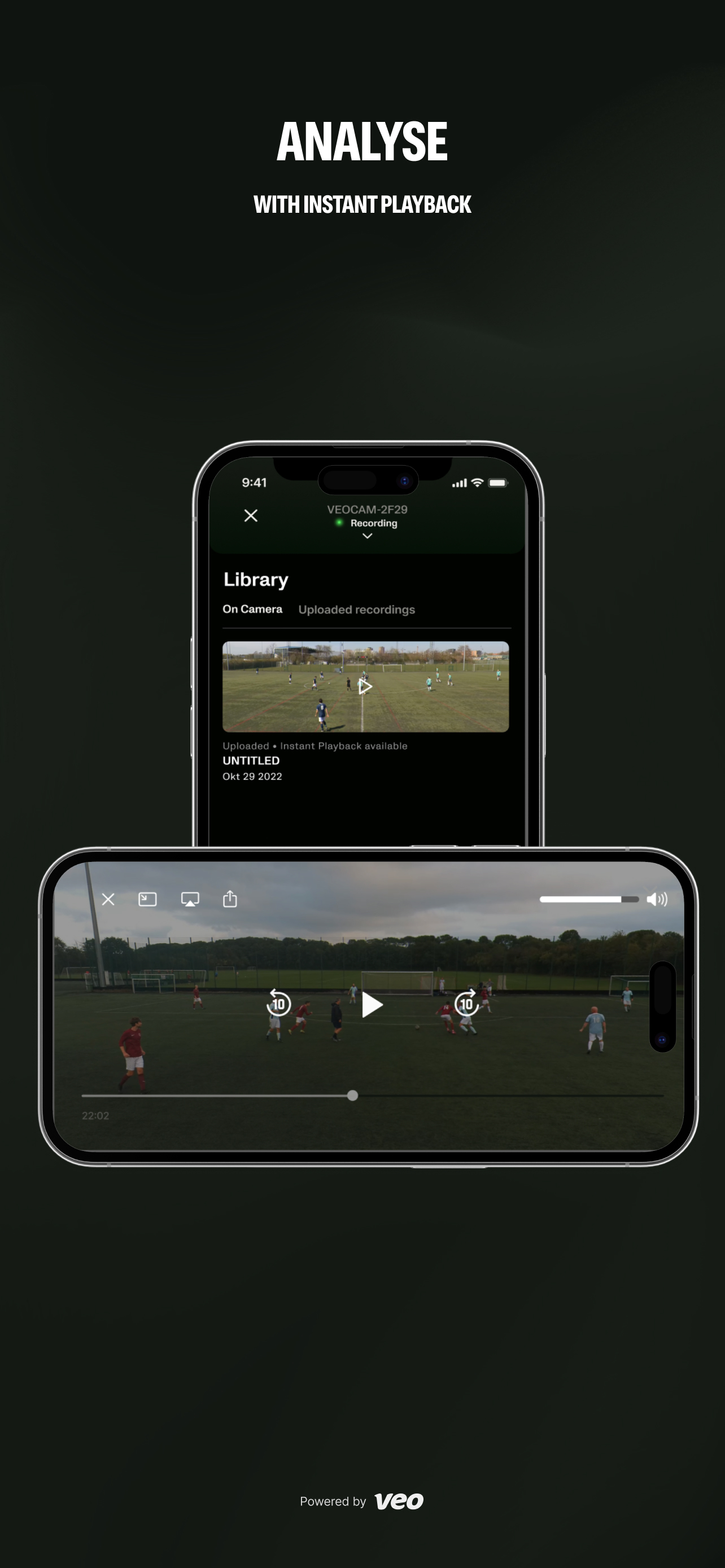
3.3.0 not properly tested, as with 3.2.9 and 3.2.10 Release notes are fantasy. 3.2.10 claims to have improved submit requests or feedback, but it removed the functionality altogether. Previously, taking a screenshot would bring up the dialogue, now it doesn't. 3.3.0 did fix preview, but Instant playback is full screen in portrait mode, which is weird, and in landscape it is larger than the phone screen and the on-screen controls and icons drift side to side. It also overlays a second Veo logo. There is an APN settings are but it doesn't do anything. It just shows Default and tapping on it just causes it to flash, and no part of the APN settings allows changes. 3.2.9 broke preview and instant playback. 3.2.10 didn't fix them. See bug report and support request. Preview starts fine but when you open fullscreen mode, instead of switching to landscape, it immediately switches to portrait with a squeezed and distorted image and it does not change if the phone is rotated. For instant playback, it used to immediately switch to landscape now it opens in portrait orientation and does not change as the phone is rotated. Please test all app features before releasing.
I just concluded a season of high school lacrosse video with the Veo system. Overall, very solid. I recorded about 20 games and the system didn’t fail. I used an iPad and it worked all season without issue. I only encountered two problems. 1) one game failed to upload properly. After 10 hours of waiting for the upload to complete, I reset the camera and it uploaded properly on the next attempt. 2) for a couple games, the camera took about 5 minutes to transmit a signal to the iPad. It eventually showed up and recorded properly. From a comprehensive system perspective, I rate this as 4 star not because of the app specifically, but because the end product after AI processing could be better. Following the ball worked great, but the zoom could use improvement. The system tends to provide more of a wide view. It would be great to allow a user setting to modifying zoom options. A bit more zoom would have been ideal. One other item that is likely not the app’s fault but that users should be aware- we found that devices which had a VPN installed would not connect to the camera. I work for a tech company that has a required VPN deployed on employee iPhones. None of us with that VPN could connect to the camera. The iPad didn’t have the required VPN settings, and it worked fine. I mention this for others who are not able to connect to the camera- see if you have a VPN installed that may be preventing your connection. Overall, great system.
Is there a way to get a sort of update that allows grouping when choosing players. When you have a team of 33 it would be very helpful to be able to click “defenders” that has 12 girls in it rather than having to select everyone whenever trying to highlight a moment.
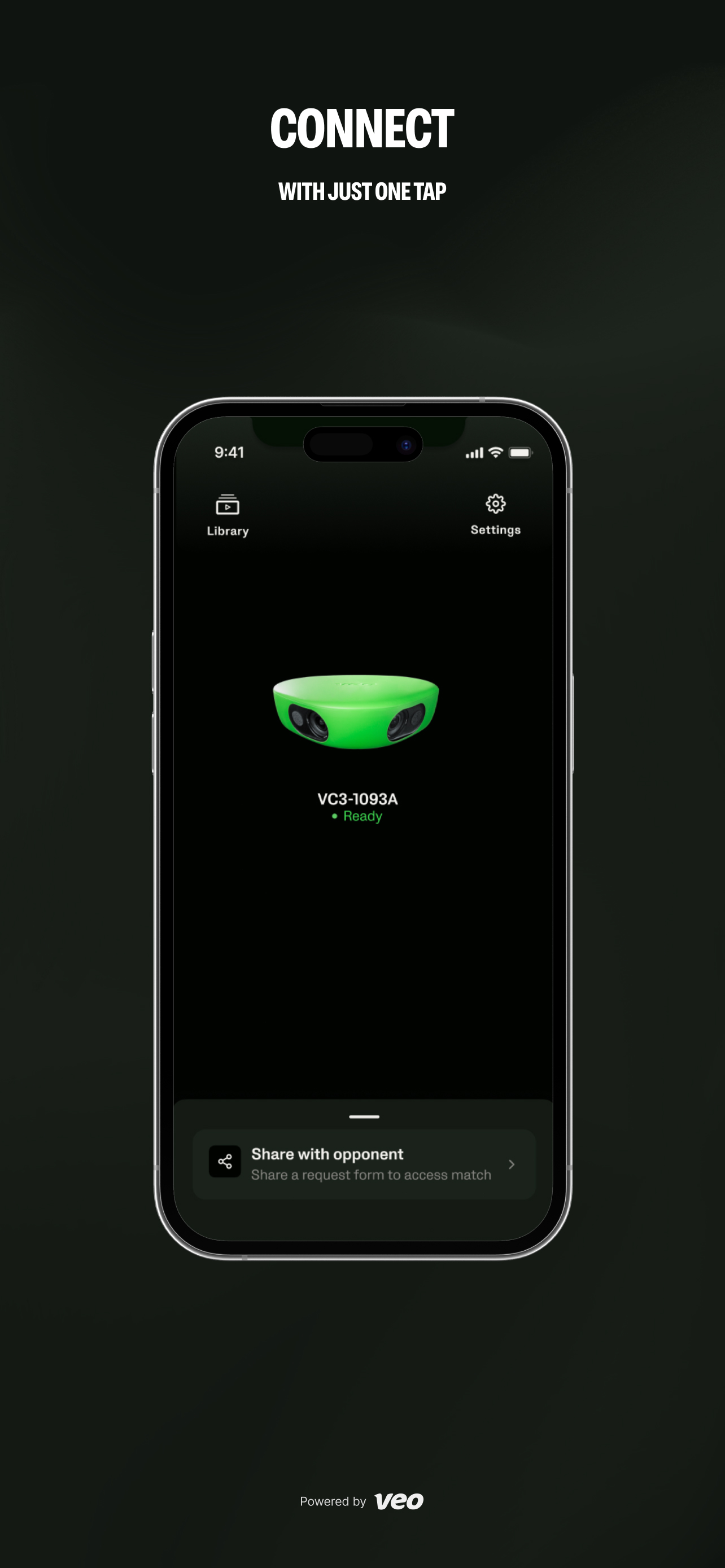
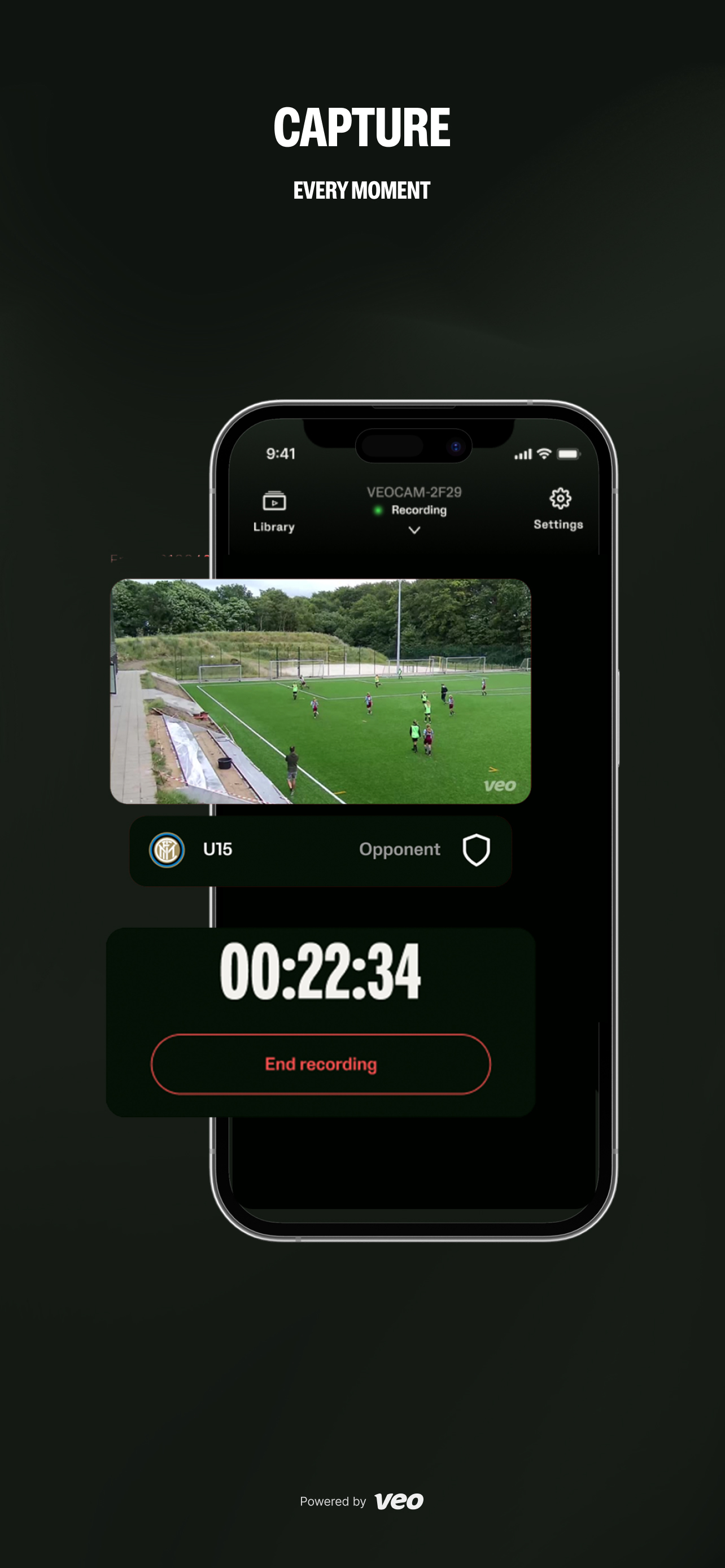
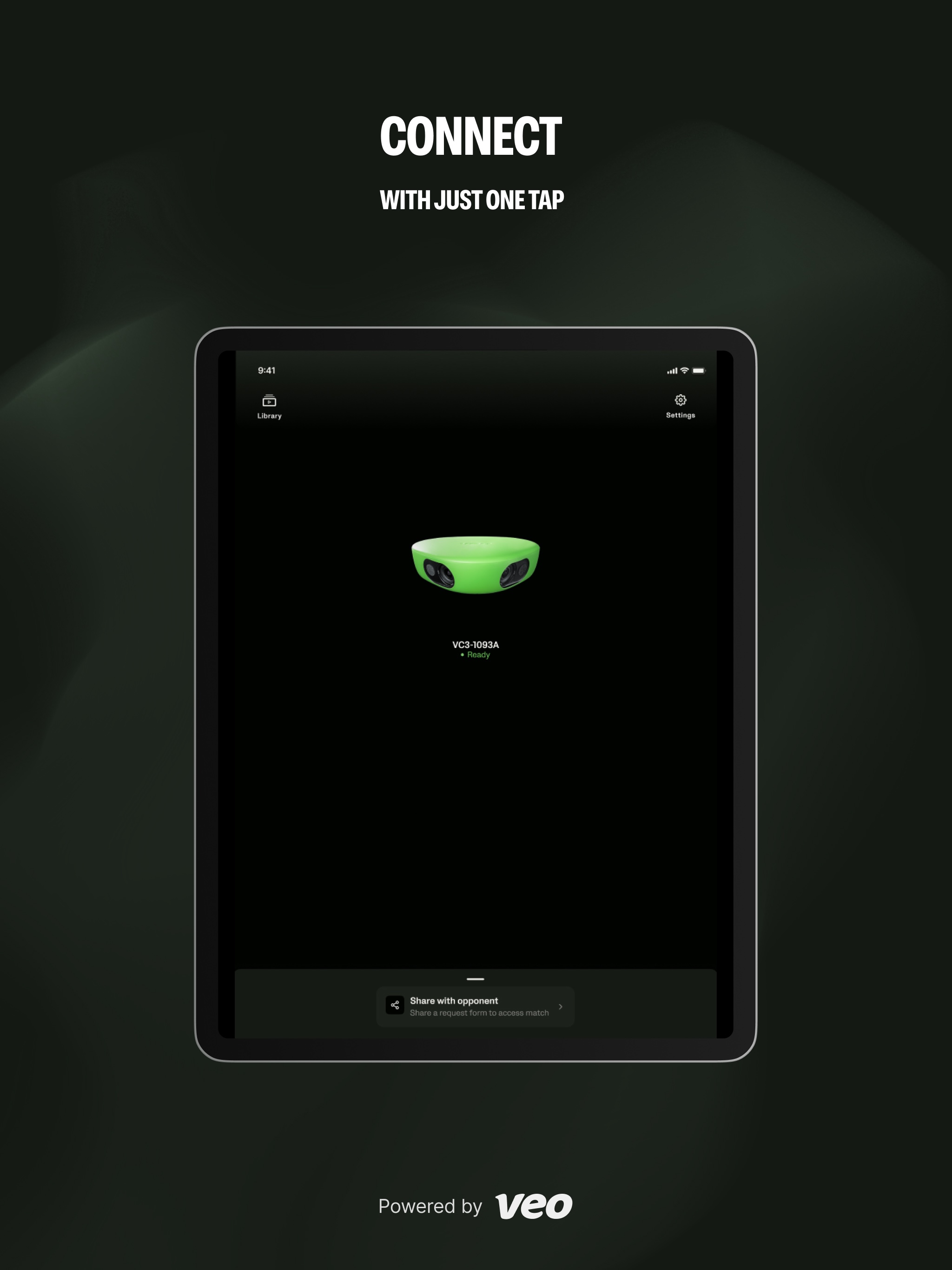
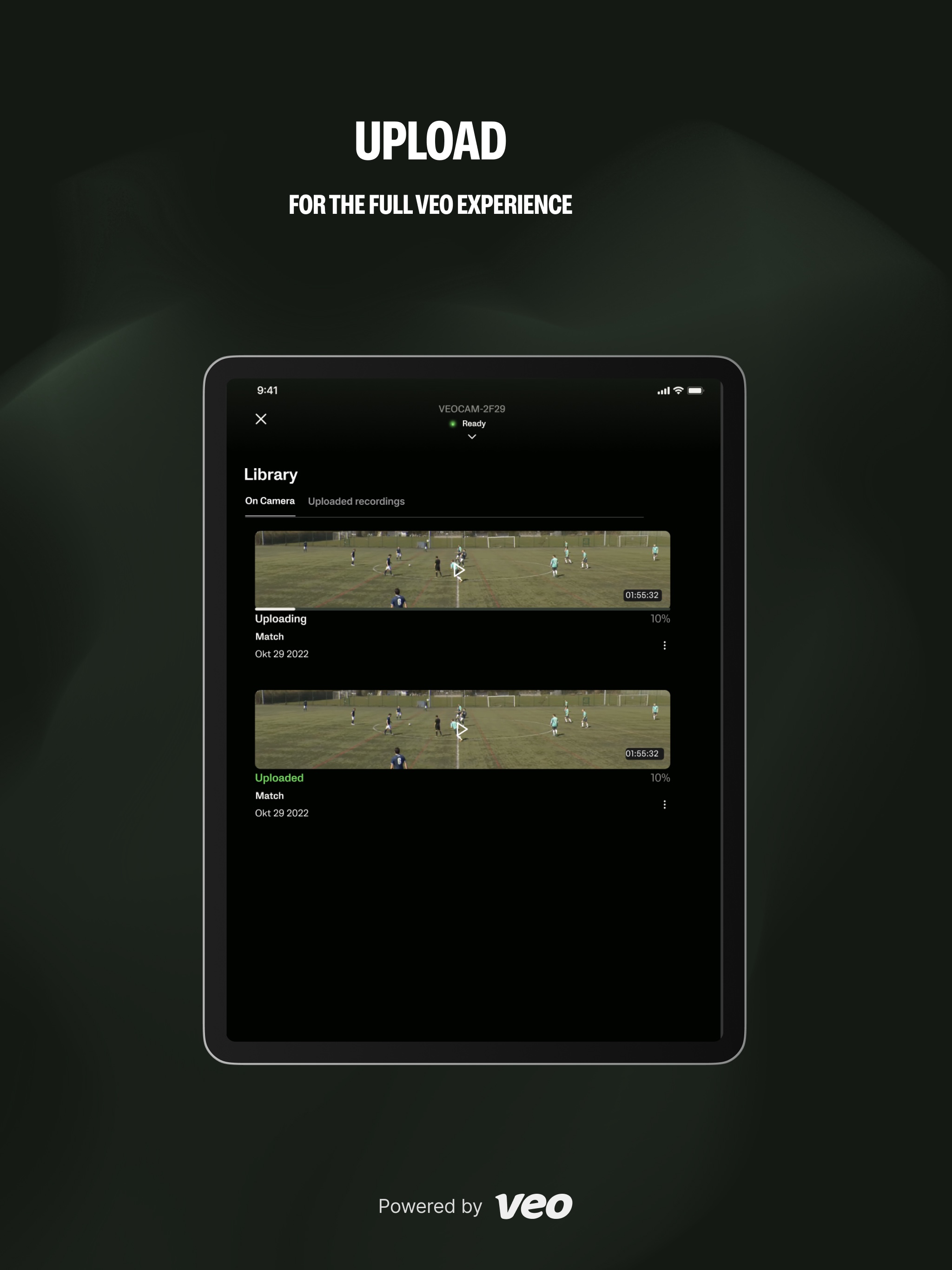
The Veo Camera App provides easy connectivity to your Veo Camera 1, 2 & 3. Giving you full control, with intuitive navigation, to start and stop your...


