
Check the acquisition promise
Read the store headline, screenshots and description. What problem is the app promising to solve?
Study the storefront ↗
Navigate360, LLC · iOS
Explore the ad evidence, study the storefront, and build your next acquisition hypothesis.
01 / Creative research
Read the store headline, screenshots and description. What problem is the app promising to solve?
Study the storefront ↗Explore apps with direct store-link matches. Compare their hooks and formats without assuming the same approach works here.
Browse observed advertisers ↗Store rankings and revenue estimates describe market context. They do not establish ad spend, conversions or ROAS.
Review the market context ↗02 / Storefront & product
Study the product story and store experience behind the acquisition funnel.


03 / Market context
Keep revenue, downloads and store rankings separate from advertising performance.
The previous versions of this app worked very well, however, when the app was updated in July 2024 the app began to have problems and a lack of usability. Navigate claimed time and time again that they were working on it, however rosters never synced, and it was not uncommon for there to be an error when starting an emergency. There was an attempt to utilize this app during a swatting situation in which a lockdown was called, the app failed and caused confusion among staff further complicating the situation. Anyone who is considering navigate 360 should take a look at Raptor.
The previous version of your platform function better. You removed functions such as the comment section when activating an alarm or drill, which causes confusion and problems. Our administrators and first responders used that function to give critical information. The push notification takes you to the Home Screen, but doesn’t indicate if a drill is happening, which is confusing to users. If you have multiple sites, you have to check your text message (if you received it) to see which site is active, and then switch to that site manually. There is no visual indication of an active alarm in the switch site menu. There also seems to be a syncing issue that still hasn’t been corrected. Some phones are zoomed in and cannot see all options for accountability. There is no more visual indicator of new chat, and the chat feature is still buggy after multiple updates. This new update was a huge regression in functionality.
Once a staff member is authorized and allowed access to this app, it’s easy to account for staff and students during an emergency. Great tool to use
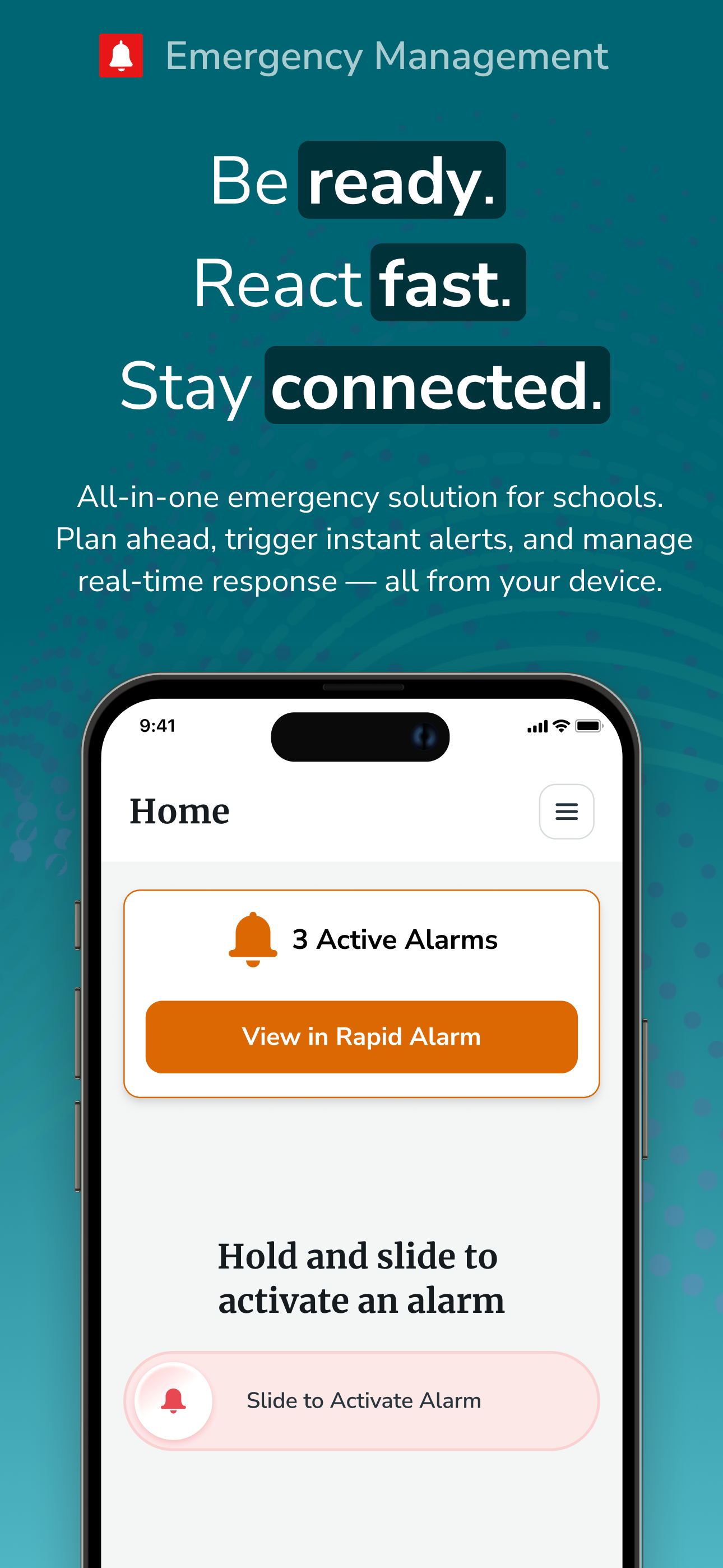
Navigate360’s EMS app is designed to help K12 school districts safely and effectively manage drill and emergency alarms. The app addresses various saf...


