Check the acquisition promise
Read the store headline, screenshots and description. What problem is the app promising to solve?
Study the storefront ↗
Hendrik Folkerts · iOS
Explore the ad evidence, study the storefront, and build your next acquisition hypothesis.
01 / Creative research
Read the store headline, screenshots and description. What problem is the app promising to solve?
Study the storefront ↗Explore apps with direct store-link matches. Compare their hooks and formats without assuming the same approach works here.
Browse observed advertisers ↗Store rankings and revenue estimates describe market context. They do not establish ad spend, conversions or ROAS.
Review the market context ↗02 / Storefront & product
Study the product story and store experience behind the acquisition funnel.


03 / Market context
Keep revenue, downloads and store rankings separate from advertising performance.
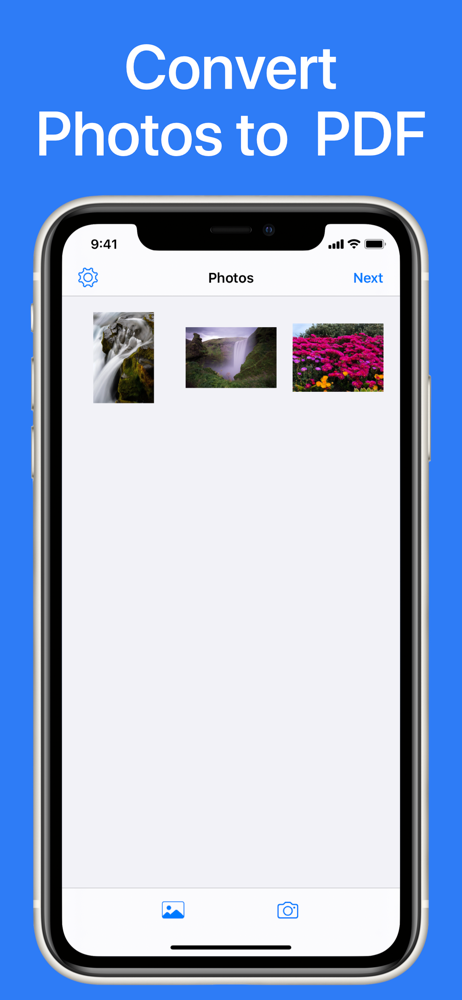
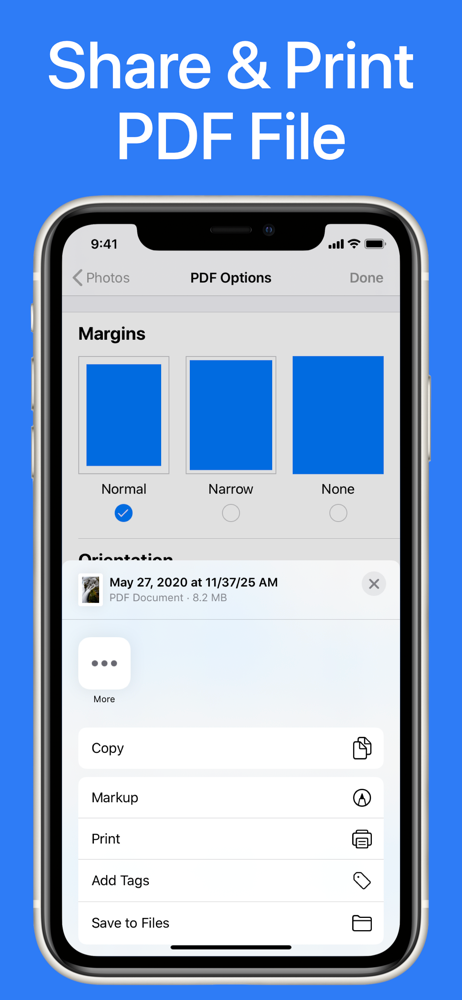
Needed to quickly convert a picture I took on my phone to pdf and email it to someone, downloaded three different apps, all of which were either charging alot of money, or hid the fact that they were not, in fact, free. Then I found this one, it was super easy and I was able to convert and email the photos in one move. Very simple, very easy. Its free and fast and not unnecessarily complicated
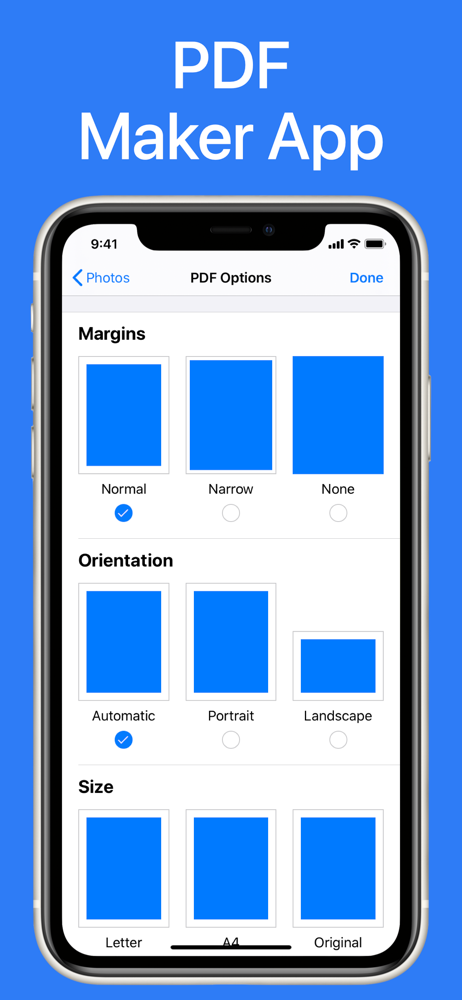
This app is everything I needed and nothing extra. And the best part is that it is completely free - no hidden in app purchases, no page or document limits. I just created ten 70+ page PDFs in less than 20 minutes. Its interface is simple and straightforward and it is incredibly fast - faster than paid apps that I’ve tried in the past. There are multiple options for margins, size, and orientation. The files look great and can be saved to a number of different apps directly. At first, I was disappointed that there was no way to clear all of the photos I had in order to begin a new document, but then I realized that when you close the app all of the photos clear and you can start a new document. While I would appreciate a more intuitive option in the future, it is fast and easy to close the app and start again so it still functioned well for my uses. Overall, this app is incredible and I would highly recommend above any other PDF converter app I’ve used so far.
This is exactly what I wanted at the exact price I wanted to pay (free). Thank-you for creating this app. and giving it to us. This app is so easy to use no instructions are needed. Select your images or take them within the app, select the size and orientation, press the button and there you are. A pdf which has animated page turning - woohoo! Not just your ordinary, dull, page-viewing. Copy/Save to whatever is in your arsenal of keepers and you’re done. I converted 85 images to a page-turning wonder in less time than it takes to read this. No subscription required!!!!!!! Yay!
Photo to PDF Converter Scanner helps you to convert your photos to PDF files easily. This PDF Converter app also allows you to share the PDF files via...