Check the acquisition promise
Read the store headline, screenshots and description. What problem is the app promising to solve?
Study the storefront ↗
Hendrik Folkerts · iOS
Explore the ad evidence, study the storefront, and build your next acquisition hypothesis.
01 / Creative research
Read the store headline, screenshots and description. What problem is the app promising to solve?
Study the storefront ↗Explore apps with direct store-link matches. Compare their hooks and formats without assuming the same approach works here.
Browse observed advertisers ↗Store rankings and revenue estimates describe market context. They do not establish ad spend, conversions or ROAS.
Review the market context ↗02 / Storefront & product
Study the product story and store experience behind the acquisition funnel.



03 / Market context
Keep revenue, downloads and store rankings separate from advertising performance.
So the iPad already prints anything to an airplay enabled printer. I’m not so sure the purpose of this app, other than soaking $15 from anyone trying to use it. If you develop a pay app that does not actually do anything useful or otherwise more challenging, what are you charging for? The app needs to print any document from any of the 15 iPads I have and print it to ANY printer regardless of the connection (2 network, 2 airplay enabled, 1 shared, and 3 Bluetooth). I have 3 Bluetooth label printers that require another pointless app to use. If this app could bypass that app and allow me to print to any printer that I was within Bluetooth range of, I would happily pay much more that $15.
This is very great I love to print photos that are colorful and great but when I try it a second time it says please buy premium and I just want to use that for free and all the time and I want to print another photo I have to delete the app and re-get it it’s so annoying please make it so I can tap to get premium not just a pops up
It’s a good printer, once you figure it out. Not very user-friendly. Constantly kicking me off of Wi-Fi / Internet making me reset every time my computer turns off. I have to manually switch the Wi-Fi on my phone from our regular Wi-Fi to the specific HP printer Wi-Fi in order to print from my phone, every time. Most frustrating issue, is that the default paper Tray 1, is the tray for odd sized paper, envelopes, cards, etc., that does not have a storage tray. In order to use Tray 2, which holds 200 pieces of standard 8.5 x 11 paper, you have to manually select Tray 2. Even when I reset the default settings, as soon as I turn off the computer, or take my phone outside of the house so that the Wi-FiDisconnects, etc., it defaults back to Tray 1 and once again, have to manually select the Tray 2 option. Seems like a small issue, annoying enough, after using it for several weeks, that I would return the printer if I could. Common sense would tell you that 8 1/2 x 11 paper is used for printing much more frequently than envelopes and odd sized pages. Particularly frustrating, because the 200 sheet paper storage tray is connected to Tray 2. Super obnoxious
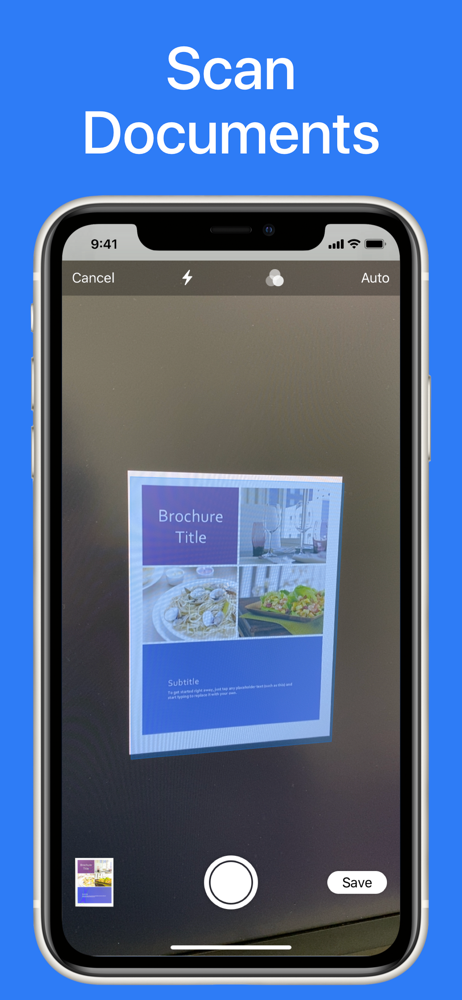
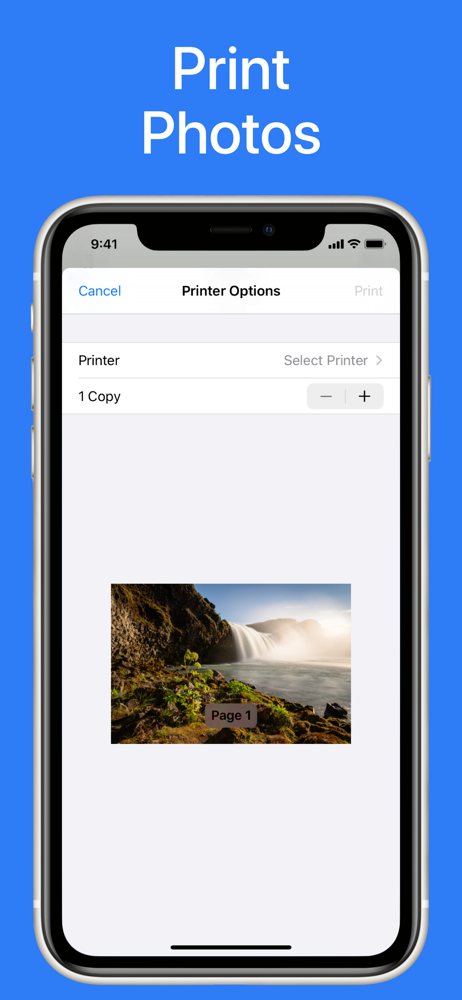
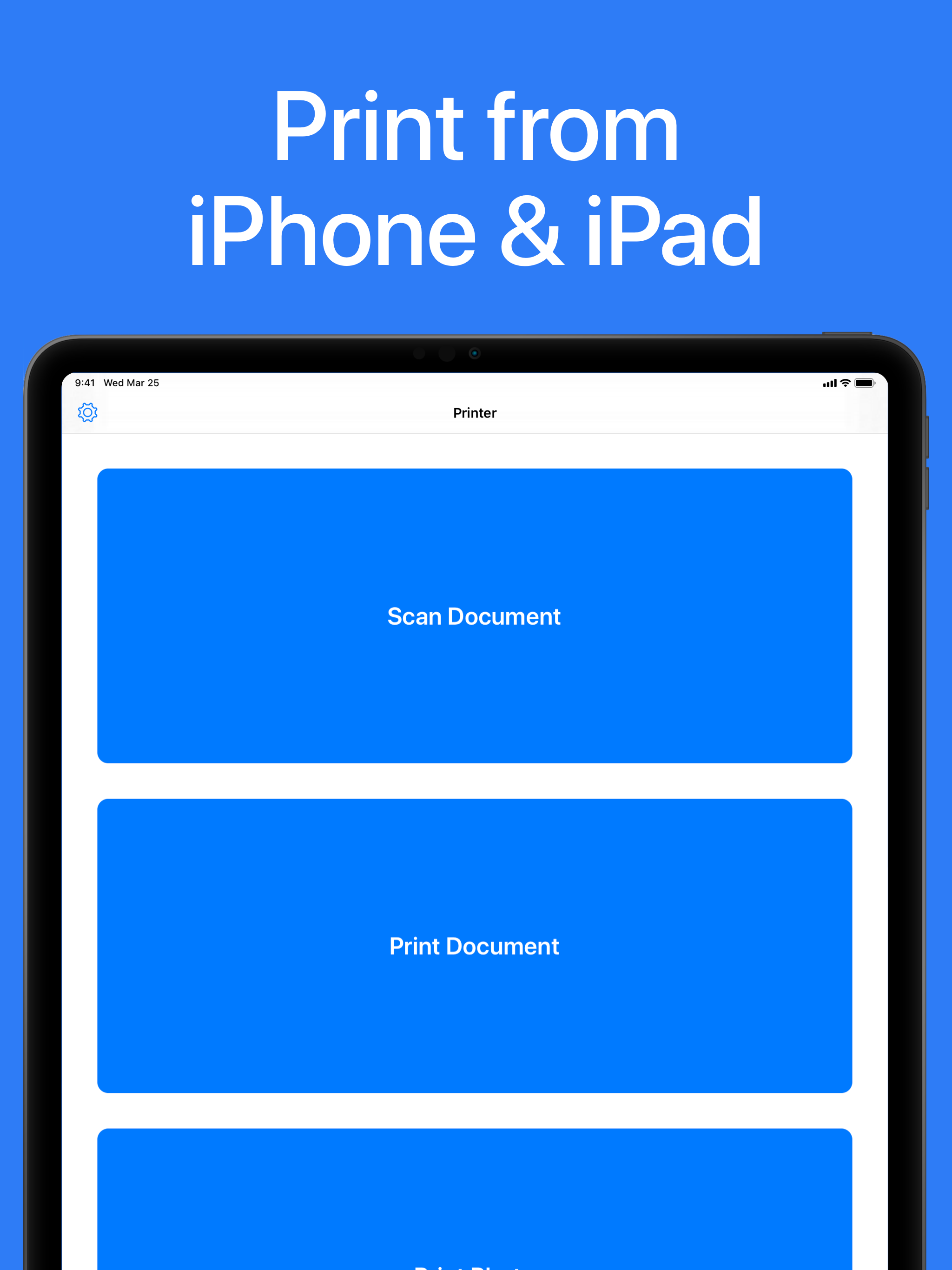
Printer App: Print & Scan PDF helps you to print your documents and photos easily. Scan a new document, select your printer and print your document wi...