Check the acquisition promise
Read the store headline, screenshots and description. What problem is the app promising to solve?
Study the storefront ↗
Arduino LLC · iOS
Explore the ad evidence, study the storefront, and build your next acquisition hypothesis.
01 / Creative research
Read the store headline, screenshots and description. What problem is the app promising to solve?
Study the storefront ↗Explore apps with direct store-link matches. Compare their hooks and formats without assuming the same approach works here.
Browse observed advertisers ↗Store rankings and revenue estimates describe market context. They do not establish ad spend, conversions or ROAS.
Review the market context ↗02 / Storefront & product
Study the product story and store experience behind the acquisition funnel.


03 / Market context
Keep revenue, downloads and store rankings separate from advertising performance.
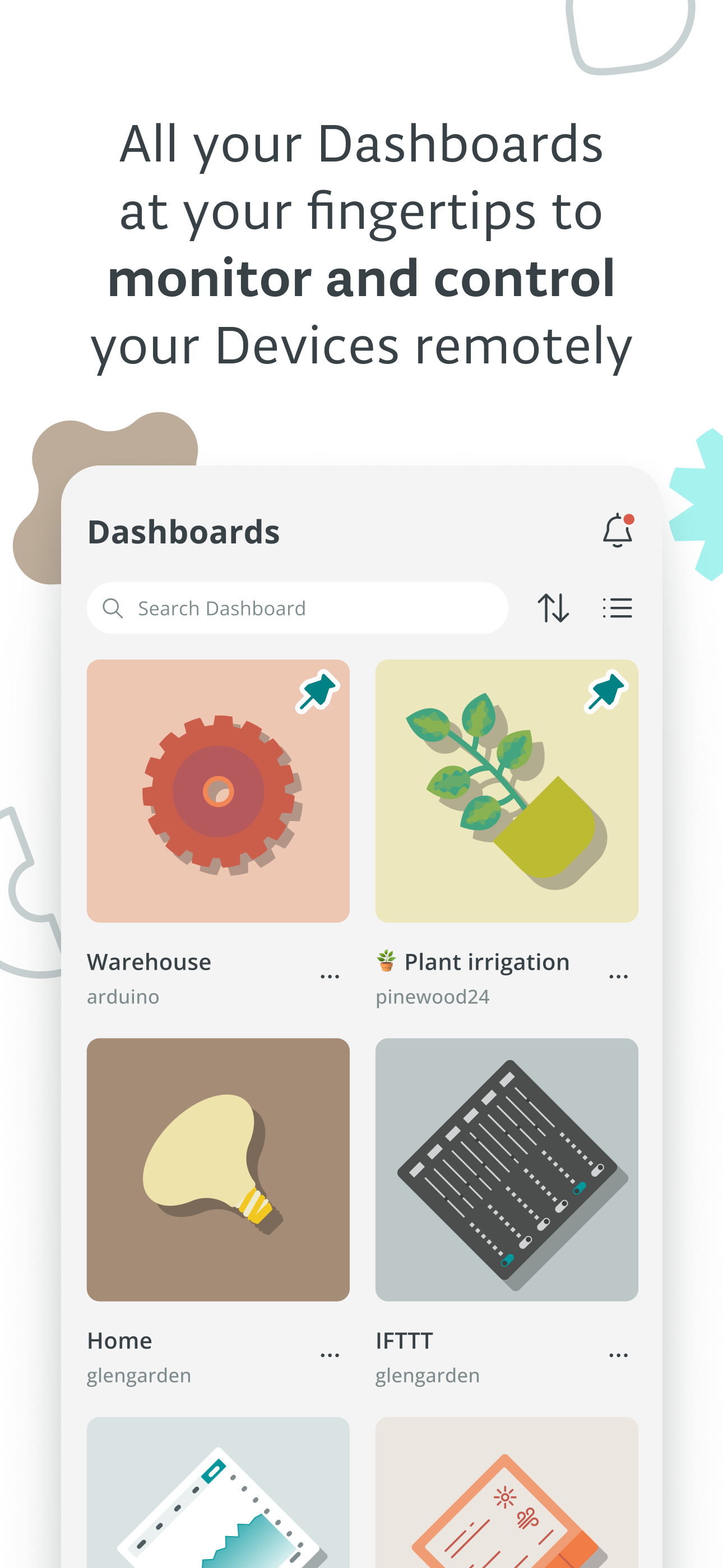
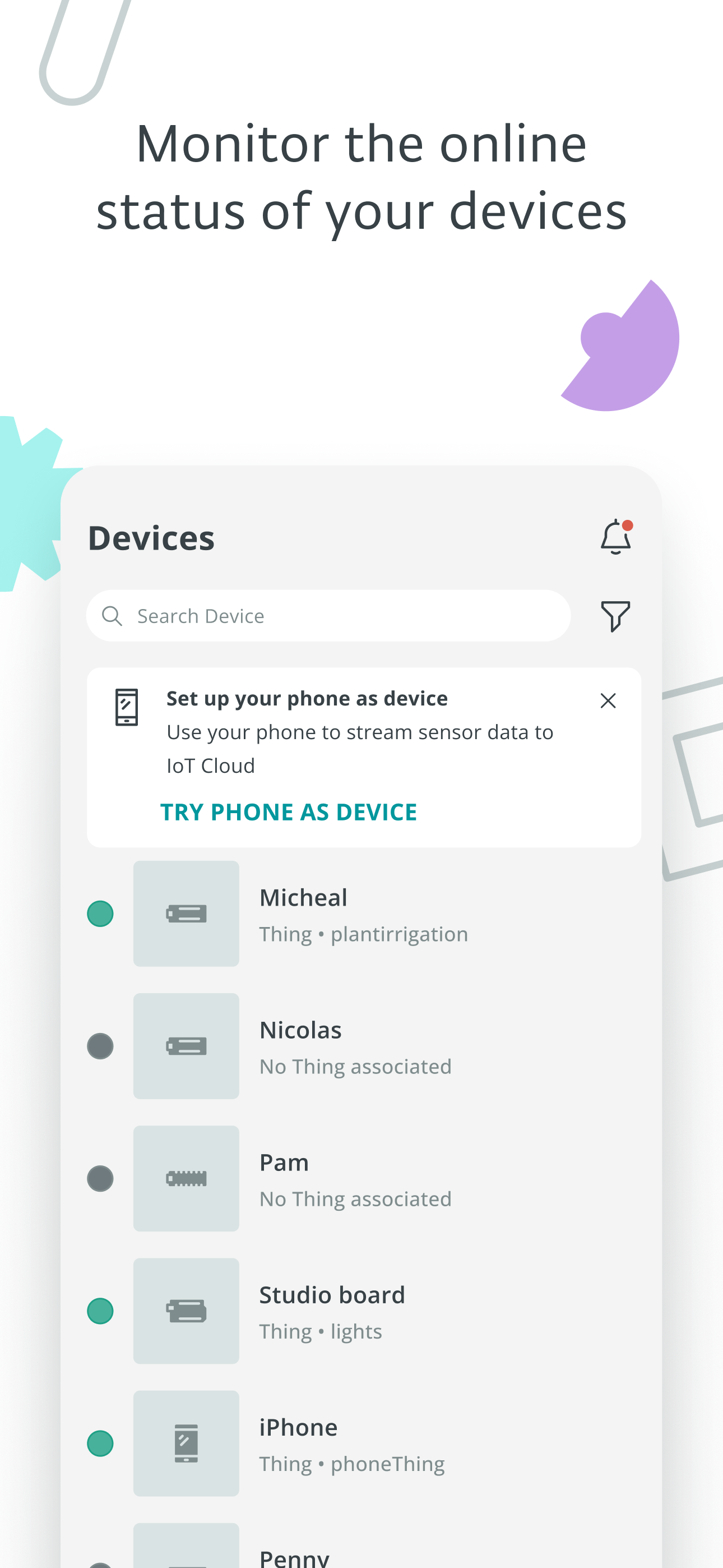
Amateur with Arduino but my first learning experiment with this app and a remote water level device proved this app’s worth to someone like me. Nice interface.
It would be awesome if we could customize the dashboard covers with our own pictures instead of just choosing from premade images available. Other than that great app.
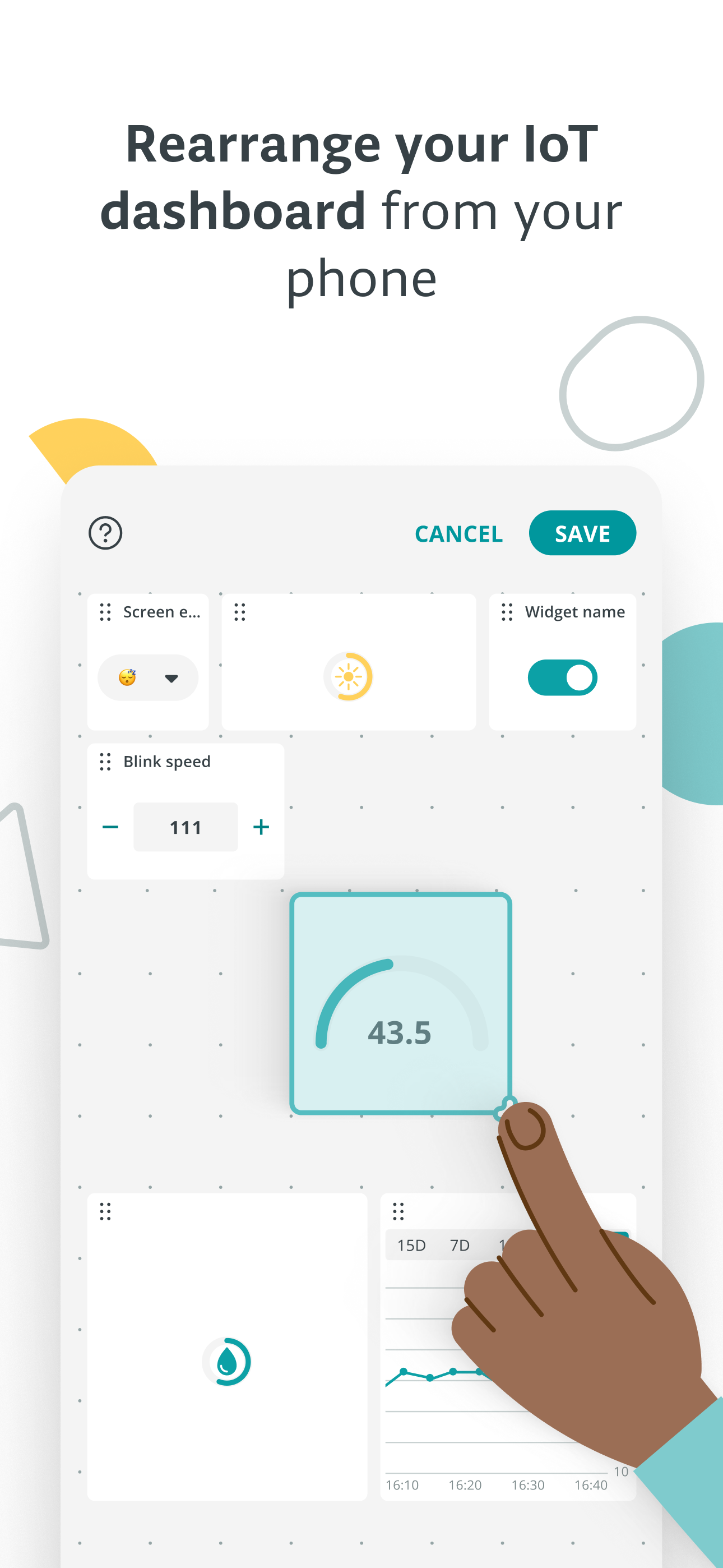
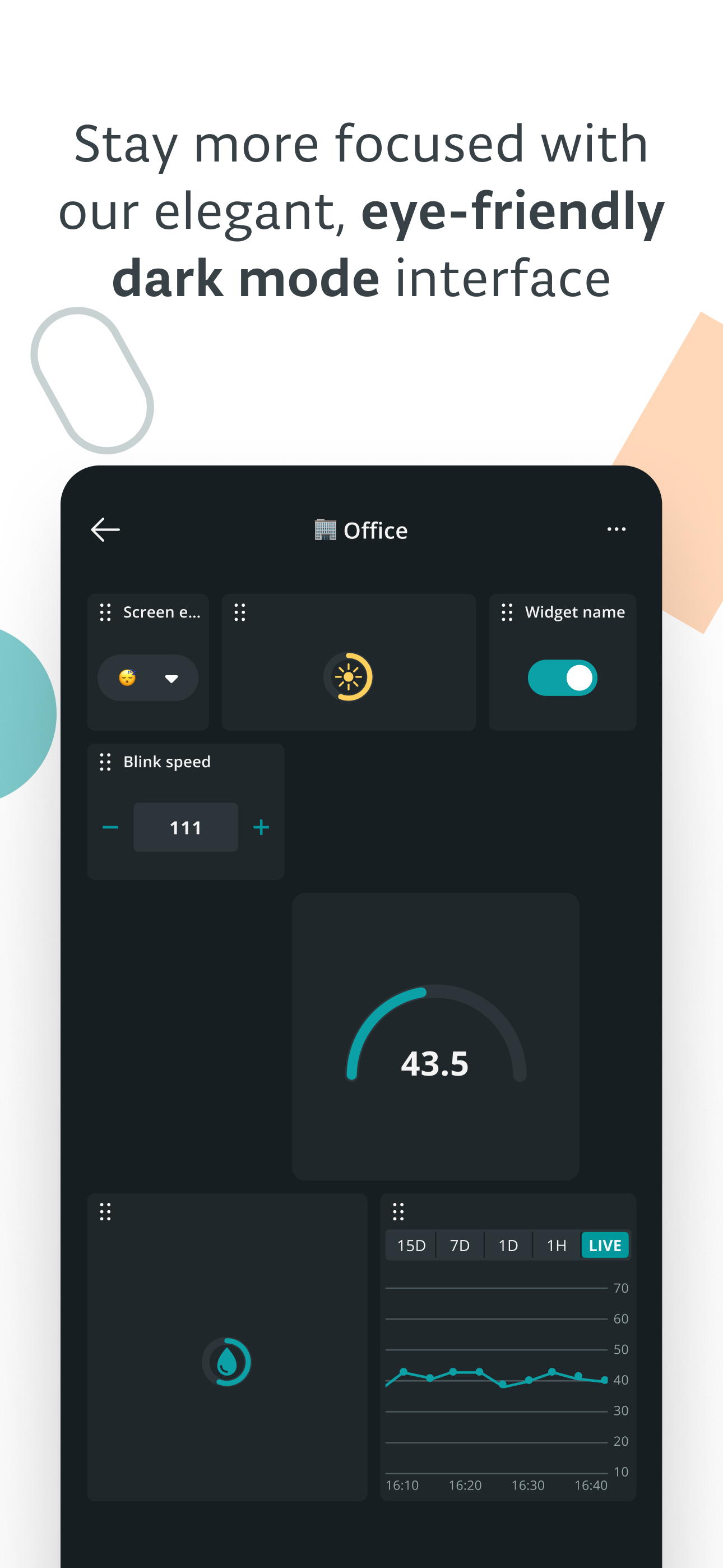
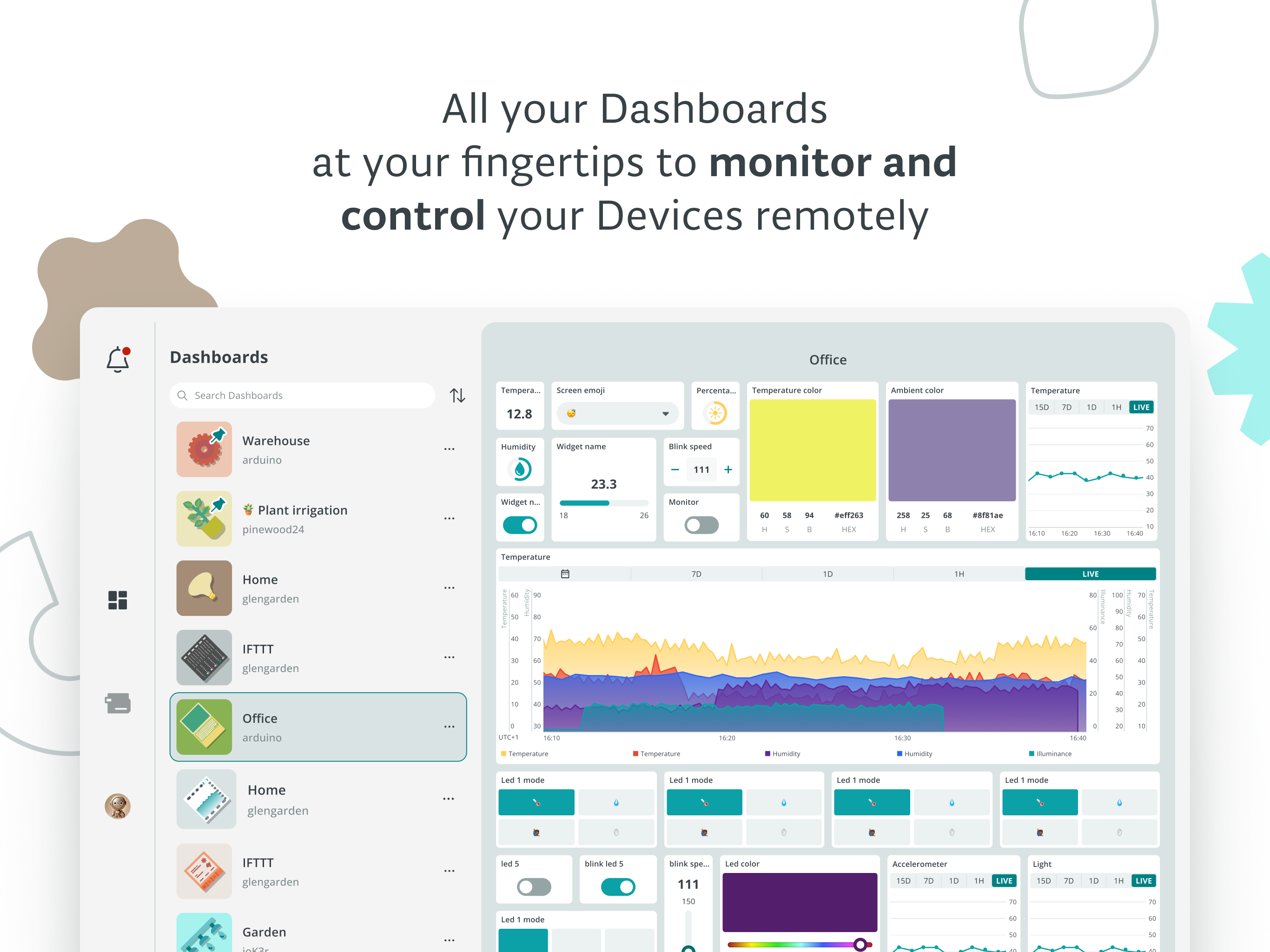
I love the Arduino cloud offer. I think it is quickly catching up to Blynk and the others. Many things are even better. But this mobile app seems to be neglected. Some small updates would make it much more appealing. E.g. - the dashboard. You have little customization options. There is a selection of 7 rather ugly cover images for your things. If it’s so hard to let users upload their own images then at least give a wider selection of preset icons. You could just integrate the Apple SF symbols. They are free and well designed. - there is no support for dark mode. Again a very basic thing to add. - maybe harder to do, but you should support iPad. Maybe apply the web layout to account for the additional space Finally there seems a lag on updating the state of the widgets. The Web App seems more reactive.
A powerful companion for the Arduino IoT Cloud – simply access, monitor and control your dashboards with a few screen taps. Arduino IoT Cloud Remote...