Check the acquisition promise
Read the store headline, screenshots and description. What problem is the app promising to solve?
Study the storefront ↗
STEMpedia · iOS
Explore the ad evidence, study the storefront, and build your next acquisition hypothesis.
01 / Creative research
Read the store headline, screenshots and description. What problem is the app promising to solve?
Study the storefront ↗Explore apps with direct store-link matches. Compare their hooks and formats without assuming the same approach works here.
Browse observed advertisers ↗Store rankings and revenue estimates describe market context. They do not establish ad spend, conversions or ROAS.
Review the market context ↗02 / Storefront & product
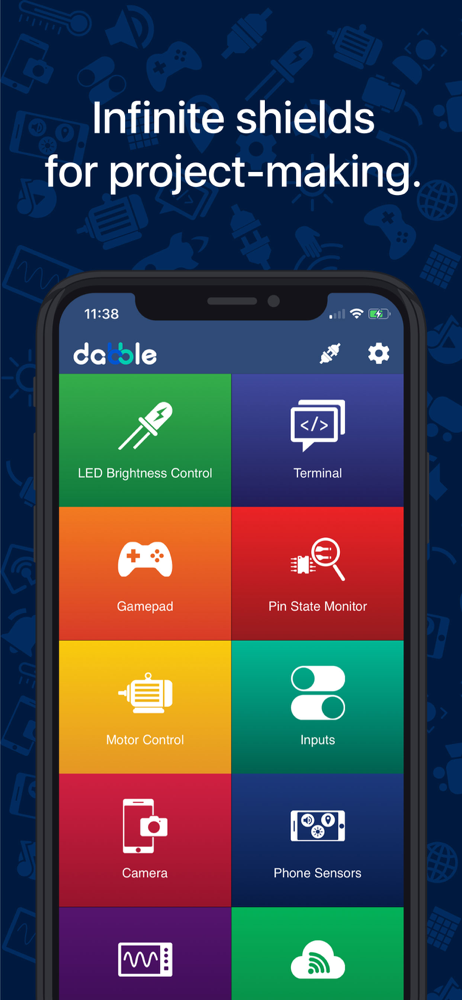
Study the product story and store experience behind the acquisition funnel.


03 / Market context
Keep revenue, downloads and store rankings separate from advertising performance.
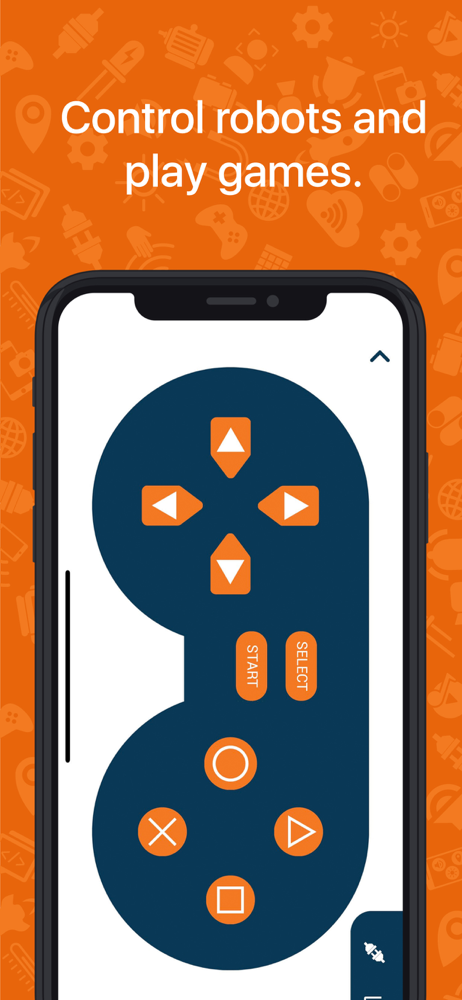
This seems to work pretty well to drive our arduino robot via an iPhone. Does seem to lag a little and sometimes the robot continues to move even if we aren’t touching the iPhone.
The one issue that I had was with the joystick. Pressing one of the action buttons on the right would reset the values for the joystick while I was still holding it in a given direction. Once the button was released it no longer recognized the joystick value until I moved it in a different direction. This had the unwanted effect of resetting the position of my servos each time I pressed an action button. Other than this, I haven’t had any other problems with what seems to be a well-made app.
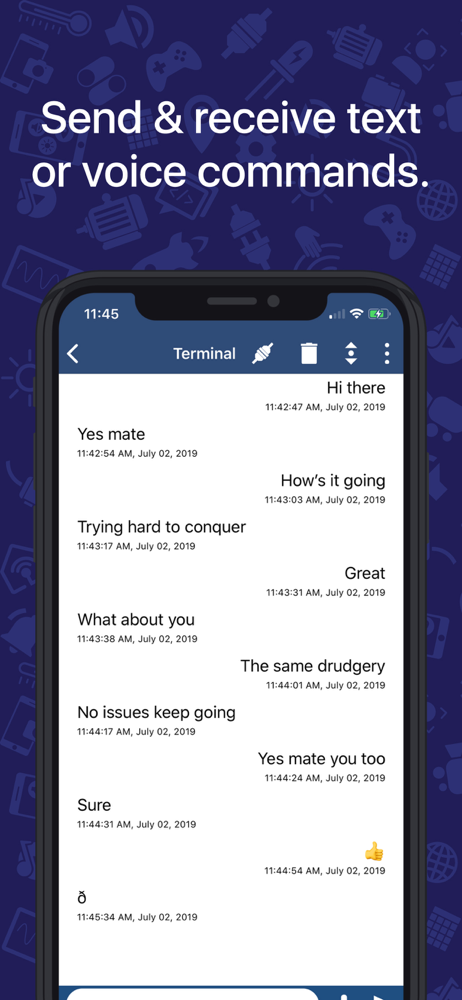
Our robotics team has use this app for our Bluetooth connection to our robots that we built. I really love the gamepad interface, and the terminal interface has also helped in debugging problems. We are using the DX-BT16 Bluetooth module that comes with the ELEGOO car.
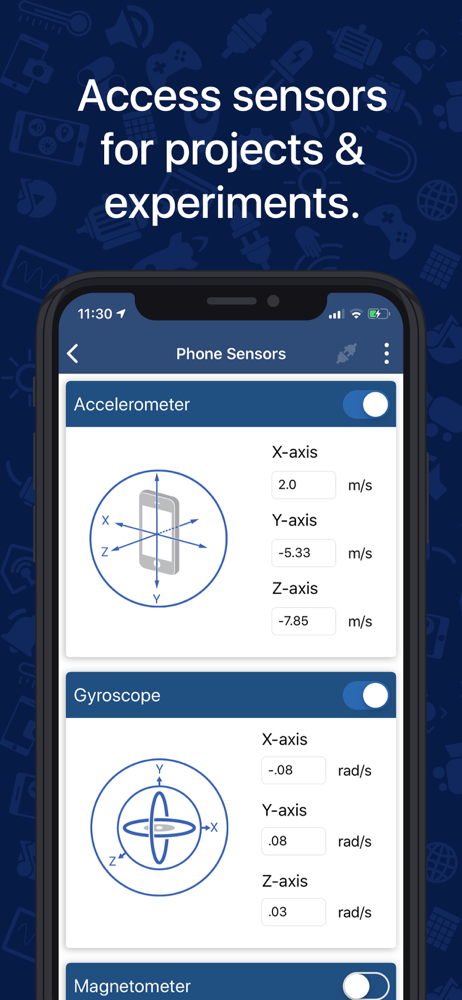
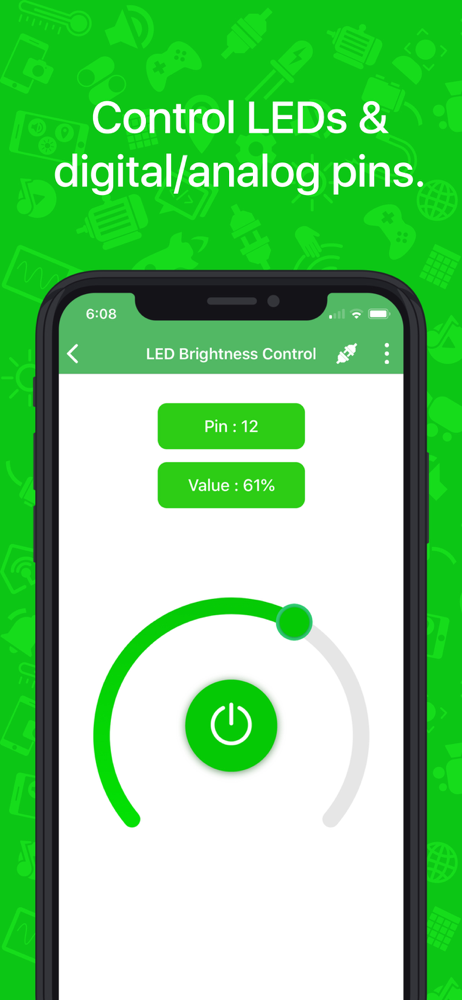
Dabble is a versatile project interaction & Bluetooth controller app for Arduino, ESP32 & evive that replaces a wide variety of electronic components...