
Check the acquisition promise
Read the store headline, screenshots and description. What problem is the app promising to solve?
Study the storefront ↗
Enid Hadaj · iOS
Explore the ad evidence, study the storefront, and build your next acquisition hypothesis.
01 / Creative research
Read the store headline, screenshots and description. What problem is the app promising to solve?
Study the storefront ↗Explore apps with direct store-link matches. Compare their hooks and formats without assuming the same approach works here.
Browse observed advertisers ↗Store rankings and revenue estimates describe market context. They do not establish ad spend, conversions or ROAS.
Review the market context ↗02 / Storefront & product
Study the product story and store experience behind the acquisition funnel.




03 / Market context
Keep revenue, downloads and store rankings separate from advertising performance.
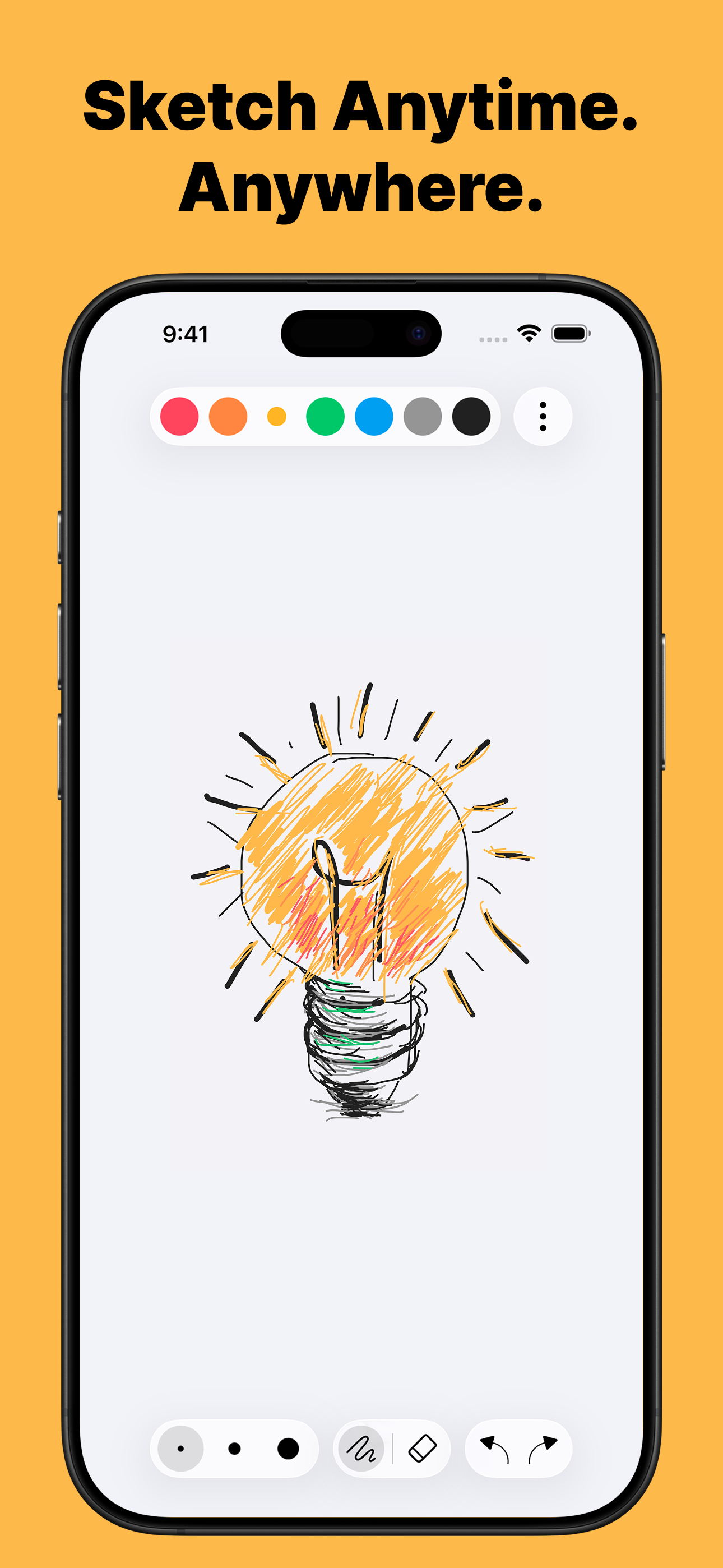
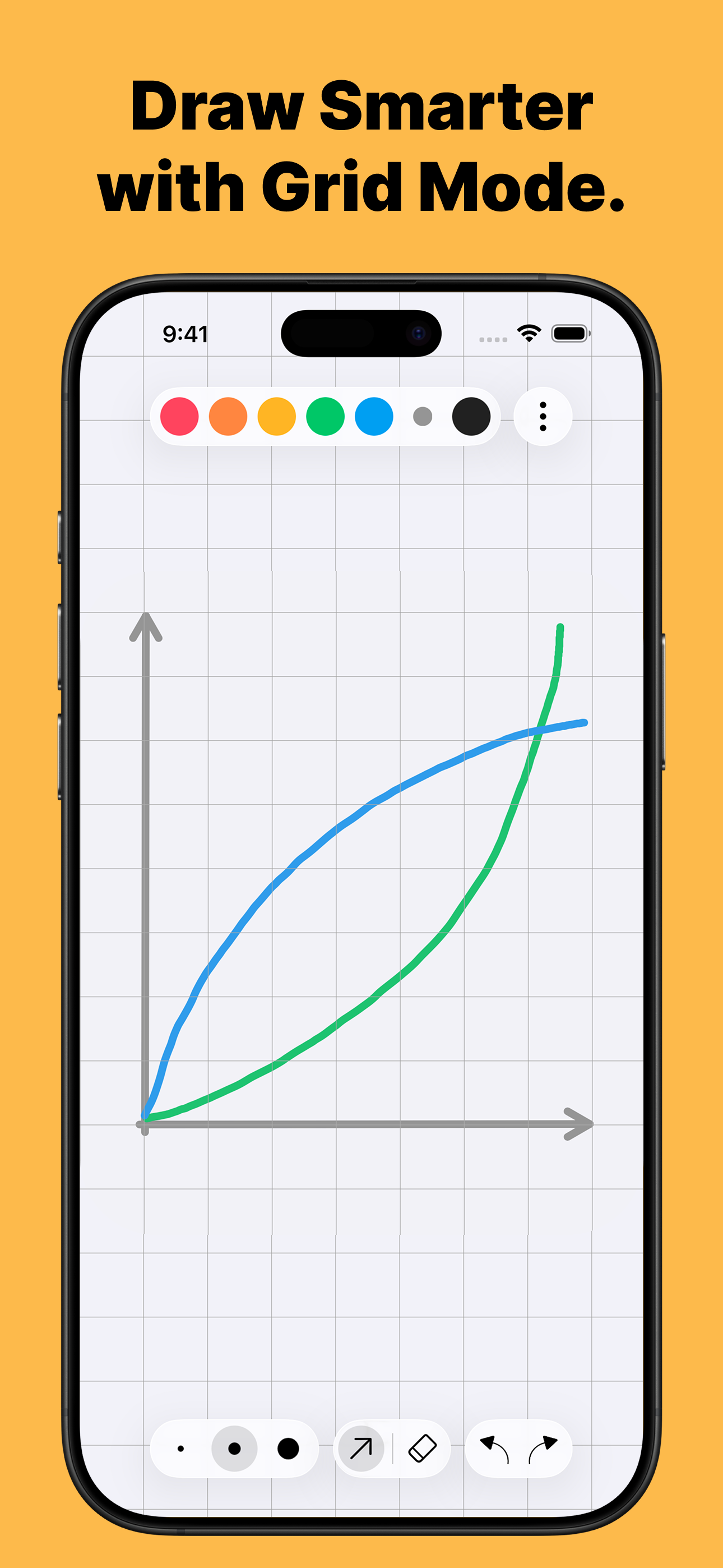
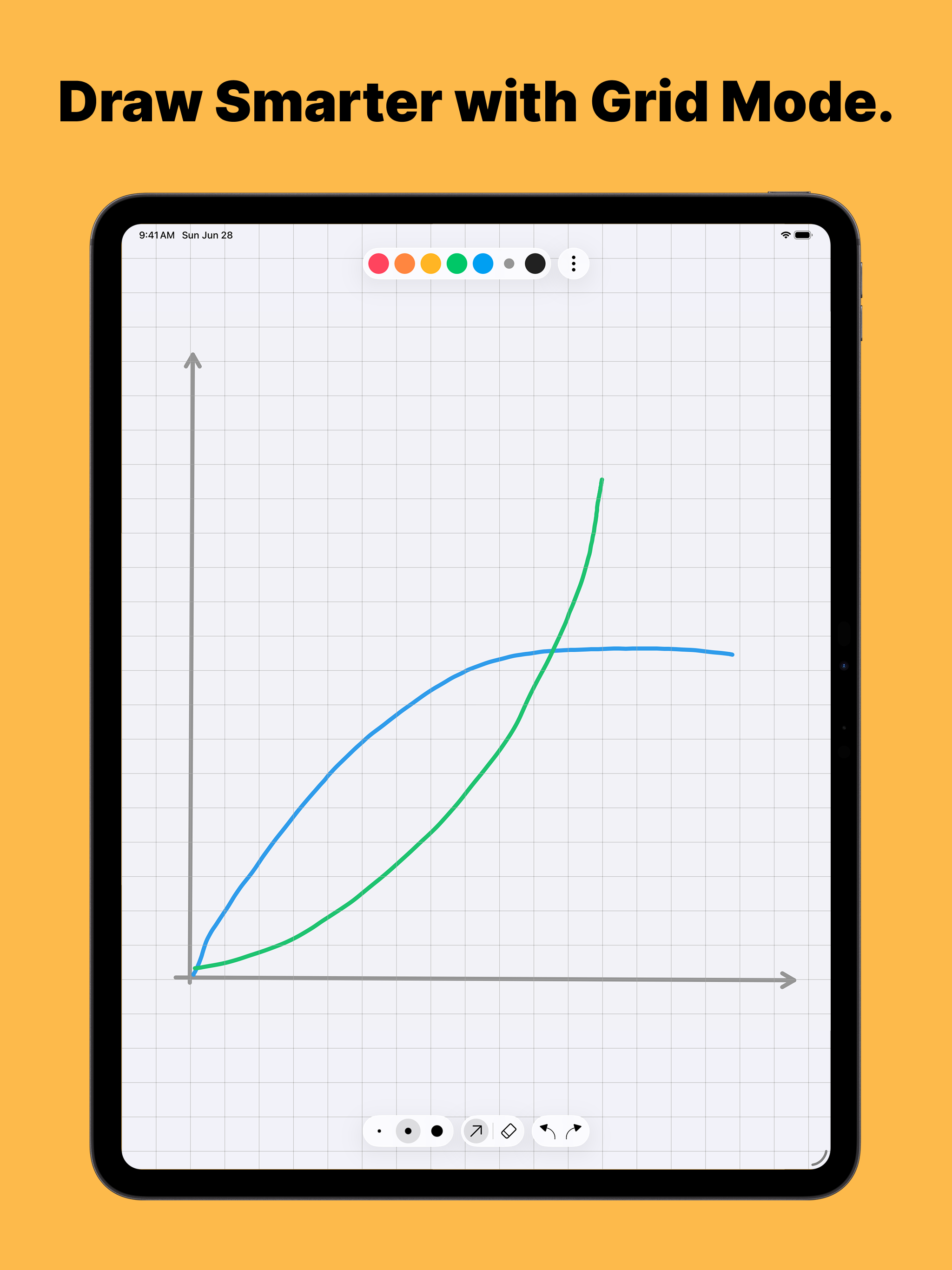
This app has BIG problems. If you switch apps then switch back, or if you lock the device, or if you rotate the screen, it erases your drawing sometimes. So you need to save your work. But the app doesn't support reloading a picture and drawing on it. It's impossible to take a break and finish the drawing later. If you draw something, you better make sure it fits on the page. There's no way to extend the drawing in any direction. There's no way to move anything or scale the picture to fit more. If you get to the edge of the page you're going to need to erase it and start over. I wanted graph paper. And you need to get the pro upgrade to have graph paper. Literally the only thing Grid mode does is give you a grid background. It's about 30x20. You can't change the size. Again, there's no way to extend the drawing or scale it. You're stuck with 30x20 ... except that there's a bug where if you rotate the device then rotate it back it'll give you a distorted asymmetrical 20x30 grid instead.
The layout is almost perfect except you have to click a 3 dot menu to change from lines, to free hand, to shapes, etc. When teaching it is important to not be hampered by clicking to many things, and keyboard shortcuts would be even more preferable. Also, there appear to be only 7 colors available...why? One of the reasons I want to draw on a screen is to save money from buying dry erase markers; but there are more color options for a dry erase marker than on a computer with 12 million color possibilities? Please allow us to add as many colors as we need, and maybe even let us change them by number key. I also don't understand what the mobile phone icon does on the screen or why it deserves such prominence with everything else that I've mentioned is behind a menu. The ability to upload our own background image would be great, although I don't really use that a lot, I think it could open up a whole new way to explain things. I really like the design skeleton of what you all have done so far, but please consider adding these options I've mentioned and I think you will have the best whiteboard app on the App Store!
I have this app downloaded for those occasions where I need to sketch while explaining something to a friend, and it serves that purpose quite well. I understand that the old icon was quite abstract, but I think this new one misses the mark a bit. My main gripe is that it looks more busy (especially because of the shadows). This is such a minor complaint so I still would like to give 5 stars, but I would appreciate if you added an option to choose the old app icon within settings. Thanks for making this app!
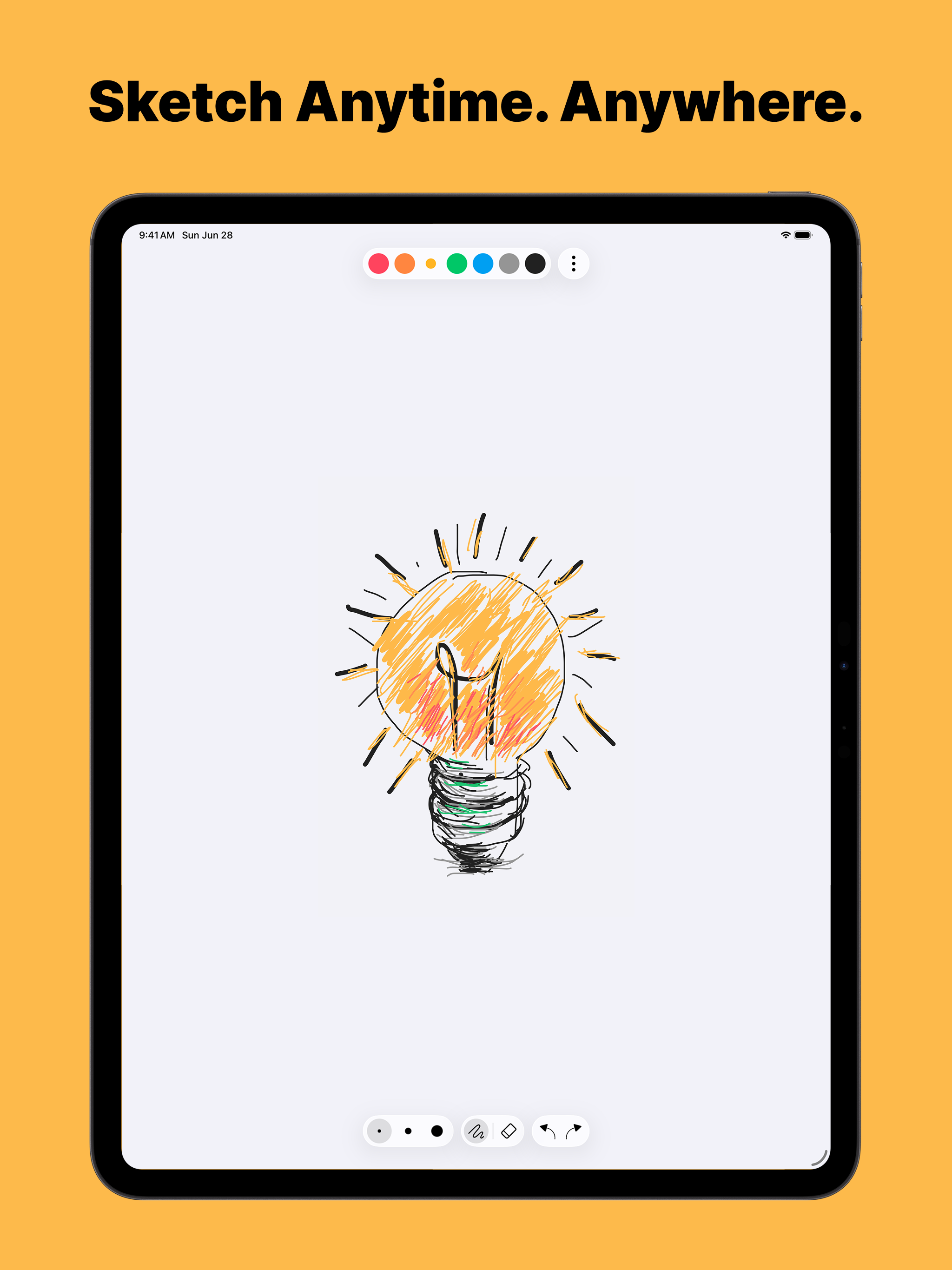
NiBoard is a simple whiteboard app for drawing, sketching, notes, and ideas. Whether you’re a student, teacher, creator, or just want a clean space to...
| Name | Price | Type |
|---|---|---|
| Weekly | $2.99 | Weekly |
| Monthly | $6.99 | Monthly |
| Yearly | $24.99 | Yearly |
| Lifetime | $79.99 | One-time |


