
Check the acquisition promise
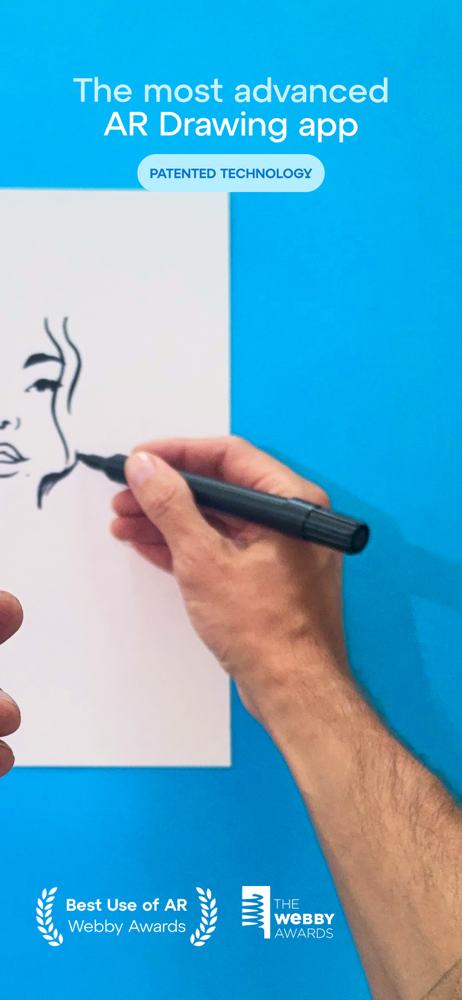
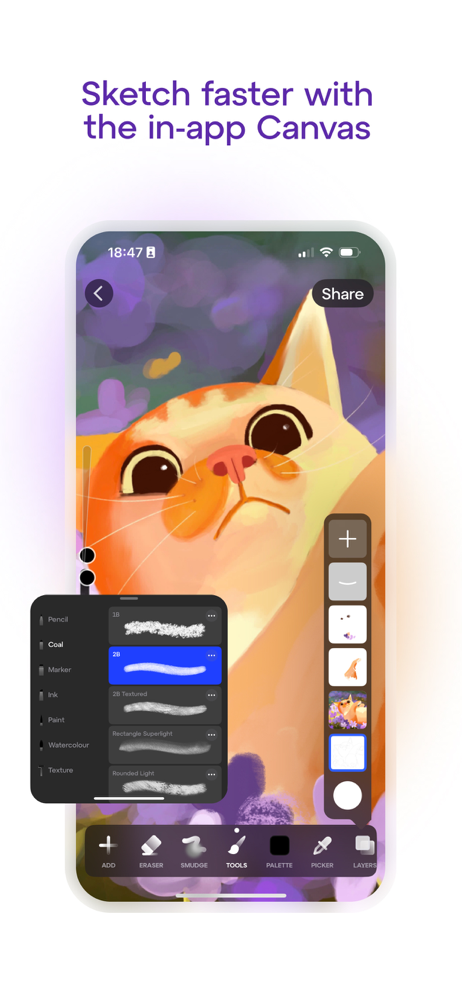
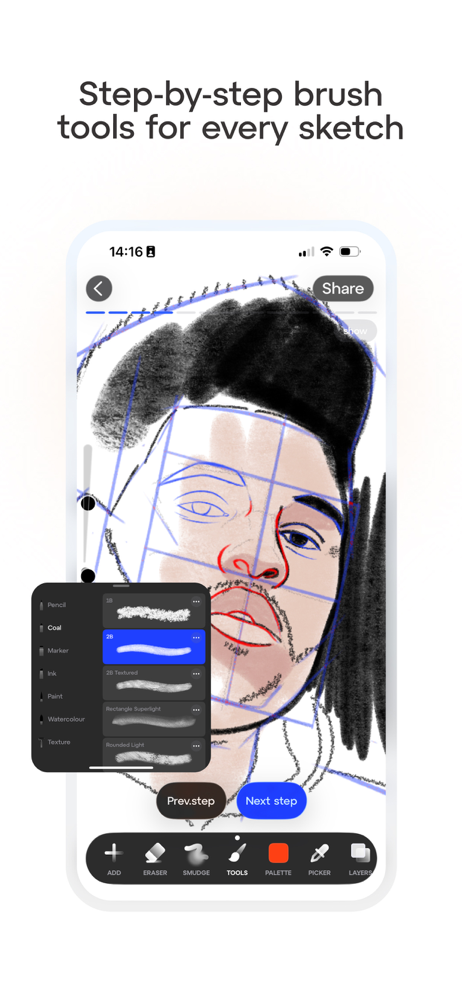
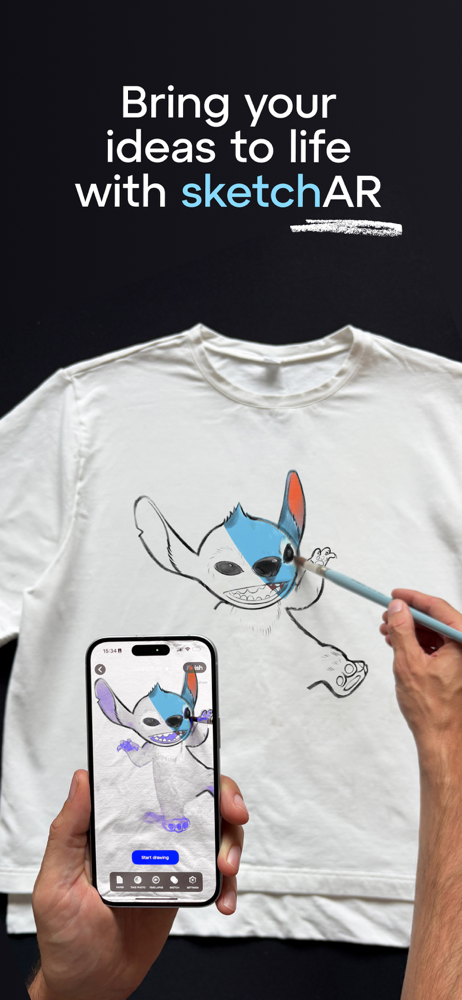
Read the store headline, screenshots and description. What problem is the app promising to solve?
Study the storefront ↗
SketchAR · iOS
Explore the ad evidence, study the storefront, and build your next acquisition hypothesis.
01 / Creative research
Read the store headline, screenshots and description. What problem is the app promising to solve?
Study the storefront ↗Explore apps with direct store-link matches. Compare their hooks and formats without assuming the same approach works here.
Browse observed advertisers ↗Store rankings and revenue estimates describe market context. They do not establish ad spend, conversions or ROAS.
Review the market context ↗02 / Storefront & product
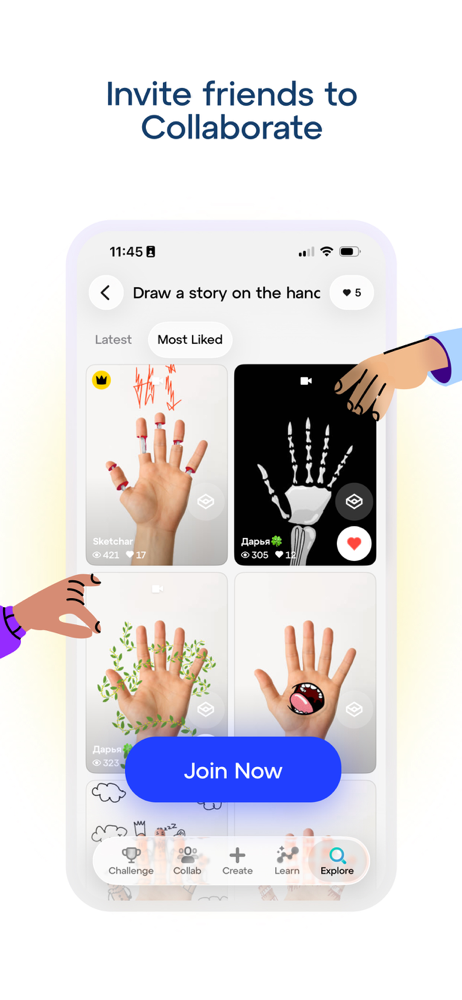
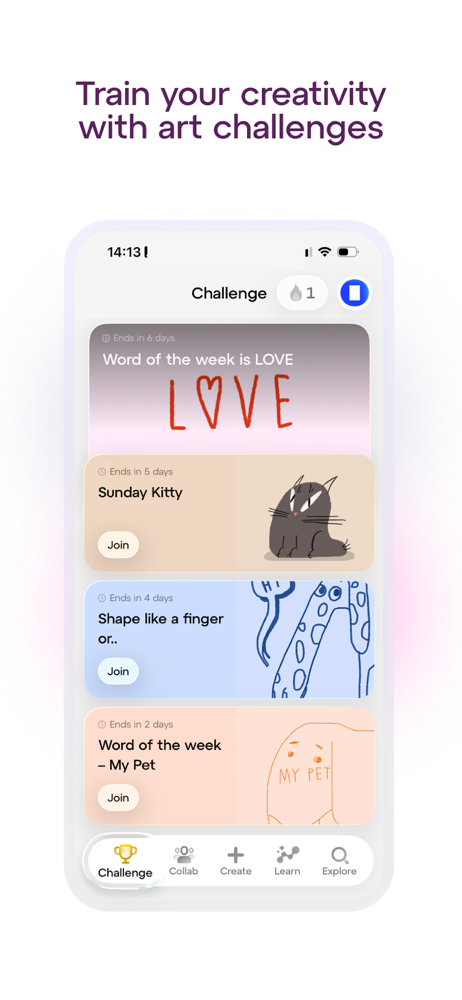
Study the product story and store experience behind the acquisition funnel.



03 / Market context
Keep revenue, downloads and store rankings separate from advertising performance.
I found this app last night when I was searching for something to teach me how to draw better. I am thrilled this exists and can’t believe I’ve been on my iPad Pro for five years and never found an app like this. What can I say; it’s like having an art class, except you’re in quarantine. Totally worth the 20 bucks. If you really wanna learn how to draw it’s worth the 20 bucks. If you already know what you’re doing and you understand basic shapes, then it’s not worth the 20 bucks because you can already do that. I am very happy and can’t wait to sit down and draw again today. Now that doesn’t mean this is just for beginners. This app can do a lot more than what I just said and you should probably go read other peoples reviews but for my purposes this is pretty awesome.
This is a really cool idea and I love the idea of being able to upload your own photos and trace them. For me this helped with getting command of the tablet pen because I’m used to Wacom tablets which have more traction under the pen rather than gliding straight across, which made the pen harder for me to handle. I used this to help me gain confidence in drawing circles and lines evenly with this glossy surface. For that it served its purpose alright. But the problem is that, at least as a left handed user, the way the drawing page is set up is frustrating. For instance, I was constantly bumping the back button and would exit the thing I was drawing partway through and not be able to finish it. Also, any time I drew in a horizontal line, the opacity for the tracing paper would increase or decrease when I was trying to make the line. This would constantly pop up no matter what angle I had it at. It was very hard to press in such a way it would not trigger this pop up. This should not be something that can be triggered by the pen at all, only the button on the right side. This was just really frustrating honestly. I did manage to complete a sketch and it was nice. But I just feel like the placement and triggering for things needs to be reconsidered.
Use this app because I love drawing, but it has a whole lot of issues. Number one where am I supposed to put the Phone, I understand this app is mostly for adults but, I a 12 year old can’t draw with one hand. Number two I can’t draw with my window open, the lights have too be on for the Image to show correctly. Three is I am a kid, I don’t have enough money too pay for Subscription, and All the free stuff is just cartoons and hard detailed stuff. I find that there’s no Medium level free stuff. I understand that You tried hard on this but it’s not that good. Fourth is that it takes a few minutes for it to detect the paper, and I have pretty ok lighting. I’ve tried to draw even on my wall but it doesn’t work because I cannot Hold the paper, I hate that fact. I’ve grown up drawing always holding the paper with one hand so this bugs me a bunch. I got this app yesterday and All these problems and I’ve seen more problems than these, I would be happy if you explained how to use the app more. I haven’t drawn one thing yet because of the angles and my messy one hand drawings. I understand apps like this take quite a long time to perfect but Your app is kinda on the correct level, just going the wrong way. Anyways! thank you for reading this review!
Sketchar is for you if you want to improve your drawing skills, express yourself through art, impress friends and family with stunning artwork, collab...
| Name | Price | Type |
|---|---|---|
| 1 Week | $7.99 | Weekly |
| 1 month | $17.99 | Monthly |
| 1 Year | $29.99 | Yearly |
| 1 Year | $34.99 | Yearly |
| SketchAR PRO (Quarterly) | $39.99 | Quarterly |
| 1 Year | $44.99 | Yearly |
| 1 Year | $69.99 | Yearly |
| Sketchar: Learn to Draw (Annual) | $69.99 | Yearly |
| SketchAR PRO (Annual) | $69.99 | Yearly |
| Lifetime | $149.99 | One-time |


