Check the acquisition promise
Read the store headline, screenshots and description. What problem is the app promising to solve?
Study the storefront ↗
Tsuyoshi Sawada · iOS
Explore the ad evidence, study the storefront, and build your next acquisition hypothesis.
01 / Creative research
Read the store headline, screenshots and description. What problem is the app promising to solve?
Study the storefront ↗Explore apps with direct store-link matches. Compare their hooks and formats without assuming the same approach works here.
Browse observed advertisers ↗Store rankings and revenue estimates describe market context. They do not establish ad spend, conversions or ROAS.
Review the market context ↗02 / Storefront & product
Study the product story and store experience behind the acquisition funnel.




03 / Market context
Keep revenue, downloads and store rankings separate from advertising performance.
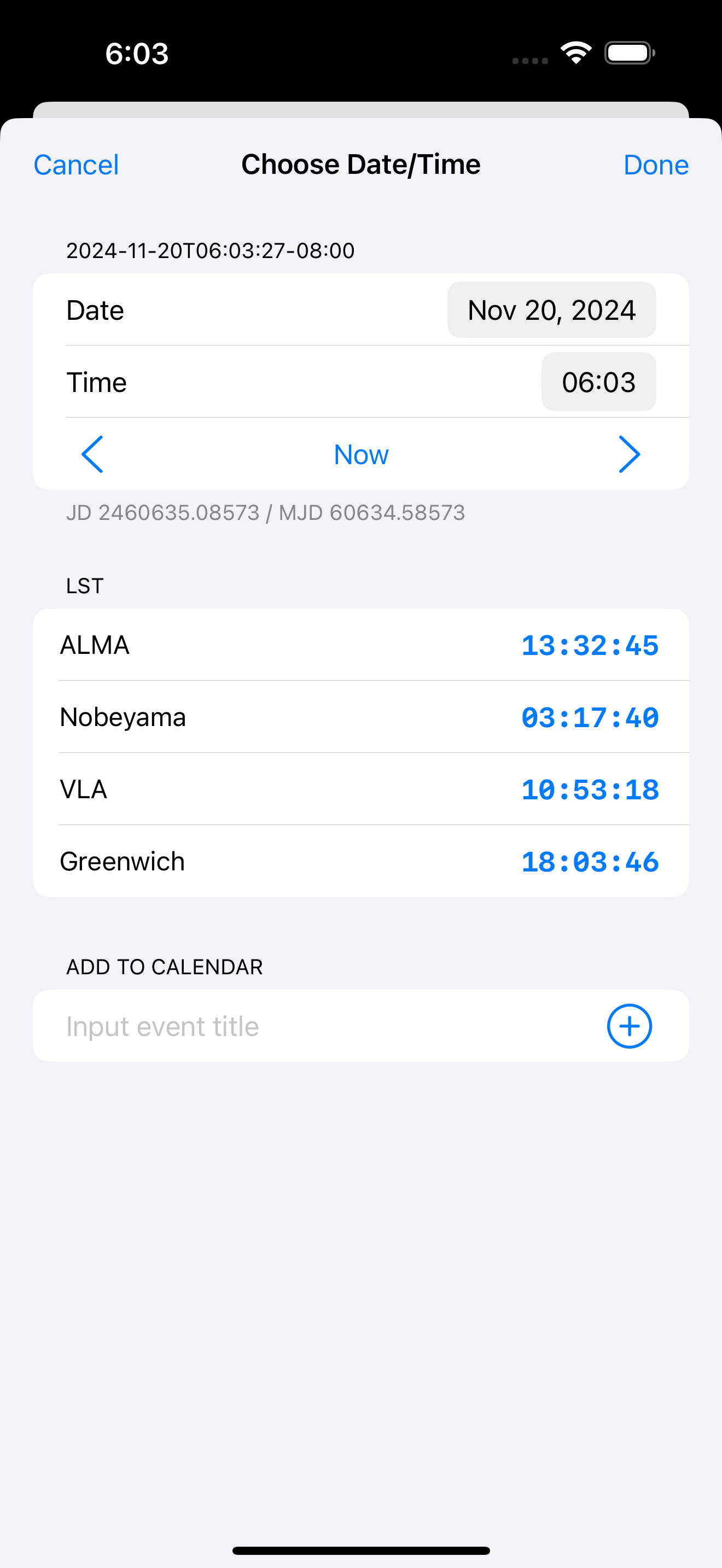
Astronomers often need to use standard and local sidereal time which is done in the app; but more importantly for record keeping, they also need Julian and Modified Julian Dates. The app does not show JD or MJD and really needs to do this to be useful and bumped from three to five stars. Having to go to settings for time (which is not self explanatory) in order to get the JD and MJD is a pain. Just display both under the LST. Hope the developer takes this under advisement. 14 December 2024 UPDATE: Tsuyoshi Sawada quickly responded with a note through the Apple App store that he added an optional setting to switch on or off the JD/MJD in his LSTClock and I tested it this evening when making my observations. It is a perfect solution to a long term issue that I have struggled with in my work having to look things up and compute JD and MJD with online calculators. Tsuyoshi, your solution is perfect! Thank you for responding so quickly and as promised, your app is not rated ⭐️⭐️⭐️⭐️⭐️ and more. Thank you so very much!
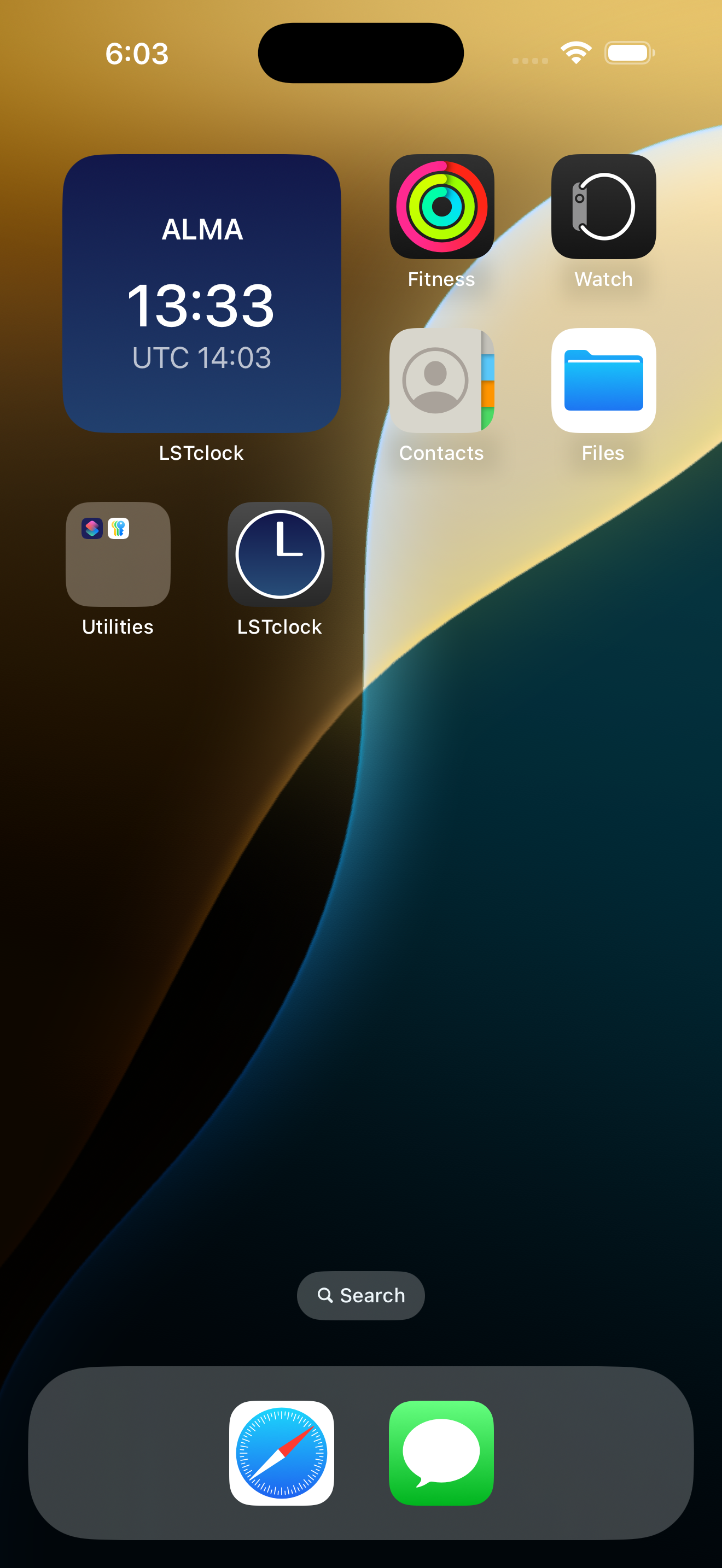
The app works but I can’t seem to get the Lock Screen widget to show the LST. It shows a time when selecting the widget as a preview, but not on the active Lock Screen widget itself. I’ve tried all the privacy/notification settings I could find, updated iOS and reinstalled. The app doesn’t show up in some lists where other app settings would appear.
There seems to be a bug in how the Watch app enumerates complications, and took a few restarts and resets before I could get everything just right, but this app is unique in that you can get sidereal time with just your longitude and display it on the watch face.
LSTclock is an iOS/iPadOS/watchOS app to display the local sidereal time (LST) at the selected location(s). On iOS/iPadOS, it can also calculate the...