Check the acquisition promise
Read the store headline, screenshots and description. What problem is the app promising to solve?
Study the storefront ↗
Digital Masterpieces GmbH · iOS
Explore the ad evidence, study the storefront, and build your next acquisition hypothesis.
01 / Creative research
Read the store headline, screenshots and description. What problem is the app promising to solve?
Study the storefront ↗Explore apps with direct store-link matches. Compare their hooks and formats without assuming the same approach works here.
Browse observed advertisers ↗Store rankings and revenue estimates describe market context. They do not establish ad spend, conversions or ROAS.
Review the market context ↗02 / Storefront & product
Study the product story and store experience behind the acquisition funnel.




03 / Market context
Keep revenue, downloads and store rankings separate from advertising performance.
I love, love, love this app on my phone. If I was only reviewing for the iPhone I would give it 5 stars no problem. I’m so disappointed because I really wanted to use it on my laptop too. Every time I create something, half of the options are either greyed out where they shouldn’t be, or the app crashes consistently, or it won’t let me save after I’ve put a lot of time into creating something I love. PLEASE update this app so I can actually use it, especially since I paid for it. Thank you!
Please consider adding following features to other applications (Graphite, Oil brushes, comic, etc.) as well: -All-new Auto Retouch Feature -Full Transparency Support Your Notes From The Update Section: [Retouching made easy! Introducing the all-new Auto Retouch feature with 5 templates that help you create digital masterpieces easily. Abstract the background, smooth your skin, or add a color splash to your image. We've got you covered! You can also refine the templates using our Retouch Tools. Full Transparency Support We now fully support transparency for HEIC 8, PNG and TIFF exports. This is perfectly suited to create stickers or export transparent images for your website or image collages. You can turn off transparency support in the settings.] My Device: iPhone 14 Pro Max (latest iOS), iPad Pro 12.9” (3rd Generation, 2018, latest iOS) Note: I regularly update my review/rating for this application.
Made for the iPhone and iPad and not for my new MacBook Pro but works perfectly. Fabulous results and wonderful features. So happy with my purchase that I tried the other programs by the same developer. It only took a short time to realize there were exactly what I needed. Not too expensive. Great features.. even better results. So I bought 4 of them. I've tried all the featues on without a single error or issue on my MacBook Pro even though it is not supported. I can't recommend this program more highly.
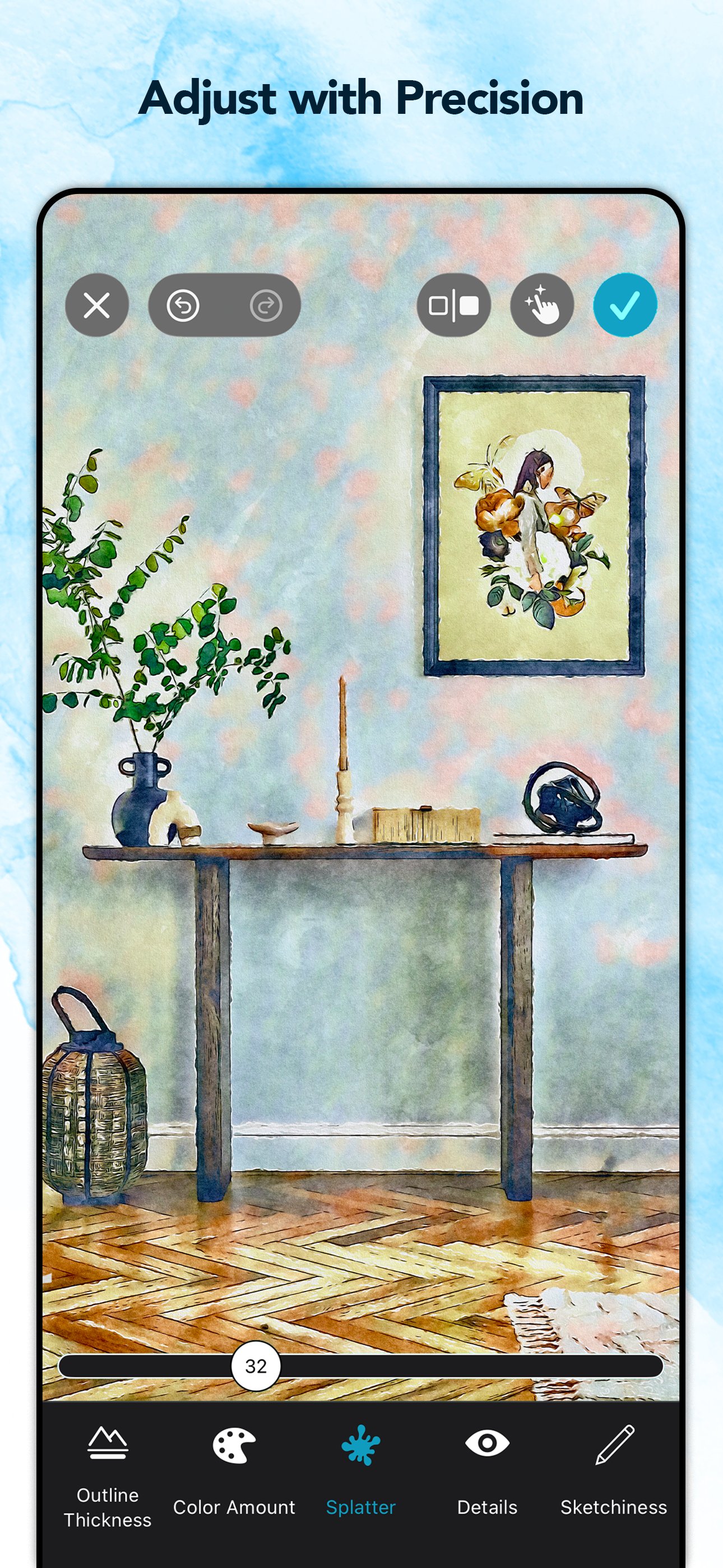
Turn your photos and videos into luminous, vivid watercolor paintings — art so beautiful, it belongs in a gallery. Waterbrush transforms your images...
| Name | Price | Type |
|---|---|---|
| Waterbrush Premium - 1 week | $1.99 | Weekly |
| Waterbrush Premium - 1 month | $3.99 | Monthly |
| Waterbrush Premium - 12 months | $19.99 | Yearly |
| Waterbrush Premium - Lifetime | $74.99 | One-time |