Check the acquisition promise
Read the store headline, screenshots and description. What problem is the app promising to solve?
Study the storefront ↗
Limitliss LLC · iOS
Explore the ad evidence, study the storefront, and build your next acquisition hypothesis.
01 / Creative research
Read the store headline, screenshots and description. What problem is the app promising to solve?
Study the storefront ↗Explore apps with direct store-link matches. Compare their hooks and formats without assuming the same approach works here.
Browse observed advertisers ↗Store rankings and revenue estimates describe market context. They do not establish ad spend, conversions or ROAS.
Review the market context ↗02 / Storefront & product
Study the product story and store experience behind the acquisition funnel.


03 / Market context
Keep revenue, downloads and store rankings separate from advertising performance.
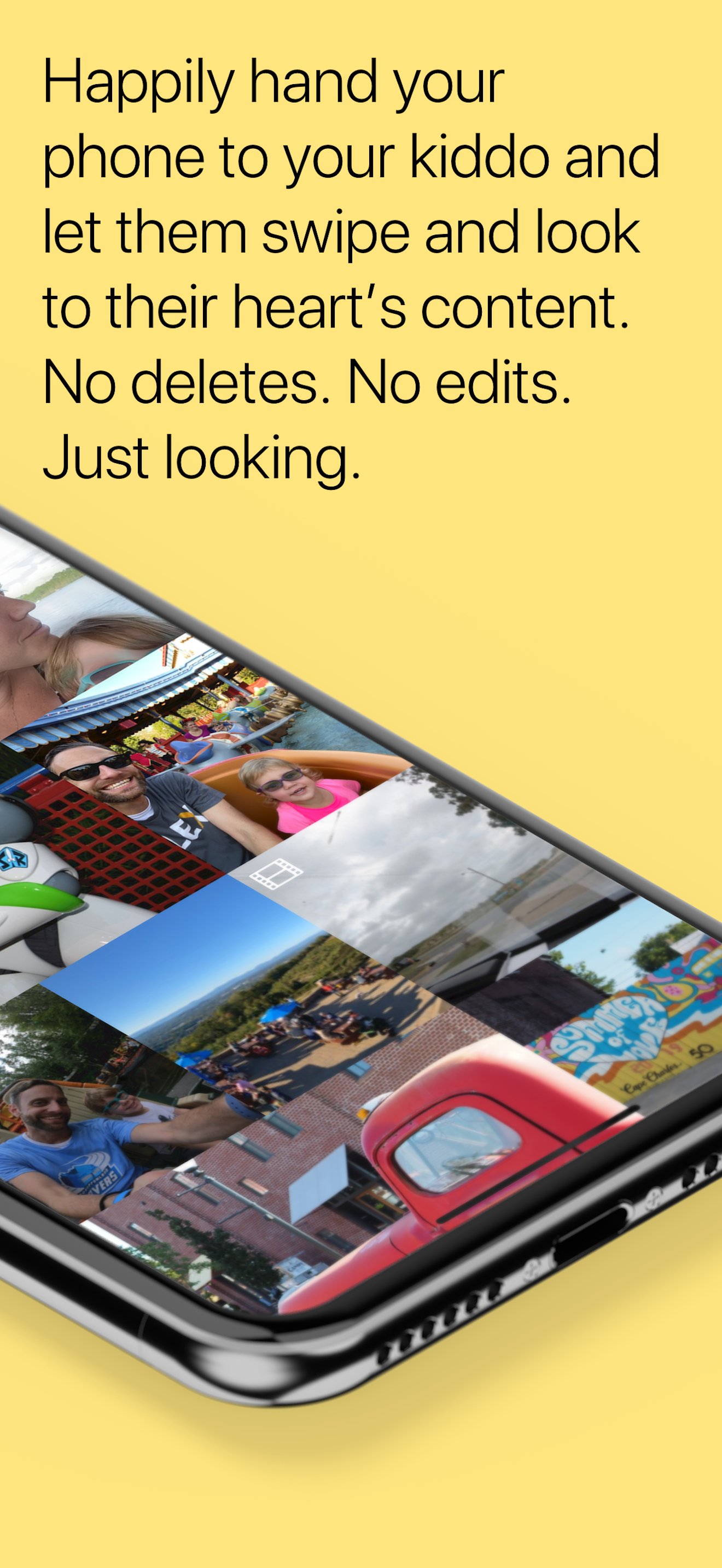
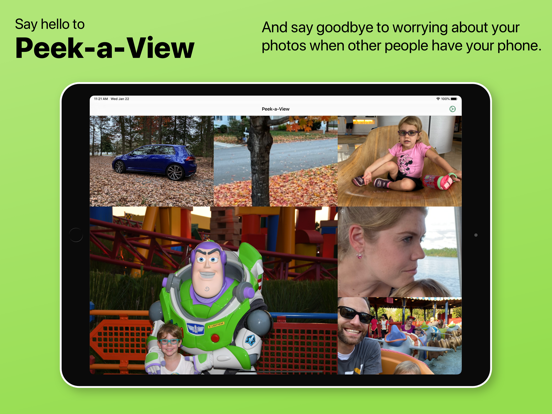
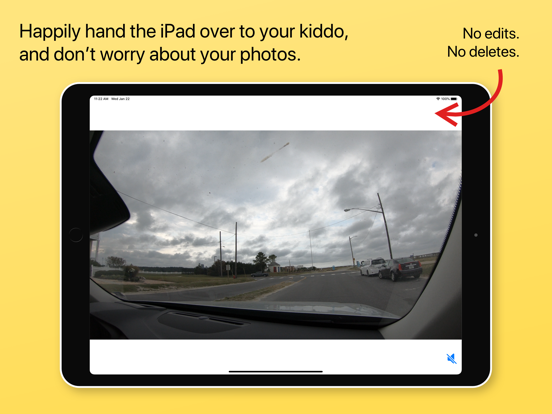
The app makes handing your phone over to another person to view photos much less fraught. While it is geared to allowing kids to play with pictures and videos in a controlled setting, it also works great with sharing a curated set of pictures with adults. It transforms your phone, in the best way possible, into a single use device: a picture (and video) frame.
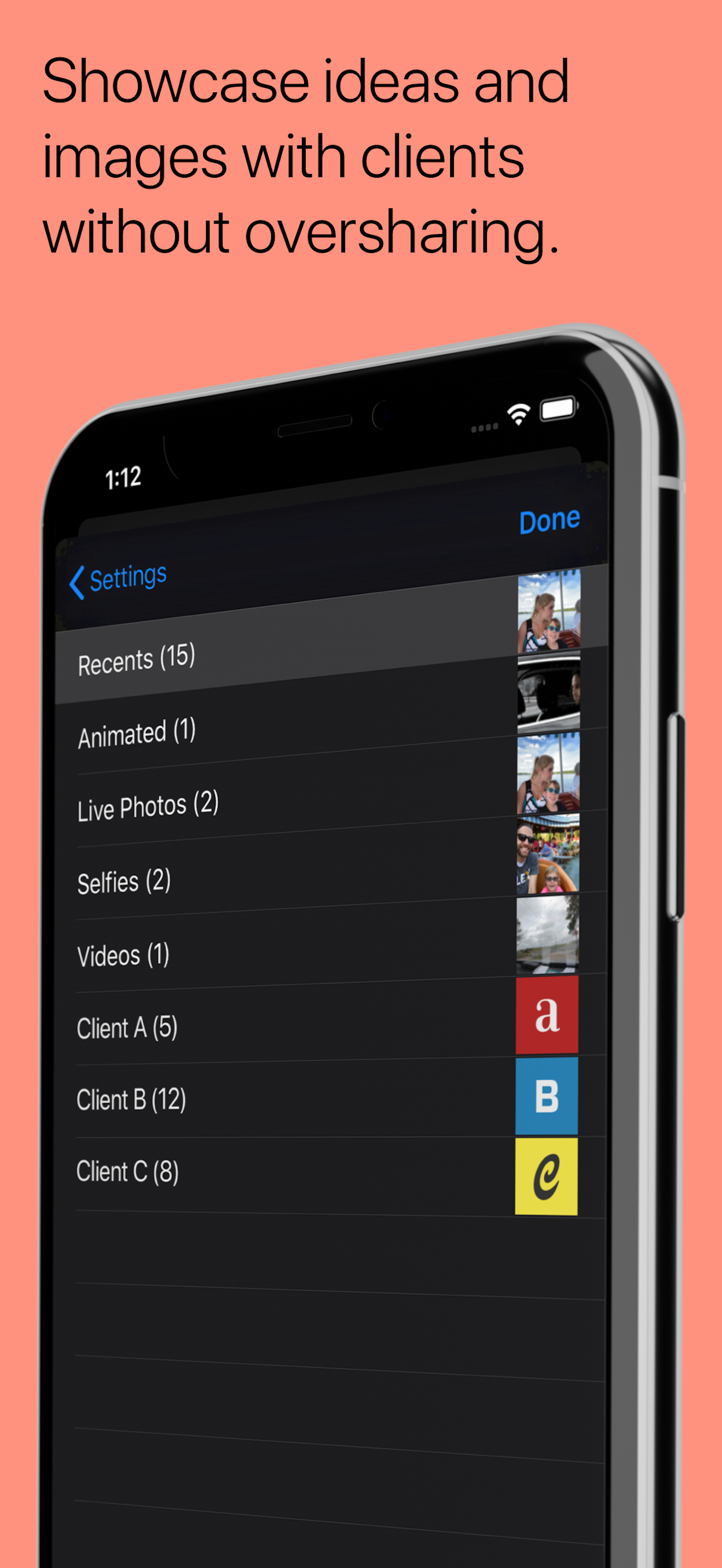
The cropping on thumbnail seems strange, the thumbnails look odd and not anything like the actual photos. It seems worse on live photos; actually maybe it is only a live photo issue but since most photos I take on my iPhone and most are by default Live photos, most of my photos look really weirdly cropped in the thumbnail view. The other thing that would be nice if we could select a person as an “album.” I don’t know if this is a limitation of the photo library API, but in Photos I can pick a name from face identification like of my wife or daughter. I would love to be able to just pick my daughters name and let her look at her own pictures.
My family photo/video album is my iCloud Photo Library. Everything is in there, ever since the kids were born. So, when the kids ask to look at family photos, I hand them the iPad. And, even though I turn on Guided Access each time I hand the iPad to them, it’s still nerve wracking for me to know they could be accidentally deleting swaths of precious photos and videos. Yikes! So, Peek-a-View is exactly what I needed. It’s such a perfect way to let my kids get a view-only experience of the photos and videos they love. My nervousness about inadvertently deleted photos is gone! Absolutely worth the $5 purchase price. Here’s a feature request: my kids are 5 and 8 years old and I understand out to stop and start video playback. Please allow me a way to tell Peek-a-View not to loop the video playback. My kiddos know how to start the video playing again if they want to see it a second (or third, or tenth) time.
Save your photos from accidental — or deliberate! — deletion by toddlers, clients, or anyone that can't be trusted. Peek-a-View is a read-only photo...
| Name | Price | Type |
|---|---|---|
| Unlock All Photos | $4.99 | One-time |