
Check the acquisition promise
Read the store headline, screenshots and description. What problem is the app promising to solve?
Study the storefront ↗
Easy Tiger Apps, LLC. · iOS
Explore the ad evidence, study the storefront, and build your next acquisition hypothesis.
01 / Creative research
Read the store headline, screenshots and description. What problem is the app promising to solve?
Study the storefront ↗Explore apps with direct store-link matches. Compare their hooks and formats without assuming the same approach works here.
Browse observed advertisers ↗Store rankings and revenue estimates describe market context. They do not establish ad spend, conversions or ROAS.
Review the market context ↗02 / Storefront & product
Study the product story and store experience behind the acquisition funnel.




03 / Market context
Keep revenue, downloads and store rankings separate from advertising performance.
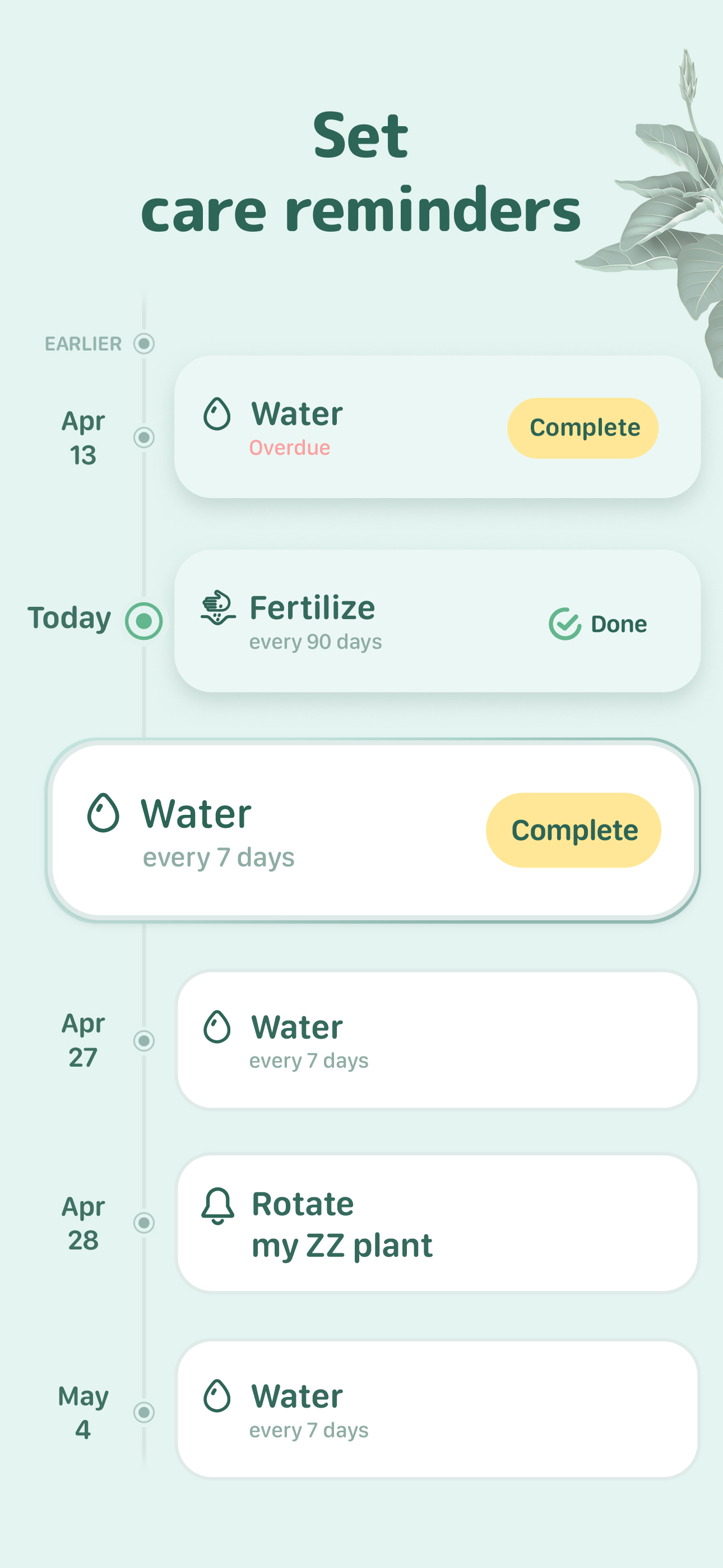
First of all, the app has a great identification system. The identification makes sense, is completely accurate, and you can see more information, articles, gardening tips, pictures, and more. All the information is easy to process and read, and neat and nice looking. The pictures are high quality and show very useful information. Second of all, there is plant diagnosis. You take a picture of the whole plant, the problem, and from a different angle. It then processes what is wrong with your plant. It tells you, and again, everything makes sense. It tells you what wrong, symptoms, and cures. It also gives you links to things you could buy to help heal your plant. Next, you can set up a watering schedule. If you let it give you notifications, it will notify you when you need to water your plant. Its very useful when you have a tight schedule. Or if you have bad memory. Then, you can take notes on the growth and health of your plant. You can take up to five photos in one note to note what it looks like. After that, there is also articles and tips. You can read articles like “Low maintenance plants.” Or “decorative plants safe for cats” or even “ Watering tips for beginners”. To add on to that, you can search plants. You can see if they are good for your garden, or your house. Maybe you just want to learn about a new plant. You may be thinking, “ how are you sure this is all accurate and correct?” Well, it is approved by professionals. Like scientists, botanists, and professional gardeners. Even my nana approves 😂. Overall this app is perfect. Dont even try to change my mind, you won’t regret getting this app. (PS. All of this is for free! There is even more with the subscription! And the subscription is only $2.30 a month!)
Current Issues: - You have to manually sync. Spouse needs to water the plants today & you did it yesterday? They can’t water them until you go deep into the profile settings & manually sync it. - No explanation of what the medium light vs low light vs part shade is. - Recommended amount of water to use while watering is much too high. Also doesn’t auto adjust it if the pot doesn’t have drainage. - Photo ID is ok at best. The library of plants you can search seems pretty small. Plant photo gallery is usually only one 1-2 pictures. - Submitted a photo for a sick plant & never received a response. - Bug in the search function for searching within your own garden. - Yes I know it’s cold outside, it’s winter. The plants are all inside. You don’t need to remind me every morning to bring them in. I only need significant weather notifications during the summer, such as high UV. - When you postpone a watering for a day, the notification will no longer tell you when the last time it was watered. - Custom pictures for plants needs to be realigned. - The slider bar on the pot size is stupidly sensitive. I’d love to see: - The ability to sort plants by light needs. - Ability to create a custom plant, especially if they’re going to keep their plant library so limited. Or a “Succulent (General)” plant profile for a succulent that the library doesn’t have. That follows how you would generally care for a succulent, instead of picking the closet profile for your plant.
I probably will not pay for this app a second year. Aesthetically it is quite pleasing, but it lacks several things I consider vital to a good plant app: 1) I use this app largely for care reminders. There is no “snooze” button for reminders so if a plant isn’t quite ready to be watered I have to re-do its schedule to reflect how many more days I think it’ll need before sufficiently dry, or let overdue reminders pile up, which leads me to my second issue.... 2) Far as I can tell, there is no way to “break out” piled up overdue reminders. I can only see one on top of the virtual stack, and if I want to remind myself which other plants I need to be monitoring daily for water I have to clean that too overdue reminder. 3) This is a complaint I have with most pant apps, but it seems pronounced on Blossom - the plant ID function is incredibly limited. Even searching by name doesn’t yield results most of the time - the ID DB doesn’t have a Ficus Audrey, for instance. So it’s quite limited there. If any of the features I’ve mentioned as lacking actually are available on the app I have not been able to find them. Edit: There have been several very positive updates of this app and I’m nearly completely happy with it at this point. The ‘snooze’ function has completely transformed its usability for me, which I really appreciate. It seems like the ID DB has expanded somewhat. It still is not as comprehensive as would be ideal, but I can work with it.
Want to become a better plant parent? Meet Blossom – the app that guides you through plant parenthood. With Blossom, you can confidently grow and car...


