
Check the acquisition promise
Read the store headline, screenshots and description. What problem is the app promising to solve?
Study the storefront ↗
WaterRower · iOS
Explore the ad evidence, study the storefront, and build your next acquisition hypothesis.
01 / Creative research
Read the store headline, screenshots and description. What problem is the app promising to solve?
Study the storefront ↗Explore apps with direct store-link matches. Compare their hooks and formats without assuming the same approach works here.
Browse observed advertisers ↗Store rankings and revenue estimates describe market context. They do not establish ad spend, conversions or ROAS.
Review the market context ↗02 / Storefront & product
Study the product story and store experience behind the acquisition funnel.



03 / Market context
Keep revenue, downloads and store rankings separate from advertising performance.
Update. Since last app update, it just crashes immediately upon starting the “just row”. Help! I really enjoy using the “Just Row” mode. It took a while and some help from waterrower support, but once I understood how it works I found it very useful. I bought a Polar H10 chest monitor and an S4 bluetooth transmitter for my rower and they work very well with an older iPad. Also figured out how to use the Apple watch version of the app and the iPhone which uses wrist HR tracking and is more convenient but has the downside that the watch does not always transmit the measured heart rate to the iPhone.
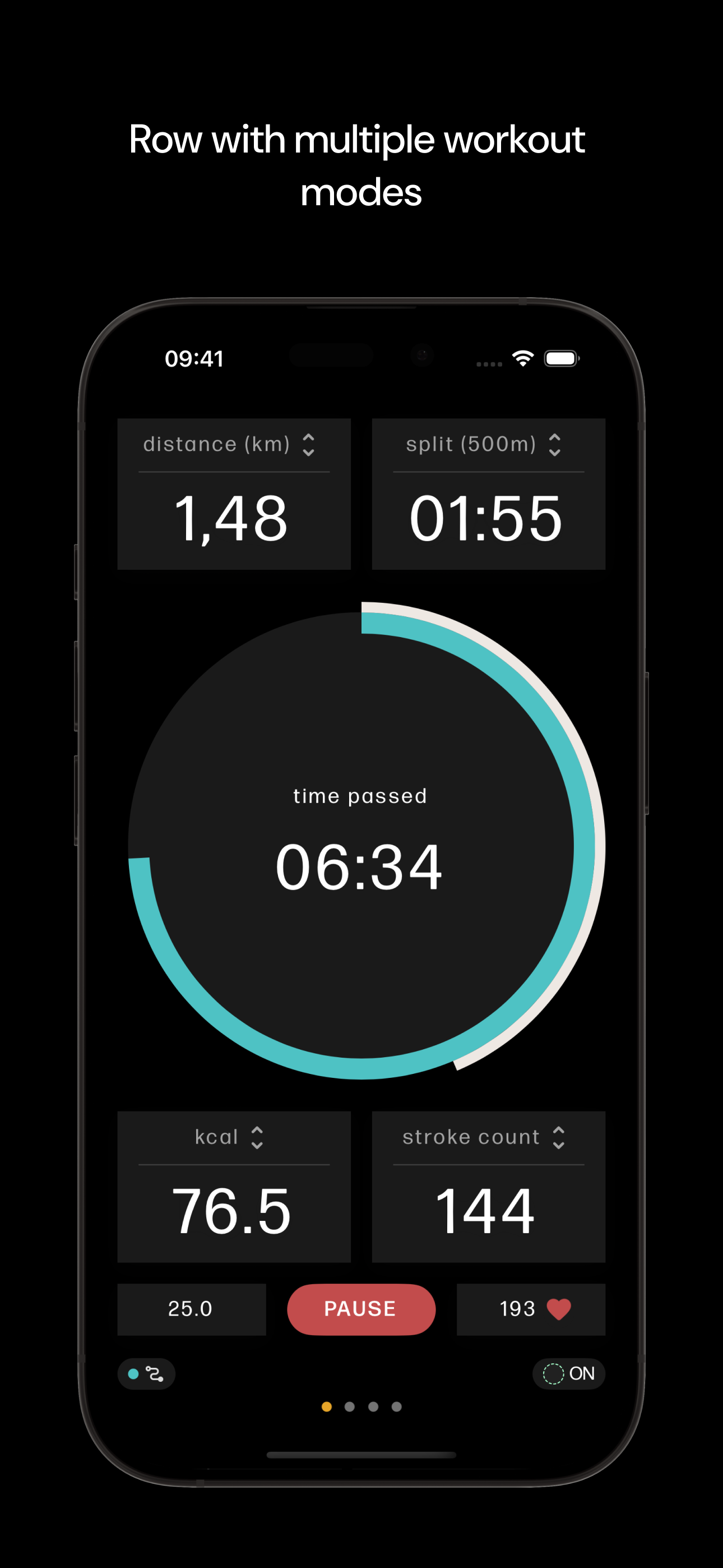
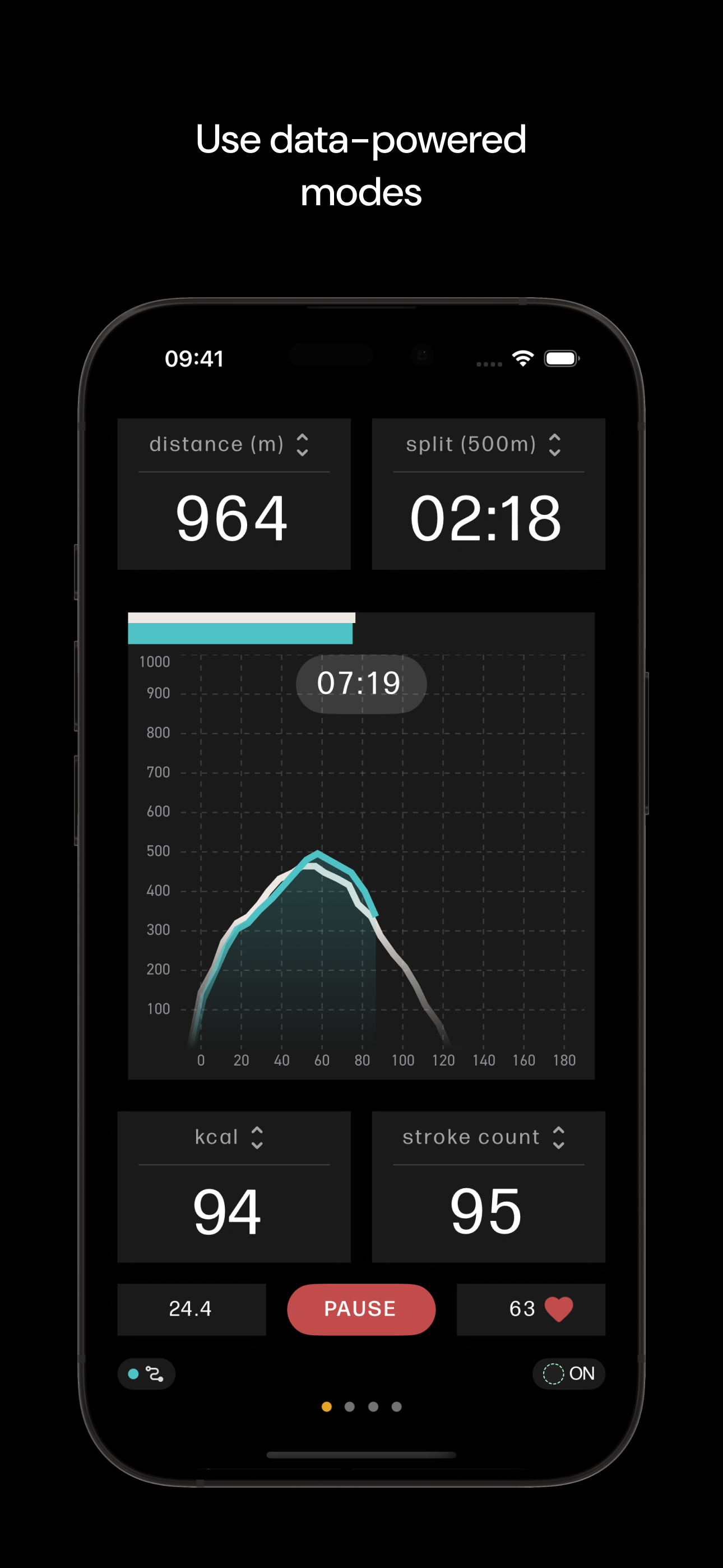
Pairing is genuinely easy — connects quickly to the S4 and to my HRM every time, no dropped connections, no fuss. Once you’re rowing, the stats are excellent: stroke rate, splits, distance, all clean and accurate. Two real gaps. First, there’s no good way to import workout data from other apps back into WaterRower Connect, so if you ever row with a different app for video or classes, your history gets fragmented instead of living in one place. Second, there’s no way to project the app to a TV or larger screen — your only option is buying WaterRower’s own iPad/iPhone mount, which just puts a small screen right on the machine rather than letting you use a big screen you already have. Great hardware, but the app boxes you in.
This app looks sleek. And when I first set it up it seemed to work nice and easily with my Bluetooth Comm. I connected it to Strava and it uploaded my first two workouts. I also found it connected quickly to my TickrX HRM. However, today it wouldn’t upload my workout to Strava. Then I found that I could add manual activities, but not delete them. And when I looked for a help section or a way to contact app support I haven’t found a thing or a way to contact support. So when the app works it works great. Doesn’t have bells and whistles, but it looks nice and does what it needs to do. However, when it doesn’t work there doesn’t seem to be any way to get any help or support which is very frustrating.
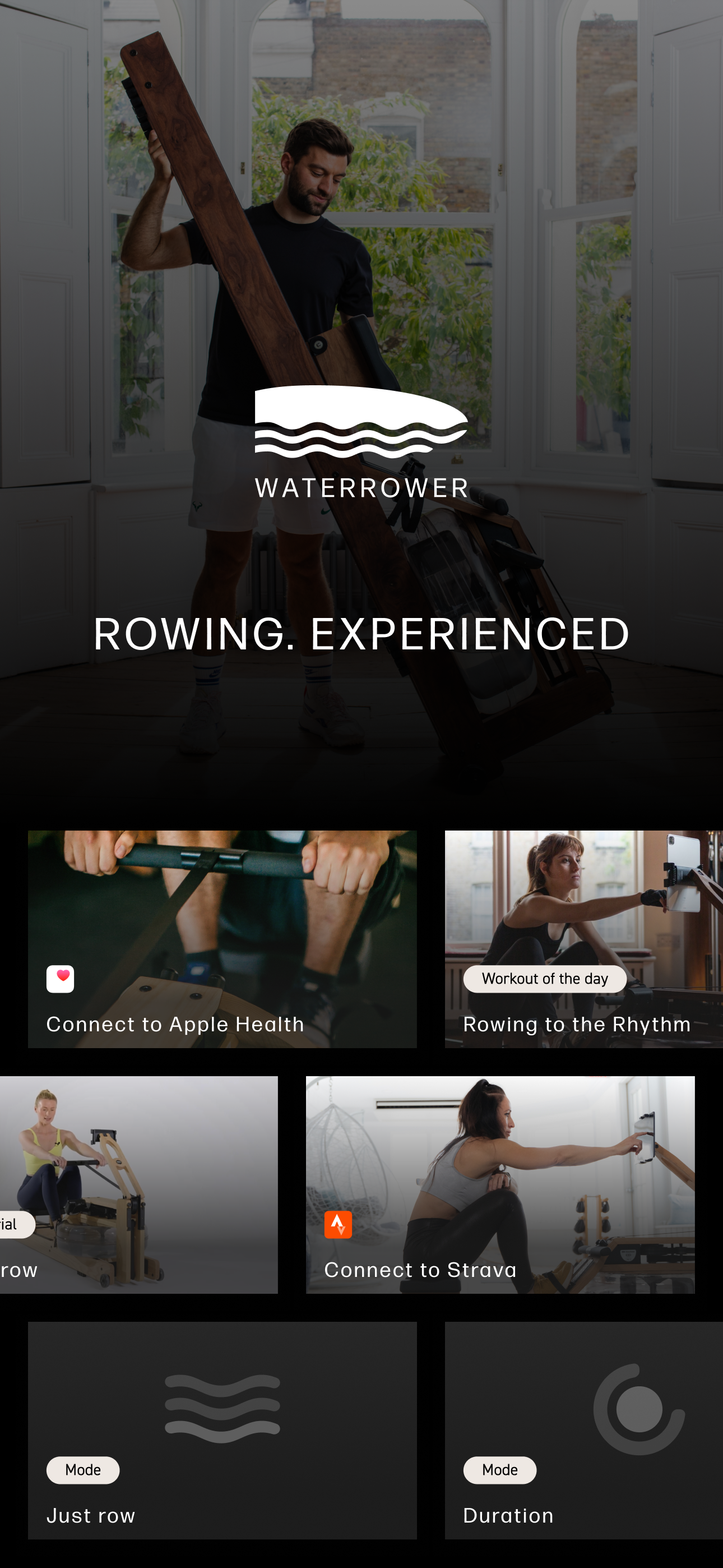
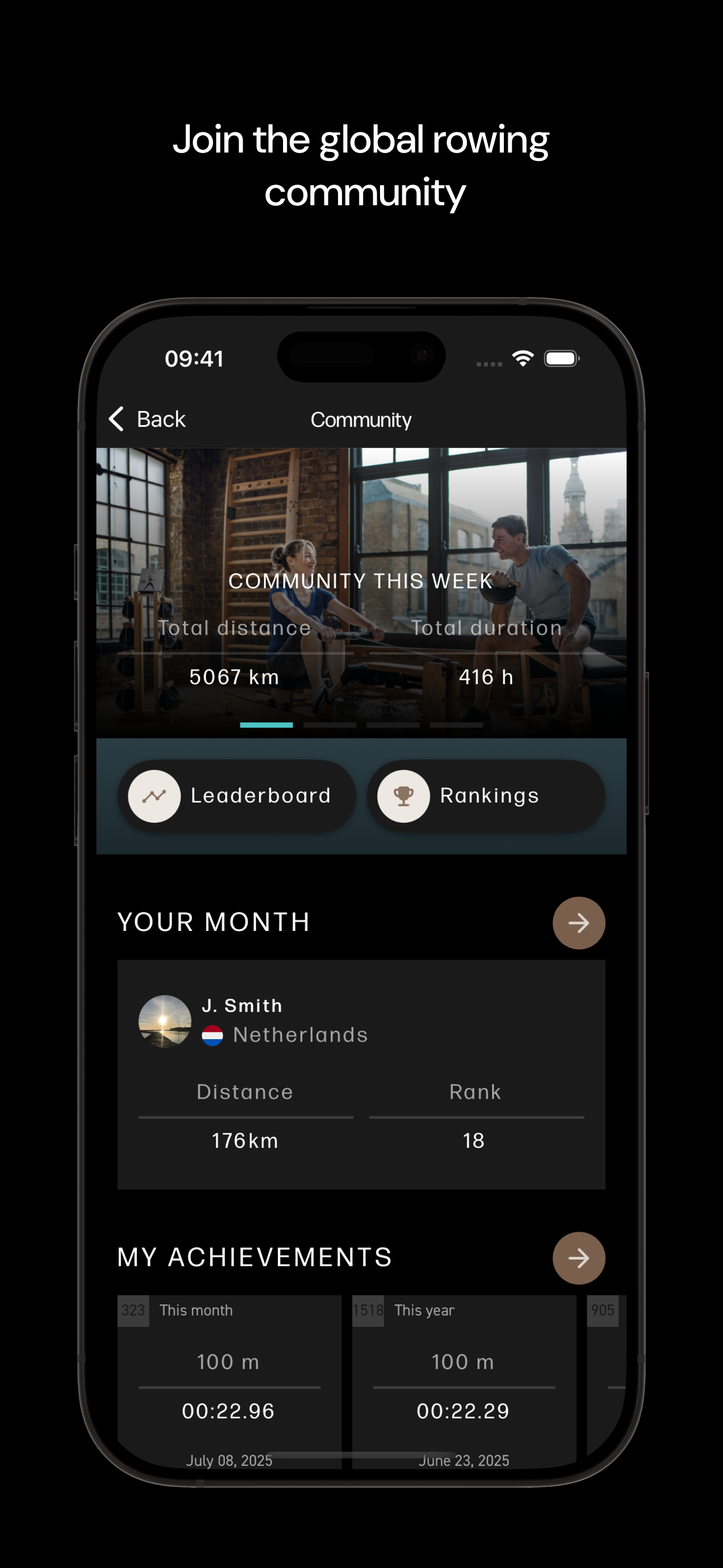
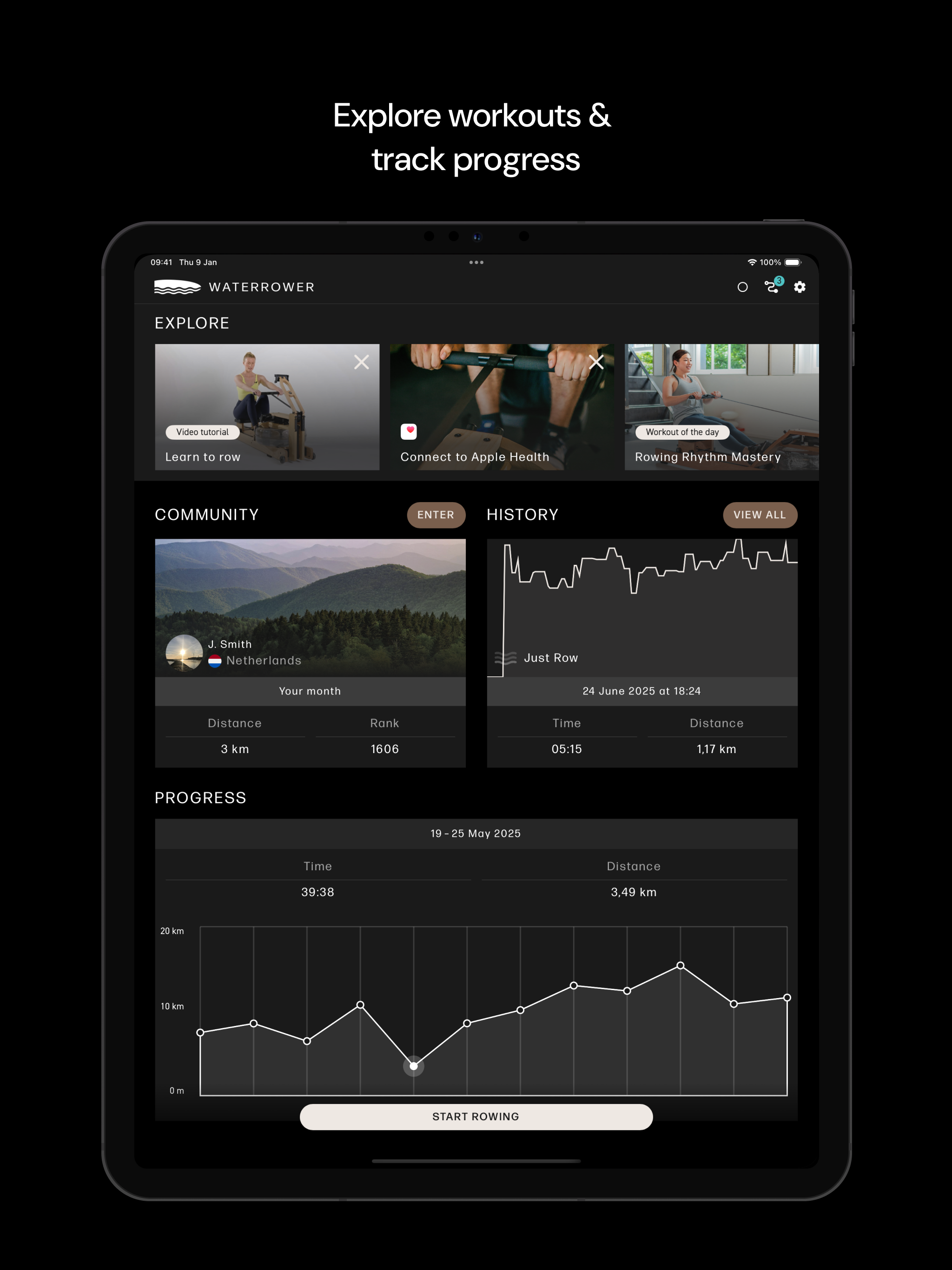
Train smarter, row stronger, and connect with a global community of rowers. WATERROWER Connect turns your iOS device into a performance dashboard for...
| Name | Price | Type |
|---|---|---|
| Premium Introduction Offer (Monthly) | $4.99 | Monthly |
| Premium Introduction Offer (Monthly) | $5.99 | Monthly |
| Yearly Premium | $49.99 | Yearly |
| Yearly Premium | $59.99 | Yearly |


