
Check the acquisition promise
Read the store headline, screenshots and description. What problem is the app promising to solve?
Study the storefront ↗
Wimlog · iOS
Explore the ad evidence, study the storefront, and build your next acquisition hypothesis.
01 / Creative research
Read the store headline, screenshots and description. What problem is the app promising to solve?
Study the storefront ↗Explore apps with direct store-link matches. Compare their hooks and formats without assuming the same approach works here.
Browse observed advertisers ↗Store rankings and revenue estimates describe market context. They do not establish ad spend, conversions or ROAS.
Review the market context ↗02 / Storefront & product
Study the product story and store experience behind the acquisition funnel.


03 / Market context
Keep revenue, downloads and store rankings separate from advertising performance.
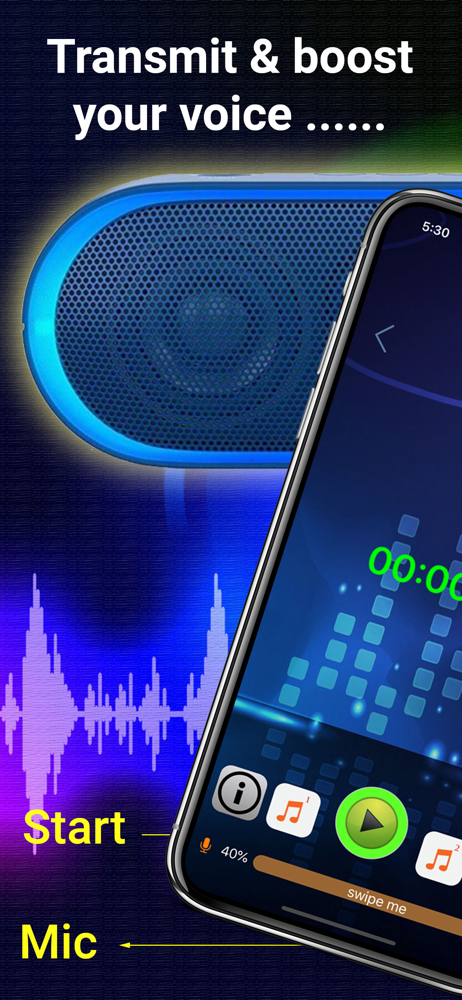
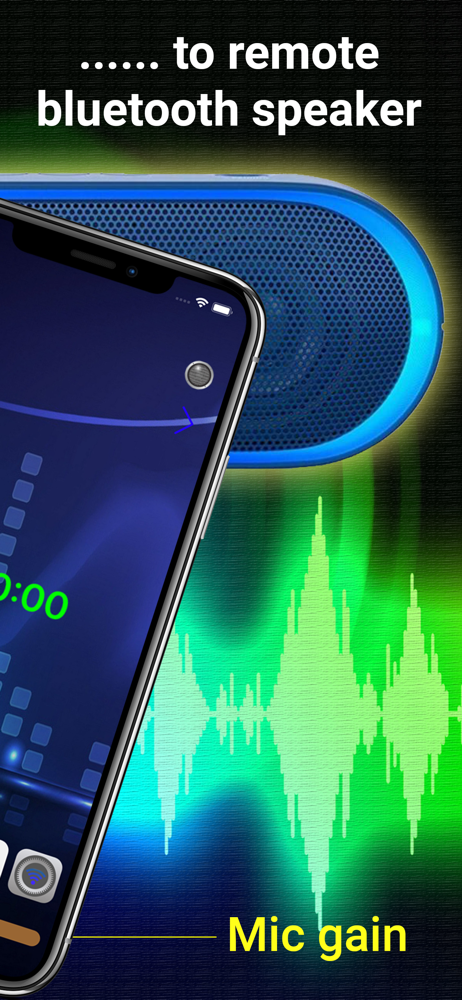
I tested several other programs on my iPhone 14 pro. This one did exactly what I wanted to do and allowed me to use the microphone on my earphones while broadcasting through the Bluetooth speakers. Two thumbs up, nice clean interface, very customizable.
Once I figured out how to change mic gain I was able to use it in a barn with my radio Bluetooth speakers. Feedback was easily controlled by the app and the volume I achieved was excellent. I don't seem to have any slide to control the background music gain like mentioned in the info. I'm running it on iOS 16.6.1 iphone 12 max pro. I have no idea how to access something I might have recorded when I first opened the app. I have no use for recording over music so can't comment on that.
Works perfectly, excited to use it for things!
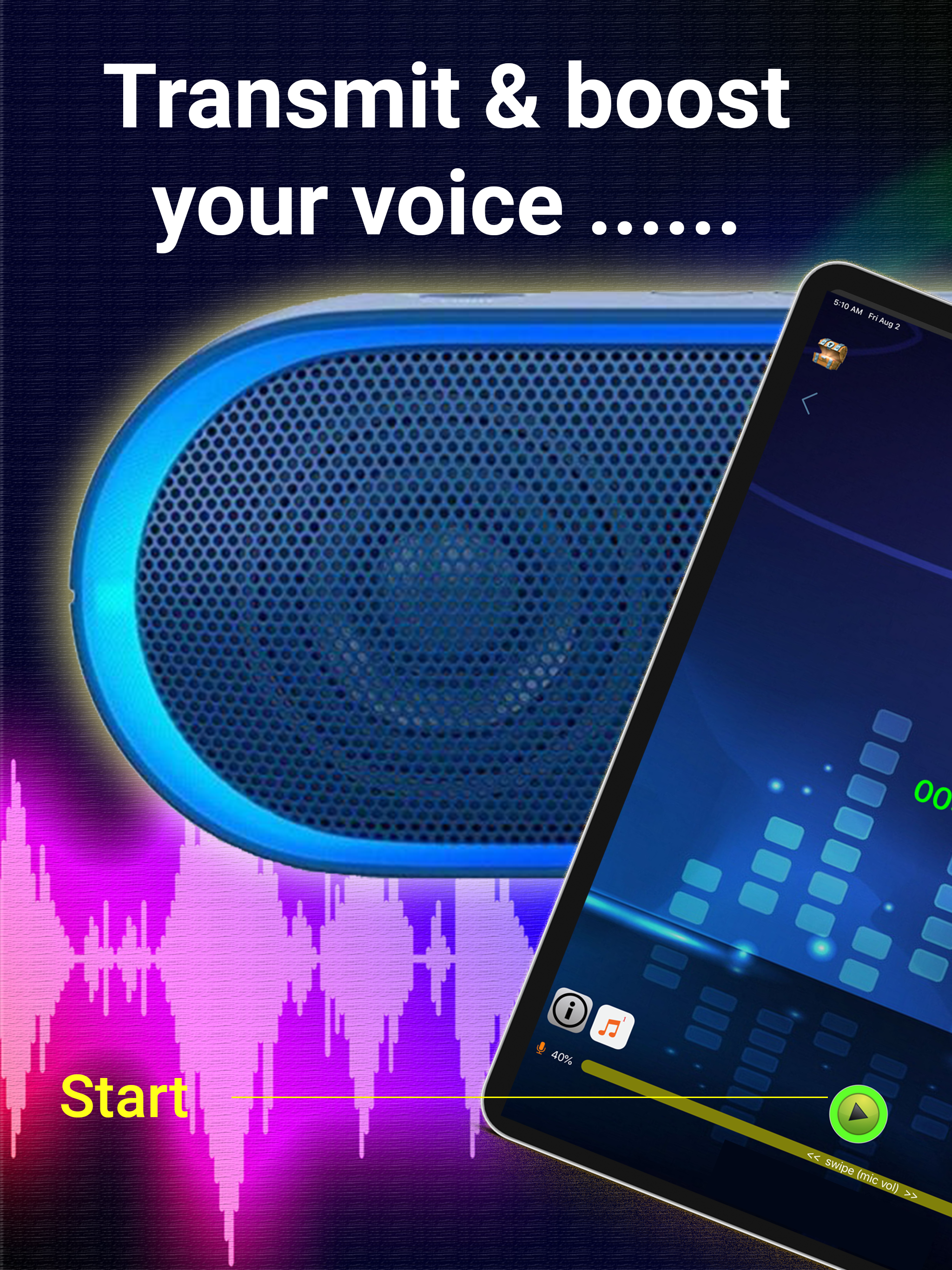
Do you want to boost your voice in the public, or love to sing karaoke? If you have a portable bluetooth speaker, this app is a must for your iPhone /...
| Name | Price | Type |
|---|---|---|
| Remove ad | $2.99 | One-time |
| Share voice recordings | $3.99 | One-time |


