Check the acquisition promise
Read the store headline, screenshots and description. What problem is the app promising to solve?
Study the storefront ↗
Nicholas Bedford · iOS
Explore the ad evidence, study the storefront, and build your next acquisition hypothesis.
01 / Creative research
Read the store headline, screenshots and description. What problem is the app promising to solve?
Study the storefront ↗Explore apps with direct store-link matches. Compare their hooks and formats without assuming the same approach works here.
Browse observed advertisers ↗Store rankings and revenue estimates describe market context. They do not establish ad spend, conversions or ROAS.
Review the market context ↗02 / Storefront & product
Study the product story and store experience behind the acquisition funnel.




03 / Market context
Keep revenue, downloads and store rankings separate from advertising performance.
We wanted to text a photo to our friends' group and wanted it to have a little extra punch. We looked for ways to add a nice frame around a picture and found it surprisingly difficult. We tried Like A Frame, and in no time we had a nice “thank you” photo that we could send to our friends. It took a bit of time to learn a few of the features, but overall, the user interface is quite easy to use and well laid out. For example, moving text is as simple as dragging it with your finger. Again, Like A Frame does one thing and does it well!
Found this app through a Reddit thread and decided it was worth a dollar to just try out, especially compared to some competitors that are subscription only. I only wanted it to add padding to images for Instagram posts, which it does very well, but it is even more versatile than that if you’re looking for more. One thing that was great is I was able to save default settings and super quickly apply those settings to batches of images, the main thing I was hoping it could do. Export quality options are very diverse, and export quality is very good. 10/10 for those features alone. A few small issues I’ve noticed as I’ve used the app: When I select a batch of photos to apply the default settings to and export, it exports them in a (seemingly) random order, not the order they originally appeared in my camera roll. Not the worst thing ever, but slightly inconvenient. When I click ”Create many from preset” in the main menu, it works with the default settings, but every time I click the “+” where it says “Save presets in the editor to use them here” the app crashes. Not sure if I’m selecting too many photos at once, or if that feature is still in the works. Lastly, I created a folder in my library for the pictures from the app to export to, but they only export to that folder when done one by one, not as a batch. This could also be user error, and is not a dealbreaker by any means. Overall the app is very much worth at least $1.
Amazing for on the fly content creation for those who don’t want to be lugging a whole laptop or tablet around, develop your photos in any aspect ration you’d like, send them to your cloud storage and run them through here to add an “Instagram Safe” aspect ration while keeping all you photo in frame. Note: I haven’t notice hardly any compression, as that can be adjusted through the settings so good on the developer for that!
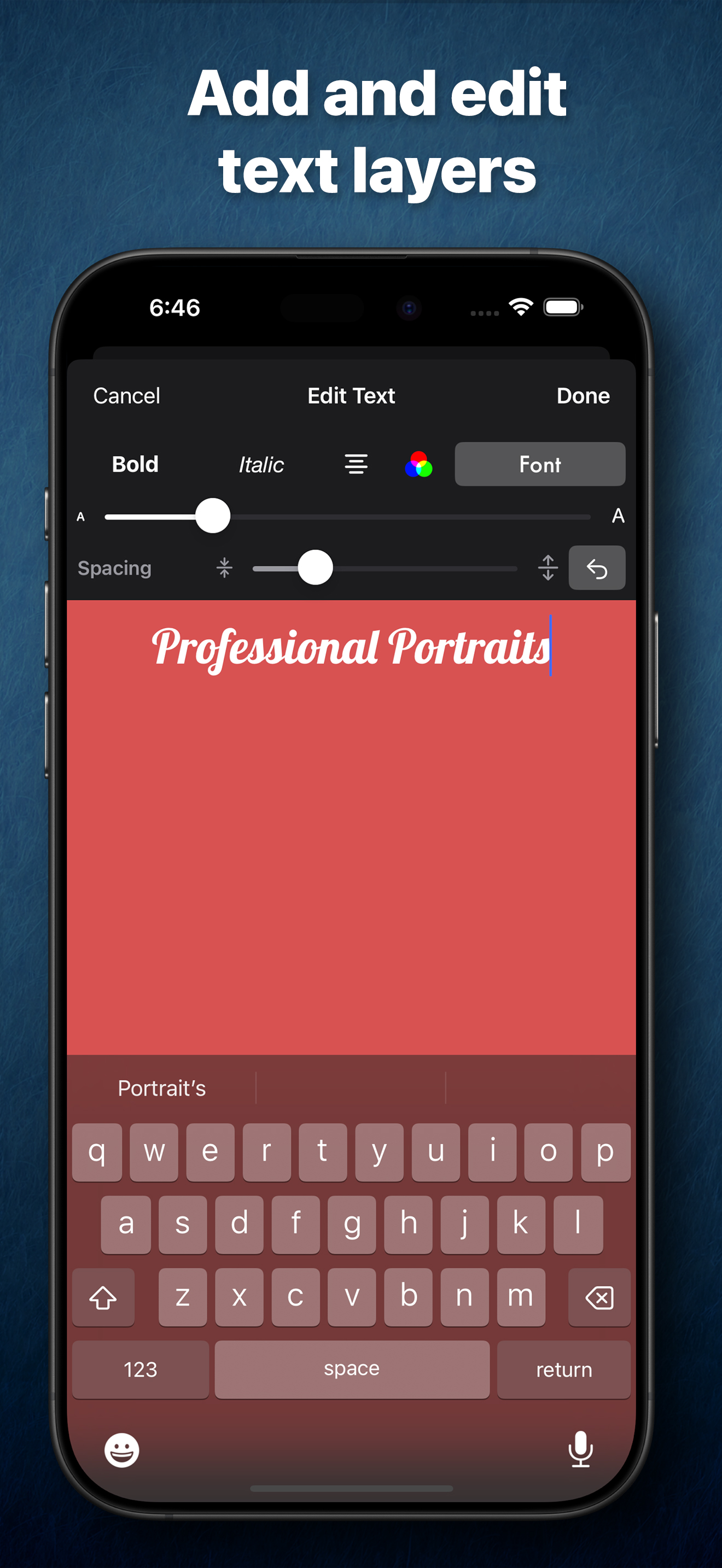
Edit your photographs into lifelike frames with text layers and share them on social media effortlessly. Like A Frame is crafted by a photographer for...
| Name | Price | Type |
|---|---|---|
| 7-Day Free Trial | $0.00 | One-time |
| Lifetime Purchase | $1.99 | One-time |