
Check the acquisition promise
Read the store headline, screenshots and description. What problem is the app promising to solve?
Study the storefront ↗
Raley's Stores · iOS
Explore the ad evidence, study the storefront, and build your next acquisition hypothesis.
01 / Creative research
Read the store headline, screenshots and description. What problem is the app promising to solve?
Study the storefront ↗Explore apps with direct store-link matches. Compare their hooks and formats without assuming the same approach works here.
Browse observed advertisers ↗Store rankings and revenue estimates describe market context. They do not establish ad spend, conversions or ROAS.
Review the market context ↗02 / Storefront & product
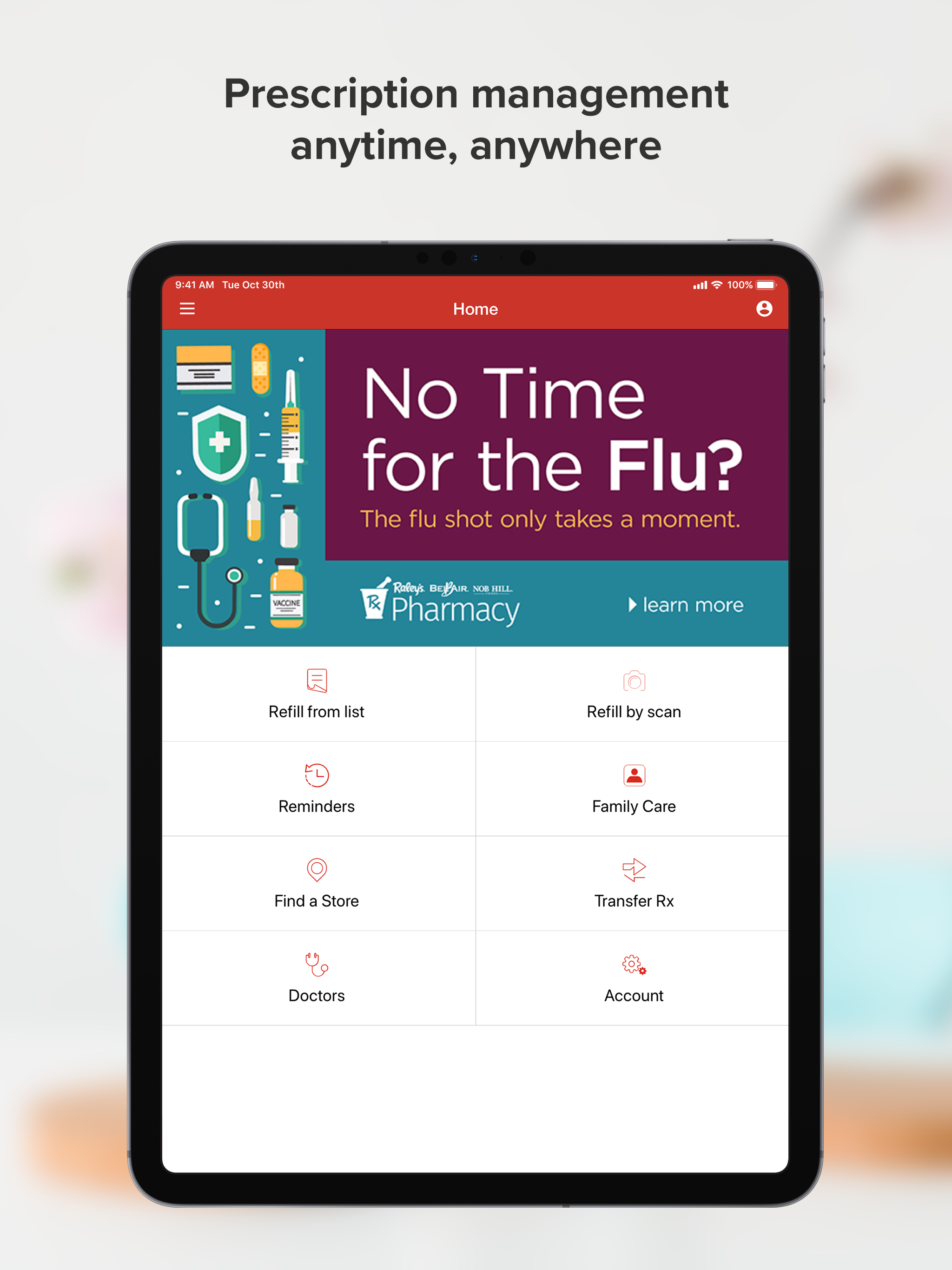
Study the product story and store experience behind the acquisition funnel.



03 / Market context
Keep revenue, downloads and store rankings separate from advertising performance.
The app can only be used with difficulty on an iPad because landscape mode is not supported. This is pretty basic programming for 2020. Every other app seems to have figured it out, why can’t Raley’s? Also, the right portion of the on-screen keyboard is off the screen, making it impossible to enter passwords. These deficiencies need to be fixed. Come on Raley’s . . . Spring for the money to hire a bright 12 year old kid who knows how to fix these problems. You should be able to afford it!
I liked this app very much when I first started using it. Several months later, though, there are annoyances that make me less delighted. The app sends refill reminders based on number of doses rather than when our insurance will cover the next refill, sometimes causing confusion. I’d like a way to peek at hidden prescriptions without unhiding all of them, and I’d like them to remain where I can see them for longer before they disappear from the app entirely. Sometimes I don’t get refill reminders and sometimes I don’t get notifications that my meds are ready to be picked up. On the plus side, I very much like being able to scan in my refills.
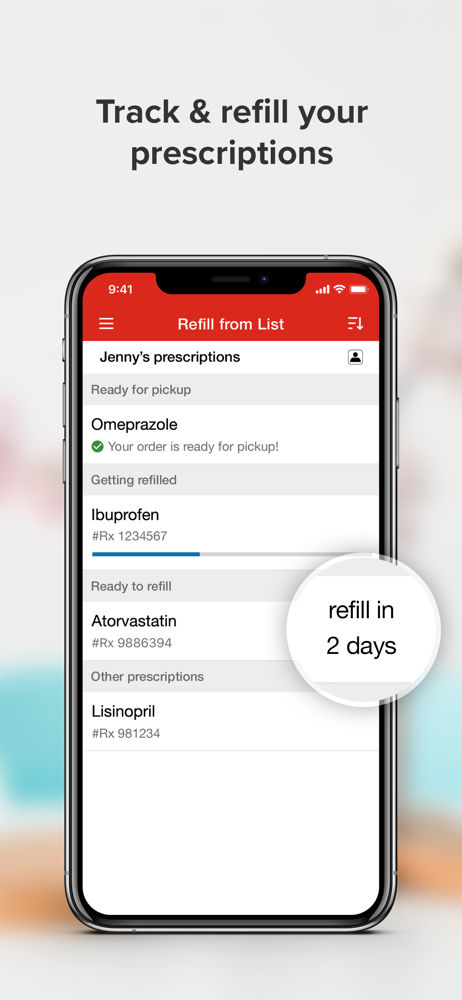
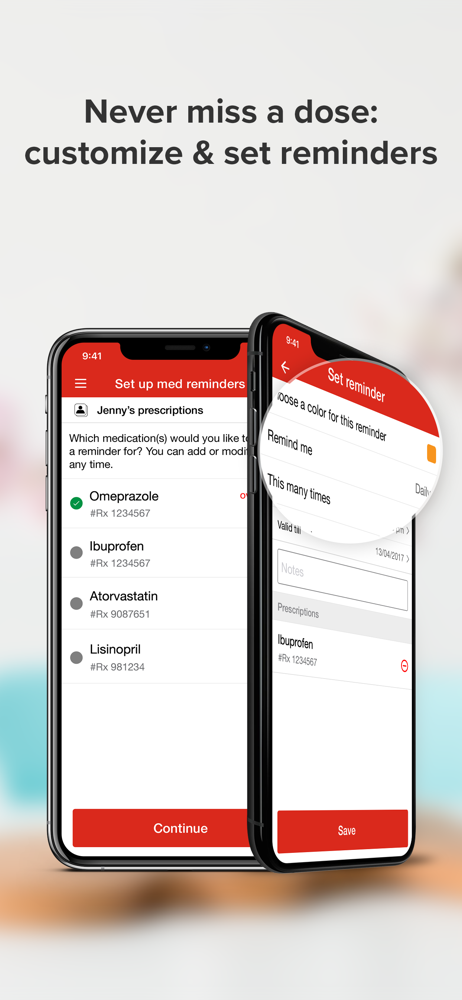
My local Raley’s just started using the Raley’s app to keep track of our prescriptions and to allow us to refill them via the app. When I first logged into the app I thought I would have to manually enter each prescription into the app. To my delight, as soon as I logged in, all of my prescriptions appeared in a list with the information I needed such as Rx #, date last filled, earliest refill date, etc. If you are transferring prescriptions from another pharmacy you can either enter them in manually or you can scan them in with the app. The app is very user friendly although one reviewer states that on the iPad the app doesn’t work in landscape mode. I don’t have any problems on my iPhone. It functions flawlessly so far. It’s a welcome addition. You can customize text messages to let you know when your prescriptions are ready either by part of the prescriptions number or by the medication name (which may offer less privacy if your phone is stolen). You can change these options any time in the settings of the app. I like this new app very much and think it’s a great customer service addition. I highly recommend it.
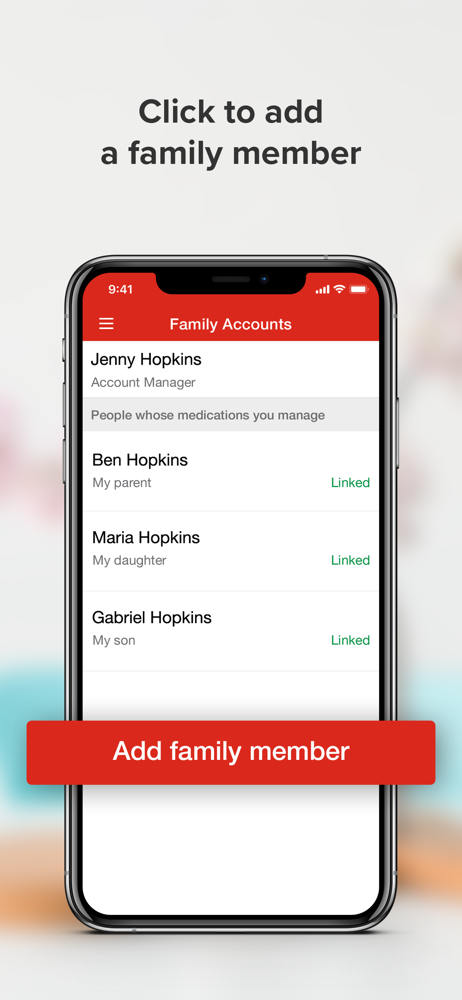
Enjoy the convenience of the Raleys Rx App! Refill you and your family's prescriptions View all your prescriptions in a list along with prescription...


