Check the acquisition promise
Read the store headline, screenshots and description. What problem is the app promising to solve?
Study the storefront ↗
zhibiao Lin · iOS
Explore the ad evidence, study the storefront, and build your next acquisition hypothesis.
01 / Creative research
Read the store headline, screenshots and description. What problem is the app promising to solve?
Study the storefront ↗Explore apps with direct store-link matches. Compare their hooks and formats without assuming the same approach works here.
Browse observed advertisers ↗Store rankings and revenue estimates describe market context. They do not establish ad spend, conversions or ROAS.
Review the market context ↗02 / Storefront & product
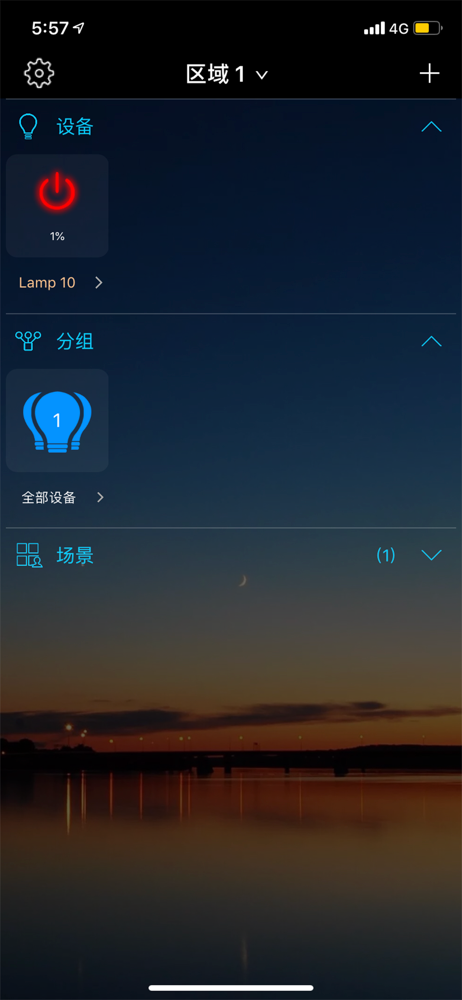
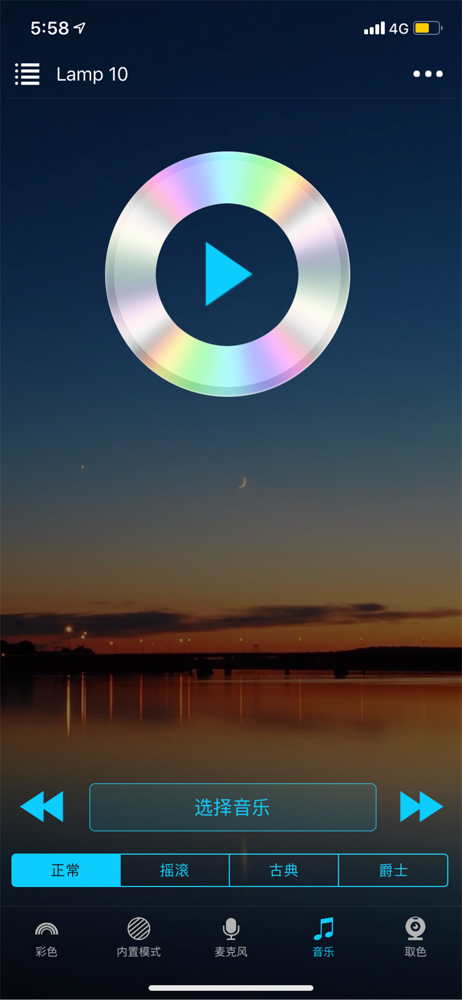
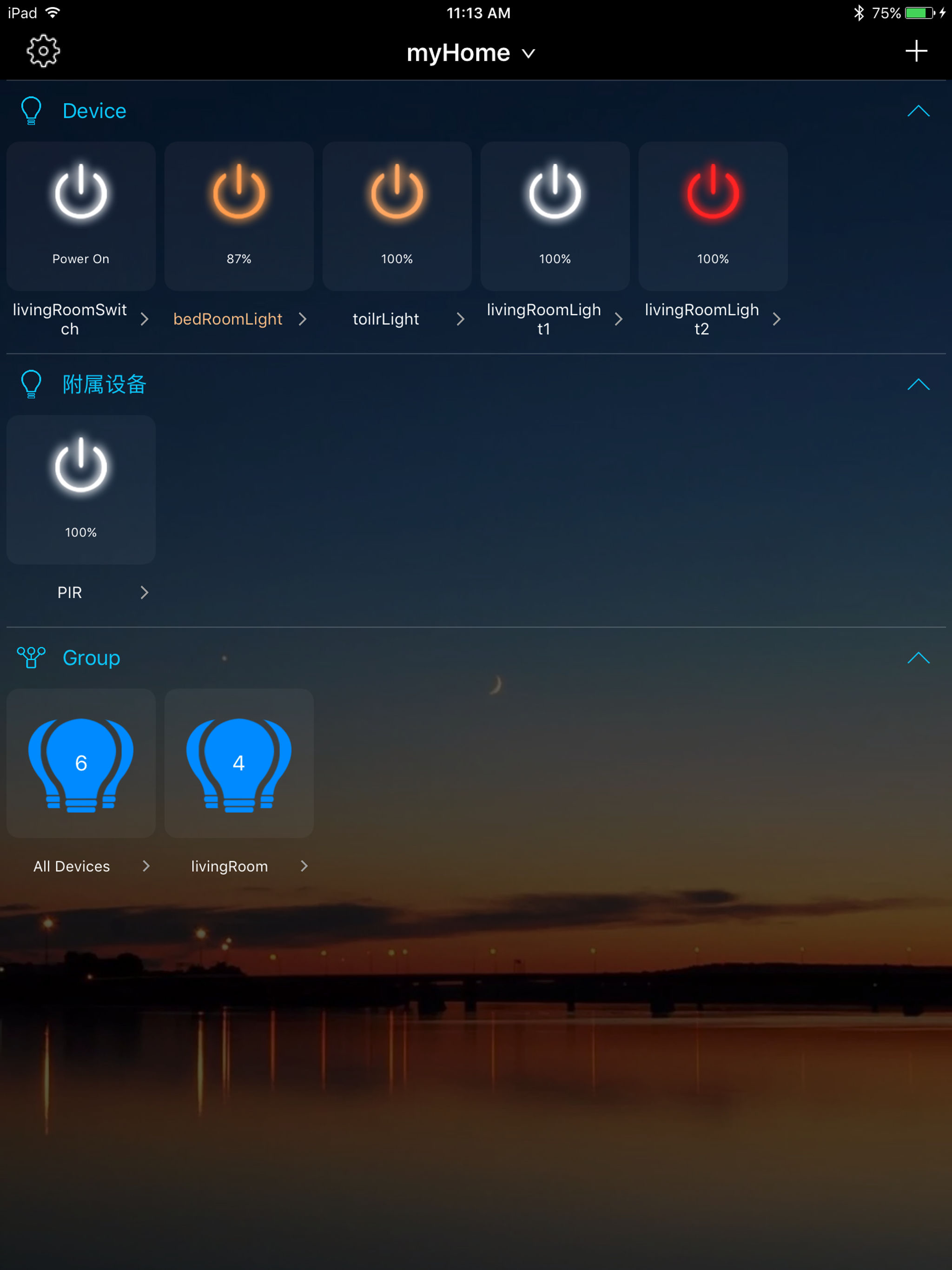
Study the product story and store experience behind the acquisition funnel.



03 / Market context
Keep revenue, downloads and store rankings separate from advertising performance.
I’ve used this app for 4 years, it work GREAT!!! and then I had to get the new updated version when I got a new phone and now it won’t work with the light I purchased four years ago. The light works perfectly fine, but I have no control over the RGB now. It will not connect or see the light. I’ve tried going through all the reset recommendations in the HELP section multiple multiple times. No deal. There’s no reset on the light itself. There’s no on off switch. There’s no buttons whatsoever. Just plug it in. Originally it worked great! Now the light is just pure white full power. The light I’m using is a smart LED floodlight 24W IP 66 rated. This was the software app that came in the box to control the light.
Every time I buy a new device from “MagicLight” I have to download yet another sketchy app that’s clearly a clone of all the other ones with slightly different features. I was using originally using MagicLight Wifi v2, but it wasn’t compatible with some new bulbs, so i switched to Magic Wifi Pro for a bit. But I recently bought a mesh hub thinking I could just add it in the same app, but nope, gotta go download “Hao Deng”, create a new login, re-add all my devices and re-sync it with Google Home. I’ll never understand why developers create additional apps with slightly different capabilities instead of just putting everything in one. Abandoning this “brand” if I have to go through this again.
The app works very well but the dimmer on the panel remote does not. When pressing the dimmer on the panel it only works between 0% and 39%. No mater what I do the it will not go above 39%. Once pressed on the panel the only way to increase the brightness back to 100% is to use the app. Please help me fix this or I will have to return the device.
Controlling your smart LED has never been easier. 16 million amazing color choices, coolwhite or warmwhite, or many other tones in between. Select any...