
Check the acquisition promise
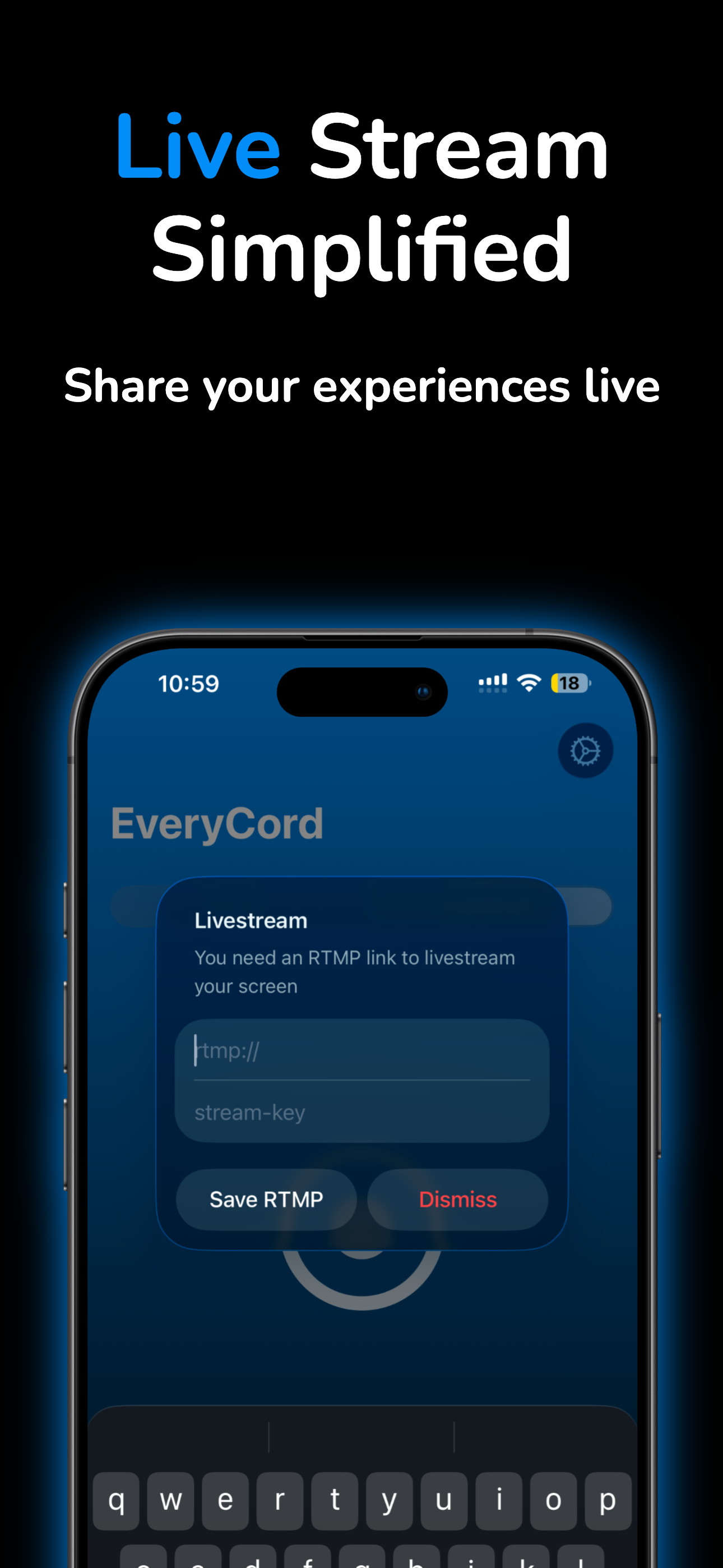
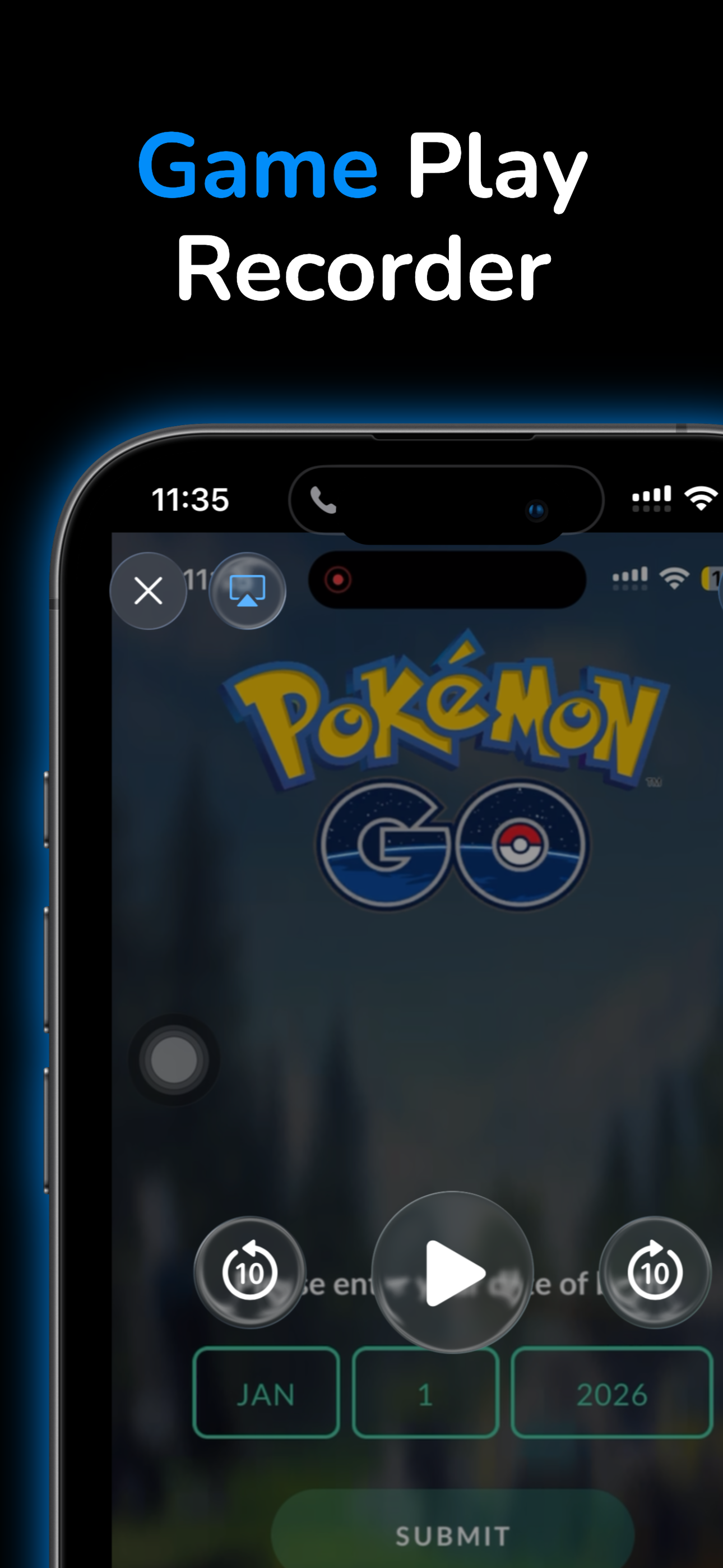
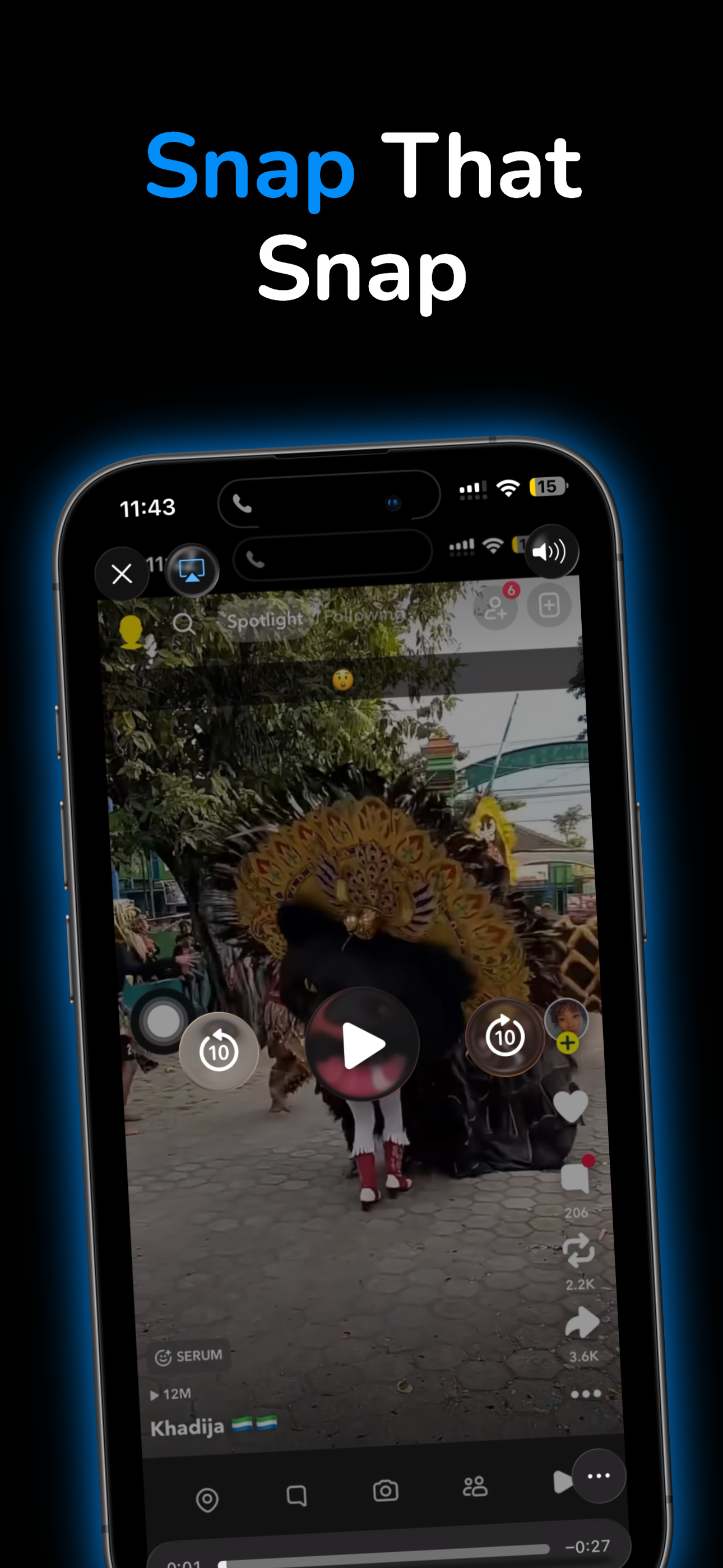
Read the store headline, screenshots and description. What problem is the app promising to solve?
Study the storefront ↗
Symaro, LLC · iOS
Explore the ad evidence, study the storefront, and build your next acquisition hypothesis.
01 / Creative research
Read the store headline, screenshots and description. What problem is the app promising to solve?
Study the storefront ↗Explore apps with direct store-link matches. Compare their hooks and formats without assuming the same approach works here.
Browse observed advertisers ↗Store rankings and revenue estimates describe market context. They do not establish ad spend, conversions or ROAS.
Review the market context ↗02 / Storefront & product
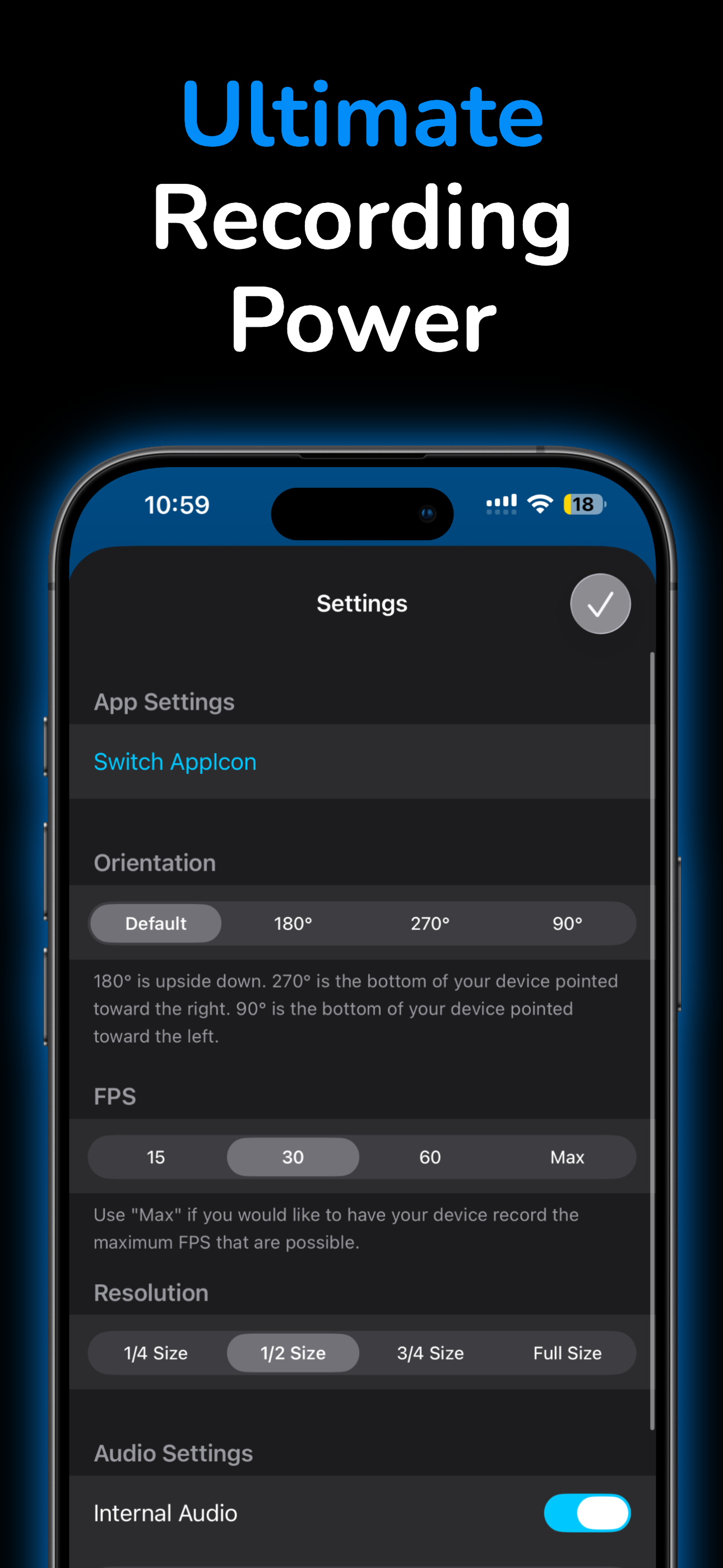
Study the product story and store experience behind the acquisition funnel.


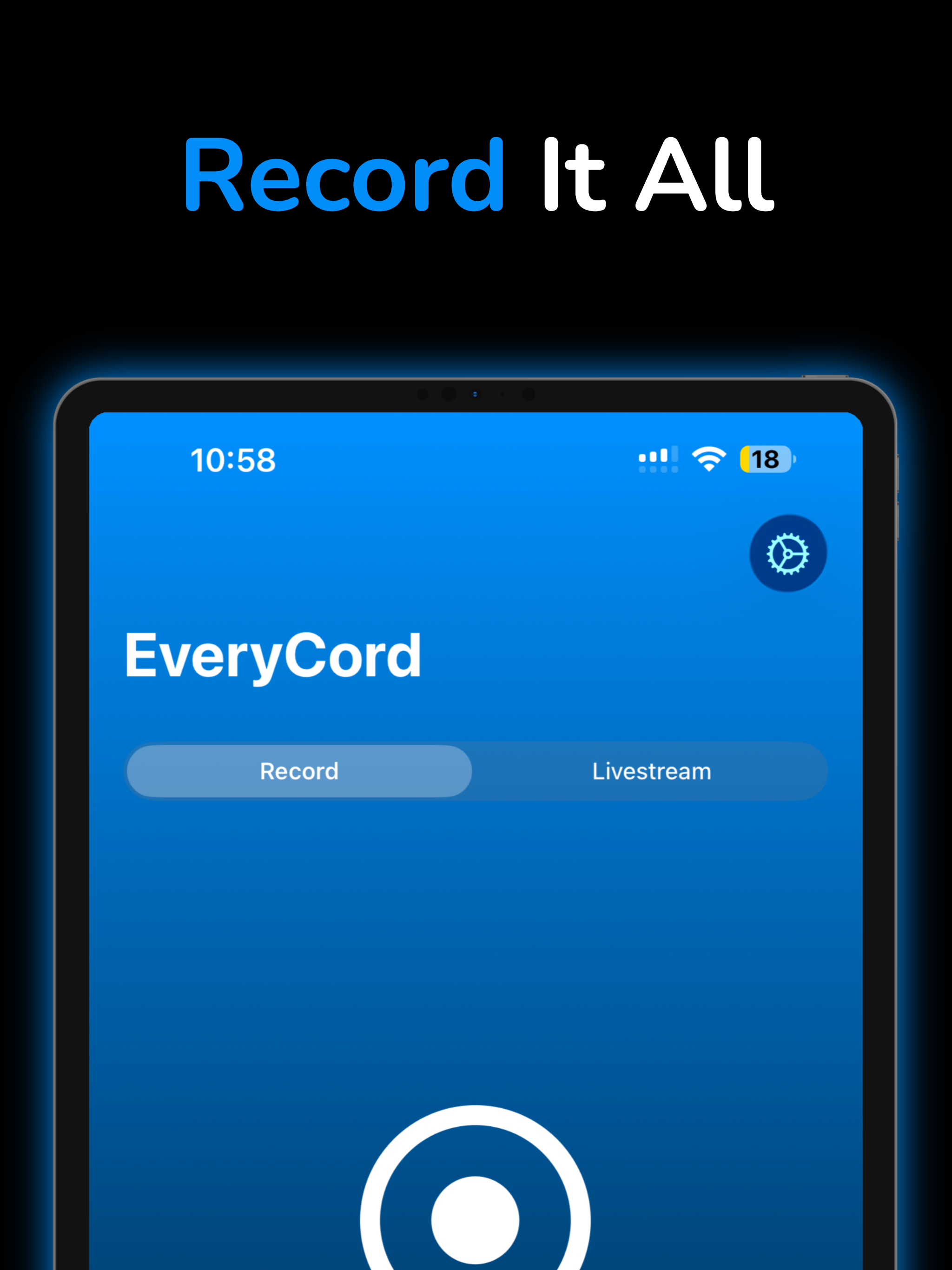

03 / Market context
Keep revenue, downloads and store rankings separate from advertising performance.
So I have just started using EveryCord and it seems pretty legit. It does what it says it can do. However, something that is a little annoying is the time it takes to get your screen recordings that are 10-20 mins long. I play Fortnite Mobile and I make long video recordings that usually take about 10-20 mins. So when I finish recording and stop it, it takes a long time to get my recordings to the app. Hopefully someone can see this review and work on it because if you fix this, a lot more people would use the app for gaming and stuff like that. It’s a great app, but it would make it the best if it just changed this problem
This is by far my favorite screen recorder. It ACTUALLY allows 60fps! Thats awesome! I used to get this on the untrusted developer apps, but to know it was now on the App Store? Awesome to hear! I have had one problem recently though. When I record, and finish a recording, there is a green line on the top of my recording, which is a bit annoying. I don’t know if you still keep up with this app, but I hope you see my review, and is able to fix the problem. I currently have an iPhone XS if that helps. Also, a description for the channels would also be nice as well. I think you should try to make this app at the best version possible, because you’ve made my most favorite screen recorder! Thank you!
So I've used EveryCord before iOS 11 was here and before Apple had their screen recording feature. It was probably the best screen recorder for non-jailbroken devices. Little did I realize they had put their app on the App Store, this time using the actual built in recorder for the iPhone! Now this app already does all it's supposed to do and surprised me with a new broadcast feature (more on that later). As usual they have a very simple interface, only the basic options you would need to do your recordings such as frame rate, quality, audio, etc…. Unfortunately the audio seems to corrupt the video recording making the whole thing not viewable. It is nice to see that there is an option to record only the device audio or the mic (although audio still currupts the video) I was actually amazed to see broadcasting to RTMP servers. Before, apps could only broadcast to only 1 preset service but since this has RTMP, we could probably broadcast to even more services! Although the services I use have an RTMP URL and a stream key which isn't yet supported. 4 stars for the best screen recorder app and if the developer can make the audio work and incorporate stream keys then I'll give 5 stars.
EveryCord (formerly iRec): Your All-in-One Screen Recording Solution Born as iRec during the early days of iOS 7, EveryCord has evolved into a compre...


