Check the acquisition promise
Read the store headline, screenshots and description. What problem is the app promising to solve?
Study the storefront ↗
AMZN Mobile LLC · iOS
Explore the ad evidence, study the storefront, and build your next acquisition hypothesis.
01 / Creative research
Read the store headline, screenshots and description. What problem is the app promising to solve?
Study the storefront ↗Explore apps with direct store-link matches. Compare their hooks and formats without assuming the same approach works here.
Browse observed advertisers ↗Store rankings and revenue estimates describe market context. They do not establish ad spend, conversions or ROAS.
Review the market context ↗02 / Storefront & product
Study the product story and store experience behind the acquisition funnel.


03 / Market context
Keep revenue, downloads and store rankings separate from advertising performance.
Absurd amount of content “curated” by Amazon’s “experts” with what qualifications exactly? Most of the content is extremely questionable. It may seem “harmless” because it’s cutesy and meaningless, but that doesn’t make it harmless. There is definitely great stuff in there somewhere, but it’s impossible for parents to control what their kids have access to. I would love to choose, for example, 5 apps and 10 books that are age appropriate for my kids and have those accessible to them, and then next week swap some of them out for other books and games that I choose, but there is no practical way to do it. Sure I could load it with content I want and then disconnect it from the internet, but then the content that I want them to have access to doesn’t work because it needs Wi-Fi, and the the parental controls on education first and time limits don’t work, because that needs Wi-Fi. It’s frustrating. I would love to take advantage of the good that’s in there, but there’s no way to do it. I’m right now canceling my free subscription that came with the tablet my youngest got for Christmas. I would rather buy apps and books that are good quality and good for them then let my kids by swamped with garbage every time they get on their tablets.
For young kids, this app is great. Lots of games, books, ECT for a good price without needing Wifi all the time. What needs major improvement is the parental controls, which is basically the selling point of the app. 1. The choices of time limits is "weekdays" or "weekends". We all know bedtime for kids is later on Fri/Sat, not Sat/Sun. But the app doesn't understand that. It considers Friday night a weekday and Sunday night a weekday. 2. The educational goals only allow you to block games until they do it, or just have a goal that means nothing. It would be nice if there was something like "you must complete 15min of reading for every 30min of games" or something similar. Just more goal options. 3. Kids get no warning of when their time limit is close. It just shuts off without warning. A pop-up of "2 minutes left" or something would be reasonable. 4. The phone app for parents will not stay logged in as parents. It always defaults to kid's profile. I use my phone to control their tablets. I don't want to go through having to log off the kids and into the parent dashboard every single time from my phone. 5. I would like even more control over what they can do. Getting the option to block certain things vs. only restricting by age.
My favorite feature is the parent dashboard. I can pause my Childrens tablet from anywhere as well as adjust the settings. I love how you can add content based on their age and videos etc are chosen from reliable websites like PBS kids etc. I also love how I have the option of enabling or disabling web searches as well as you tube. Which I love because web searches and you tube are a big no unless it’s for school related projects and I am searching with them. With the parent dash board you can see how much time your child is spending on apps, reading, websites etc. I have the education feature turned on so my children do not hav access to any games or videos until they have reached the allotted time I set for reading. For example they have to 30 for minutes first. Once they have reach 30 min. of reading then all the fun stuff gets unlocked!
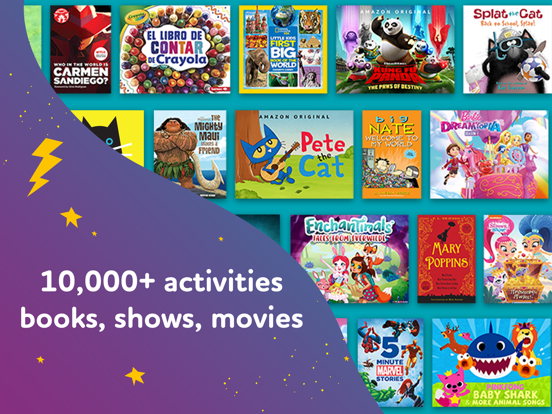
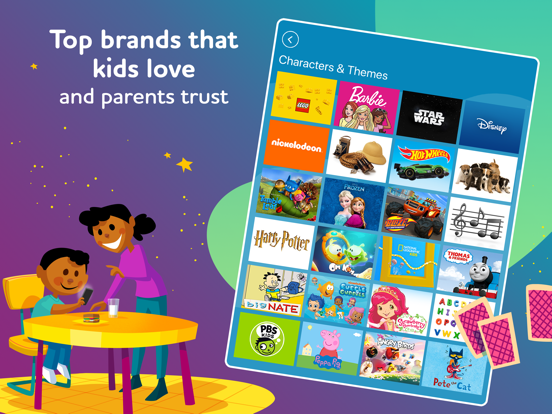
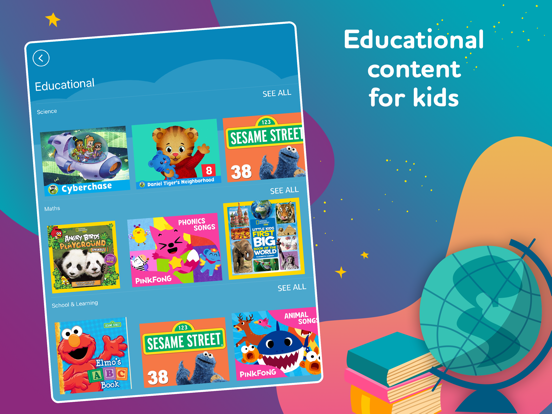
Amazon Kids+ is an all-in-one kids’ app for learning and entertainment. Your children will have unlimited access to over 10,000 kid-friendly movies, T...
| Name | Price | Type |
|---|---|---|
| Amazon Kids+ (Monthly) | $6.99 | Monthly |