Check the acquisition promise
Read the store headline, screenshots and description. What problem is the app promising to solve?
Study the storefront ↗
ealen Luo · iOS
Explore the ad evidence, study the storefront, and build your next acquisition hypothesis.
01 / Creative research
Read the store headline, screenshots and description. What problem is the app promising to solve?
Study the storefront ↗Explore apps with direct store-link matches. Compare their hooks and formats without assuming the same approach works here.
Browse observed advertisers ↗Store rankings and revenue estimates describe market context. They do not establish ad spend, conversions or ROAS.
Review the market context ↗02 / Storefront & product
Study the product story and store experience behind the acquisition funnel.



03 / Market context
Keep revenue, downloads and store rankings separate from advertising performance.
Bought a camera, that should connect through this app, but it is not working properly. It doesn’t see the wifi on initial set up. It doesn’t see the camera content either. Deleting the app and reinstalling is not working, as it just downloads it from the iCloud and doesn’t give any controls. I think this app is bogus and was “created” to sell the cameras, but it was not made to work with cameras or to give the customers any tools needed.
It works if you fiddle with it. After downloading all photos in one step from my X25 camera, it saves them to the app, not to the photos folder, as it should. Instead there’s an additional step to transfer the photos one at a time from the app to the photos folder. And even that is not intuitive, since it does not work when the photos are in thumbnail view. You have to click into the photos and swipe between them, and for each one press the share button. Then a photo or video will appear in the photos folder. When you try to share all from the thumbnail view, it comes up with a different set of options, the normal set of sharing options, and even if you select share all (which is an option) it only selects one, because you can only share one thing at a time. All of that is unnecessary. All we really need is all the photos to be sent from the device to the photos folder with one click. I will update my review when everything can be easily downloaded with one click from the camera to the photos folder.
App auto closes when I’m about to transfer my downloaded videos into my iphone 11.
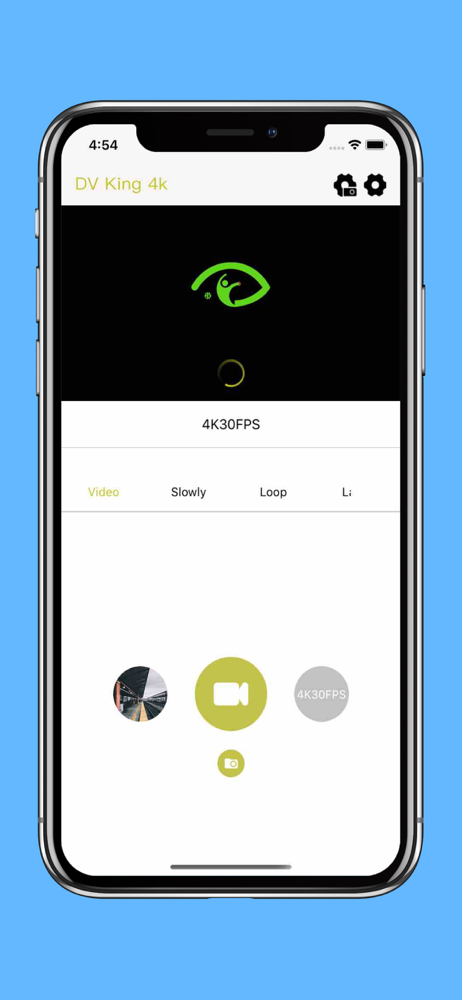
DV KING 4K is a real-time preview and operating software. Steps for usage: 1, open the device hot and connect the app 2, real-time preview video scree...