Check the acquisition promise
Read the store headline, screenshots and description. What problem is the app promising to solve?
Study the storefront ↗
Marina Polyanskaya · iOS
Explore the ad evidence, study the storefront, and build your next acquisition hypothesis.
01 / Creative research
Read the store headline, screenshots and description. What problem is the app promising to solve?
Study the storefront ↗Explore apps with direct store-link matches. Compare their hooks and formats without assuming the same approach works here.
Browse observed advertisers ↗Store rankings and revenue estimates describe market context. They do not establish ad spend, conversions or ROAS.
Review the market context ↗02 / Storefront & product
Study the product story and store experience behind the acquisition funnel.

03 / Market context
Keep revenue, downloads and store rankings separate from advertising performance.
Great light meter and everyone out there looking for a hand out…”I suggest you do as your grand parents did and Get A Job Sir’s(or Madam’s)” This app is awesome and you cheap folks, having to pay for this app is not a problem if you care for plants and the proper amount light they receive, so they can grow up to be fine strapping plant specimens. Then again everyone that’s complaining about paying for this app(which is completely worth it) don’t even tip your servers at restaurants or bartenders after they close. To ingenious developers of this app do not worry about those cheap cable stealing complainers. As a nursery owner with several greenhouses I think this is probably one of the best light measuring devices for both indoor and outdoor besides the $109 cheap ones that won’t take a sneeze let alone outdoor use without a complete meltdown. I have not even thought of buying another “professional light meter” since I got this app. Thank you for helping my family’s garden and greenhouses.
Maybe I’m using it wrong, or maybe I don’t understand lighting, but I really don’t think this is very accurate. I was measuring the intensity of my grow lamps since I’ve got new bulbs and a new set up, and wanted to make sure I could get as close to this old set up as possible and maybe even get some extra lumens in there. The bulbs I was comparing are 840 lum vs 1200 lum, but the readings were all over the place. When looking at the 840 bulbs, I got an average reading of 340, even when it was two and three lamps “stacked” on top of each other (which I’ve heard from other plant people increases the intensity of the lumens on the plants). I was also getting readings of over 12,000 lum on a bulb and hood combo that I know is more dim than that, seeing as my plants are typically stretching under this light (low end recc of lumens for succulents is about 2,000). The readings just feel wildly unpredictable. This is more a gripe with my phone, but also be sure to know that front and back cameras take in light differently. A spot which would read 330 lum on my front camera read as 380 with the back. Even if the numbers are wrong, the “average” and “ratio” I found at least helped me set my lamps up in a better pattern.
Nice, simple, straightforward app with good user interface. Good set of options make it very functional. The measurements seem reasonable and more importantly - they’re consistent. A source measured yesterday will be measured at the same value today. Also has a very nice explanation of terminology for the uninitiated. My only complaint is the overly frequent ads. Other users comment that the ads remain in the Pro version, so no reason to upgrade until this is changed. A definite 5-star app without the ad problem.
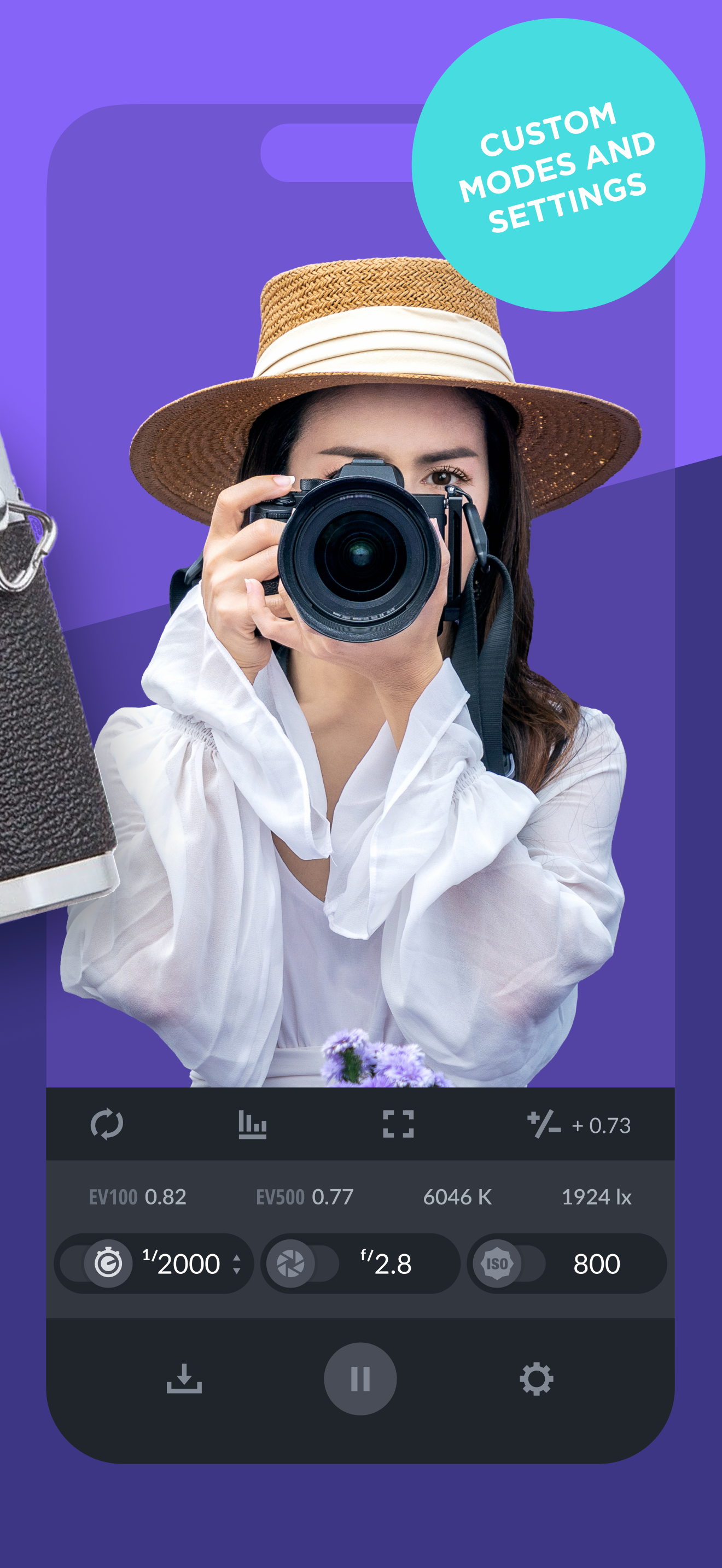
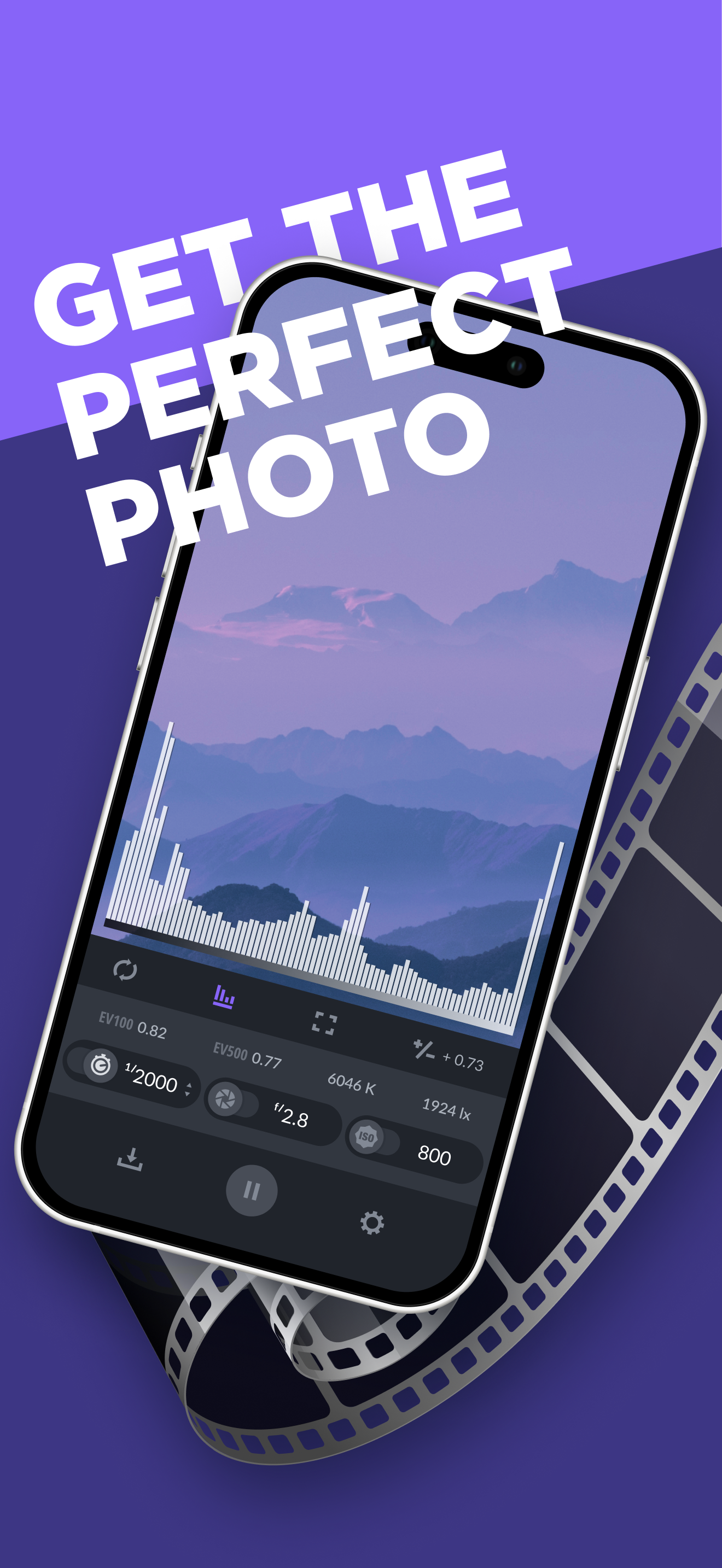
Light Meter is a 2-in-1 light intensity (lux) and exposure meter with customizable settings. Whether you want to capture the perfect photo or optimize...
| Name | Price | Type |
|---|---|---|
| Premium Access (Monthly) | $1.99 | Monthly |
| Pro Mode | $9.99 | One-time |
| Premium Access (Annual) | $14.99 | Yearly |
| Premium Access (Annual) | $14.99 | Yearly |