
Check the acquisition promise
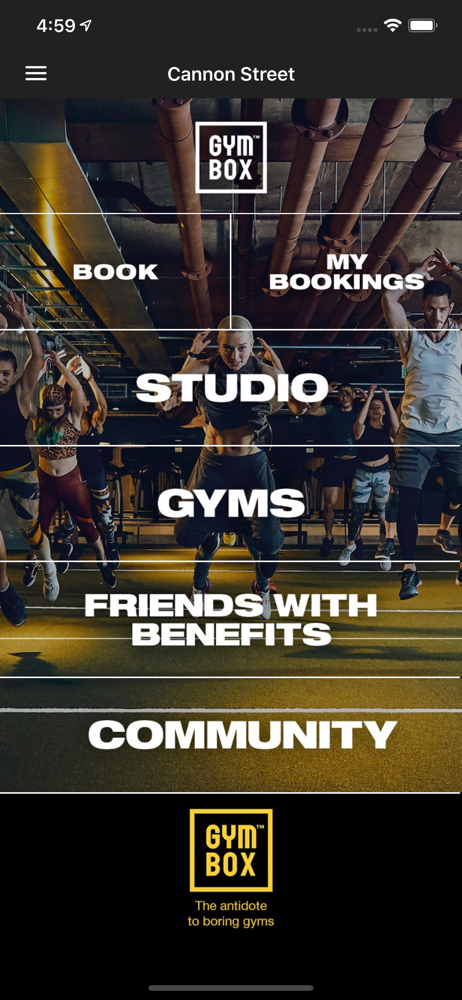
Read the store headline, screenshots and description. What problem is the app promising to solve?
Study the storefront ↗
Gymbox · iOS
Explore the ad evidence, study the storefront, and build your next acquisition hypothesis.
01 / Creative research
Read the store headline, screenshots and description. What problem is the app promising to solve?
Study the storefront ↗Explore apps with direct store-link matches. Compare their hooks and formats without assuming the same approach works here.
Browse observed advertisers ↗Store rankings and revenue estimates describe market context. They do not establish ad spend, conversions or ROAS.
Review the market context ↗02 / Storefront & product
Study the product story and store experience behind the acquisition funnel.


03 / Market context
Keep revenue, downloads and store rankings separate from advertising performance.
I am trying to reset my password. How is it possible that there is no password reset button on the login screen in the app or online from a computer?? Also when loading the app on a new phone, the Accounts page indicates you haven’t logged in to an account but doesn’t give you a link to do so!! Note to others in my predicament -you have to navigate to the book classes function to login. I would have preferred to submit this directly to GYMBOX as a fix request rather than send a negative review but your “app support” button in the App Store doesn’t actually link to a support page, and there is no contact page online either. These are basic functionalities that you’re missing.
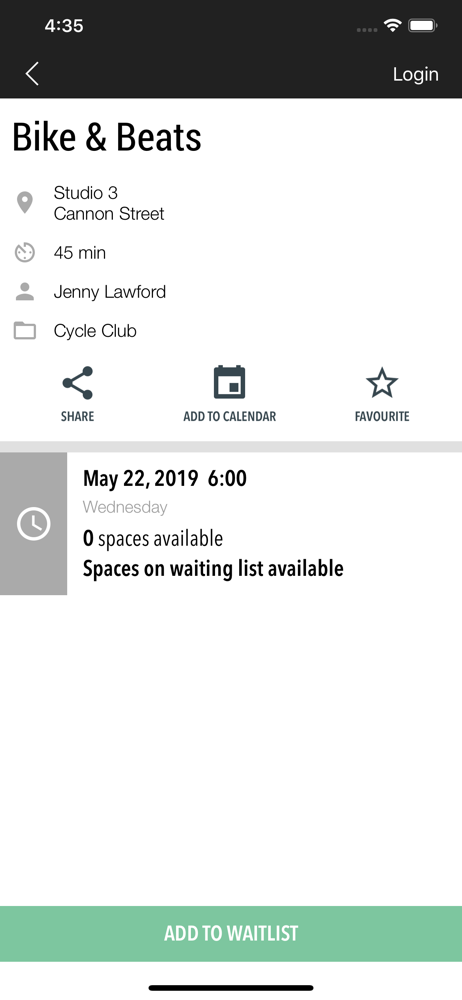
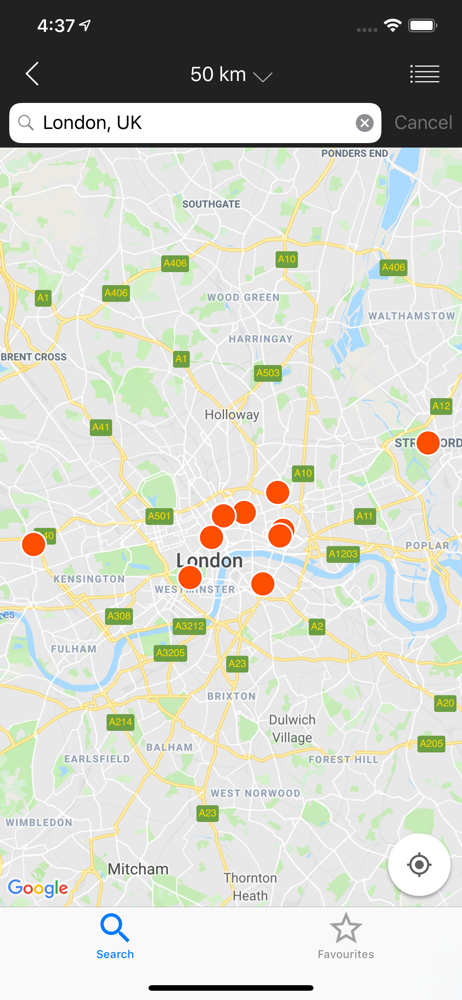
Recent bugs include a banner telling you you’re banned from booking, when you’re not and can still book. App crashing everything you click on the “you’re banned” banner to try and see why you received strikes. Still no push notifications letting you know you’ve come off the waitlist. Really poor functionality, completely at odds with the brand. You would think if you have booked on the app you would get a push notification to tell you when you come off the waitlist...but nope only an email. Getting back to the page before, finding the different sections / clubs and generally navigating the app is not intuitive in the slightest. Feels like a website forced into an app format. Disappointing that if I favourite more than 1 location I then get a notification for each location about exactly the same blog post. Not knowing where you are on the waitlist is frustrating. Unable to search or filter on classes or dates or see across studios. It’s just a long list of every single class. Considering the names of the classes (and often the descriptions as well) don’t tell you what the class is or what to expect this makes booking a nightmare.
If you favourite a workout e.g. functional fitness then the star is set on workouts of that type when you view classes for any club, BUT if you go to the favourites section you only can only see workouts for the original club you set the favourite on. There is no way to favourite functional fitness at two different clubs. When you try and do that by unsetting and and setting the star icon the favourite is just updated to the new club in which you did that. It’s a bug which needs fixing.
The official GYMBOX app, book any of our 110+ unique classes quickly and easily. See what you’ve booked in an instant in My Bookings and cancel easily...


