Check the acquisition promise
Read the store headline, screenshots and description. What problem is the app promising to solve?
Study the storefront ↗
Astropower Technology Co. Ltd. · iOS
Explore the ad evidence, study the storefront, and build your next acquisition hypothesis.
01 / Creative research
Read the store headline, screenshots and description. What problem is the app promising to solve?
Study the storefront ↗Explore apps with direct store-link matches. Compare their hooks and formats without assuming the same approach works here.
Browse observed advertisers ↗Store rankings and revenue estimates describe market context. They do not establish ad spend, conversions or ROAS.
Review the market context ↗02 / Storefront & product
Study the product story and store experience behind the acquisition funnel.

03 / Market context
Keep revenue, downloads and store rankings separate from advertising performance.
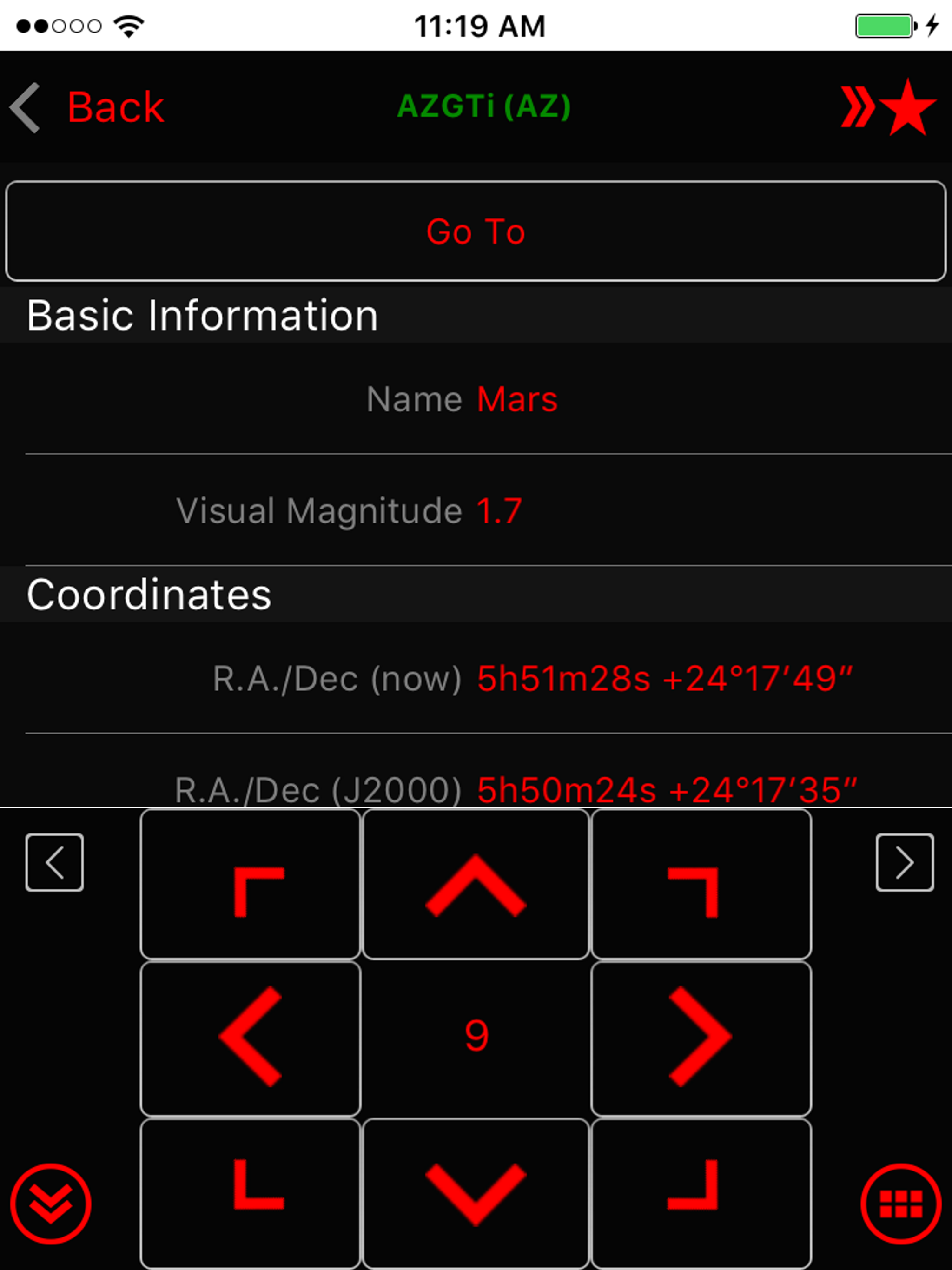
When using the down arrow for slewing, the app often crashes and you have to start all over which often loses the target in the eyepiece. Come on devs…..two years? This hobby is growing quickly so don’t get left behind by poor functionality.
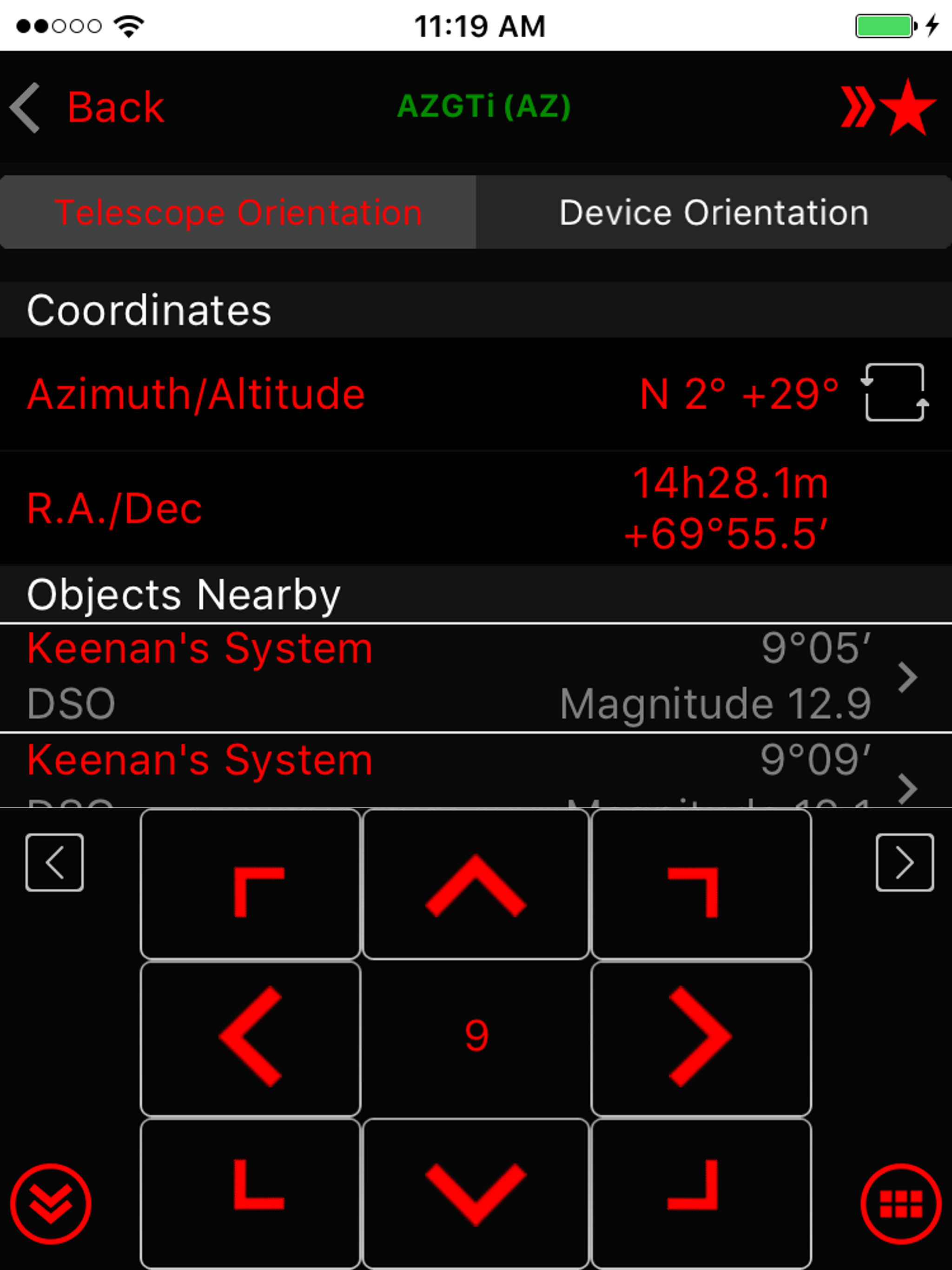
This app freezes and crashes on me regularly. It’s frustrating when you are trying to image or when you’re just observing. Press the arrow to slew and it lights up and freezes. Then after it freezes it just crashes and I see my home screen. It crashed on my multiple times tonight in a matter of minutes. I wanted to scream! The other thing I don’t like, idk if this is normal behavior for a go to, when I center a target I see some of the arrows blinking in the opposite direction I just moved to center my target. The blinking arrow is then effectively moving the mount and taking me off target. Is this a function that the computer believes it is keeping the target centered? Why wouldn’t it just stay and sidereal track from where I positioned it? I’m running this on an iPhone 11 Pro. This is a recent model and shouldn’t have trouble running such an app.
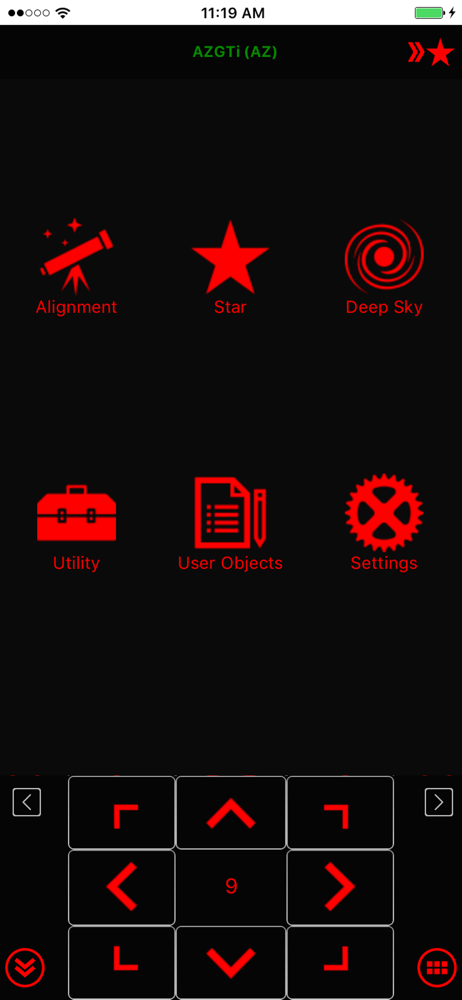
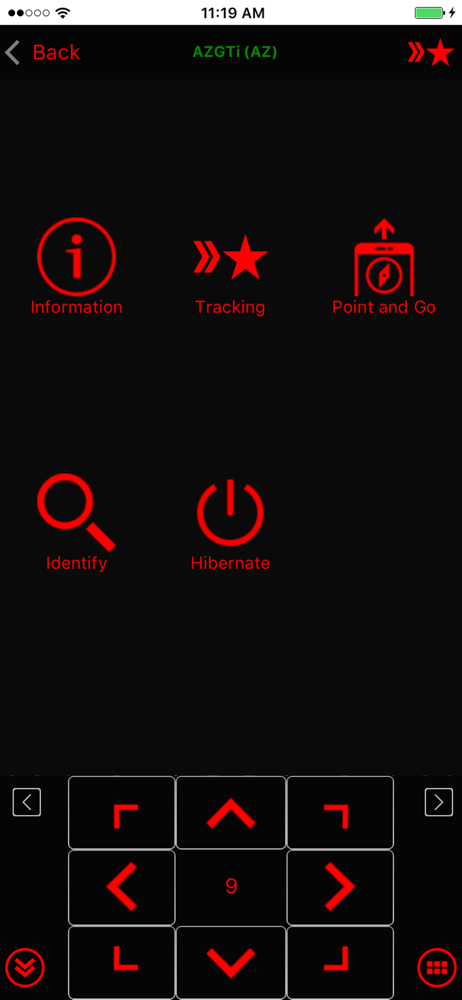
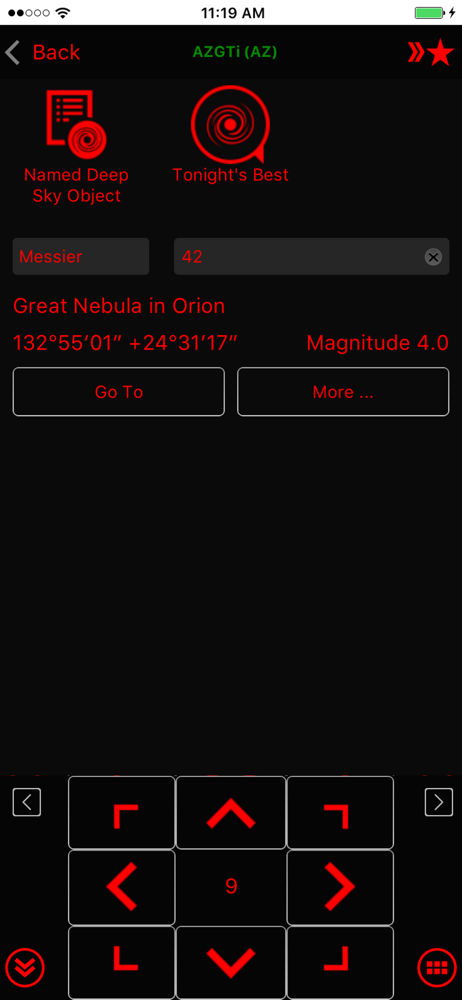
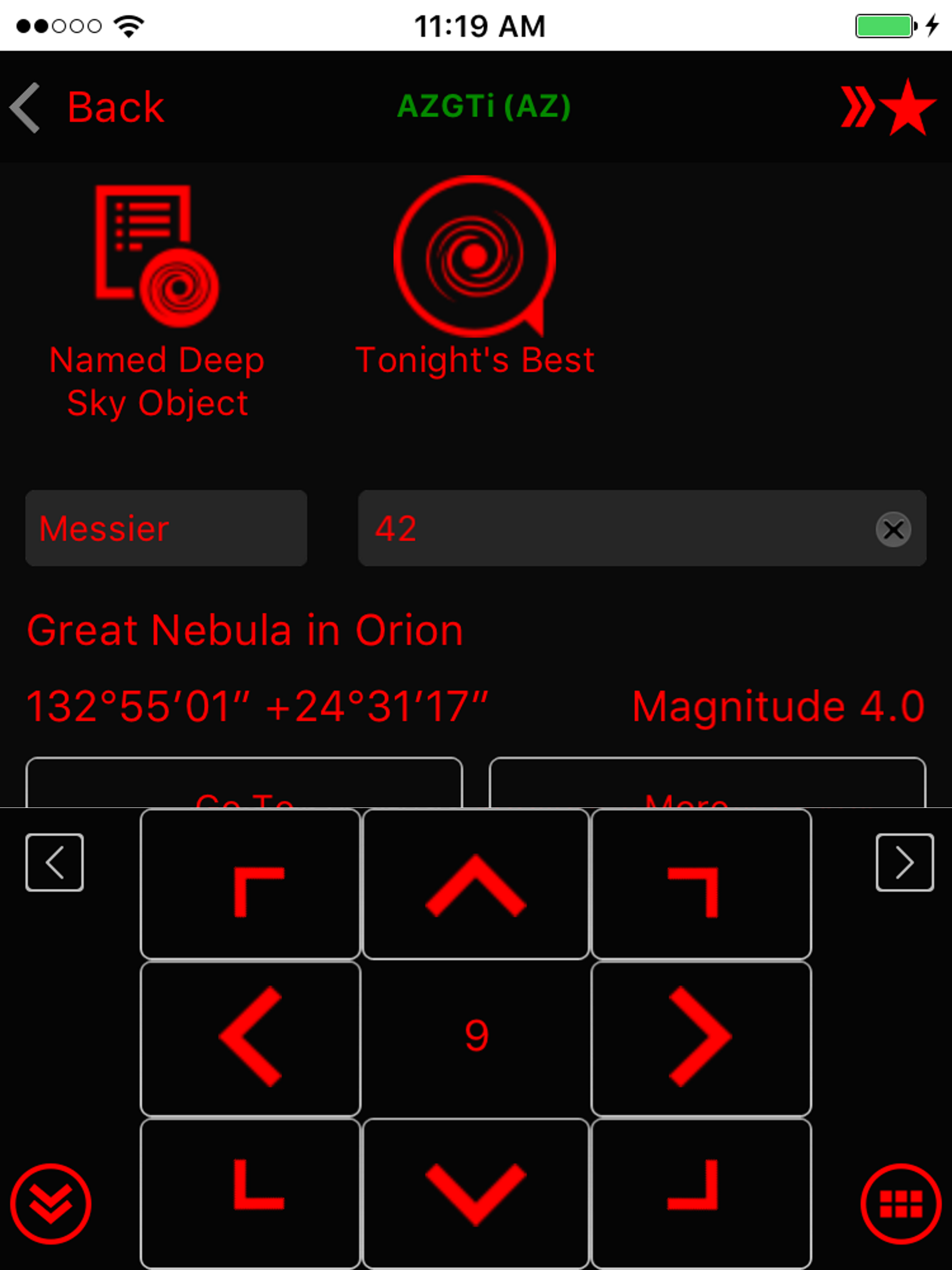
1. Tonight's Best should have its own button on the main screen. It doesn't belong under Utility. 2. There should be a numeric keypad, with Catalog keys (M for Messier, N for NGC, etc.). That way, someone could easily enter M-2-2 for M22 or N-G-C-4-5-6-5 for NGC4565. It would be more direct, take fewer steps, and be more analogous to the hand controller. 3. The info for an object on the search screen should include type, size, magnitude, and constellation — without having to go inside and then be inundated with a LONG list with all sorts of extra details. Give us the key information right up front — e.g., Globular Cluster, Sagittarius, mag 5.8, size 13”. Right now, all you have there is mag — and the RA-Dec data which is largely irrelevant on a go-to mount. You have plenty of space to add type, size, and constellation to that search screen, without going to another screen! 4. A mini-photo of the brightest objects would be good to include there, too! 5. There should be an “Add Object to User List” button next to objects. Again, the functionality is there, but it's buried and requires multiple steps to do. 6. Carbon Stars or Red Stars would be a great addition, especially as the AZ-GTi mount is good for small scopes. 7. Other catalogs needed: Binocular objects (catch the big asterism and clusters for rich field scopes), RASC NGC Best, and Herschel 400 would be worth adding. 8. Solar System should not be under Star! 9. Finally, the app really should have a sky chart — or it should work with Sky Safari on a single device!
Use the SynScan app to control Sky-Watcher telescope mounts via Wi-Fi or Bluetooth LE. Mounts without built-in Wi-Fi can be supported via a SynScan Wi...