Check the acquisition promise
Read the store headline, screenshots and description. What problem is the app promising to solve?
Study the storefront ↗
Dimitrios Kechagias · iOS
Explore the ad evidence, study the storefront, and build your next acquisition hypothesis.
01 / Creative research
Read the store headline, screenshots and description. What problem is the app promising to solve?
Study the storefront ↗Explore apps with direct store-link matches. Compare their hooks and formats without assuming the same approach works here.
Browse observed advertisers ↗Store rankings and revenue estimates describe market context. They do not establish ad spend, conversions or ROAS.
Review the market context ↗02 / Storefront & product
Study the product story and store experience behind the acquisition funnel.
The store evidence
GB store price
£4.99
GB rating
4.9 / 5
GB rating count
95
Current version
7.3
2026-10-23 · Developer notes
• Mount WiFi Control now supports Pegasus NYX alongside iOptron mounts, with experimental ZWO and OnStep support. • Major DSO Database update: ◦ Redesigned object details show distance from the Moon and stay up to date as time passes. ◦ Altitude charts can show the Moon and the time an object spends at a useful altitude in darkness. Tap or drag to inspect another time. ◦ Mark objects as observed, add notes, copy details and share charts. Notes can be printed, exported or backed up for import. ◦ Sort by rise, set or transit time, or by time above a useful altitude, directly from the object list. ◦ Added Ceres, Pallas, Vesta and …
Store metadata collected 2026-10-31 UTC · GB storefront · Source record. Free may include in-app purchases. Public data does not update revenue estimates.




03 / Market context
Keep revenue, downloads and store rankings separate from advertising performance.
I’ve been using the free version of this app for several years and after just recently purchased the pro version to go along with my new mount. For the price of the pro version, it has a lot of great features. I would recommend getting this app for sure. However, what would make this app even better would be have it interface with a guide camera or even have its own accessory camera to get spot on polar alignment. I know there are electronic polar scopes already with their own proprietary software, but if this app offered a polar alignment assist using a guide camera and without being obligated to an annual subscription like some of the competitors, this app may very well earn 5 stars from me.
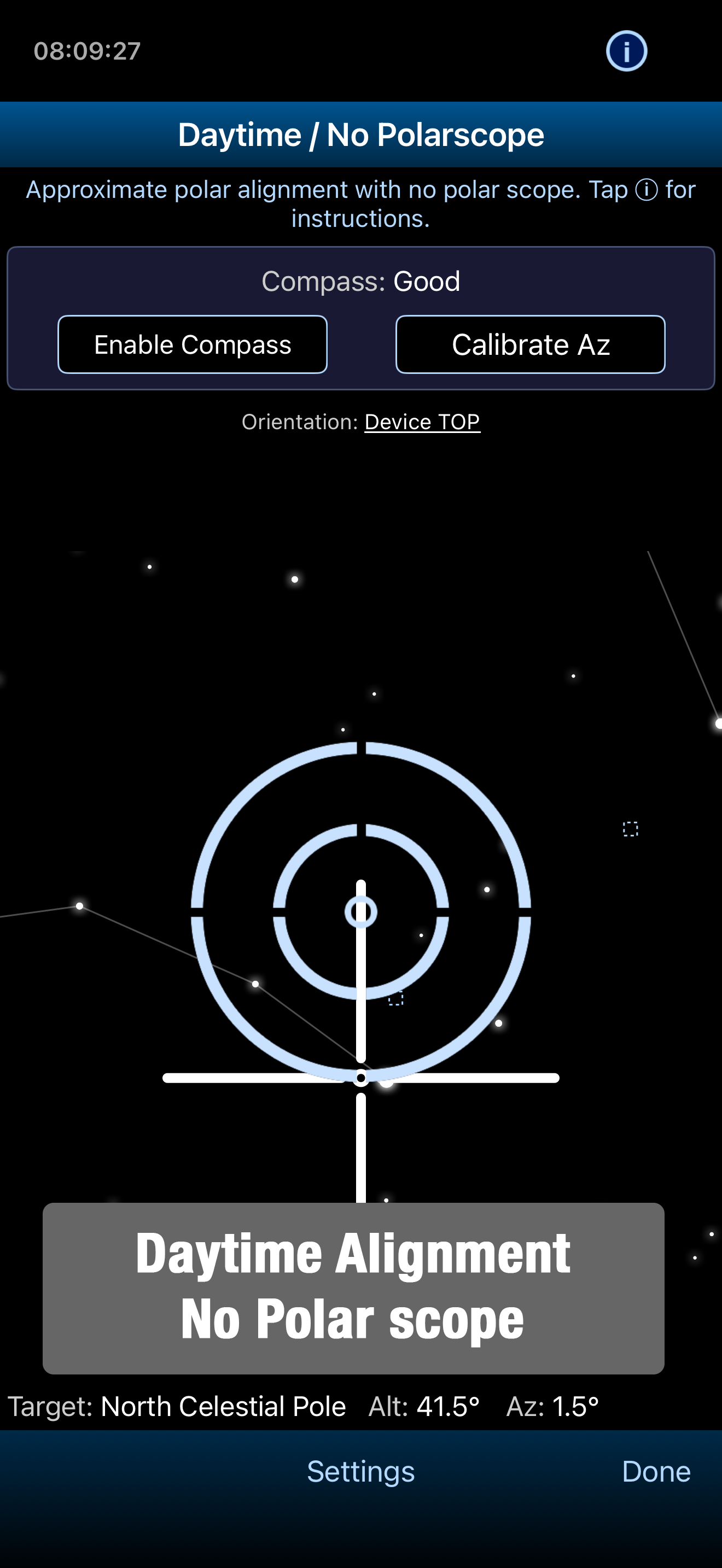
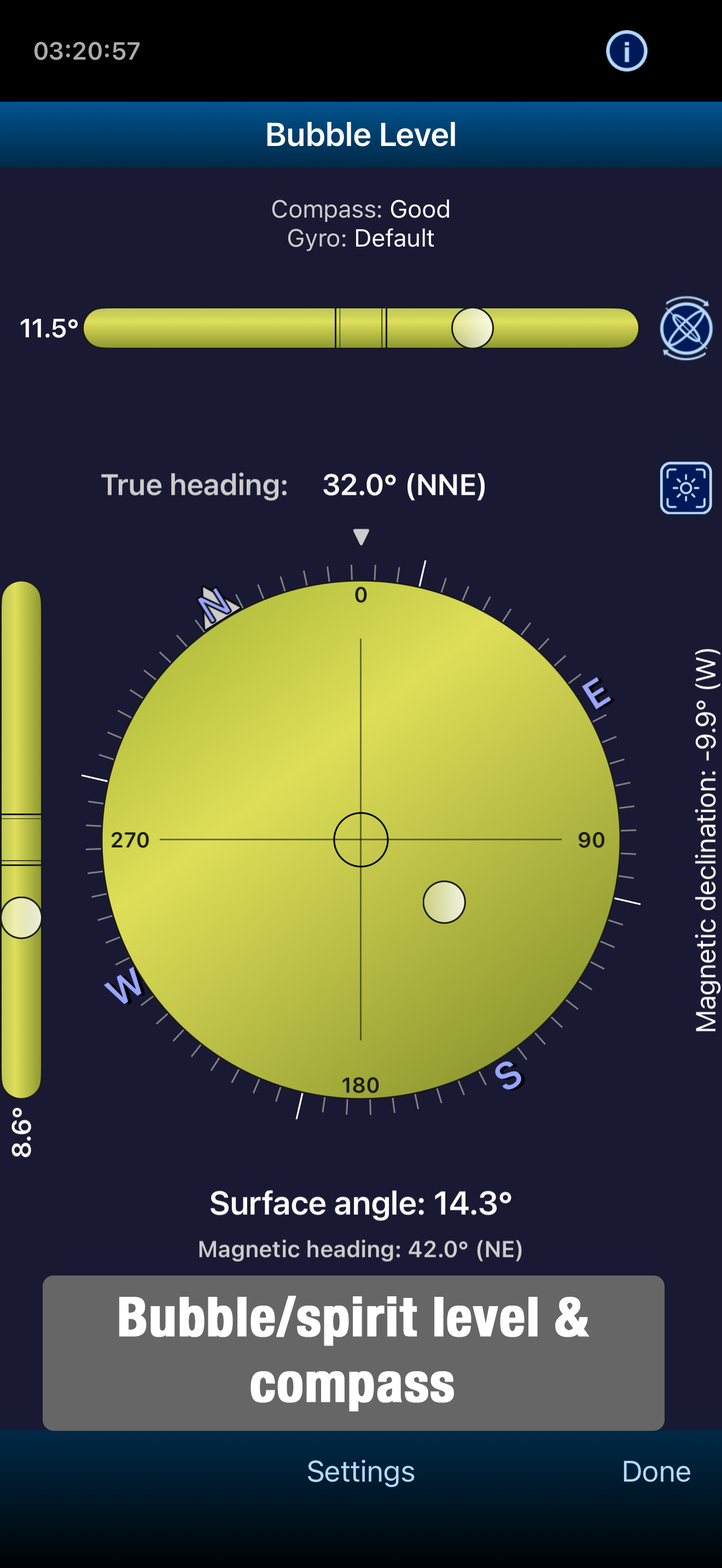
I recently purchased the Pro version of this app. I use it with and Explore Scientific iEXOS-100 eq mount and a William Optics Z61 scope. I have an extremely limited view of the northern sky (none at all — trees and other obstructions). Therefore I need a way to polar align with no view of Polaris. I tried over and over again to “align” my mount. However, I use the compass to get a rough setting for North. Place my iPhone on the mount head and, as I do so, it drifts toward the West. When it finally settles, it wants me to make a correction by almost 15-18 degrees. This is way off. I take the iPhone off the mount, open the compass away from the mount and it again shows the correct North. There must be a way to compensate for this aberration. If there isn’t, the app is worthless for my use. By the way, I do love all the positive responses but, for me, it has not be useful so far. Update: (3/7/19) Update: I’ve made some adjustments, including purchasing a five inch dovetail and an inexpensive smart phone mount. This gets my iPhone away from the core of the mount. I tried a few nights ago (3/3/19) and was able to do a decent polar alignment using just PS Align Pro. Now I am able to give the app five stars.
I purchased the Pro version to give it a try and help me setup an Orion Atlas Pro mount. The app was surprisingly easy to use with great functionality. It can be as easy as opening it up to see what position to align your mount or dive into more detail about various objects in the sky and where they’re located. You can change the mount type being setup for a variety of brands that any backyard astronomer would be familiar with. Additionally, there’s an exceedingly huge catalog of information under the menu. Press the cog wheel and you open up the object list which was a delightful addition that justified supporting the app and purchasing the Pro version.
Polar Scope Align Pro is a complete toolkit for amateur astronomers: accurate polar alignment, deep-sky observing, astro weather, push-to/manual GoTo,...
| Name | Price | Type |
|---|---|---|
| Tip 1x | $0.99 | One-time |
| Tip 4x | $3.99 | One-time |
| Tip 10x | $9.99 | One-time |