Check the acquisition promise
Read the store headline, screenshots and description. What problem is the app promising to solve?
Study the storefront ↗
Kouhei Inoue · iOS
Explore the ad evidence, study the storefront, and build your next acquisition hypothesis.
01 / Creative research
Read the store headline, screenshots and description. What problem is the app promising to solve?
Study the storefront ↗Explore apps with direct store-link matches. Compare their hooks and formats without assuming the same approach works here.
Browse observed advertisers ↗Store rankings and revenue estimates describe market context. They do not establish ad spend, conversions or ROAS.
Review the market context ↗02 / Storefront & product
Study the product story and store experience behind the acquisition funnel.


03 / Market context
Keep revenue, downloads and store rankings separate from advertising performance.
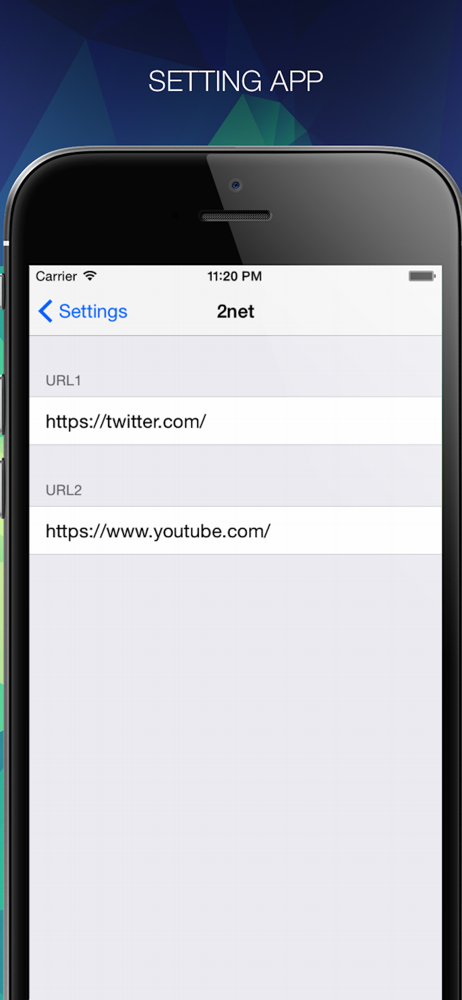
最新のiOSでアプリで表示したいURLの編集ができません。他の方が書かれている通り、URLを編集しようとするとキーボードと重なってしまいます。手入力なら一応可。 表示したいURLを変えない場合は問題ないですが、、今の時点で新しく導入するのはおすすめできません。明らかな不具合で残念です。
YouTubeを見ようとするとアプリが起動してしまいます。 URLを直接入力できるようにしてもらいたいです。
例えばTwitterやIbis paintを使いたい、などという場合は、どう切り替えればいいですか?? アプリURLはどのように引っ張ってくれば良いのでしょうか.... 購入したのはいいものの、アプリの使い方が分からないんです.... よろしければお返事下さると嬉しいです。 (もしTwitterなどアプリが使えなくても、2画面は有難いので使わせて貰います(*^^*))
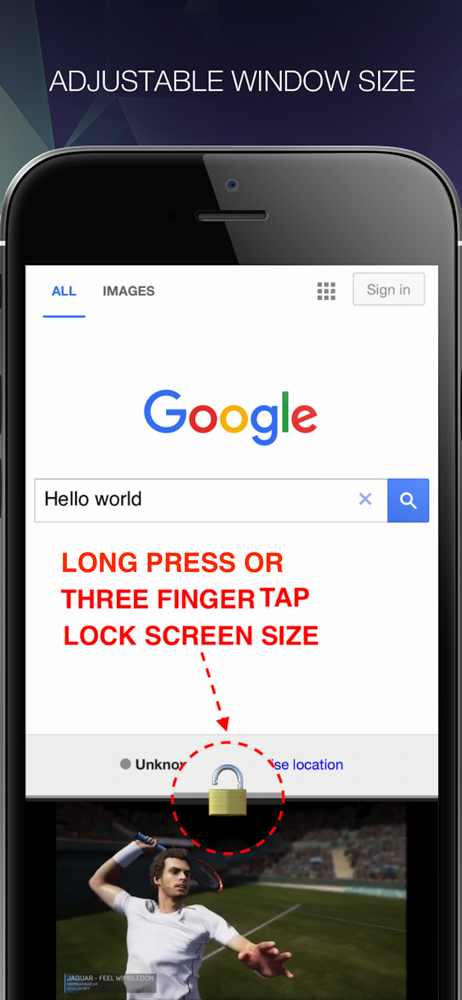
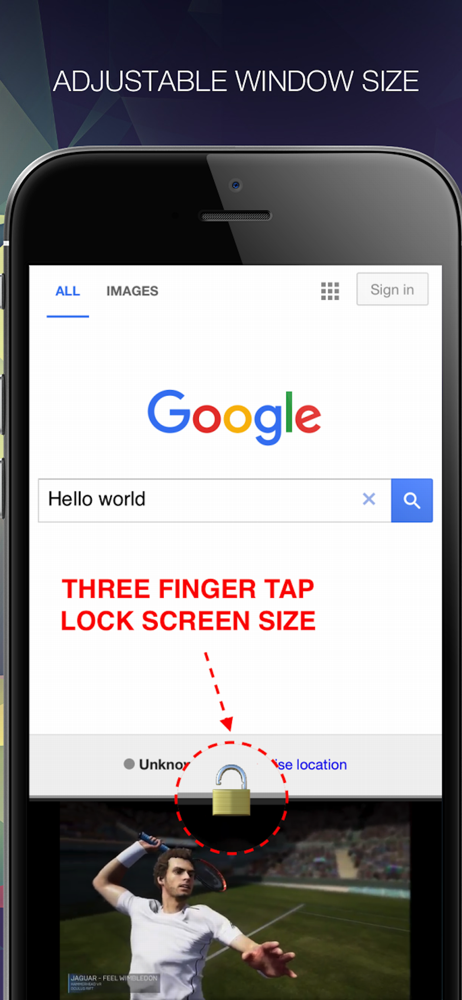
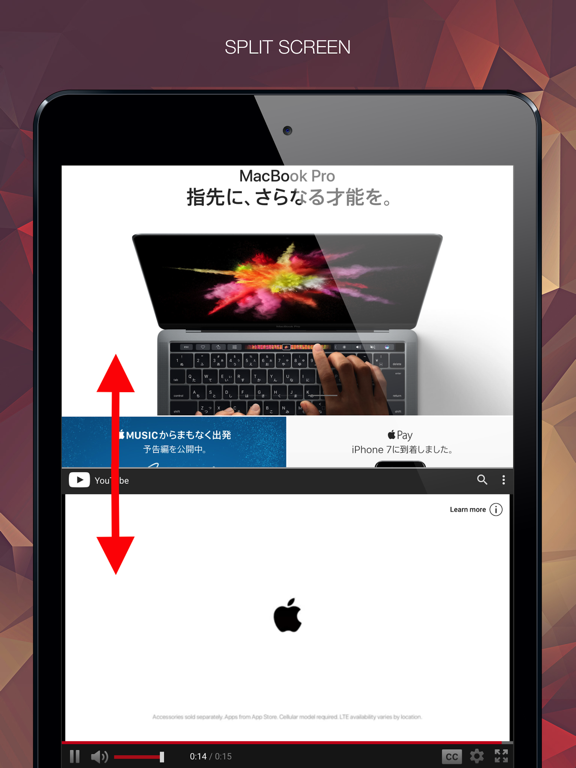
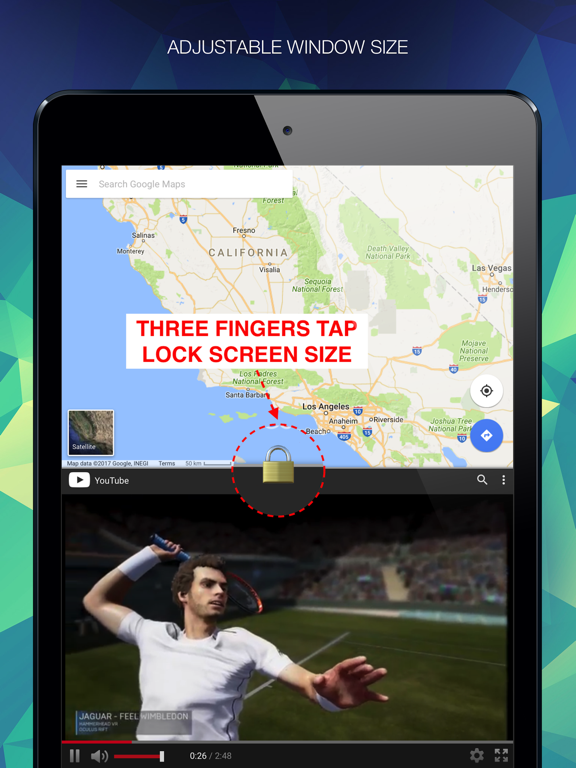
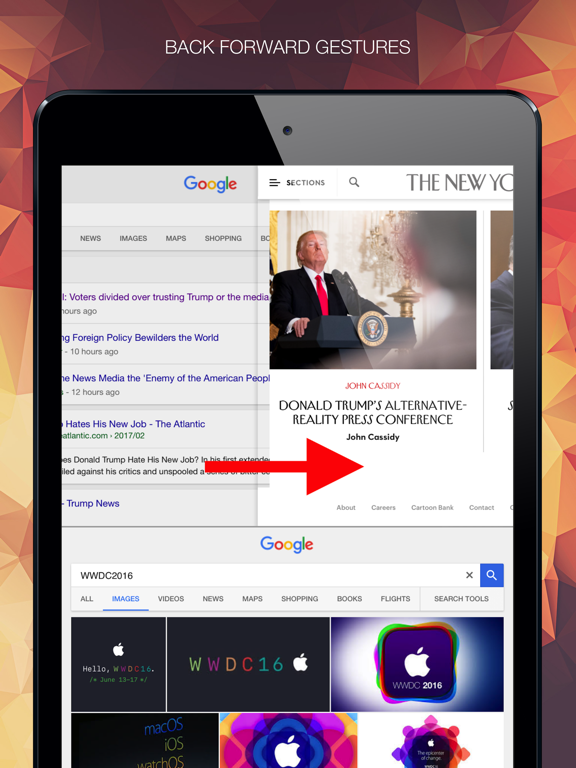
動画を見ながらSNSでやり取り 地図を見ながら現地の情報を検索 2画面ブラウザ「halfes」を使うことでかんたんに実現できます。 ■操作一覧 ・左右のスワイプで戻る進む ・画面の間をスワイプでサイズ調整 ・境界線を長押し・3本指タップで画面サイズをロック ・ページを引き下げて検索エンジンへ戻る...