Check the acquisition promise
Read the store headline, screenshots and description. What problem is the app promising to solve?
Study the storefront ↗
The Happiness Planner · iOS
Explore the ad evidence, study the storefront, and build your next acquisition hypothesis.
01 / Creative research
Read the store headline, screenshots and description. What problem is the app promising to solve?
Study the storefront ↗Explore apps with direct store-link matches. Compare their hooks and formats without assuming the same approach works here.
Browse observed advertisers ↗Store rankings and revenue estimates describe market context. They do not establish ad spend, conversions or ROAS.
Review the market context ↗02 / Storefront & product
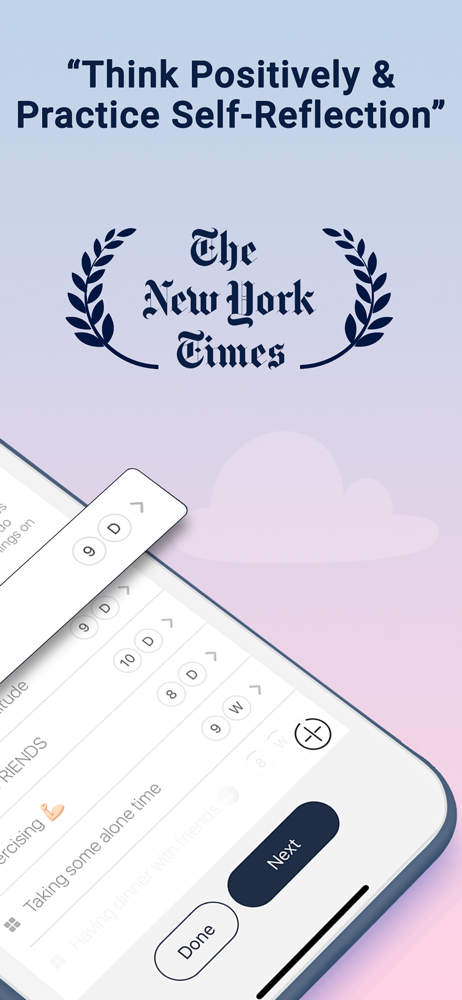
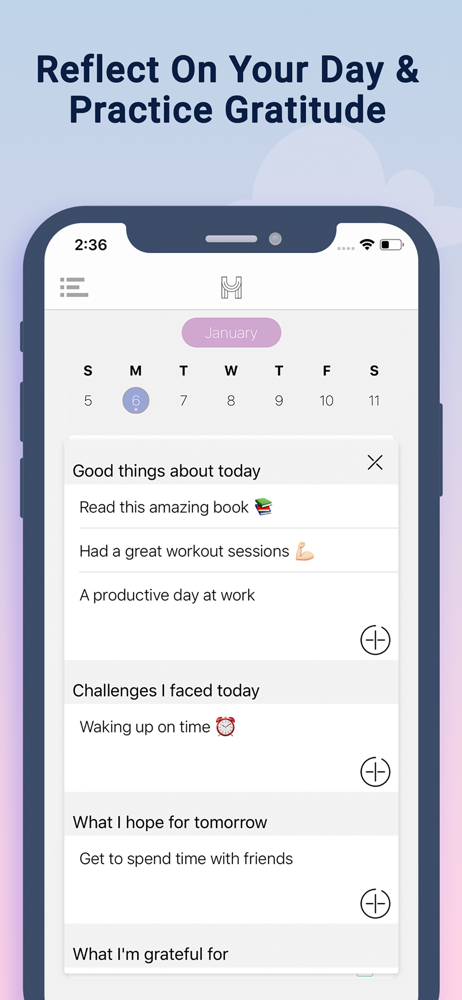
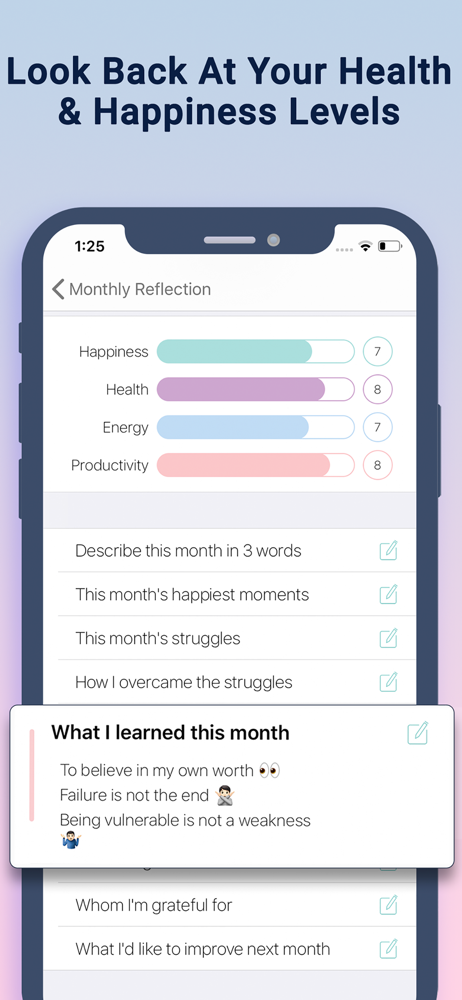
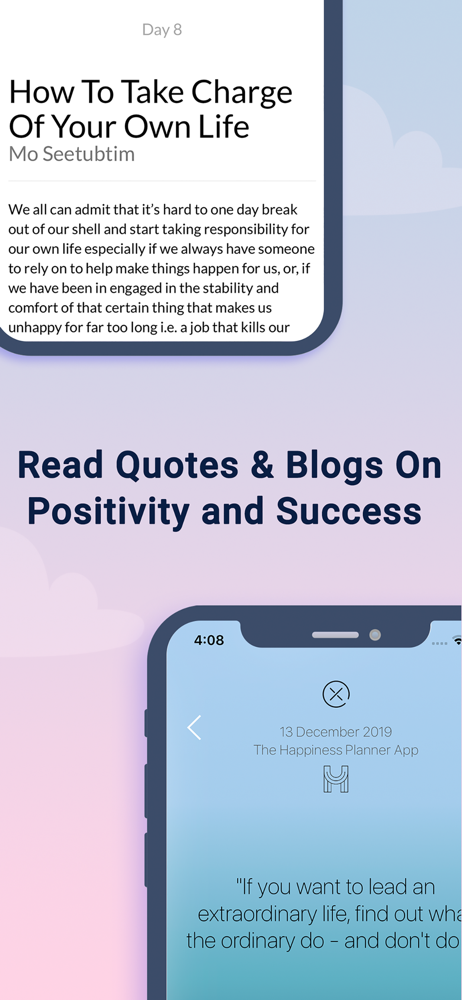
Study the product story and store experience behind the acquisition funnel.




03 / Market context
Keep revenue, downloads and store rankings separate from advertising performance.
I have had this planner for two years but I am thinking of not renewing my subscription this year. It is not a cheap option (considering there are many other apps that are free) and it has failed to address major glitches and remains a bit clunky for the times. For example, when I am rating my day, as I try to move the sliders, I cannot move them individually, some move as I move another. So that feature has become useless. Also, the fact that when I write on the journals I cannot see the paragraph just the line is really impractical. I wish that I could select what sections to add to my view, like I don’t want to see eating or exercise sections. What is more, it has been two years since I have been asking about an iPad version and none has arrived. Forgot to add that I cannot organize my to-dos, I can move them around, but once I close the app the list goes back to a random order.
I keep going back and forth between paper planner and apps. I’ve tried so many…Ive used so much time on moving info. I really really like how pretty this app is, but I love the content of it even more. I am committing to keep up with this app daily for a year and not switching at all. But with that being said, there are some things that would be so helpful for efficiency: *Quickly add a to do in one button *Add more to dos quickly after by pressing done button *Recurring to dos *Move an item from bucket list to a specific date *Drag and drop scheduled events *Copy scheduled events *Search function *Bigger widgets *Updated scheduled widget depending on what time it is *Desktop version I really hope some of these could be incorporated somehow sometime soon. I really want to continue using this app for my mental well-being. I don’t know if I will be able to stick with it without some of these functions… They also offer online workshops on different topics like wellness and self esteem! I am excited to listen to one! Thank you for creating this app and for reading my review🤎
I am really impressed with the content of this app and the thought put into it. I really like that the questions asked in the journaling with the added useful insightful information. I will be getting this for my 16 year old daughter. She really struggles with her mental health at times, it is so hard to grow up with self confidence in this technology era. We limit all social media (I don’t use any either, overall, personally, I think it disconnects more than it connects people together). We limit for her because it has such a negative impact on her view of herself and distorts her view of others. She becomes more depressed “watching” everyone else’s life thinking it’s so perfect as portrayed online. Anyway, I am looking forward to using this for myself and for her. As it is a bit of a mental health counselor in your pocket!! I love the bucket list, always wanted to start writing one! Curious what happens when you reach the end of the 30 journal questions in each category... if answered one question daily, it would last 6 months for the 6 journal categories... then what? Can you go back and start over? Repeat again in a few months time? I would agree with another reviewer... it needs more integration options: Apple Health (as many already track exercise and food here using a wide variety of fitness/food options) and the Apple Reminders as many have this for multiple lists (perhaps only a specific Happiness List would sync with this app, other products have this capability). I appreciate the calendar sync option, I personally don’t need multiple as I integrate all others into my Apple calendar. Excited to make specific choices to be happy. I tell my daughter all the time... happiness doesn’t just happen, you have to choose it daily. So thank you for this app.
The Happiness Planner: A Human-First Space for Growth In a world buzzing with AI and constant noise, The Happiness Planner gives you something rare:...
| Name | Price | Type |
|---|---|---|
| Premium (Monthly) | $2.99 | Monthly |
| New Monthly, Premium | $6.99 | Monthly |
| Monthly, Premium | $6.99 | Monthly |
| Premium (Monthly) | $6.99 | Monthly |
| Annual, Premium | $59.99 | Yearly |
| New Annual, Premium | $59.99 | Yearly |
| Premium, Annual | $59.99 | Yearly |