Check the acquisition promise
Read the store headline, screenshots and description. What problem is the app promising to solve?
Study the storefront ↗
Jakub Zawadzki · iOS
Explore the ad evidence, study the storefront, and build your next acquisition hypothesis.
01 / Creative research
Read the store headline, screenshots and description. What problem is the app promising to solve?
Study the storefront ↗Explore apps with direct store-link matches. Compare their hooks and formats without assuming the same approach works here.
Browse observed advertisers ↗Store rankings and revenue estimates describe market context. They do not establish ad spend, conversions or ROAS.
Review the market context ↗02 / Storefront & product
Study the product story and store experience behind the acquisition funnel.



03 / Market context
Keep revenue, downloads and store rankings separate from advertising performance.
Ok. So far all three apps for this device are solid right out of the box. I’m very impressed. I would love to see a hardware/app collaboration between InputStick and either OnlyKey or Yubikey. Give me an IP68 rated keyring fob that works both as a 2FA device and iOS based remote for any device with a USB input and you can take my $$. There are so many applications for this.
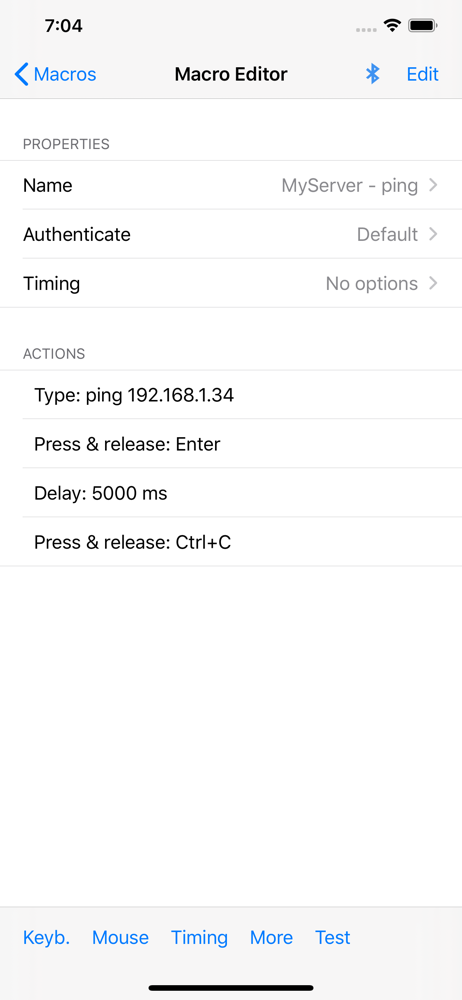
Unique app. I’m using it to wirelessly control a hardware audio recorder which has a USB-A keyboard input which can be used for various control and navigation of the recorder by responding to USB keyboard commands. Macros work well for this. I just wish there were more macro slots and ability to save whole configurations of macros to iPhone memory for later recall. Also the Android version has Panel buttons. Wish that could be in the iPhone version too. If those things get implemented, this definitely gets 5 stars.
Finally dropped money on an input stick to simplify the task of entering passwords from 1Password on devices I do not own. It's great to be able to copy and then type from keyboard but the whole experience is a bit awkward. I'd love to see a streamlined interface that integrates with popular password managers, adds one click macros, and enables the macros to do more (like type ctrl-alt-del, fetch a specific account from 1password, send the key strokes, and hit enter to log in). I would also love to see a functional iOS API and/or a published protocol so I could do it myself. And I would be 5+++ stars all the way if I had a watch app that I could configure easily with a top 5-10 list of one touch macros and a Mac app. At the moment, I'm torn. This is functional and saved my sanity on a project offsite today. But it wasn't without frustration either. Before discovering inputstick, I was tossing around a home brew solution using a Raspberry Pi Zero W and a custom app. If the software was more polished, I'd probably buy a few more sticks to make sure I have them when I need them. Seriously debating whether I should brush up on my iOS skills to do this myself.
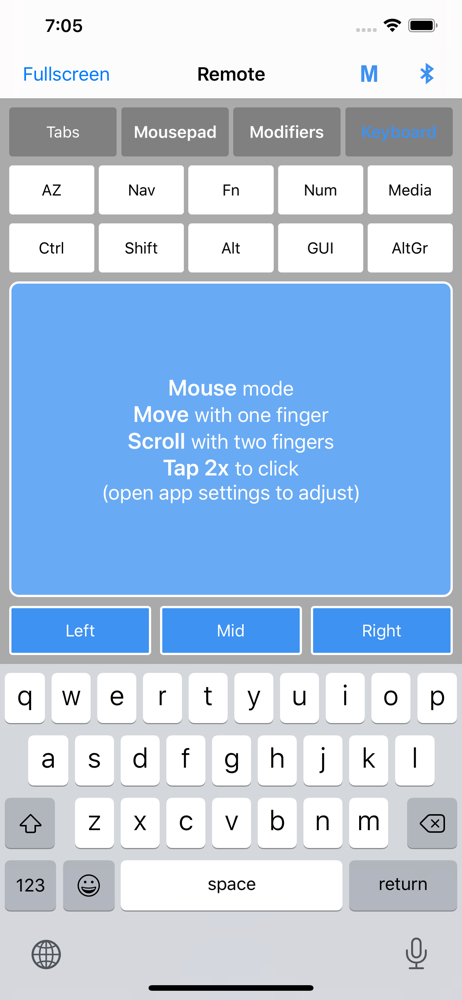
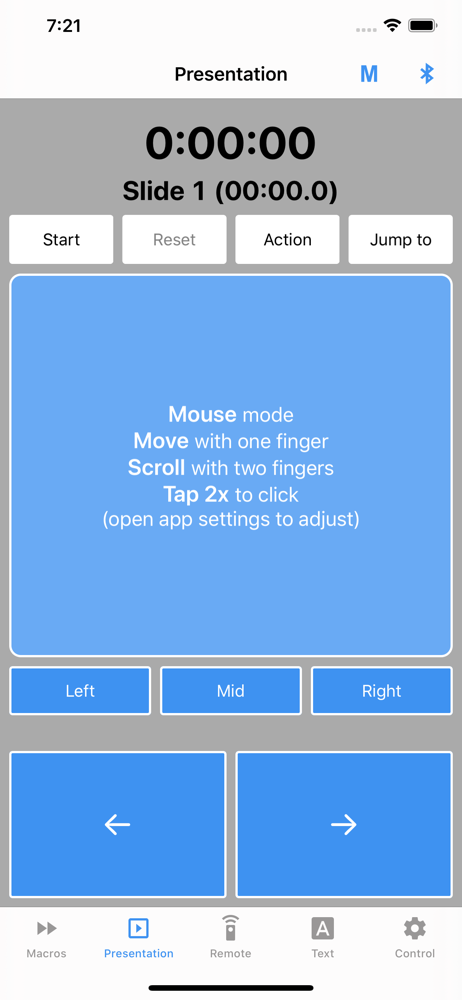
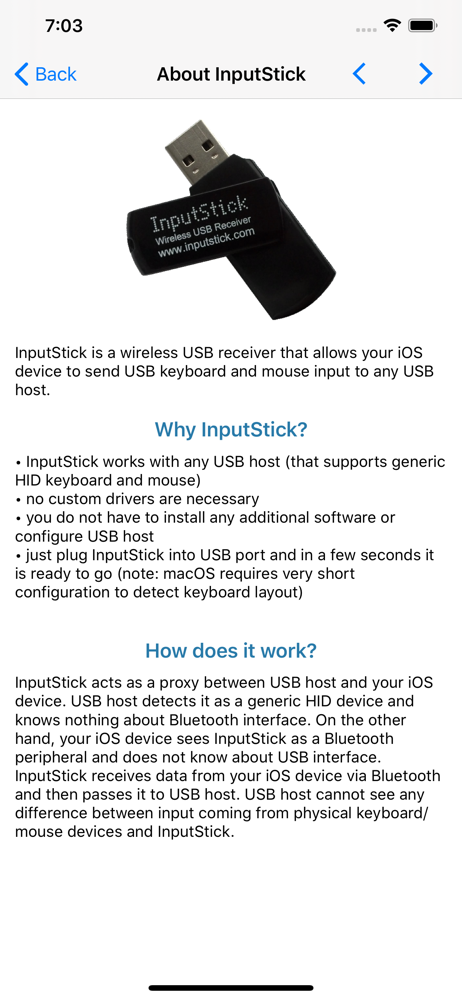
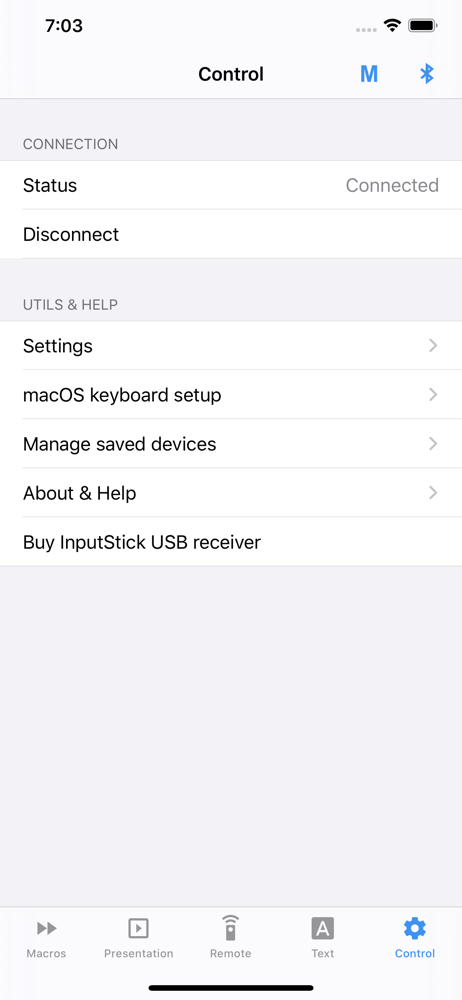
USB Remote app turns your iOS device into wireless USB keyboard and mouse: you can use it to remotely control and USB host (PC, etc.) by sending keybo...