Check the acquisition promise
Read the store headline, screenshots and description. What problem is the app promising to solve?
Study the storefront ↗
Francesco Burelli · iOS
Explore the ad evidence, study the storefront, and build your next acquisition hypothesis.
01 / Creative research
Read the store headline, screenshots and description. What problem is the app promising to solve?
Study the storefront ↗Explore apps with direct store-link matches. Compare their hooks and formats without assuming the same approach works here.
Browse observed advertisers ↗Store rankings and revenue estimates describe market context. They do not establish ad spend, conversions or ROAS.
Review the market context ↗02 / Storefront & product
Study the product story and store experience behind the acquisition funnel.


03 / Market context
Keep revenue, downloads and store rankings separate from advertising performance.
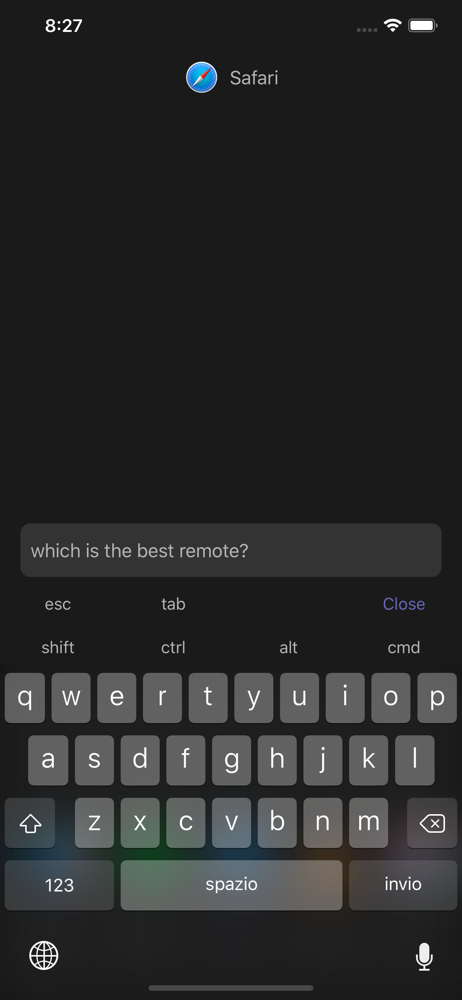
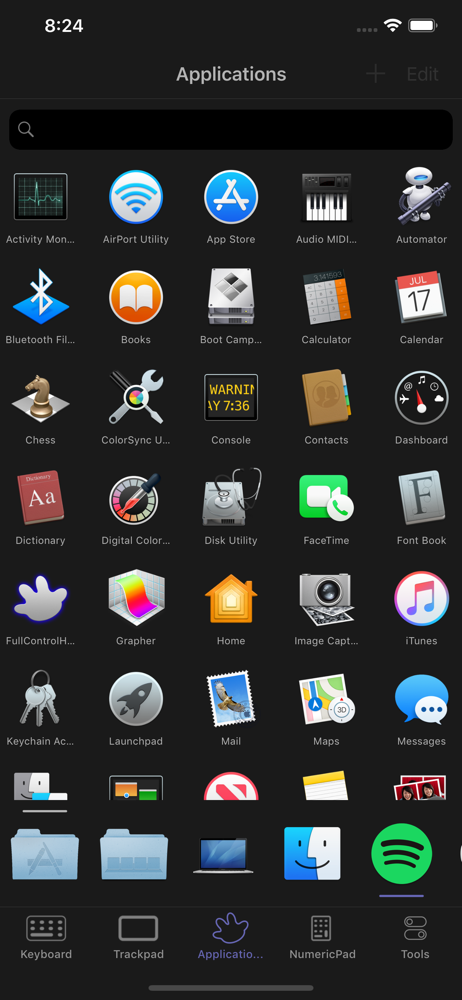
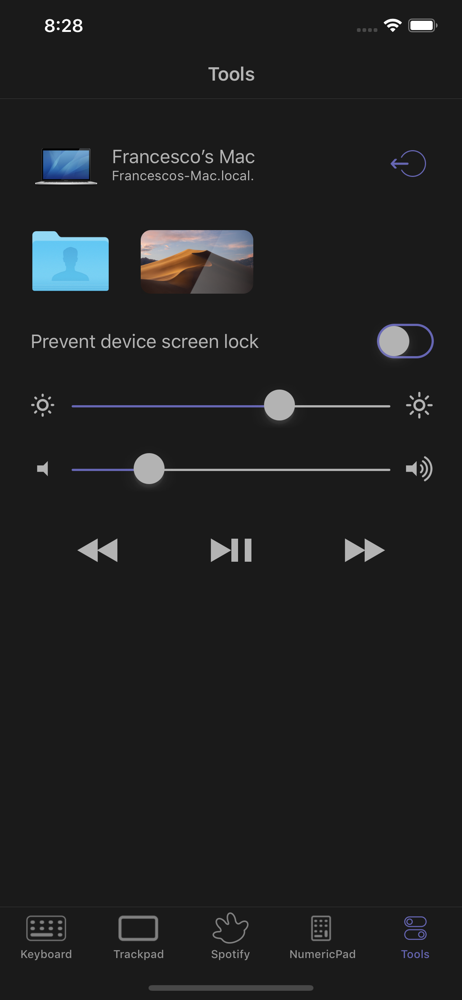
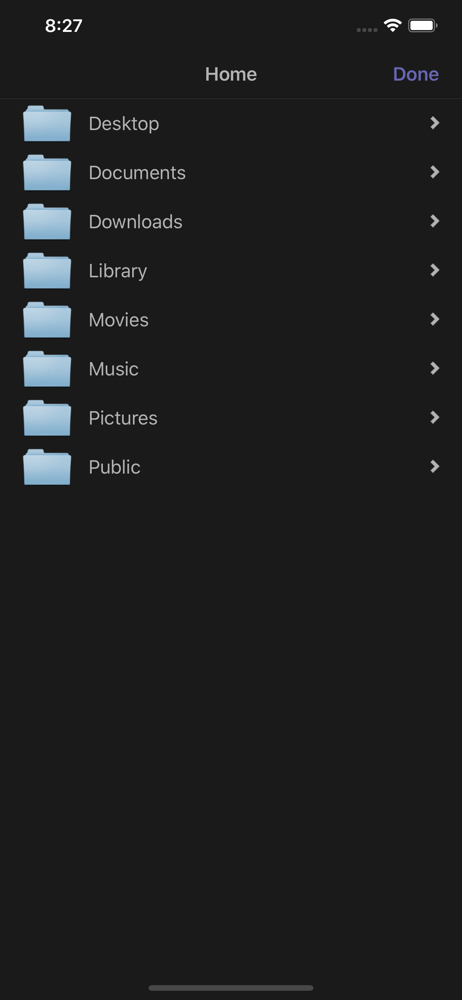
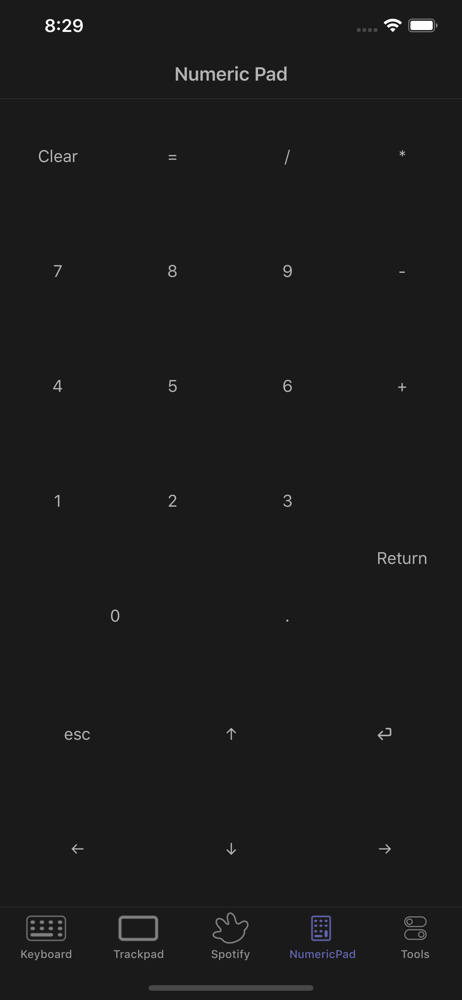
this is a hardy app that i use all the time to watch tv on my laptop plugged in with on hdmi. i can fully control my computer with my phone. it stays connected even to my slow old and dying laptop that i use primarily for tv in her old age. only today i even realized they had a pro version, a testament to how subtle their advertising is, which i respect in this day and age because advertisers are always all up in our face recently. This app just works. Then the premium version has simple tools to do things like volume up and down, brightness up and down, and also getting to see your screen with your phone. I was happy to buy the premium version because I use this app so often. But even if you don’t buy premium, you can still do everything even without that. You just have to custom input the controls yourself, but you can choose an icon and make a set up that looks really smooth. Make sure you’re exploring the “custom“ selection options because that’s how you can add volume control up down left right buttons, etc. The trackpad can be a little finicky to use, but my computer has an old battery and is running slow. Zooming in usually fixes problems. Thank you for making and supporting such a good app for so long :-) smile
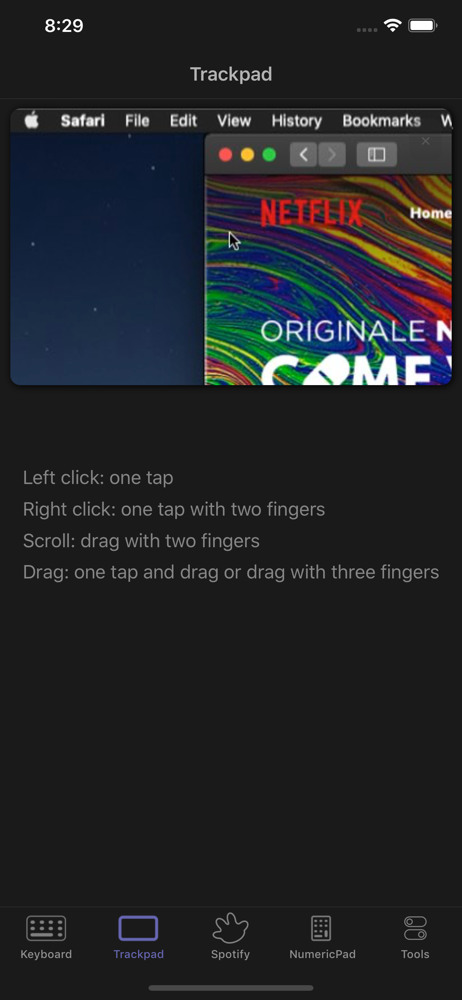
This app is great and it really does what it says it's going to do. i can lay in bed and control my computer from there and it's such a life saver. However, there are a couple improvements needed. the sensitivity for the mouse pads is slow. it doesn't actually move with my hand. and to scroll on the mouse pad is worse. i have to try several times just to scroll down the page. other than those two minor bugs, i love this app and am very grateful that i found it.
Was just looking for a remote that would allow me to control Netflix off of my laptop since I stream from there and connect to my TV through HDMI without having to get up all the time and found this app when I went in search for an app. Why pay $1.99 for the exclusively Netflix remote app when you can instead control your entire laptop for free! It's come in handy quite a lot and saved many trips from my bed to the tv stand😂 I've experienced no issues and it's very user friendly.
FullControl is a fun, and easy-to-use app that turns your iPhone or iPad into a remote control. So you can control your computer with a tap or flick o...
| Name | Price | Type |
|---|---|---|
| Pro upgrade | $1.99 | One-time |