Check the acquisition promise
Read the store headline, screenshots and description. What problem is the app promising to solve?
Study the storefront ↗
Burgett Inc. · iOS
Explore the ad evidence, study the storefront, and build your next acquisition hypothesis.
01 / Creative research
Read the store headline, screenshots and description. What problem is the app promising to solve?
Study the storefront ↗Explore apps with direct store-link matches. Compare their hooks and formats without assuming the same approach works here.
Browse observed advertisers ↗Store rankings and revenue estimates describe market context. They do not establish ad spend, conversions or ROAS.
Review the market context ↗02 / Storefront & product
Study the product story and store experience behind the acquisition funnel.




03 / Market context
Keep revenue, downloads and store rankings separate from advertising performance.
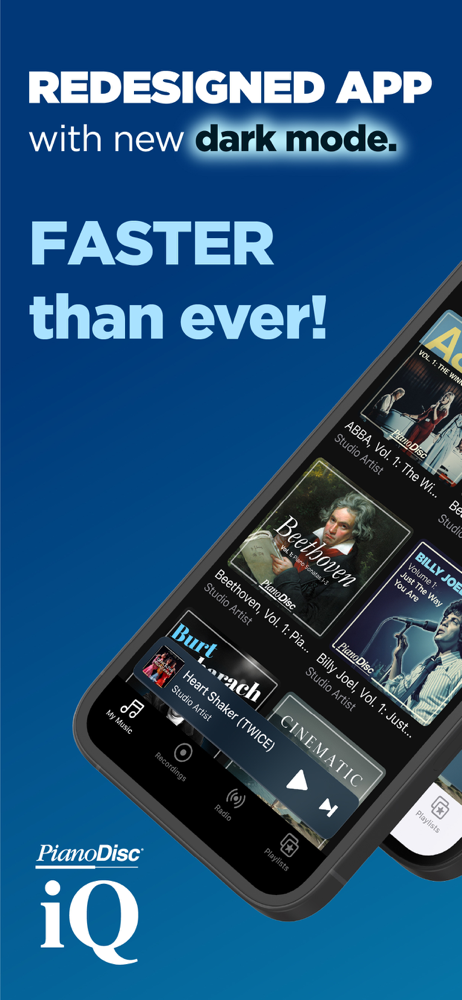
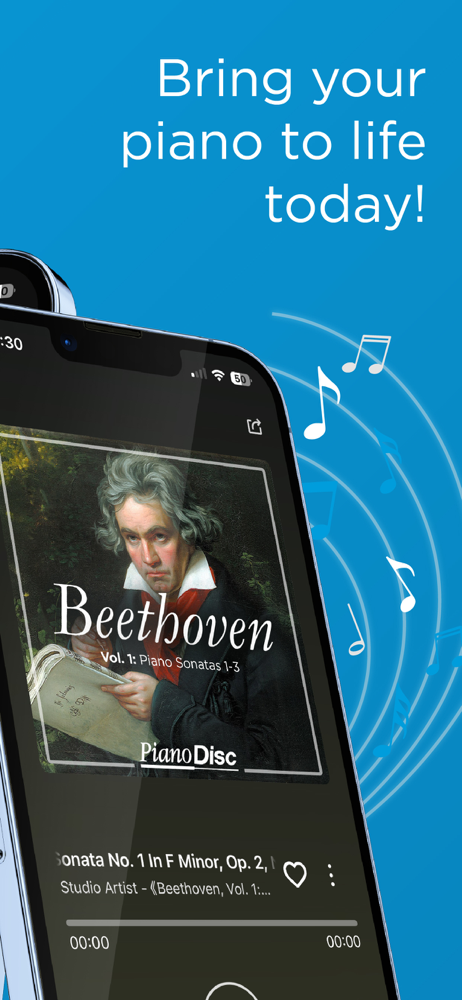
I’ve been using the PianoDisc app quite a bit, and it’s made controlling my player piano really simple. The layout is clean, easy to navigate, and finding songs or playlists doesn’t take any effort. I like being able to control everything right from my phone instead of having to walk over to the piano. The app has been reliable for me, and it’s clear that PianoDisc continues to improve it with updates and new features. Whether I’m demonstrating a piano in the showroom or just enjoying music at home, it does exactly what I need it to do. Overall, it’s a solid app that makes the PianoDisc system much more enjoyable to use. Definitely recommended if you have a PianoDisc-equipped piano.
I previously used the version of the iQ App (purple icon / not the current blue icon). I had mixed emotions about that version, but this new app is really frustrating. I frankly don’t know how “wood & piano guy” has found this app to work & give it a glowing review - I’m suspecting that he’s not a real customer, just someone hired to pen a positive review. I unfortunately had my iPad set to update / refresh apps automatically - BIG MISTAKE on my part. All my own music (literally thousands of songs are nowhere to be found in this app (BUT I know they are still on my iPad because I see / used them in the PianoDisc Remote app). Tech support says “check the iOS library section in the iQ app…” which I can’t seem to find when I scour through this new app. When the app updated, I was excited to see a playlist option (the primary reason I've been using PianoDisc Remote in the first place), but if I can’t find my music to add to a playlist, this app is worthless to me. I have a PiannoDisc IQ system (not Prodigy I or II).
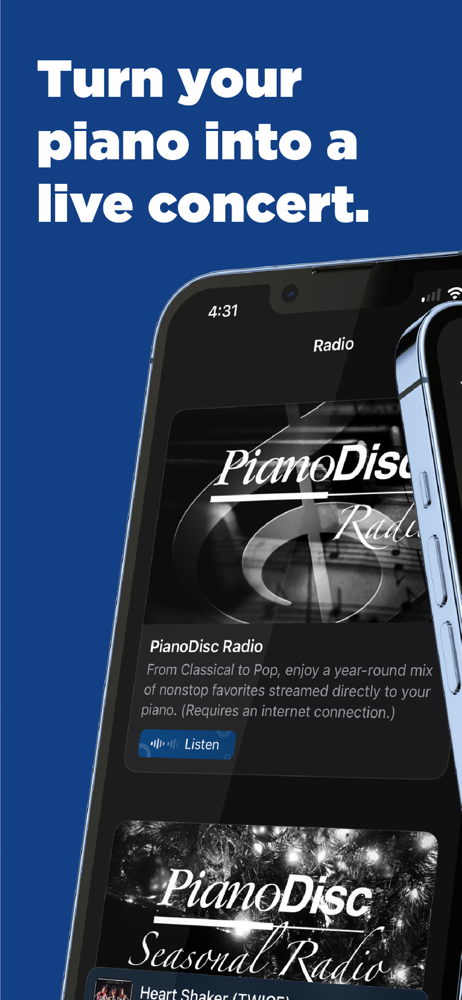
Recent app update no longer groups songs imported without an album, so they must be found by individual name and then grouped into a playlist (not terrible but annoying given how it used to work). Worse, it seems to have no way to navigate back from the radio. That might not be an issue on some phones but means that for most devices the only way to exit the radio is to close the app. Worst, it now will not play midi files unless it is connected via midi. This makes it pretty incompatible with a lot of older systems and other than the ability to set delay removes any reason to use this app over a regular media player. Apparently, this kind of thing is a recurring problem with updates for this app. I highly recommend disabling app updates once you have a working version especially if you are using an iPad like me.
The iQ App breaks the boundaries of traditional music players and frees your PianoDisc system to play endless music. Your MIDI recordings can be playe...