Check the acquisition promise
Read the store headline, screenshots and description. What problem is the app promising to solve?
Study the storefront ↗
Sonke Gissel · iOS
Explore the ad evidence, study the storefront, and build your next acquisition hypothesis.
01 / Creative research
Read the store headline, screenshots and description. What problem is the app promising to solve?
Study the storefront ↗Explore apps with direct store-link matches. Compare their hooks and formats without assuming the same approach works here.
Browse observed advertisers ↗Store rankings and revenue estimates describe market context. They do not establish ad spend, conversions or ROAS.
Review the market context ↗02 / Storefront & product
Study the product story and store experience behind the acquisition funnel.


03 / Market context
Keep revenue, downloads and store rankings separate from advertising performance.
Used this for a bit it worked fine. No longer works. No idea why. Annoying
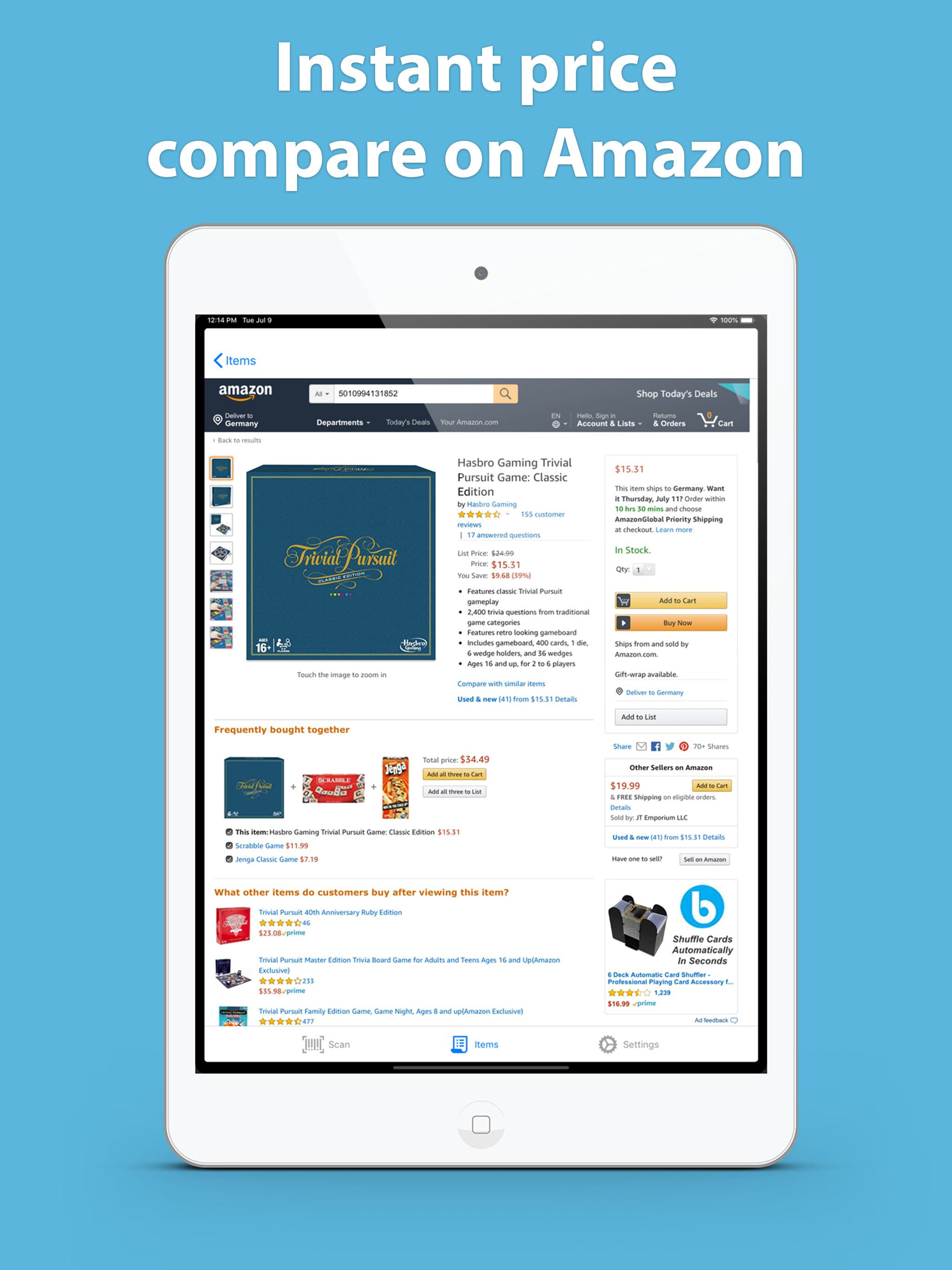
REVISED: I upped to 4 stars when I realized the fault lies with the Amazon iPad app; it only displays abbreviated details! I really wanted to like this app, as the iOS iPad version of Amazon Shopping doesn’t have a barcode scan feature. But the Item pages this app transfers me to after scanning are abbreviated; no pricing or reviews, just displays the book’s image and basic product info.
This app is so fast and gives you exactly the information you need
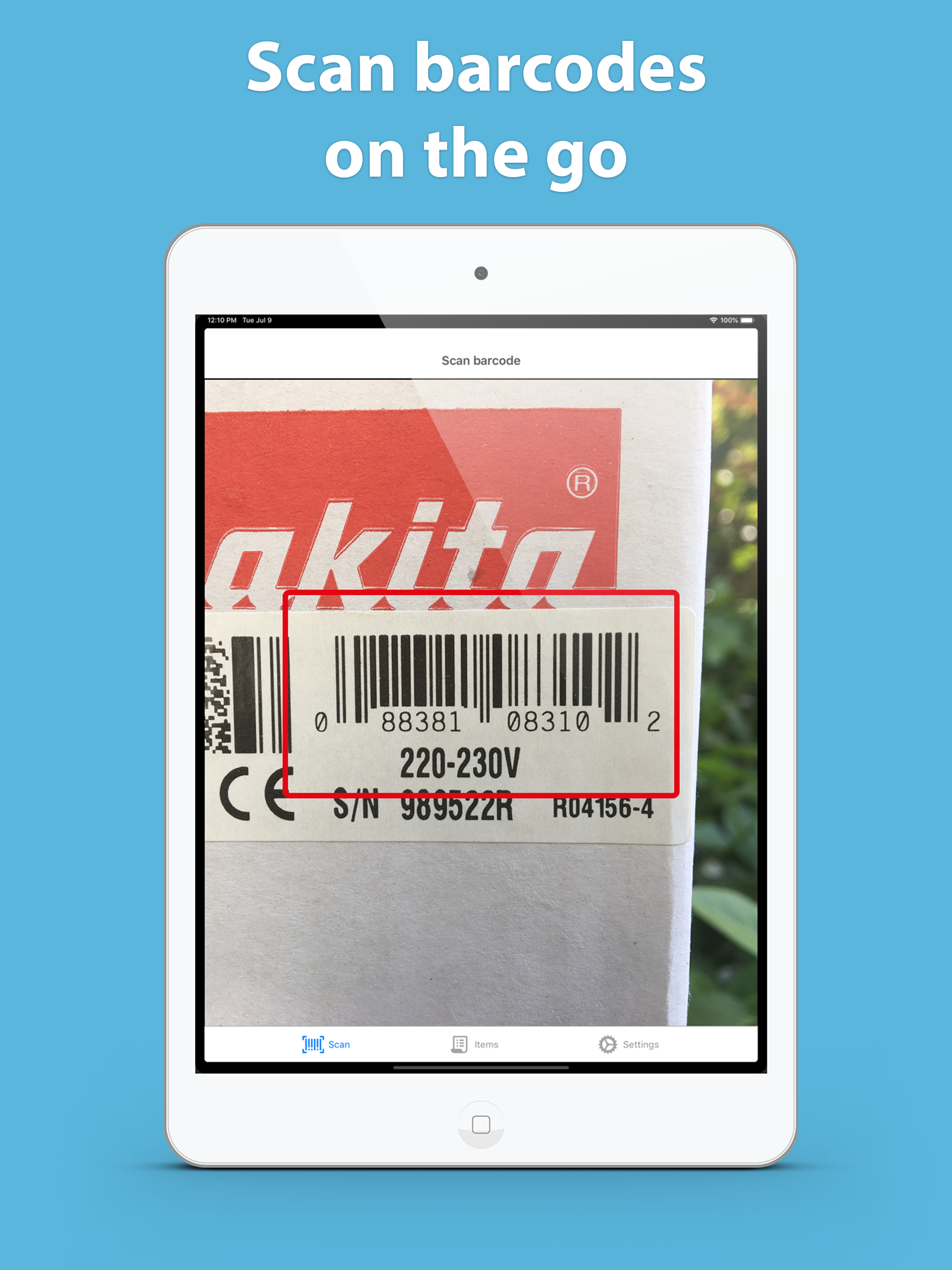
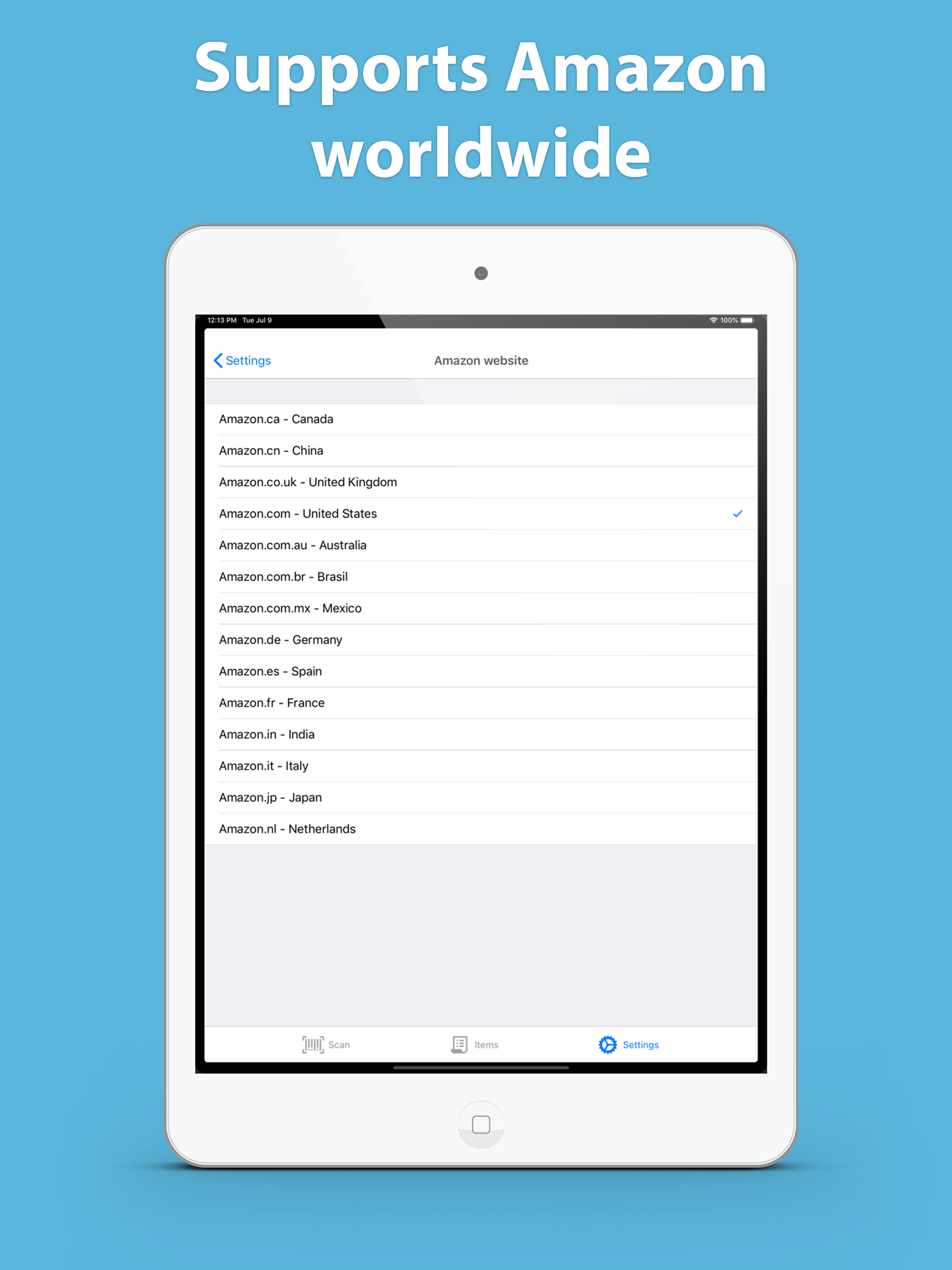
Save money on in-store items and find the same product at a discount on Amazon! With Barcode Reader for Amazon United States , you’ll be able to acce...
| Name | Price | Type |
|---|---|---|
| app without ads | $2.99 | One-time |