Check the acquisition promise
Read the store headline, screenshots and description. What problem is the app promising to solve?
Study the storefront ↗
OMEGA Ltd · iOS
Explore the ad evidence, study the storefront, and build your next acquisition hypothesis.
01 / Creative research
Read the store headline, screenshots and description. What problem is the app promising to solve?
Study the storefront ↗Explore apps with direct store-link matches. Compare their hooks and formats without assuming the same approach works here.
Browse observed advertisers ↗Store rankings and revenue estimates describe market context. They do not establish ad spend, conversions or ROAS.
Review the market context ↗02 / Storefront & product
Study the product story and store experience behind the acquisition funnel.



03 / Market context
Keep revenue, downloads and store rankings separate from advertising performance.
The camera doesn’t turn on at all to scan anything!! I downloaded the app on two separate phones and the app doesn’t work on either of them!!
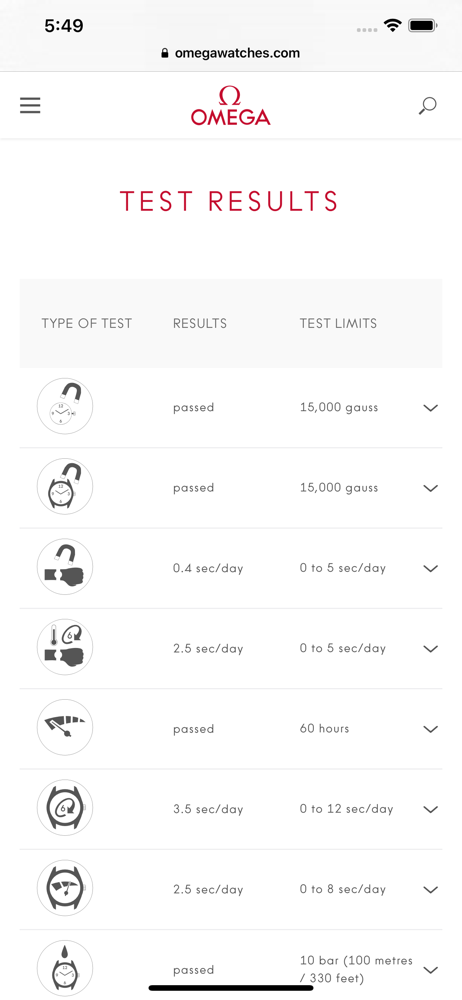
Login with your account and you can see the info of your watch. You might have to scan again, if the website didn’t pull your info up the first time.
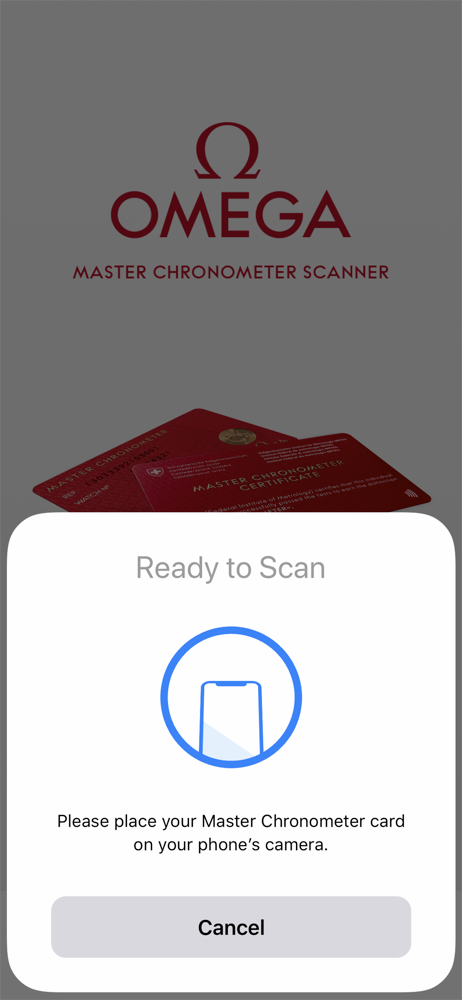
This app is small but works exactly at what it’s targeted: give you the METAS results of your own watch. With the NFC update no one should have an issue: 1) Make sure you have an Omega account already. You can go online to make one 2) Scan your METAS card by getting it near your iPhone’s camera (kind of like a tap). It should instantly “read” it 3) Log in and your METAS results should be visible and you can text/email them. Simple as that. It works at what it is intended to 👏🏽
OMEGA has introduced a simple way to scan your Master Chronometer certificate and access the test results of your watch directly through your MyOMEGA...