Check the acquisition promise
Read the store headline, screenshots and description. What problem is the app promising to solve?
Study the storefront ↗
PNY · iOS
Explore the ad evidence, study the storefront, and build your next acquisition hypothesis.
01 / Creative research
Read the store headline, screenshots and description. What problem is the app promising to solve?
Study the storefront ↗Explore apps with direct store-link matches. Compare their hooks and formats without assuming the same approach works here.
Browse observed advertisers ↗Store rankings and revenue estimates describe market context. They do not establish ad spend, conversions or ROAS.
Review the market context ↗02 / Storefront & product
Study the product story and store experience behind the acquisition funnel.





03 / Market context
Keep revenue, downloads and store rankings separate from advertising performance.
That fact that you are forced to download the application that is very poorly made is comical. You should be able to upload/download using apples “Files” Application, but no. All the IPad users complaining should know that they don’t have an application made specifically for the IPad, they use the IPhone version. I would understand using an application for a thumb drive if the app was near perfection, but it is not. Using the application also makes it so you can not access the information offline. Always need an internet connection. Example of a workaround, if you purchase a “USB 3 Camara Adapter” from apple you can use any USB stick and move content using the “Files” feature. Do what you will with this information. I know nothing will change with the app so I might as well provide a solution to those who need it. $40 dollar apple product, and any USB stick, personally a 256GB thumb drive did not work, but a 64GB one worked.
I see a collection of low rated reviews but I have to disagree, at least as of April 2021. I don’t like dealing with iCloud or anything like it. Yeah, that probably makes me beyond old fashioned nowadays, but I appreciate storing photos on a computer like the fossil I apparently am. I didn’t like the process of upgrading to a new phone because of the need to move photos and videos off the device. Yes, I know iCloud makes things reappear but I still don’t like it. That said, this app/device does exactly what I was hoping — simply plug it in, transfer photos/videos/etc to it — then you can transfer that content to a PC no problem (I presume you could move it to something iOSish too); super conducive to the user, easy UI, very friendly content here. Super thrilled with this purchase. The other reviews sound like a completely different product almost, to a point that I had to doublecheck the product and this app I was so confused as to why or how someone could be unsatisfied. Maybe there was an old bug they fixed or something but this thing is just stellar. Excellent product and service. Thanks!
I just bought my Duo Link for Christmas (Dec25, 2020). My iPhone accepted it, the app starts, then it says reading ....and crash. It all shuts down. Same on my iPad mini. Using the most recent app version 4. I loaded version three and it reads my phots video but it lets me transfer to an internal drive...I’m not sure If that’s my phones storage, phones or the thumb drive storage. The usb side loads to my computer but shows blank. Nothings no in the drive. I have no idea where my photos transferred to. I wish I had known about this product. Enforce I bought it. Oh it gets worse. I went to the pony support side...but an online rep asked me two questions that I answered but somehow got switched to a site that charged money for an answer. Whew!
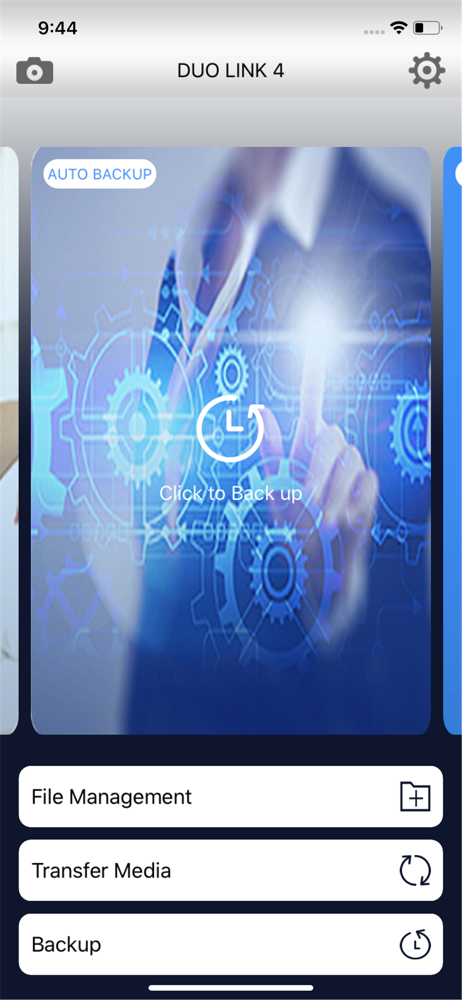
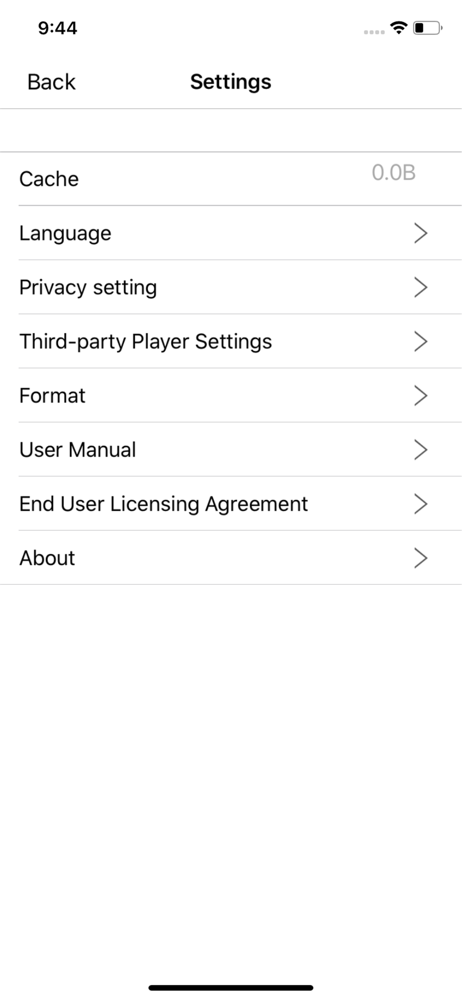
PNY DUO LINK 4 app, designed to work with DUO LINK OTG USB 3.0 Flash Drive brings you the ability to do more when it comes to file transfer, saving, s...