Check the acquisition promise
Read the store headline, screenshots and description. What problem is the app promising to solve?
Study the storefront ↗
Digital Watchdog · iOS
Explore the ad evidence, study the storefront, and build your next acquisition hypothesis.
01 / Creative research
Read the store headline, screenshots and description. What problem is the app promising to solve?
Study the storefront ↗Explore apps with direct store-link matches. Compare their hooks and formats without assuming the same approach works here.
Browse observed advertisers ↗Store rankings and revenue estimates describe market context. They do not establish ad spend, conversions or ROAS.
Review the market context ↗02 / Storefront & product
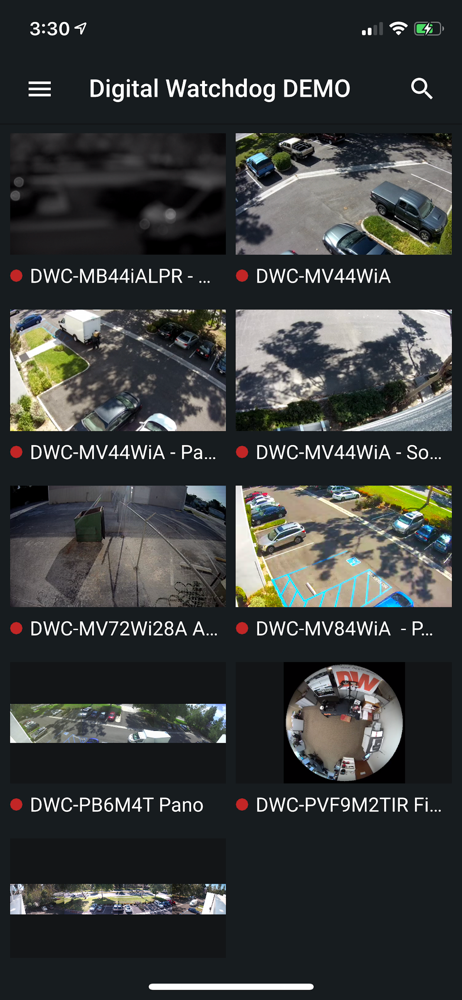
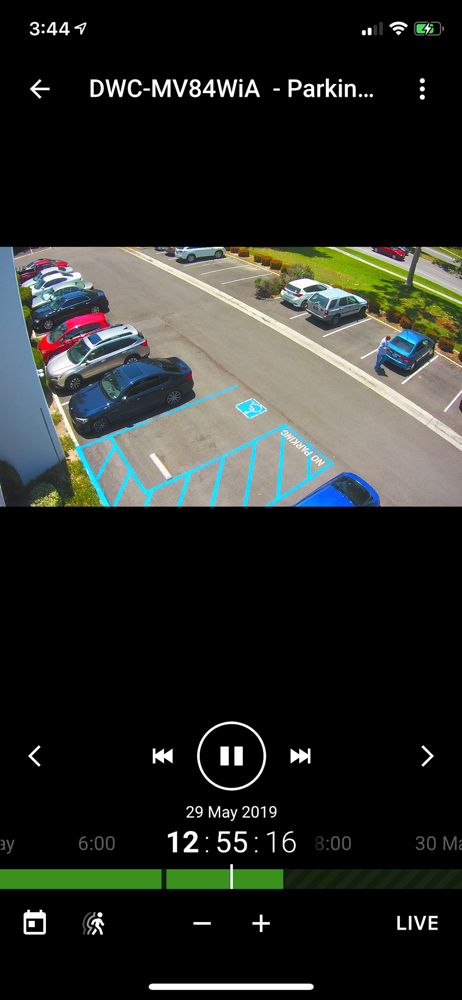
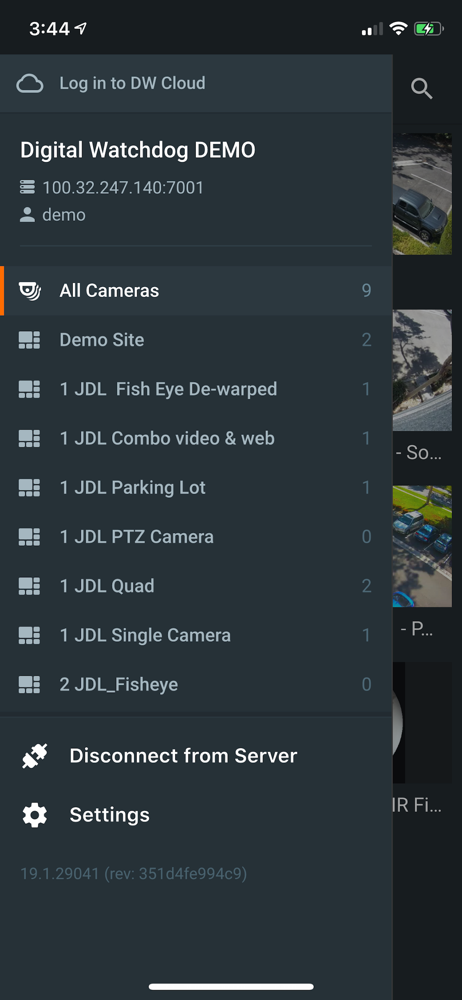
Study the product story and store experience behind the acquisition funnel.



03 / Market context
Keep revenue, downloads and store rankings separate from advertising performance.
If you’re a technician or end user the issue was caused by the version 22.3 IOS update. This is getting genuinely ridiculous. Companies like mine are installing hundreds of thousands of dollars of Digital Watchdog equipment because we believe they are they best product the industry offers. Digital Watchdog on the other hand has an IOS software engineering department that forgot to go through a beta phase of development and bug test the app before pushing the update. Occasionally hiccups are understandable but this is 3 updates in a row. PLEASE, development team test the app before pushing updates because, it appears to be blissful indifference or straight up incompetence to not even check to make sure the software update didn’t kick you out every time you open the app. I cannot imagine the storm that the software devs will cause when Spectrum gets its large upgrade later this year.
Great app. Thank you. I was wondering if it would be possible to add a functionality to snooze an analytics event per camera? Say the customer wanted to use the camera to sense a person in the building and send a notification. In this scenario the schedule would not work because the building is mostly unoccupied and there is no set time of the day when someone could come over. In case there was someone in the building performing work in the FOV of the camera, the customer would get multiple events depending on the parameter set for the notification interval. In case the person was in the building for 10h and the notification interval was 1/hour the customer would get 10 notifications. This can easily become an issue because the customer would start disregarding them as being significant. It would be very beneficial feature to snooze these notifications per camera. Also manual unsnoozing would be great. Please let me know if a feature like this is on the roadmap. Thank you.
DW Spectrum is a great system. The App is easy to use, but it lacks features. The only events you can watch in the app are motion events. There’s no way to watch bookmarks. No way to bookmark a spot in the timeline. And the stream lag is so long that using a PTZ camera is almost impossible. Even when accessing the system from the local network I experience an unacceptable delay in the stream. For comparison, when using the Hik-Connect app, there’s no lag in the stream and controlling a PTZ camera in Hil-Connect is fast and responsive. The DW Spectrum app and desktop app does send commands to the camera very fast, and I can see the camera responding quickly to the command. The issue is the stream delay.
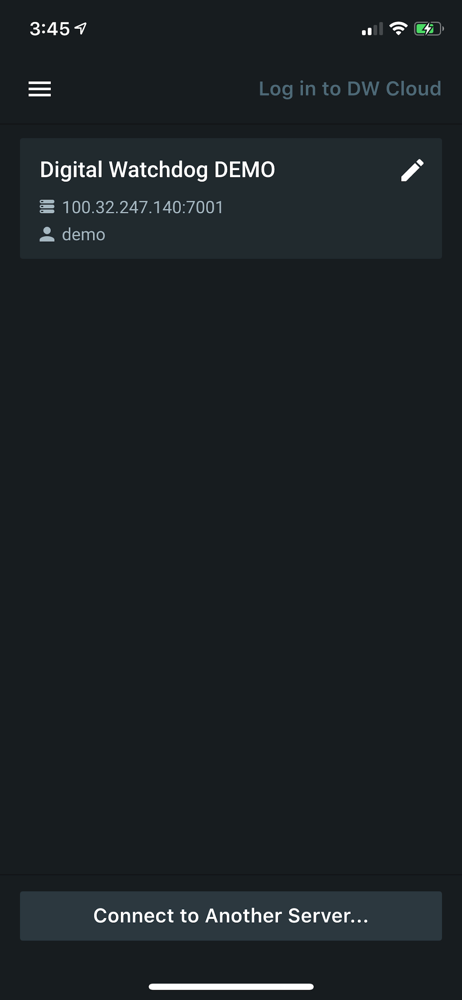
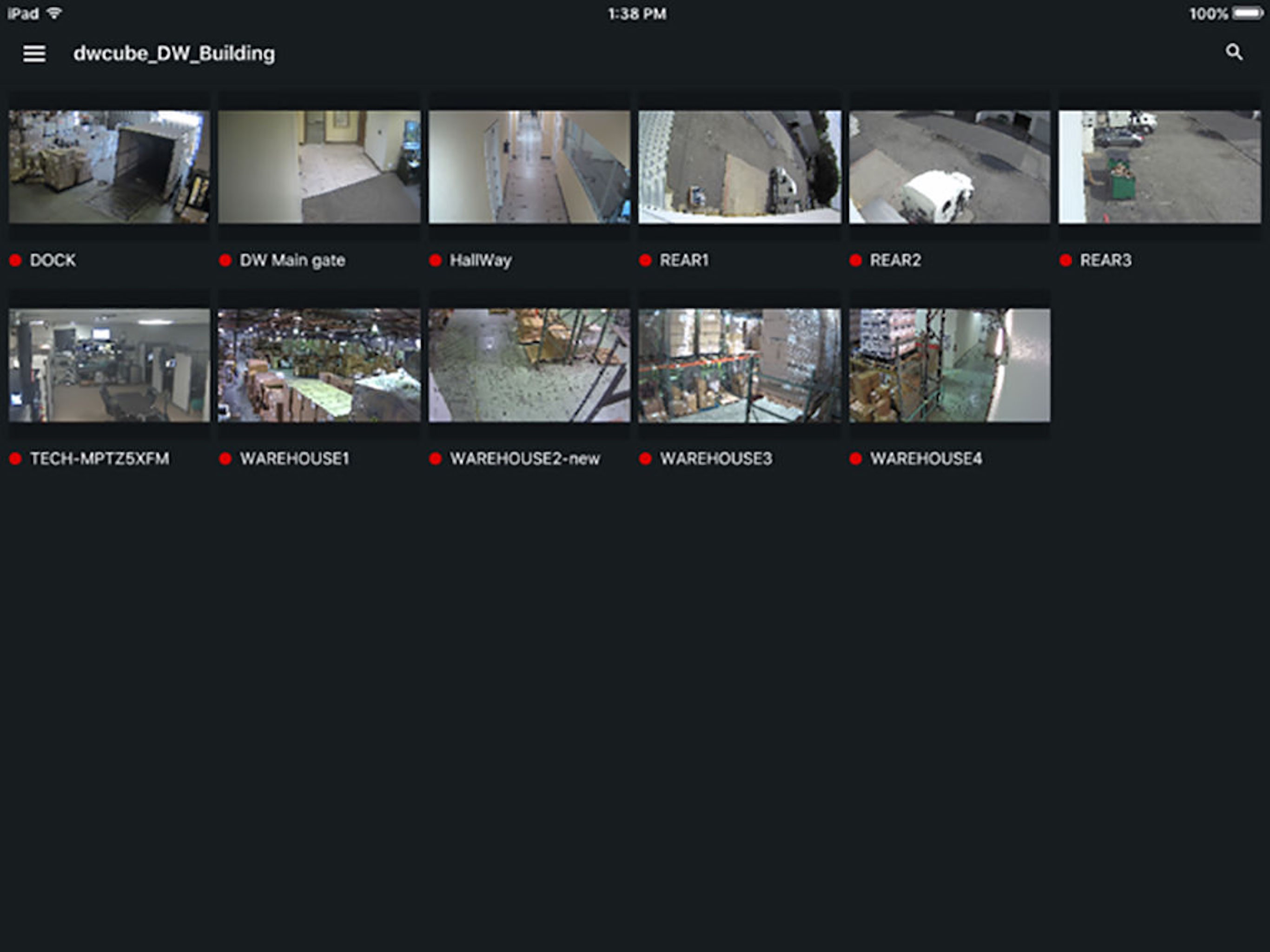
PLEASE NOTE THIS APPLICATION WORKS WITH DW SPECTRUM™ IPVMS SERVERS RUNNING v4.0 OR HIGHER. DW Spectrum™ IPVMS Mobile is an elegantly easy cutting-ed...