
Check the acquisition promise
Read the store headline, screenshots and description. What problem is the app promising to solve?
Study the storefront ↗
OpenEye · iOS
Explore the ad evidence, study the storefront, and build your next acquisition hypothesis.
01 / Creative research
Read the store headline, screenshots and description. What problem is the app promising to solve?
Study the storefront ↗Explore apps with direct store-link matches. Compare their hooks and formats without assuming the same approach works here.
Browse observed advertisers ↗Store rankings and revenue estimates describe market context. They do not establish ad spend, conversions or ROAS.
Review the market context ↗02 / Storefront & product
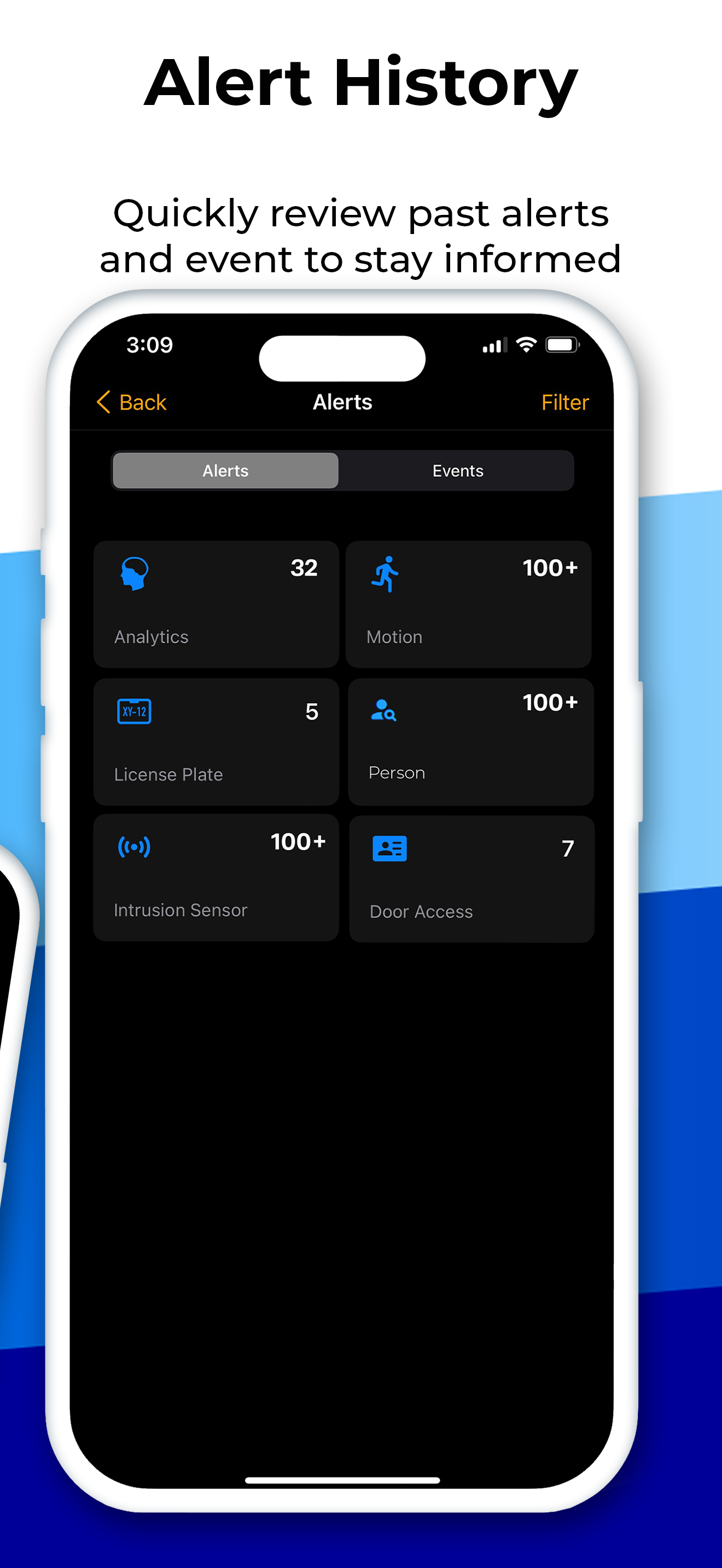
Study the product story and store experience behind the acquisition funnel.



03 / Market context
Keep revenue, downloads and store rankings separate from advertising performance.
When this app is actually working, it works pretty well. but it only works 50 percent of the time. I can’t see what’s going on the cameras. I’ve reach out to our tech support and they’ve told me it’s an on going issue with IPhone users and the app. It’s been several Months and I thought maybe there’d be an update by now and this would stop happening. I was told I can go on the website and watch which would be great to do from my phone, except then it just wants to redirect me to the app which doesn’t work most of the time. It simply just keeps loading, and then there are exclamation marks on each camera. Is there anyone working to resolve these issues ? Thank you for taking the time to read this.
Been using this app for about a month and overall it works pretty good! Can be a little glitchy at times and it would be really nice to be able to set some notifications! I find the option under settings, but nothing there? Also the ability to set off an alarm or horn remotely would be beneficial! Takes awhile to get used to using and finding recorded events, but I am getting better at it! Picture quality is very good and even has a zoom feature! Overall 4 stars but could be 5 with some minor enhancements!
Got this because we wanted to be able to view cameras remotely. Cameras work fine and can view locally on site but off site viewing is spotty. Someone’s the web interface on the computer works. Some times it doesn’t. Sometimes the app works on the phone and sometimes it doesn’t. Sometimes on works and the other doesn’t. Tried on multiple platforms and multiple computers and it’s a crap shoot. Each time I have driven out of my way to rest the network on site and found it working just fine with ability to stream videos/movies from different streaming services over the network but still unable to connect the cameras.
The OpenEye iOS mobile app is your on-the-go solution for access to live and recorded video from your OpenEye video surveillance system. Receive insta...