Check the acquisition promise
Read the store headline, screenshots and description. What problem is the app promising to solve?
Study the storefront ↗
Roman Burda · iOS
Explore the ad evidence, study the storefront, and build your next acquisition hypothesis.
01 / Creative research
Read the store headline, screenshots and description. What problem is the app promising to solve?
Study the storefront ↗Explore apps with direct store-link matches. Compare their hooks and formats without assuming the same approach works here.
Browse observed advertisers ↗Store rankings and revenue estimates describe market context. They do not establish ad spend, conversions or ROAS.
Review the market context ↗02 / Storefront & product
Study the product story and store experience behind the acquisition funnel.





03 / Market context
Keep revenue, downloads and store rankings separate from advertising performance.
I found this app did exactly what I needed it to do. Play audio files from my google drive. And while I think the app does its job well for the most part it is extremely annoying in just one area that ruins the whole experience - After listening for some time especially if it’s a long audio series, the app just stops working around the start of a new chapter or at the 2 minute mark. You then have to close the app, reopen it and then navigate the playback to the exact place you left off. It can get very annoying, like when I’m taking a walk or when I’m washing dishes or even more annoying when I’m taking a shower and I have to come out with soap all over just to replay my audio file. I hope this issue gets fixed soon because it’s starting to get old really fast
I purchased this app last year, and man was I frustrated with it? I had my google drive hooked to the app, but whenever I played an audiobook through this app, it kept randomly stopping and I had to delete whatever I was listening to from my google drive and reupload. It was so frustrating I immediately regretted buying this app. I wrote to them and they were pretty responsive and helped me out. But it didn’t fix the issue and it had stayed on like that for months. But lo and behold, this last version has finally fixed it and thus my review! I love this app so much. I have a zbigz account and I download lots of audio books, which it lets me send to my drive in seconds! And with this app I don’t have to download anything myself, I just stream it! So yes, this app is a gold mine!! I hope it stays the same.
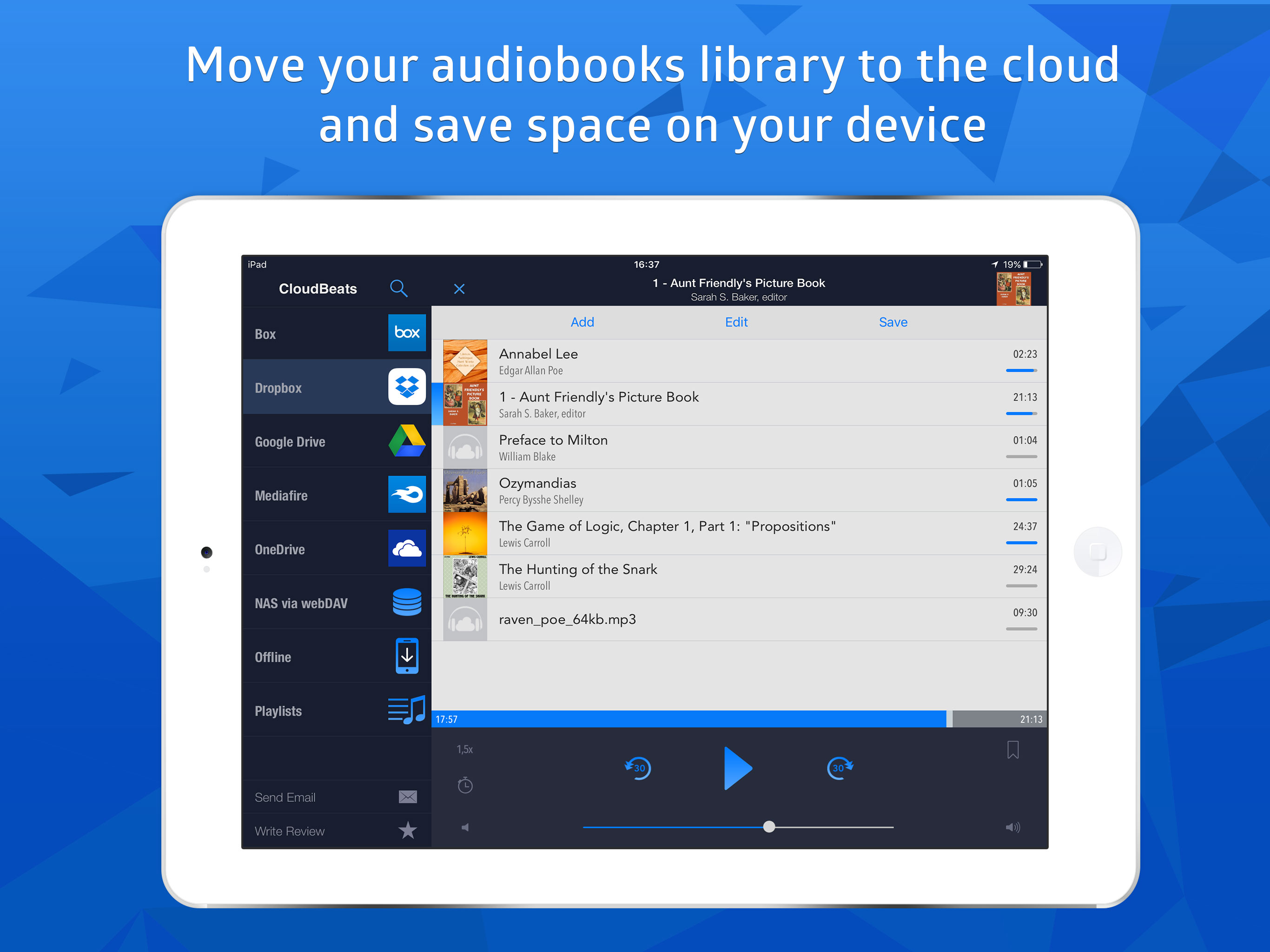
I just purchased the audiobook version of CloudBeats the other day and so far I’m really happy and impressed with the app. I was looking for something to avoid having to use iTunes to synch my audiobooks. iTunes has “glitched out” on me more than once and deleted all of the music and books from my phone. I have all of my media stored on a Synology NAS so my ideal situation was to find a way to at least be able to pull the media down from within an app. CloudBeats does that but takes it further and lets me stream from my Synology - and also several other cloud services. So far, the app is doing everything I want it to do. If you’re looking for a way to either stream or download your remote media, I definitely recommend CloudBeats. The support from the developer is excellent, too. I posted a question on the app’s Web site and within minutes I had a response from Roman. I thought it was a typical automated “thanks for your question, we’ll get back to you in 24 hours” response but no, it was the answer to my question. He also immediately responded to my follow-up question. Kudos for great customer support! My only request is the ability to edit a cloud connection after it’s been created. Right now, if you need to make a change, you have to sign out which removes any files that you’ve downloaded. This probably isn’t a huge deal but I was having some issues getting my Synology visible to webDAV apps (not CloudBeat’s fault) and had to change my connection info a few times. Each time I had to log out and delete anything I had downloaded. Again, this is probably a limited case and now that I have it working, I probably won’t ever have to look at that setting again.
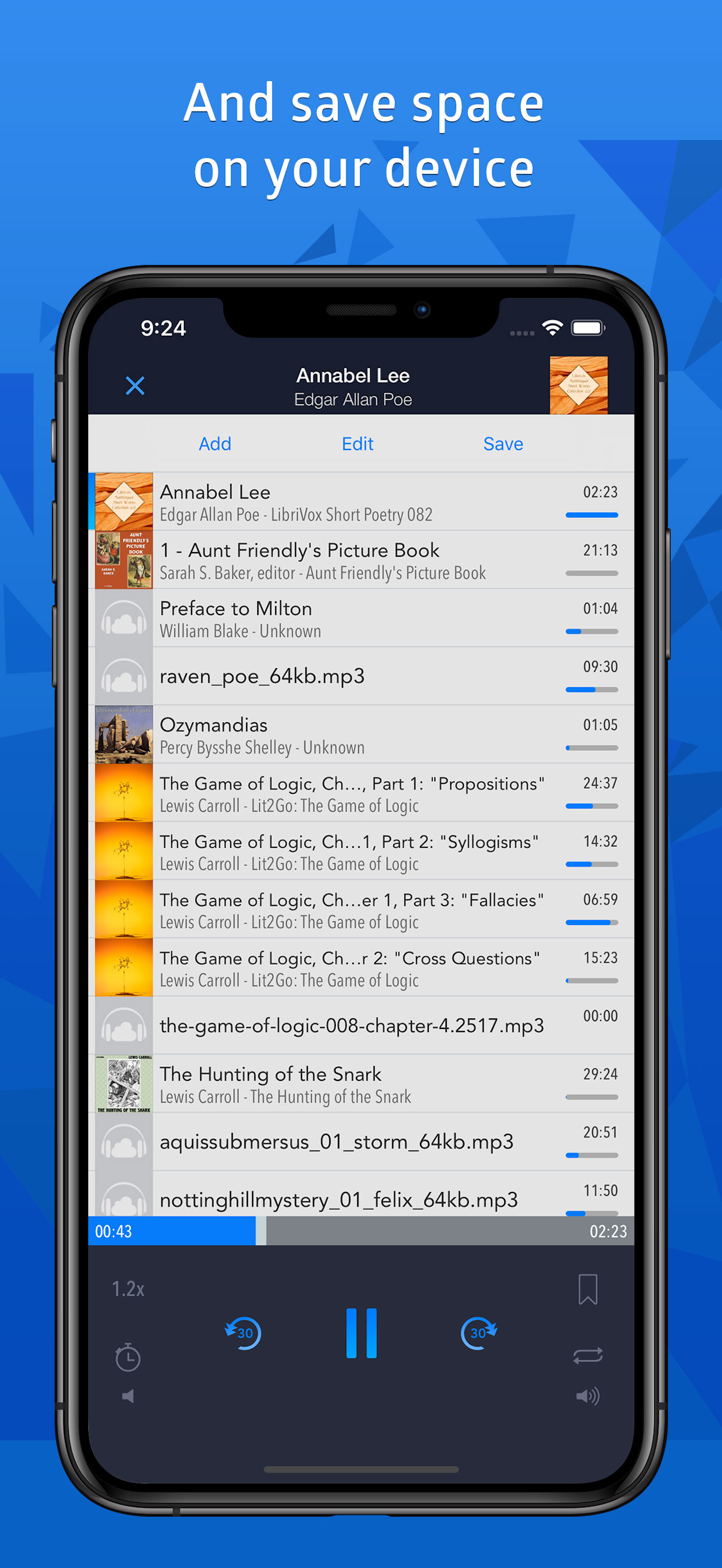
Listen to your audiobooks, podcasts, lectures and other audio files anywhere directly from Google Drive, DropBox, OneDrive and more. Save space on you...
| Name | Price | Type |
|---|---|---|
| Synchronize between Devices (Annual) | $8.99 | Yearly |
| CloudBeats Premium | $9.99 | One-time |