
Check the acquisition promise
Read the store headline, screenshots and description. What problem is the app promising to solve?
Study the storefront ↗
Ooma Inc. · iOS
Explore the ad evidence, study the storefront, and build your next acquisition hypothesis.
01 / Creative research
Read the store headline, screenshots and description. What problem is the app promising to solve?
Study the storefront ↗Explore apps with direct store-link matches. Compare their hooks and formats without assuming the same approach works here.
Browse observed advertisers ↗Store rankings and revenue estimates describe market context. They do not establish ad spend, conversions or ROAS.
Review the market context ↗02 / Storefront & product
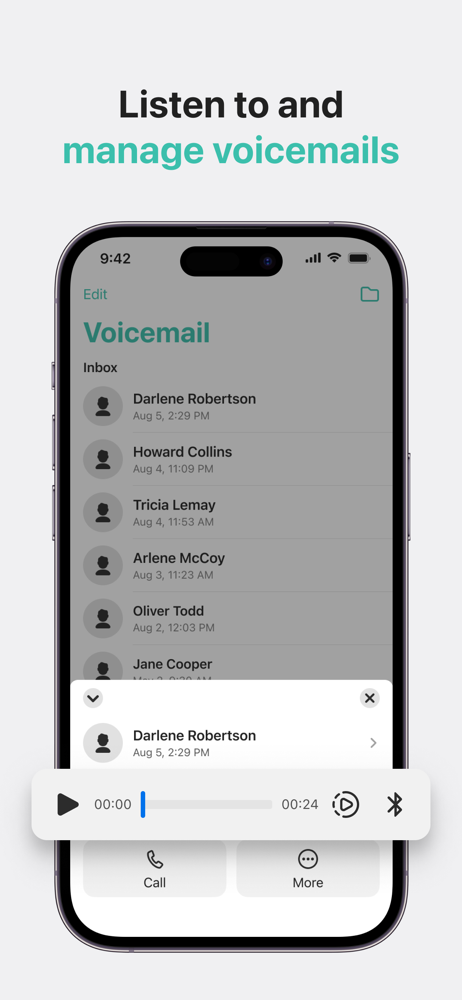
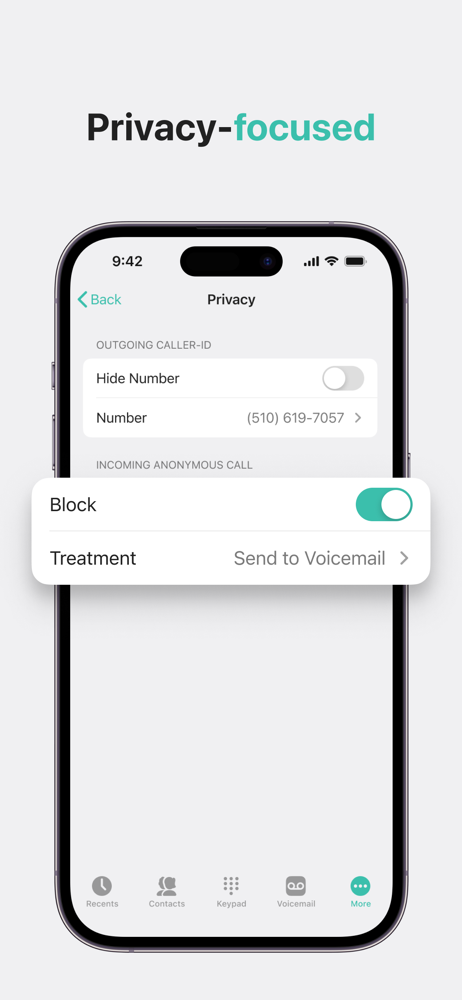
Study the product story and store experience behind the acquisition funnel.



03 / Market context
Keep revenue, downloads and store rankings separate from advertising performance.
I have been a customer for over 10 years and now I am having thoughts of dropping my service. The app has fallen short of being useful anymore. It errors constantly, doesn’t forward many calls and if you decide to reinstall it forces you to sign up for their premier service without any ability to bypass and just log into your account. Customer service has been useless and they send me to their technical service, but you cannot understand them and all they want you to do is reinstall again. I believe that the forcing you to sign up for the premier service each time you install is a violation of some type of law and I plan on writing letters to several organizations so that future customers are not dinged with their horrible tactics. The app has not even been updated decently for a long time. They just fixed it enough to work on the current iOS, but no fixing the large bugs that are in the app. Being a VOIP they could offer texting, but they refuse to add it in. So even though it has saved me lots of money over a standard phone line, I am going to use other portable numbers more often and maybe just quit using this service.
All complaints that I previously had about Ooma's iOS app have now been beautifully addressed with the July 31, 2017 update. The app has been optimized for iPad, all aspects of it function perfectly, and several new features have even been added. This is now a truly great app to use. Thank you Ooma. (My former comments about issues now resolved: "I have only had experience with the Ooma app on iPad Pro 9.7 and iOS 10, so it may work better on an iPhone, or on an older version of iOS - but, the app is in need of an update. The volume control does not work, the mute control does not work, and the app's display orientation is only correct when holding an iPad in portrait view. When holding iPad horizontally, in landscape view, Ooma's app remains oriented in the other position. There are a few other quirky things about the app I don't like as well, but if Ooma were to fix these problems, I would consider their app to be good. Until then, at least for iPad and iOS 10, I can only say the app is useable, but difficult.")
I've been waiting for Ooma to add the ability to blacklist numbers from the app since I started using it and am very happy that the function is finally here. But what makes me rate this ones start short of great, is the fact that once you add number to the blacklist, there's no way to remember — say days or a week later — if you blacklisted that number. Where as on the website when you blacklist a number there is a visual cue (a red circle with a line through it) that let's you know that you have successfully added that number to the blacklist. Currently, when you go back to look at at number you may have blacklisted the day before, it still says "Add to Blacklist" as if you never took any action on that number. And if you tap that link, it takes you through the process as if you didn't blacklist it. That made me have go to the website just to double check that it the blacklist was actually applied — which renders the efficiency and convenience of the new feature moot. It can be something like turning the "Add to Blacklist" red or replacing that with the red circle with the line through it (like on the website) to let you know that you were sucessful in blacklisting a number.
As a companion to Ooma’s award winning home phone service, this app lets you make calls from your Ooma phone number, receive calls when you’re away fr...


