
Check the acquisition promise
Read the store headline, screenshots and description. What problem is the app promising to solve?
Study the storefront ↗
Quicken Inc. · iOS
Explore the ad evidence, study the storefront, and build your next acquisition hypothesis.
01 / Creative research
Read the store headline, screenshots and description. What problem is the app promising to solve?
Study the storefront ↗Explore apps with direct store-link matches. Compare their hooks and formats without assuming the same approach works here.
Browse observed advertisers ↗Store rankings and revenue estimates describe market context. They do not establish ad spend, conversions or ROAS.
Review the market context ↗02 / Storefront & product
Study the product story and store experience behind the acquisition funnel.


03 / Market context
Keep revenue, downloads and store rankings separate from advertising performance.
This app HAS improved over the five - six years I have used it. Functionality has been added. It’s become quicker and easier to use. But it is still short of a satisfactory experience. I finally threw in the towel and uninstalled the app, which candidly makes my life more difficult (due to having to enter everything on the desktop version, which has its own set of bugs). Among the challenges on the mobile app are inability to enter a transfer, failure of split transactions being edited on the desktop app to sync to the cloud, and the clumsiness of three different ways to save a transaction on the mobile app, depending on whether it’s an original transaction, a revised transaction or a scheduled (reminder) transaction. However, over the past six plus weeks at least three transactions entered on either the mobile app or desktop app never synced to the other app and ultimately disappeared from Quicken altogether. I haven’t identified a pattern for the disappearances, but it’s also not my job to resolve Quicken bugs, particularly when I am paying $80 per year to use the service. It was this issue of disappearing transactions that caused me to uninstall the app from my iPhone. I have been a Quicken user for 30 years. Honestly, I would switch to another personal financial accounting service if I found one that is full functioned and reliable. I haven’t. It’s highly unlikely Quicken will ever be able to convince me to use this buggy mobile app ever again.
Problem with viewing Quicken Mobile in landscape mode on iPad quickly fixed by very responsive developer. Just updated to version 5.20.0 and noticed that I can no longer view Quicken in landscape mode on my iPad. In the past I have been critical of Quicken on my iMac and the mobile apps for my iPhone and iPad. I was a bit miffed when Quicken went to a subscription service but I have to say that Quicken is now much improved on all of my devices and is very helpful with planning and managing my checking accounts and other finances. I don’t have complex finances, gratefully, and the current state of Quicken is meeting my needs. A while back I had an ID/Password issue that I could not resolve on my own. A call to Support had me back in business after an hour on the phone. The rep was excellent. So, let’s hope they don’t keep “refining” Quicken to the point where they mess it up.
I have had quicken for years and when the app first came out it was really useless. I had to do everything on my desktop. I have had the app on my phone but haven’t used it in a couple of years. About a month ago I synced it with my account and noticed it would download my new transactions directly from my accounts to the app everytime I opened it. I was interested. I updated some catagories on the new transactions and also cleared some overdue reminders. To get these changes to sync I just open quicken on my pc and sync with mobile app and everything is there and updated. I no longer have to download the transactions from my bank on my pc. This helps me a lot because I’m always on my phone and I can update transactions using the app instead of having to spend more time on my pc. Sometimes in the past I would go over a month before opening the pc and I would have tons of transactions to catagorize. Now when I open the pc quicken I just sync and it’s all done. The only reason I gave only 4 stars is I would like the balance forecast on the app. I don’t open the pc version much anymore. Much improved over old versions.
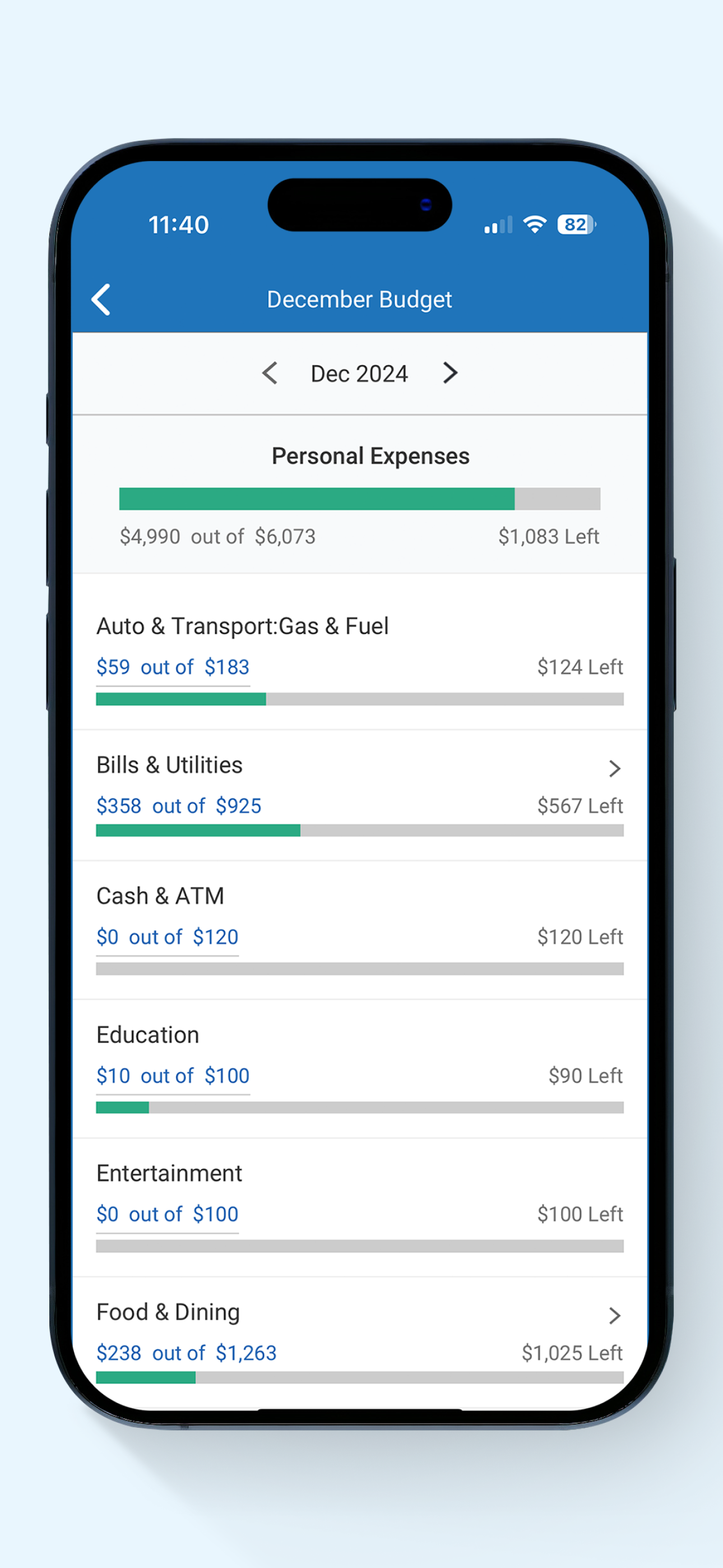
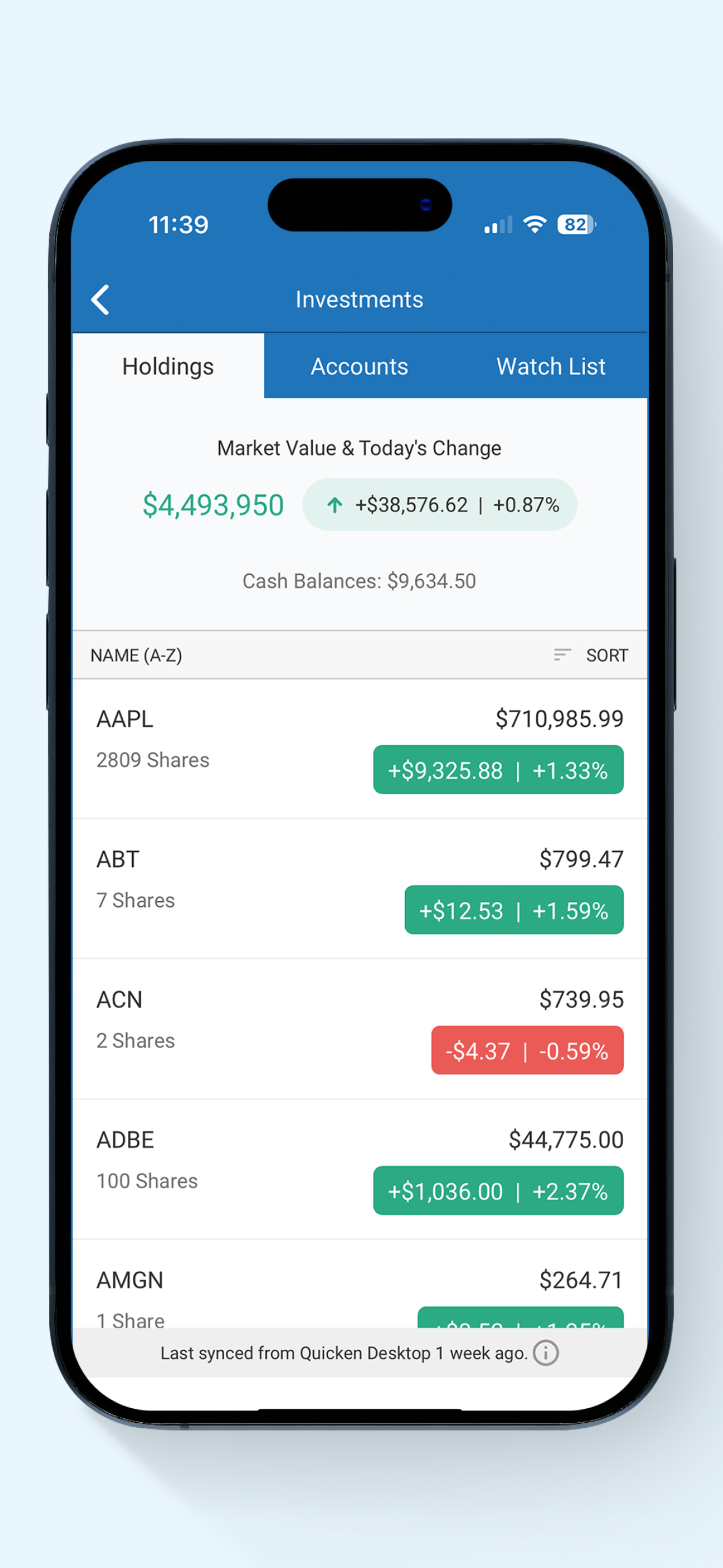
App Features: • Automatically syncs your desktop and mobile data • View your balances, accounts, and transactions • See spending trends and check your...


