Check the acquisition promise
Read the store headline, screenshots and description. What problem is the app promising to solve?
Study the storefront ↗
Shenzhen Hubsan Intelligent Co., Ltd. · iOS
Explore the ad evidence, study the storefront, and build your next acquisition hypothesis.
01 / Creative research
Read the store headline, screenshots and description. What problem is the app promising to solve?
Study the storefront ↗Explore apps with direct store-link matches. Compare their hooks and formats without assuming the same approach works here.
Browse observed advertisers ↗Store rankings and revenue estimates describe market context. They do not establish ad spend, conversions or ROAS.
Review the market context ↗02 / Storefront & product
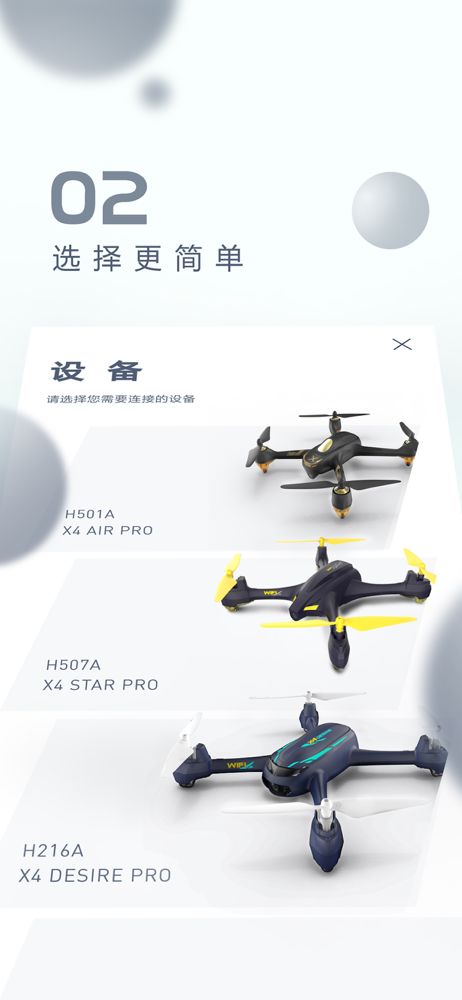
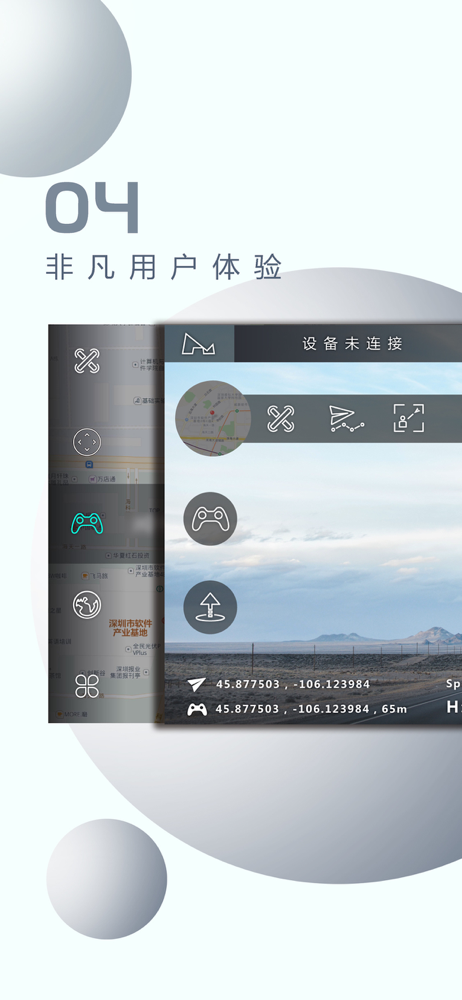
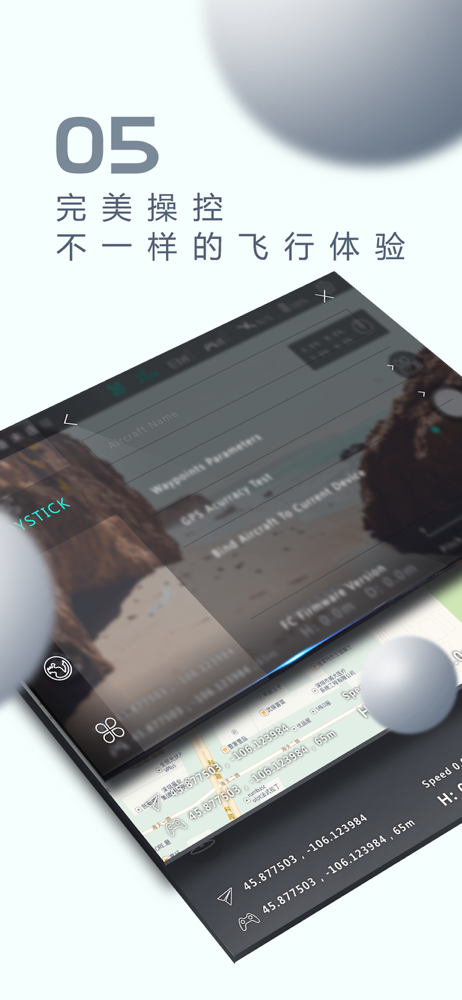
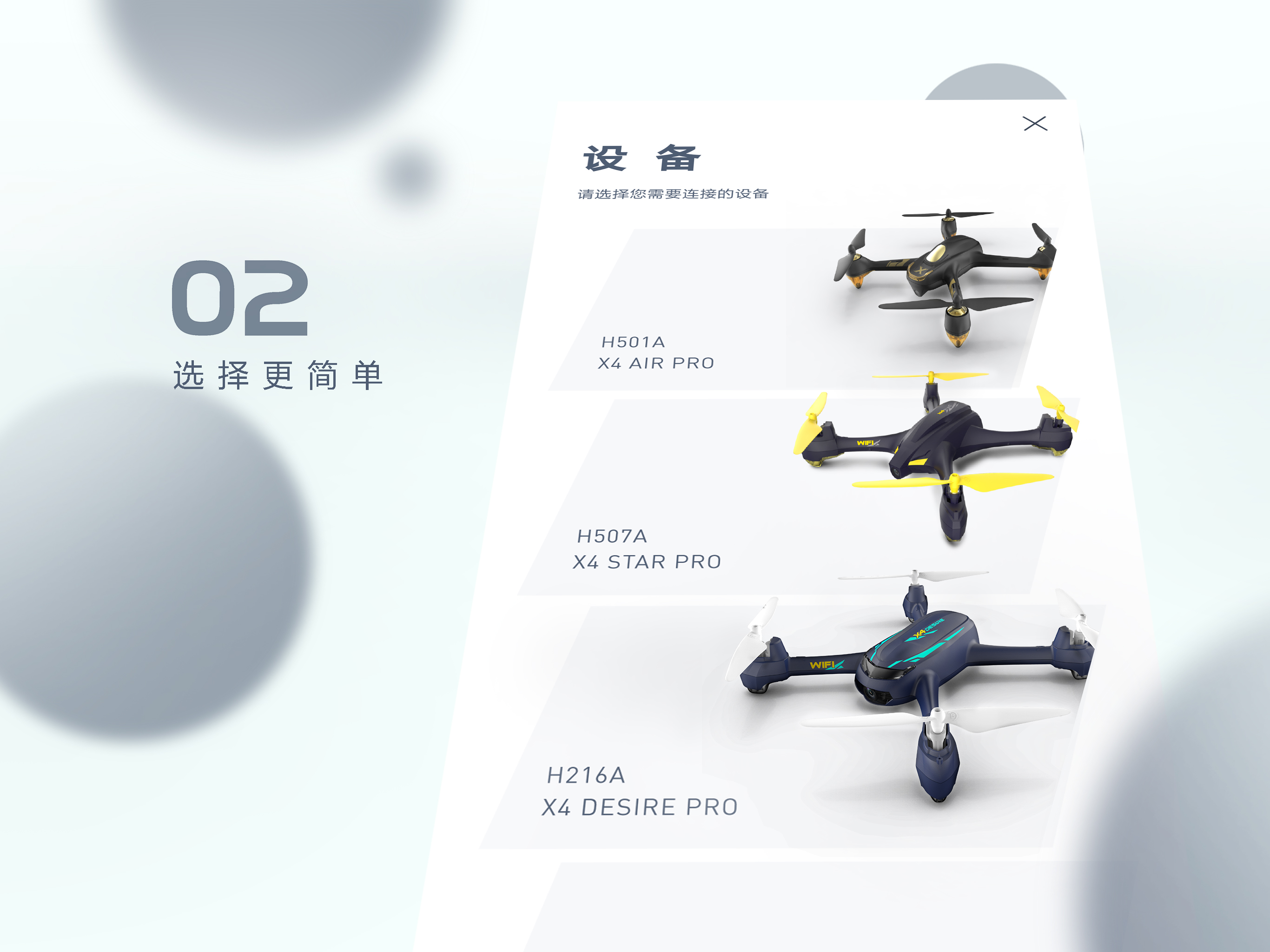
Study the product story and store experience behind the acquisition funnel.



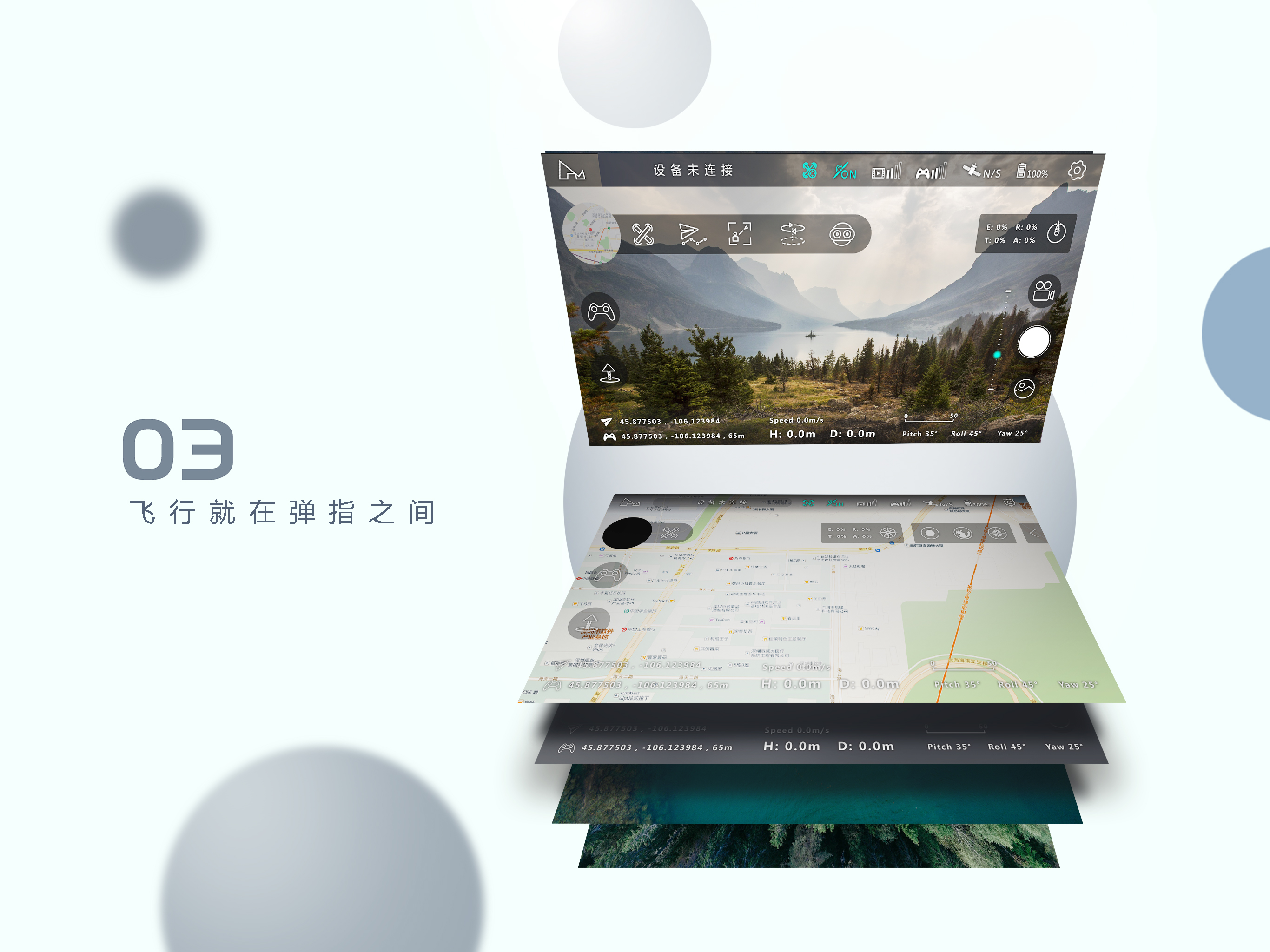
03 / Market context
Keep revenue, downloads and store rankings separate from advertising performance.
I hooked up my new Zino Pro but still have weak GPS with my IPhone 11 Max also there come a message on my phone day I got weak GPS ... says “Prompt improve GPS Fault Detection download latest flight control software V 1.0.17 and above from website.... but where do I find that .... are there different flight software available..? Also I need WiFi from Hubsan to operate this drone correct ? How do I hook that up ? I even tried the XHubsan2 App but the video quality really sucked .... what do I do ? Need some expert advice... Thank you Dirk
They are so close to having an amazing app that lets their community connect and share but they can’t even get “pilot score” right ..... I wish they would upgrade the firmware since half of the features are still not available and they should add more....... so close
I recently purchased a Hubsan H501M, and it works extraordinarily well with the app. Everything functions as expected. The only reason that I gave it 4 stars is because there are not enough instructions about the app to find out how to use some modes. For example, the GPS system has 3 different ways to draw waypoints, but nowhere in the app or instructions did I find what each one does. Another little-mentioned mode is “Headless Mode”. I just found out how to activate it immediately prior to this review. You tap the compass-like icon near the top-right corner of the screen. I see a lot of others saying they can’t read Chinese. There is a setting for this available but as Hubsan is based in China all of the forum posts are written in Chinese anyway. Other than that though both the app and the drone work wonderfully together and I plan to keep it for years to come.
X-Hubsan is a professional flight control application that supports a variety of Hubsan aircraft. The APP boasts real-time video transmission, flight...