Check the acquisition promise
Read the store headline, screenshots and description. What problem is the app promising to solve?
Study the storefront ↗
ASUS · iOS
Explore the ad evidence, study the storefront, and build your next acquisition hypothesis.
01 / Creative research
Read the store headline, screenshots and description. What problem is the app promising to solve?
Study the storefront ↗Explore apps with direct store-link matches. Compare their hooks and formats without assuming the same approach works here.
Browse observed advertisers ↗Store rankings and revenue estimates describe market context. They do not establish ad spend, conversions or ROAS.
Review the market context ↗02 / Storefront & product
Study the product story and store experience behind the acquisition funnel.




03 / Market context
Keep revenue, downloads and store rankings separate from advertising performance.
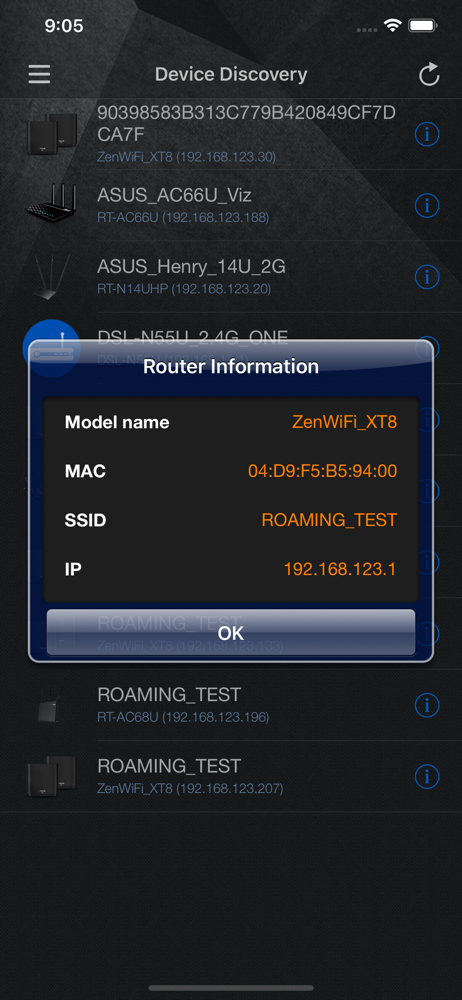
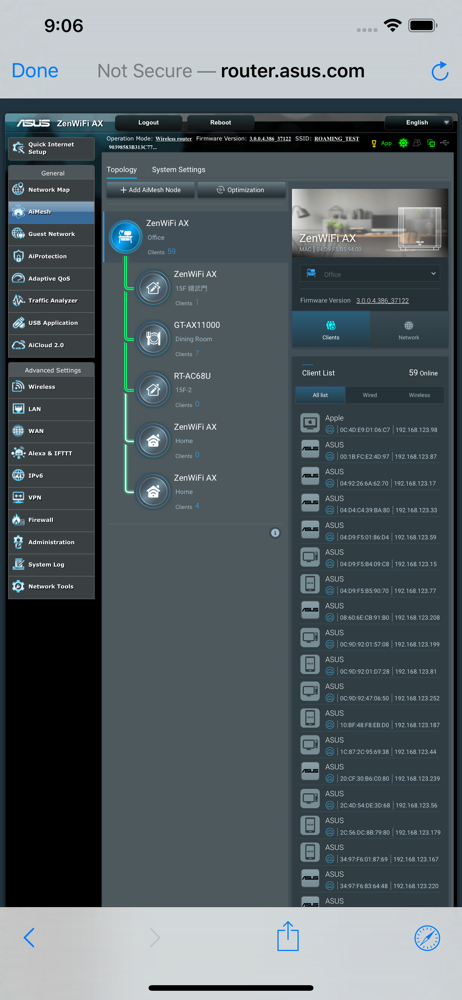
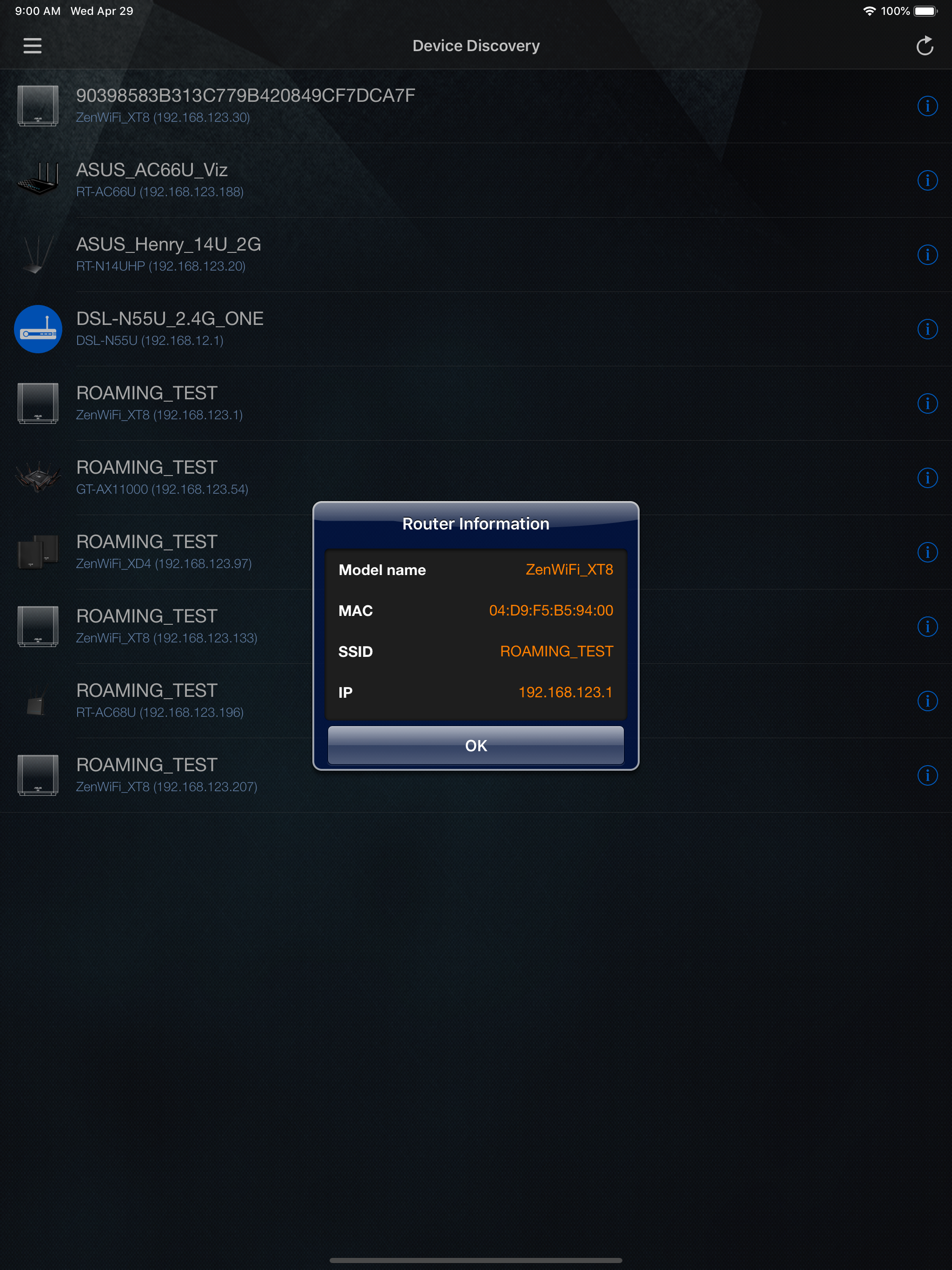
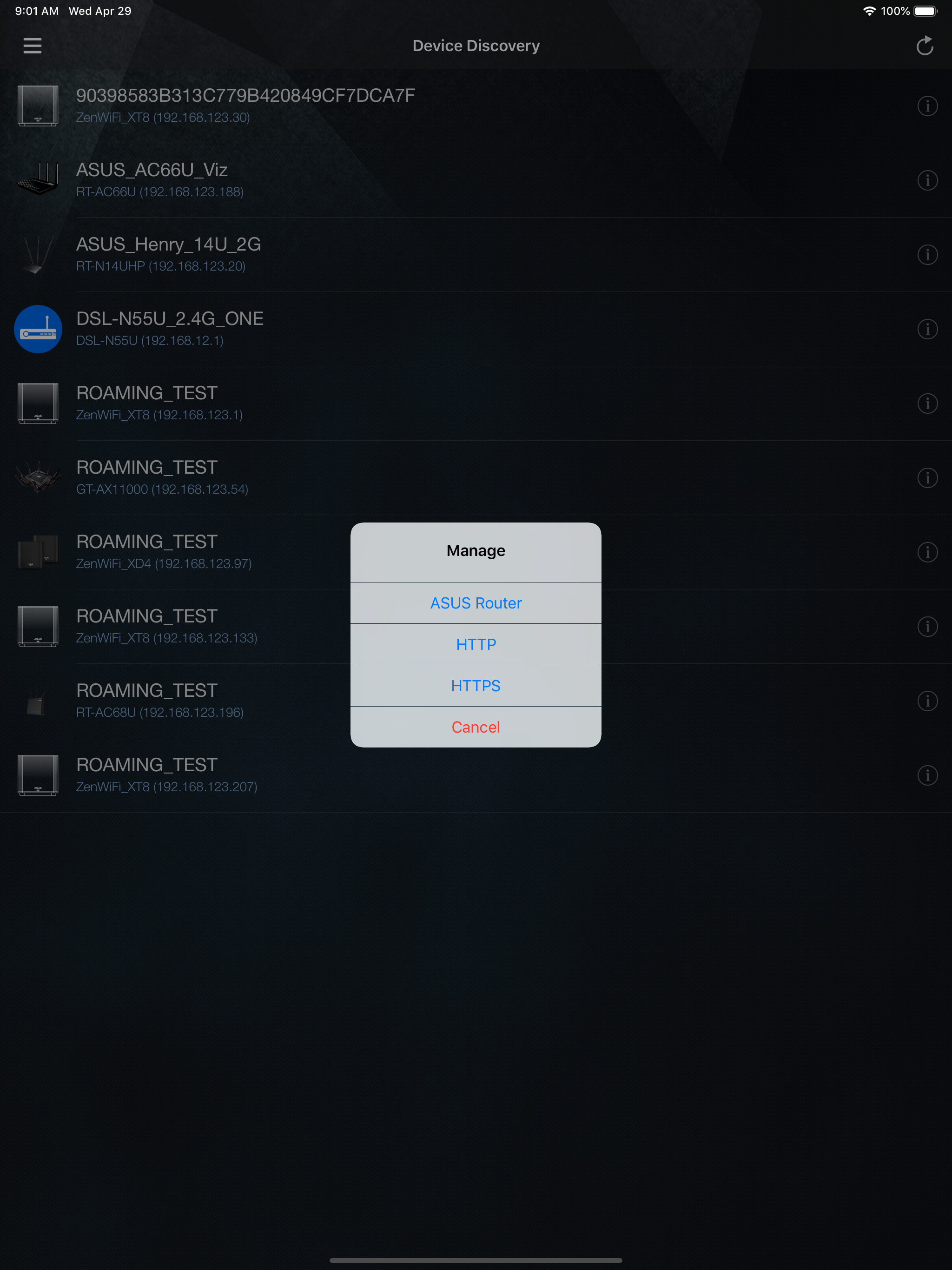
Great for finding the router you are connected to so you can login to the control panel and change settings
At first the app was working great and then it work it feels like working. It need to be updated. Also dos not let you change the status of ho is on the network. You cannot block or unblock anyone.
App is fairly useful except that drag & drop does not work. For instance, in the Adaptive QOS display screen , you should be able to drag one of the Priority Tags and place on top of one of your devices. This seems to be impossible to do. Instead, all you get is the normal Copy/Define/Share pop-up as if you were just dragging your finger over a bunch of text. Otherwise, this app is fairly helpful, except some screen views are so small you have to pinch to expand the text.
ASUS Device Discovery is a APP to find the IP address of wireless router. Features: 1. Scan your local area network to find ASUS WiFi router/AP/repea...