Check the acquisition promise
Read the store headline, screenshots and description. What problem is the app promising to solve?
Study the storefront ↗
Drift Innovation Ltd · iOS
Explore the ad evidence, study the storefront, and build your next acquisition hypothesis.
01 / Creative research
Read the store headline, screenshots and description. What problem is the app promising to solve?
Study the storefront ↗Explore apps with direct store-link matches. Compare their hooks and formats without assuming the same approach works here.
Browse observed advertisers ↗Store rankings and revenue estimates describe market context. They do not establish ad spend, conversions or ROAS.
Review the market context ↗02 / Storefront & product
Study the product story and store experience behind the acquisition funnel.
03 / Market context
Keep revenue, downloads and store rankings separate from advertising performance.
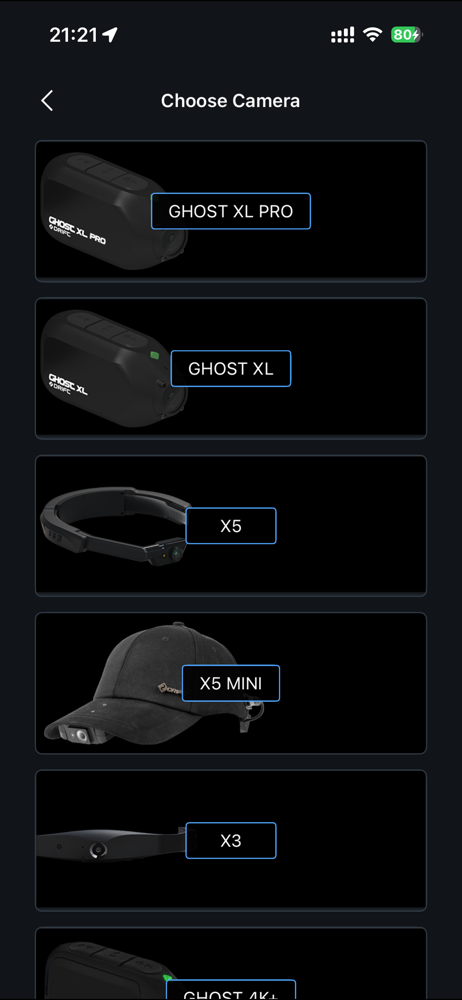
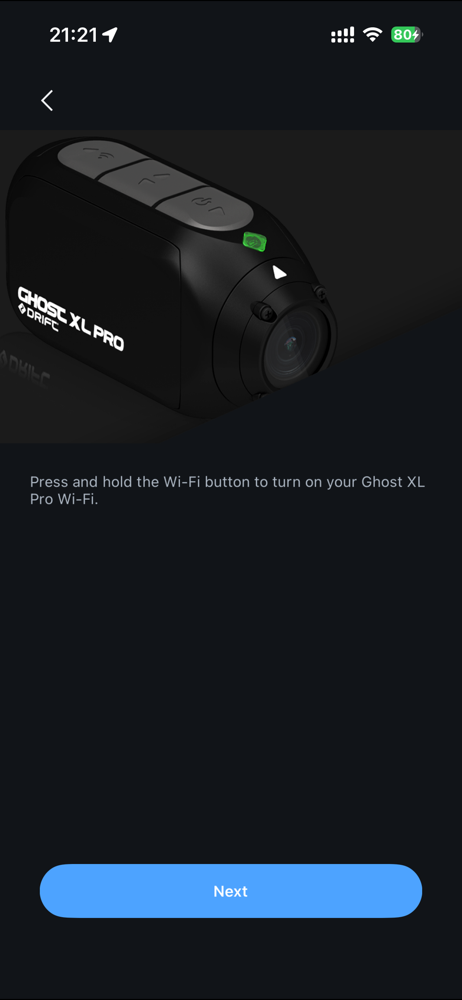
iPhone 17 pro would not connect to Ghost XL. New update does and I can change settings and format memory card but cannot see live streaming nor saved videos. Submitting support request online didn’t work so resorted to review again
Support responded to my review that I could not connect to my Ghost XL with my iPhone 17 Pro. They finally updated the app. I downloaded the update and I can connect to the camera and change settings and format the memory card which was my biggest concern. But I cannot see the video with this latest app I just see the spinning wheel. I also cannot see any saved videos. I tried the Support page at Drift but it doesn’t submit…
I have a 2nd gen iPhone SE and the Ghost XL camera. I downloaded this app and had A LOT of trouble getting the app to work with the camera. I was able to connect to the camera’s wifi, but could not get the app to “see” the camera. Here are the iPhone app settings for the Drift Life app that, after much trial and error, finally worked for me: Location (while using), Photos (limited access), Local Network (on/green), Siri (all settings disabled/off), Search (all settings disabled/off), Background App Refresh (on/green), Cellular Data (off/grey). Some of these settings probably don’t matter unless you want to use certain app functions. I suspect the Location, Photos, Location Network, and Cellular Data are the ones that matter most just to get the app to “see” the camera. Once you get the app to see the camera, if you want to be able to view the recordings stored on the camera in the app, but you don’t see them in the library on the app. Initiate a recording on the camera for the app. This seems to get the app to find the directory on the camera’s sd card. After you end the recording, the 100MEDIA library should appear in the albums that you can review and should allow you to see all the recordings stored on the as card (all recordings, not just the one you initiated in the app). It’s a terrible app but I’m glad I finally figured out how to get it to work. Hope this helps someone.
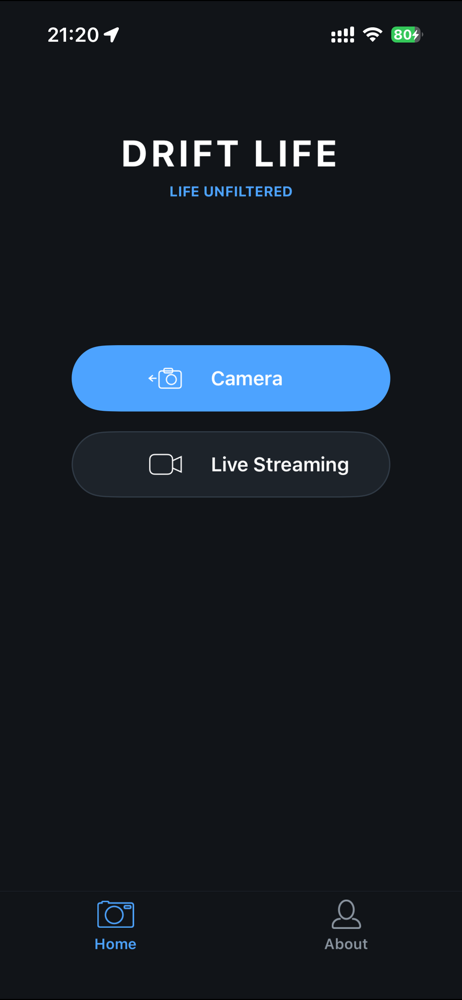
With the Drift Life app, you can control your Drift camera's every move, from viewfinding, to shooting photos, to capturing video. Plus, it's connecte...