Check the acquisition promise
Read the store headline, screenshots and description. What problem is the app promising to solve?
Study the storefront ↗
Armchair Engineering · iOS
Explore the ad evidence, study the storefront, and build your next acquisition hypothesis.
01 / Creative research
Read the store headline, screenshots and description. What problem is the app promising to solve?
Study the storefront ↗Explore apps with direct store-link matches. Compare their hooks and formats without assuming the same approach works here.
Browse observed advertisers ↗Store rankings and revenue estimates describe market context. They do not establish ad spend, conversions or ROAS.
Review the market context ↗02 / Storefront & product
Study the product story and store experience behind the acquisition funnel.

03 / Market context
Keep revenue, downloads and store rankings separate from advertising performance.
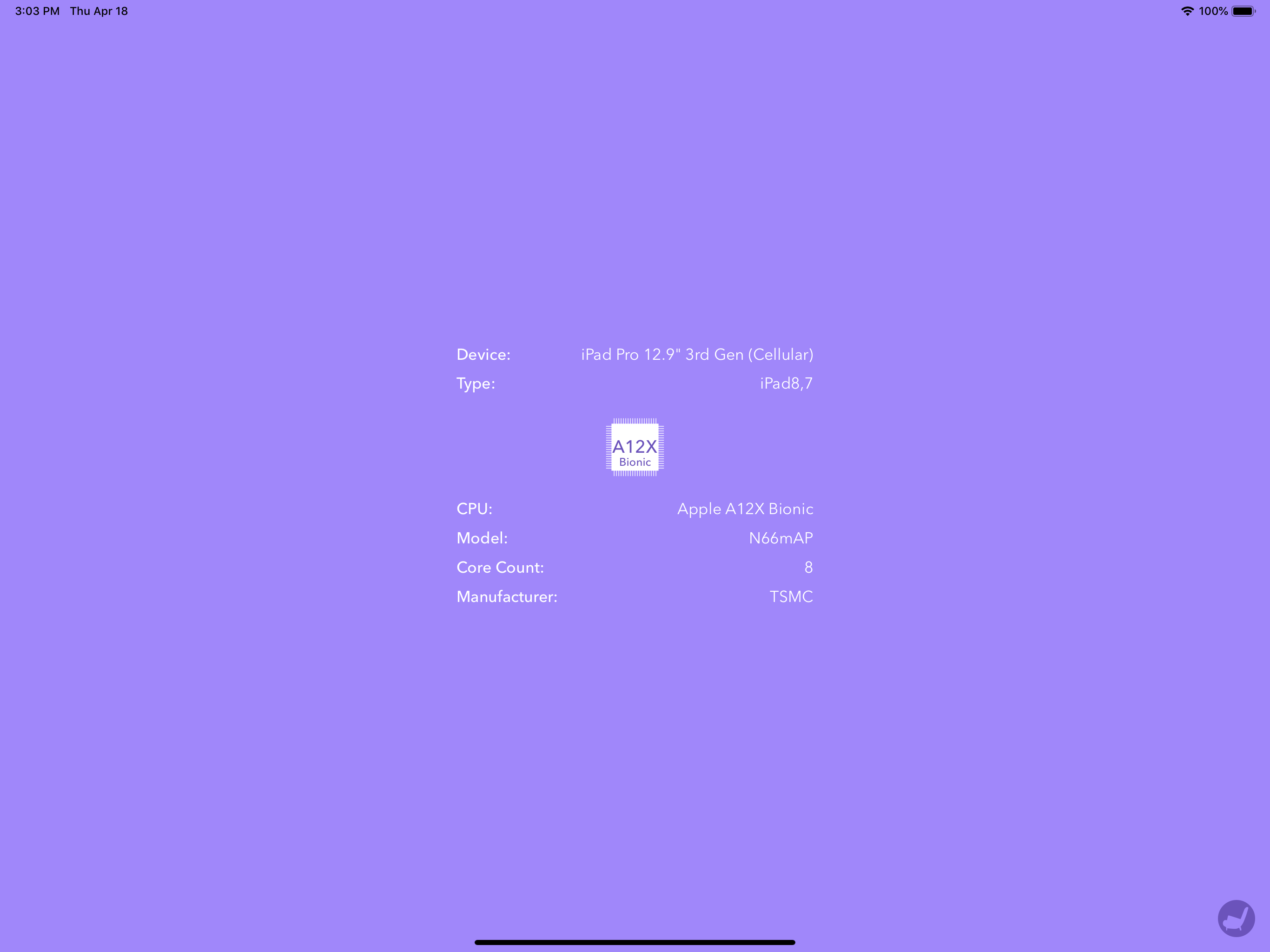
No think wrong. It just does not provide any value. It just shows some ads but no useful information are provided from the ads. If you go to your settings on iPhone you will find the same information that the app shows
There’s nothing wrong with this app, it just does very little. The CPU information that it supplies borders on the trivial. You can find the same information in other apps that include much more system information (also for free).
Put the information can be easily found in the settings
With AX-CPU you can easily find the CPU name, model, manufacturer and other technical details of your device.
| Name | Price | Type |
|---|---|---|
| Defender | $0.99 | One-time |
| Guardian | $1.99 | One-time |
| Hero | $3.99 | One-time |