
Check the acquisition promise
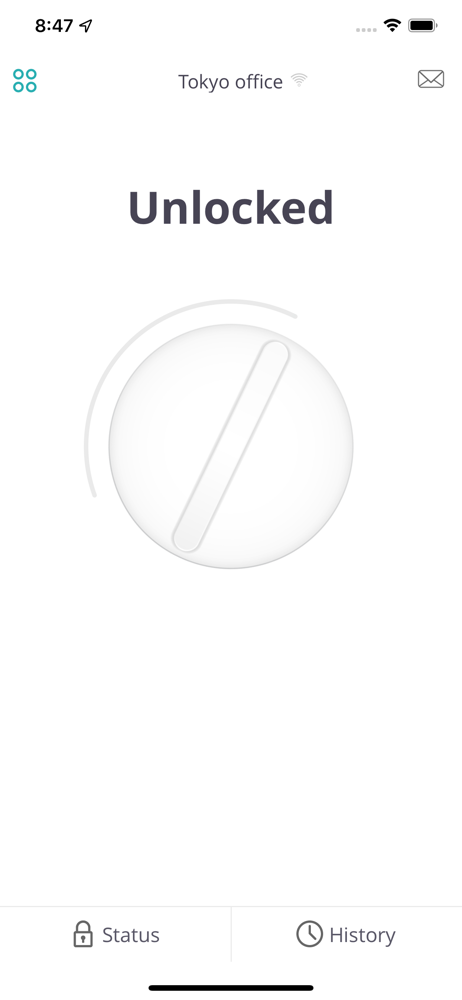
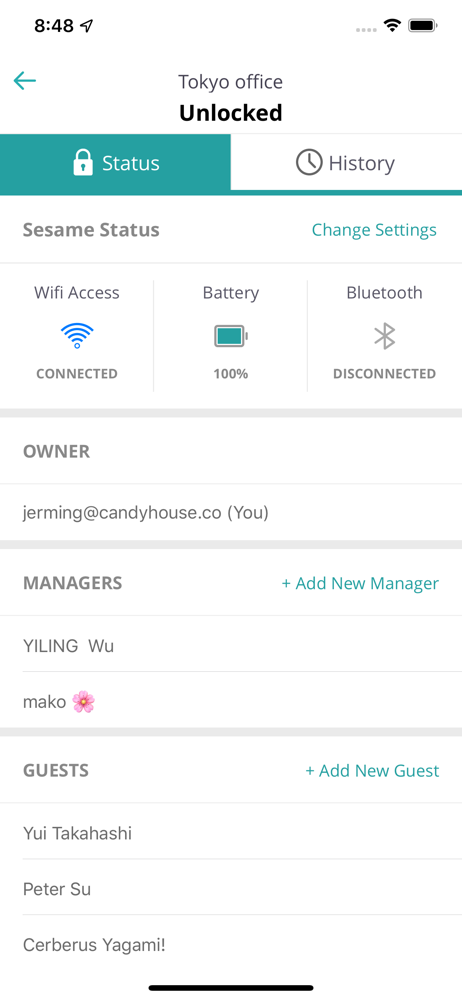
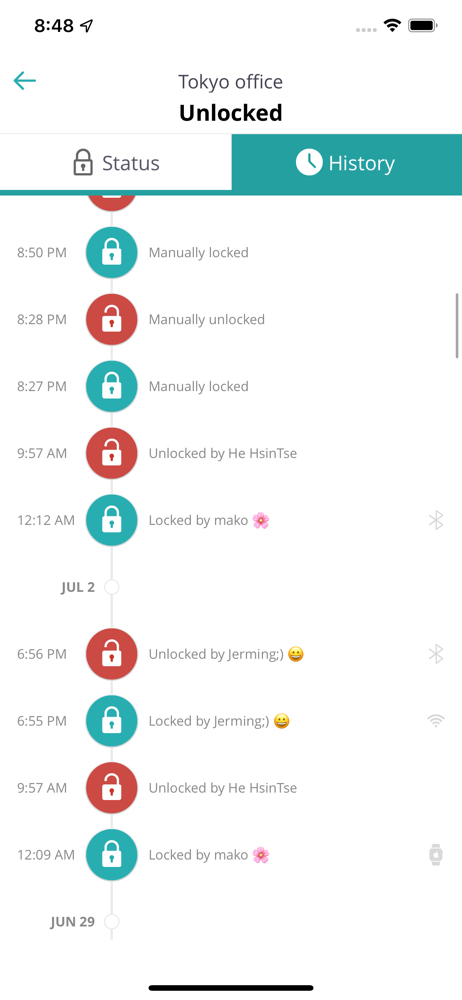
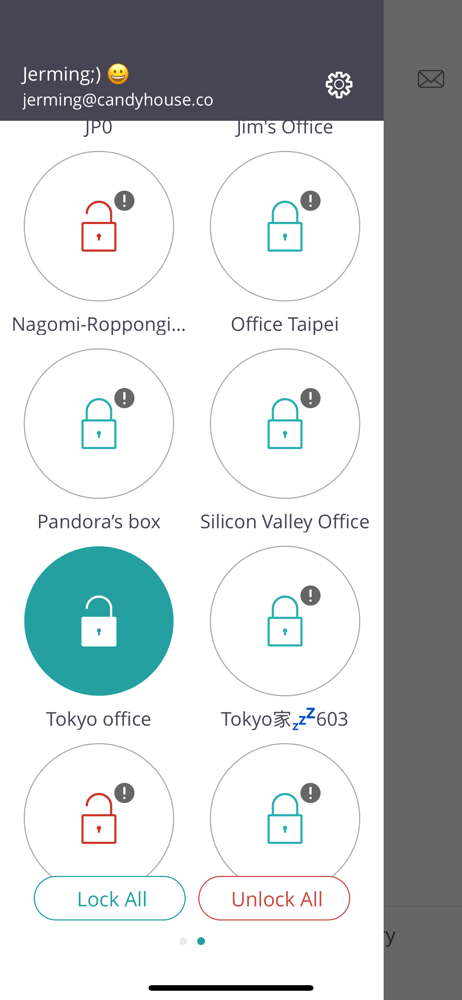
Read the store headline, screenshots and description. What problem is the app promising to solve?
Study the storefront ↗
CANDY HOUSE · iOS
Explore the ad evidence, study the storefront, and build your next acquisition hypothesis.
01 / Creative research
Read the store headline, screenshots and description. What problem is the app promising to solve?
Study the storefront ↗Explore apps with direct store-link matches. Compare their hooks and formats without assuming the same approach works here.
Browse observed advertisers ↗Store rankings and revenue estimates describe market context. They do not establish ad spend, conversions or ROAS.
Review the market context ↗02 / Storefront & product
Study the product story and store experience behind the acquisition funnel.
03 / Market context
Keep revenue, downloads and store rankings separate from advertising performance.
Intermittent, which is not the description you want for the front door lock to your house. Auto Unlock works about 60% of the time. It’s pretty rare that it won’t connect at all, but it’s happened. Sometimes it will just decide to unlock when I’m upstairs in my house. User management through the app is a bit intermittent as well. Often, I will get a time out error that it’s not connected to the “candy server” but I’m online and connected to the unit via Bluetooth. I wanted to like this much more than I do, and I have to hear about its failings from my wife every other day, so I will likely go buy a real solution, and retire this fun toy.
I’m having nothing but problems with this. I can not reliably leave my keys at home thinking this will unlock. We have the WiFi module, and the latest version on iPhone X and Xs. 50% of the time I try to use it or more, it will connect, but won’t unlock the door. So I sit in front of the door, like an idiot trying reconnect via BT or WiFi hoping it’ll make the little buzzing sound. I’m at the point where I’m going to smash it with a hammer. Luckily I have an iris system at home and it works 100% of the time. Update, still has issues. When trying to connect via Bluetooth it cycles between connected and disconnected. Today it only took me 1 minute to open the stupid lock because I’m used to turning BT and WiFi on and off to trick the app into connecting. I’ll be selling this soon.
I got this lock originally from its kickstarter campaign a few years back. Having use it ever since i can say that it does work pretty accurately for what it offers. It allows you to manually unlock your door, it allows you to lock your door based on a timer and it gets the Bluetooth connection pretty quick and from far away. However if you use the widget to unlock the door, it still brings you to the actual app to click to unlock. All activities related to the lock remain local to Bluetooth because the wifi dongle is not ready, geofencing and knock to open are beta so basically don’t count until they are officially part of the mainstream app. And last but not least there is no HomeKit to be seen anywhere around. On a side note: Supposedly homekit could still be reached via software update as apparently apple will allow it, but from that to actually happening is another story. All being said. If you are looking for a simple lock/unlock device to control your door without your actual key. Sesame could be a good option. Ohhh and I forgot. Battery life does go a looooooooong way. In a couple of years I don’t remember changing battery on the lock maybe once.!!
*** Sesame. Your key, reinvented. *** Your physical key becomes an app in 1 second. ● Leave your keys behind Just lock and unlock your door using the...


