Check the acquisition promise
Read the store headline, screenshots and description. What problem is the app promising to solve?
Study the storefront ↗
Eyeo GmbH · iOS
Explore the ad evidence, study the storefront, and build your next acquisition hypothesis.
01 / Creative research
Read the store headline, screenshots and description. What problem is the app promising to solve?
Study the storefront ↗Explore apps with direct store-link matches. Compare their hooks and formats without assuming the same approach works here.
Browse observed advertisers ↗Store rankings and revenue estimates describe market context. They do not establish ad spend, conversions or ROAS.
Review the market context ↗02 / Storefront & product
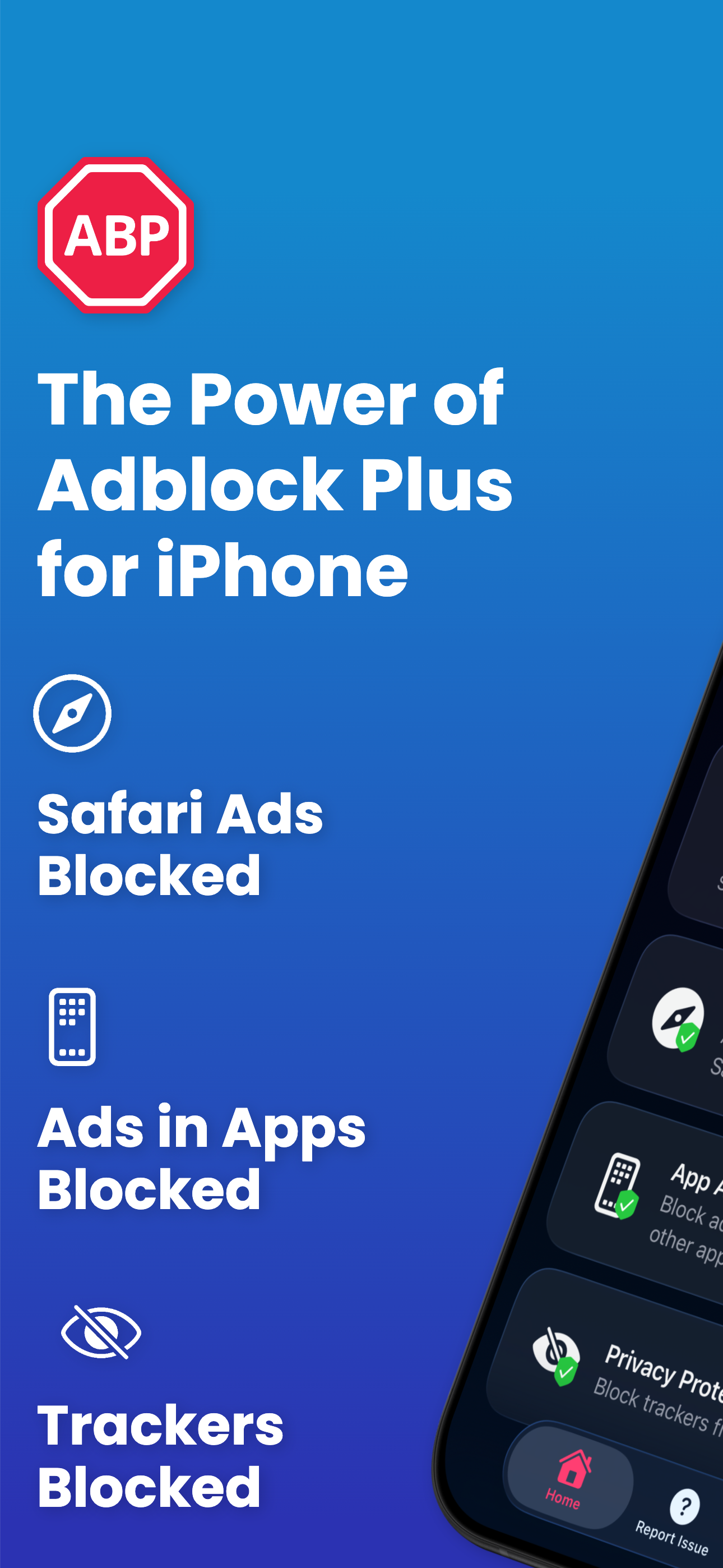
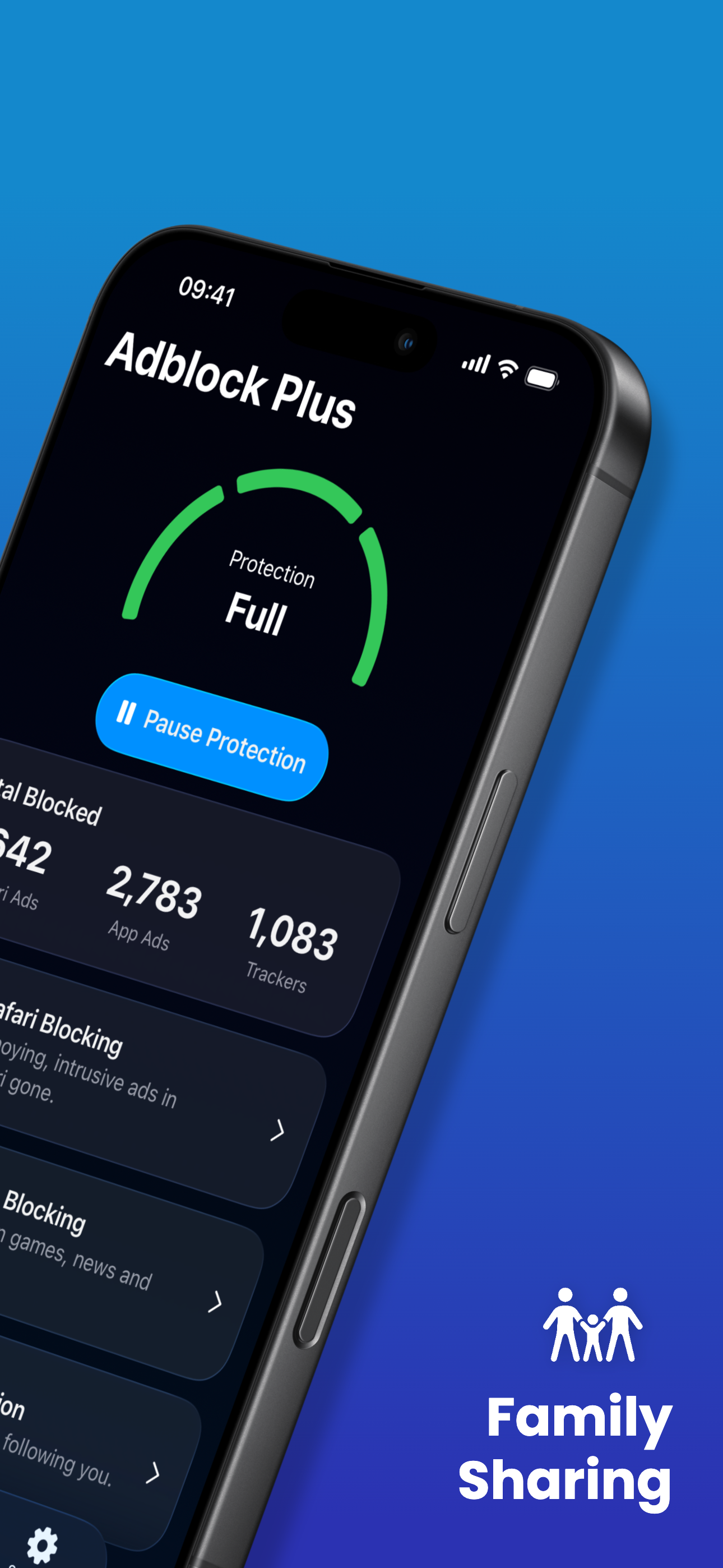
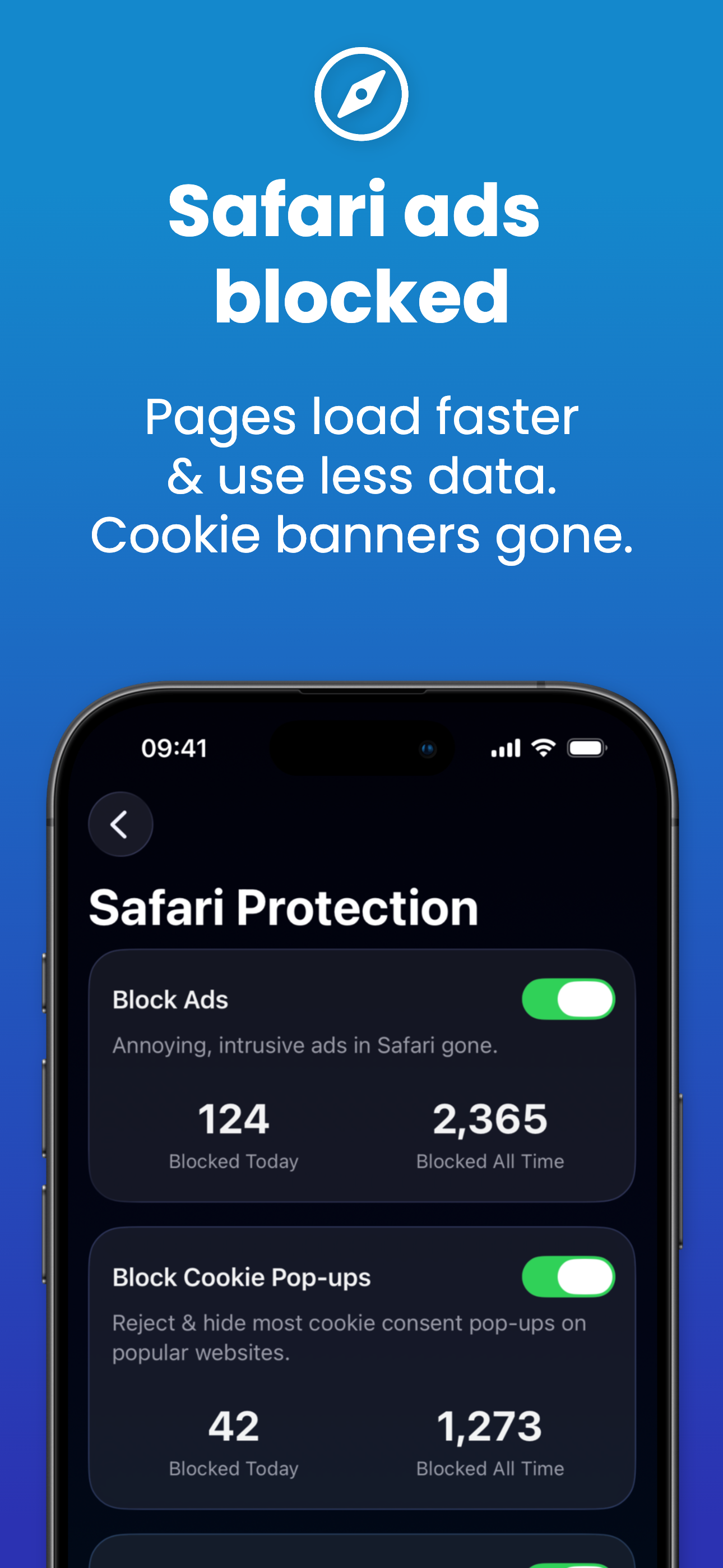
Study the product story and store experience behind the acquisition funnel.



03 / Market context
Keep revenue, downloads and store rankings separate from advertising performance.
The application is great, everything works for a while. When a new advertisement appears, the application for some reason does not remove it even after updating the registry, and when the application is downloaded, it cannot load the registry for a long time and you have to wait an unknown amount of time iOS version for reference: 15.8.3
Using this on an iPhone 11 (running iOS 16.3). If you get it running, it works very well, having the option of allowing acceptable ads or blocking all. Allows ads on sites you put on the “allow list”. However, my experience with it has been less than stellar. If the app is updated, or turned off for whatever reason then turned back on, it is like it isn’t even running (even though it is turned on and “block ads” is selected). Tried shutting it down and restarting, shutting Safari down and restarting, etc. after a few days it randomly starts blocking. This would easily be a 5 star app if this was fixed, as it is very frustrating.
I’ve used Adblock Plus for Safari for about two years, along with two other ad blockers. Recently I upgraded my iPad to iOS17. Suddenly got ads all over the place! I checked the Adblock Plus and readjusted my enabled websites list, and closed the iPad, then re-opened it after a few minutes. Voilá— no more ads! This app is much more efficient than the other two ad blockers I used before. My suggestion to anyone having ad problems after installing an iOS update is just to check and recalibrate your Adblock Plus, and close your device, then re-open it. I really hate ads, so I love this app.
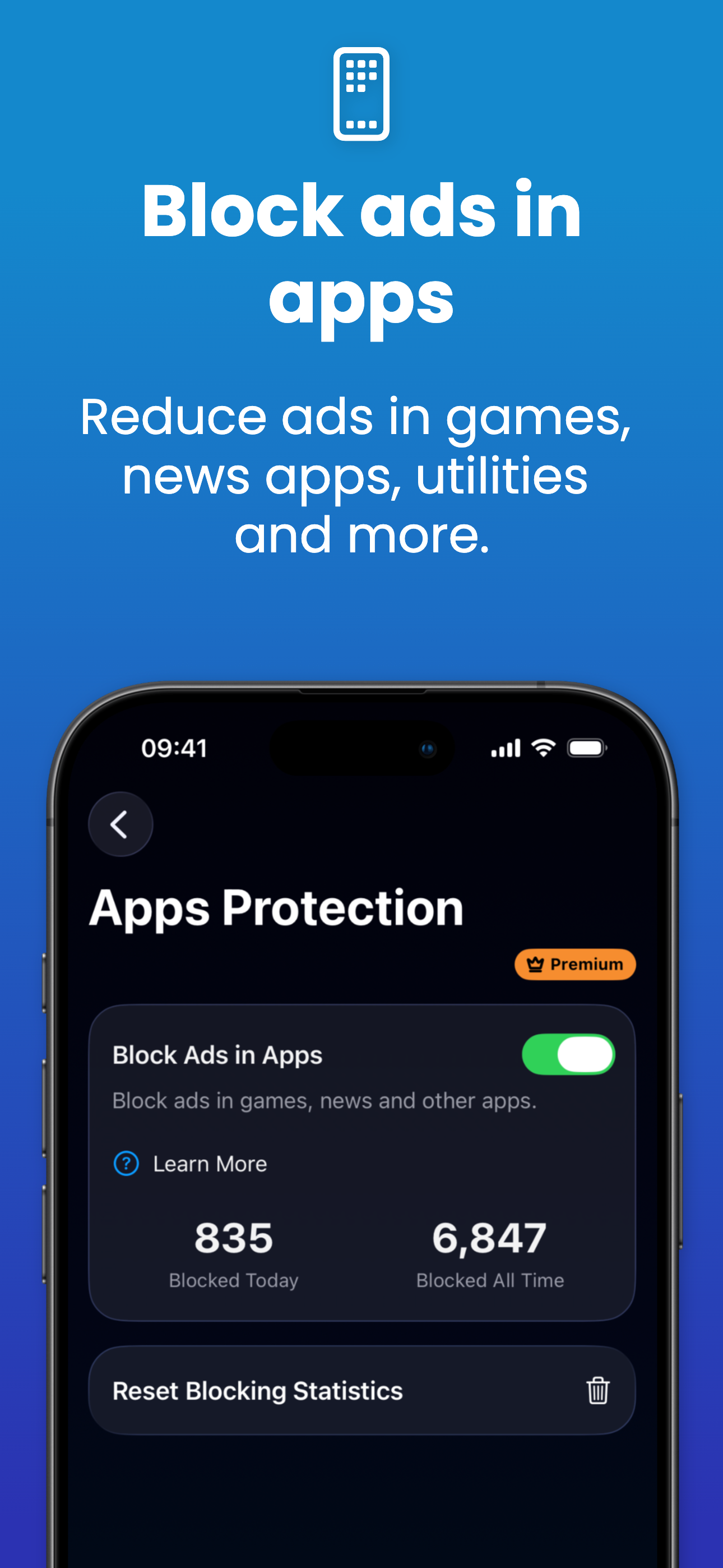
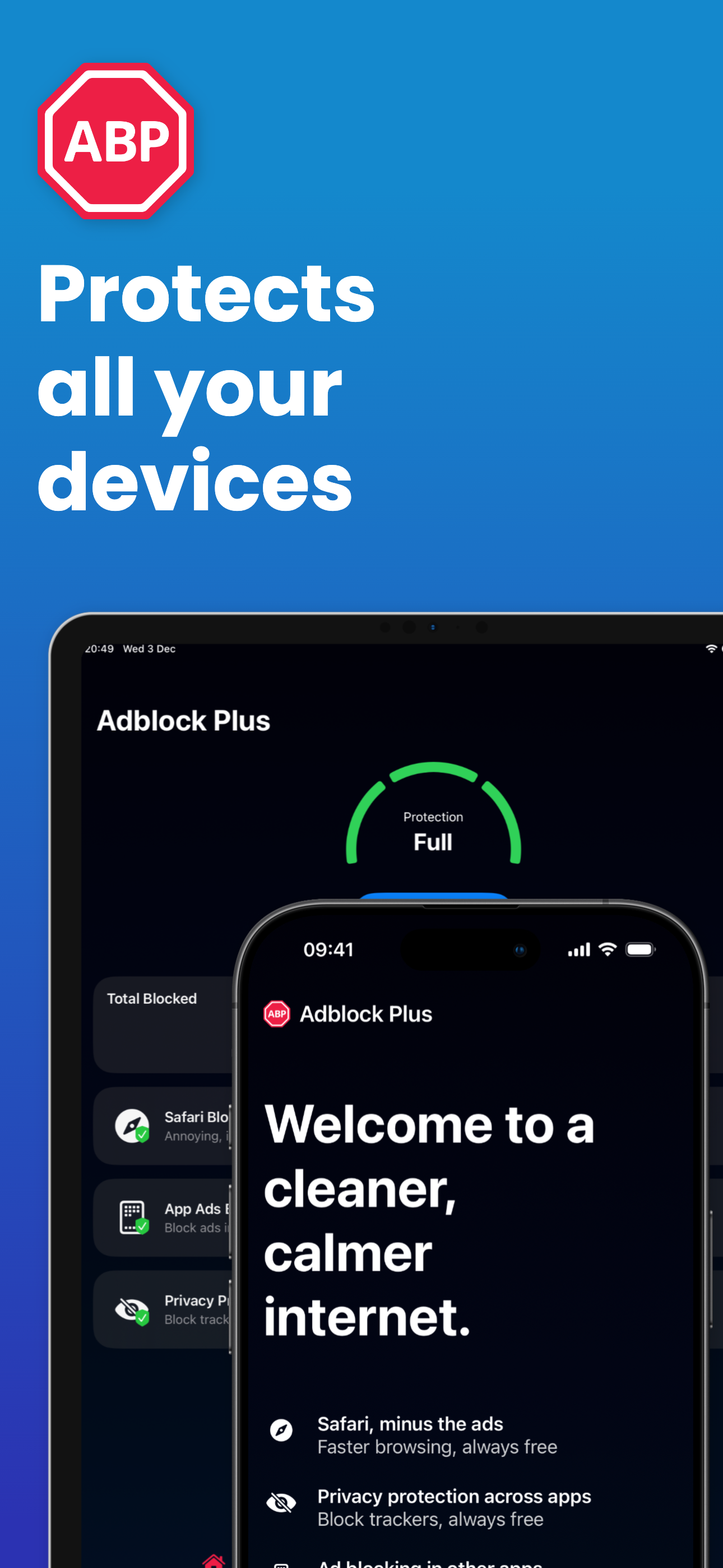
Say goodbye to intrusive ads, cookie banners, video pop-ups, and distractions that clutter your Safari experience. Now you can blocks ads across your...
| Name | Price | Type |
|---|---|---|
| Adblock Plus App Monthly | $3.99 | Monthly |
| Adblock Plus Monthly | $4.00 | Monthly |
| Adblock Plus App Yearly | $39.99 | Yearly |
| Adblock Plus Yearly | $39.99 | Yearly |
| Adblock Plus Yearly | $40.00 | Yearly |