
Check the acquisition promise
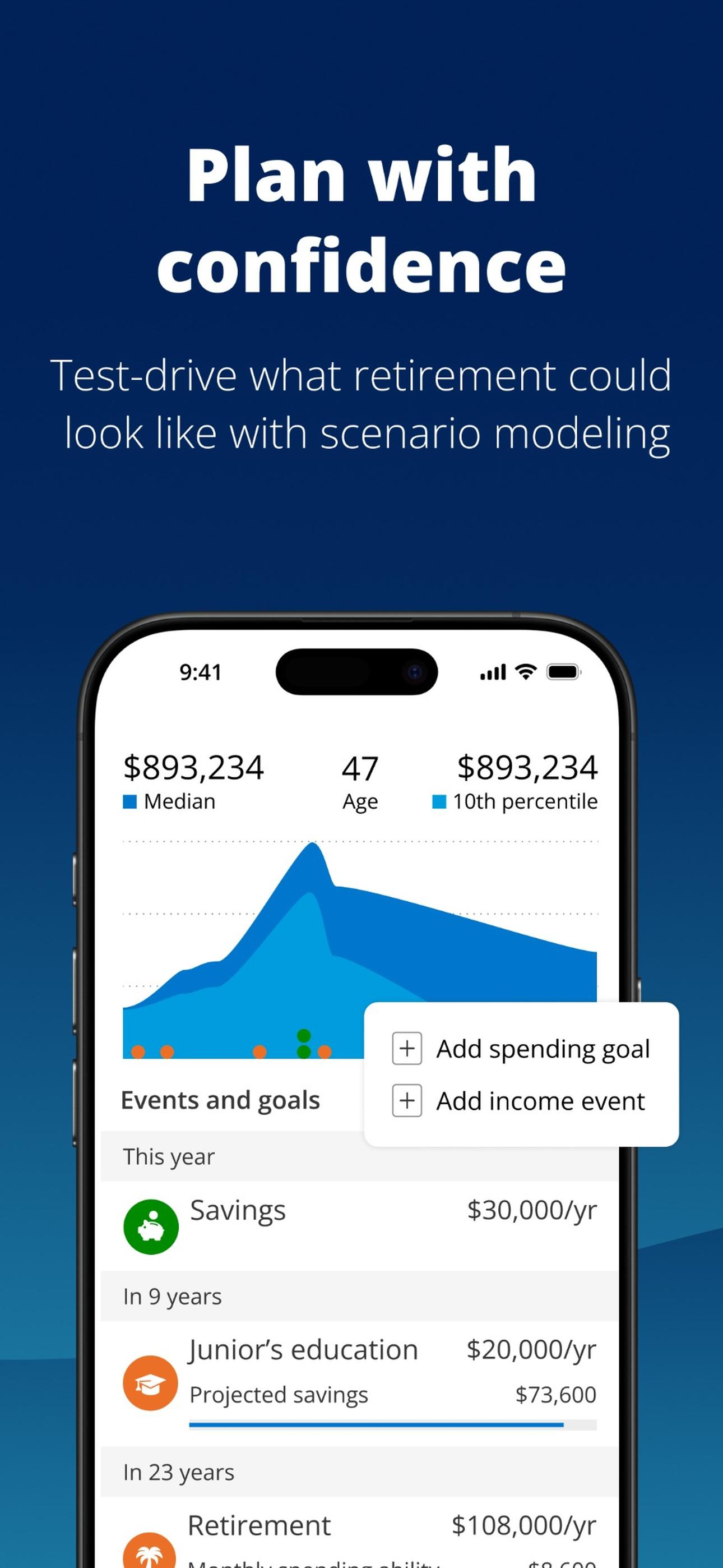
Read the store headline, screenshots and description. What problem is the app promising to solve?
Study the storefront ↗
Empower Retirement, LLC · iOS
Explore the ad evidence, study the storefront, and build your next acquisition hypothesis.
01 / Creative research
Read the store headline, screenshots and description. What problem is the app promising to solve?
Study the storefront ↗Explore apps with direct store-link matches. Compare their hooks and formats without assuming the same approach works here.
Browse observed advertisers ↗Store rankings and revenue estimates describe market context. They do not establish ad spend, conversions or ROAS.
Review the market context ↗02 / Storefront & product
Study the product story and store experience behind the acquisition funnel.



03 / Market context
Keep revenue, downloads and store rankings separate from advertising performance.
I previously used the Empowering Personal Dashboard and absolutely loved it! The recent move to consolidate the Personal Dashboard into one overall Empower Dashboard was a good move, but it came with some issues that could have been handled better. First off, the new dashboard did not take into account members who had separate Empower Retirement accounts (as I did through my employer). There was no flag to merge this or to login with my Empower Personal Dashboard credentials. When I was redirected to the new dashboard login, it defaulted me to my Empower (Employer) Retirement account, which had none of my personal Dashboard info. It took some effort to resolve this in my own. Secondly, the new Empower Dashboard has a ridiculously small font. I have designed software for 20+ yrs. The new app design utilizes a font size that is well below standard accessibility guidelines. If the app chooses to utilize a small font by default, there should be a setting to increase the font size. The visual discomfort and legibility has been greatly compromised. The previous Empower Personal Dashboard was perfect. Please tell your developers. This is such a simple and necessary change.
I wanted to reallocate the investment funds in my Empower Ret. Portfolio but had an extremely difficult time location the spot on your App site to accomplish this. I called Empower and spoke with “David”. He gave me instructions for using the website, but I could not find the selections he spoke about on my account. He became a bit irritated with me because I thought on was on the website, but was actually on my tablet, which said that meant I was using the App and the materials were different on the app. I ultimately found the spot for reallocating my funds without his help because he said he was not used to using the app and couldn’t find it either. David told me not to use the “slide” because it was “touchy”. But there was no place to enter a percentage number on the app. Using the app to accomplish the reallocation was confusing and difficult. It was not intuitive at all. I had to make my selections several times because the changes were not visible and I was not sure that the information was being accepted. Finally, after several steps and missteps, I saw the “review my changes” and was able to verify that the reallocation I wanted was made correctly. All in all, it was a very confusing and frustrating experience.
But this app makes me so angry I feel I need to. I’m currently stuck in an endless loop at login. The app helpfully tells me they have found another account I own that can be linked, clicking on that explains that this action can’t be taken in the app and I need to call customer service, fine, whatever, it then takes me back to the previous screen with no other action but to try to link the account again. The app often just hangs on login after using Face ID. It sends ridiculous notifications to the phone like “your account has been logged out due to inactivity”, great, why should I care about that? What action can I take off the back of it? I can either ignore it and just be annoyed that my phone got a pointless notification. Alternatively I can re-open the app and login again, but why on earth would I need a notification to prompt me to do that? If I wanted to open the app again I would have done that myself and discovered at that point I would have needed to login again. Note to the people that design and build it: please just remember that this app is not the most important thing in people’s lives, in fact it falls completely into the “I don’t care, I just want to get in, do what I need to do, get back out again, as quickly as possible”. Your success should be measured by how little time people spend in your app, not how much, and breaking logins again doesn’t count
“The Empower Dashboard gives me a full picture of where I am financially without having to log in to all my accounts. It definitely makes my financial...

