
Check the acquisition promise
Read the store headline, screenshots and description. What problem is the app promising to solve?
Study the storefront ↗
Peplink International Limited · iOS
Explore the ad evidence, study the storefront, and build your next acquisition hypothesis.
01 / Creative research
Read the store headline, screenshots and description. What problem is the app promising to solve?
Study the storefront ↗Explore apps with direct store-link matches. Compare their hooks and formats without assuming the same approach works here.
Browse observed advertisers ↗Store rankings and revenue estimates describe market context. They do not establish ad spend, conversions or ROAS.
Review the market context ↗02 / Storefront & product
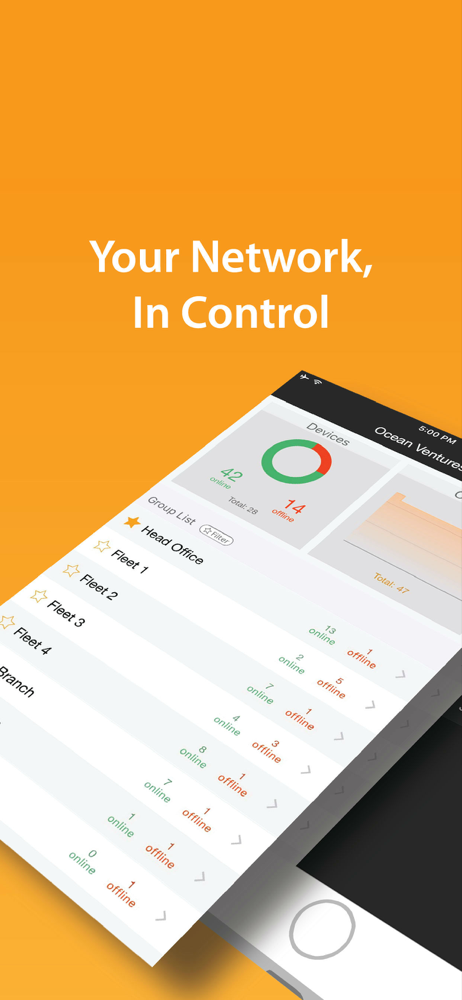
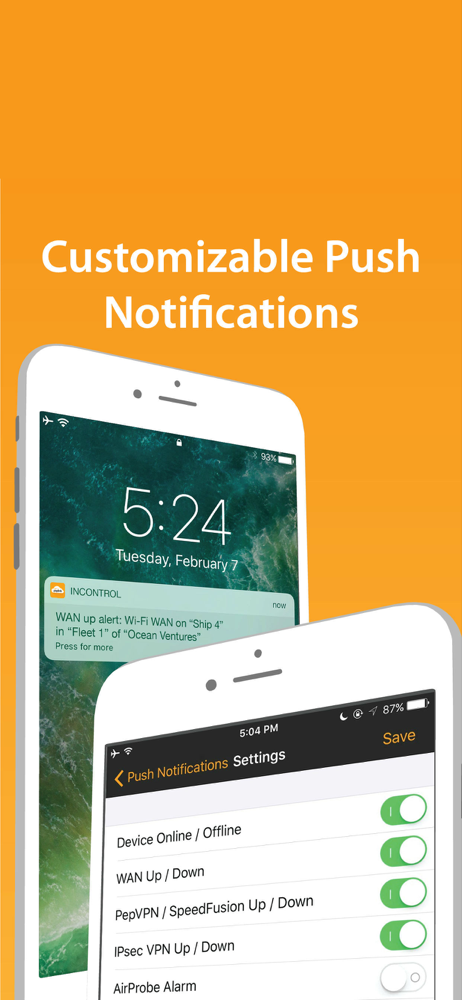
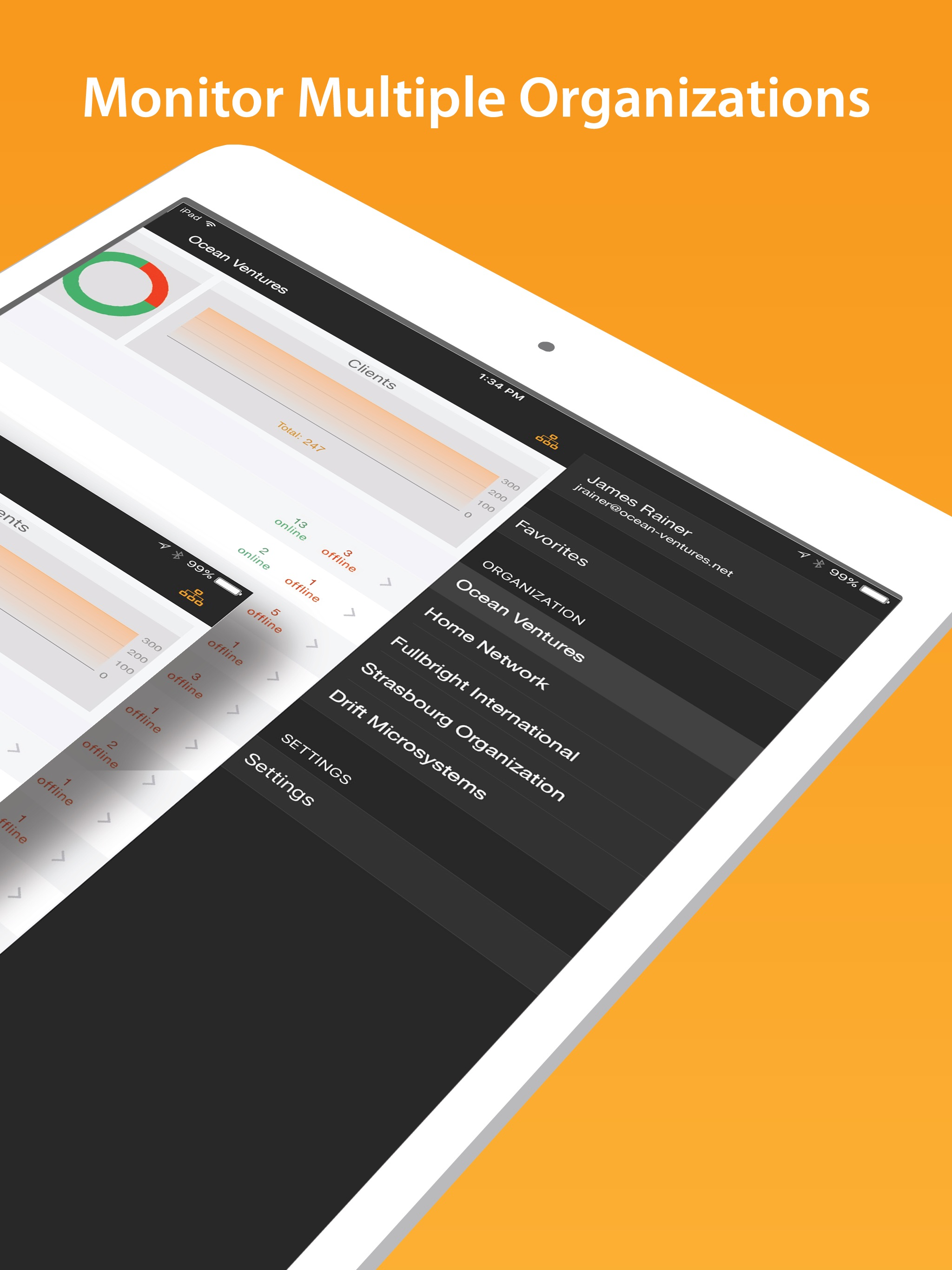
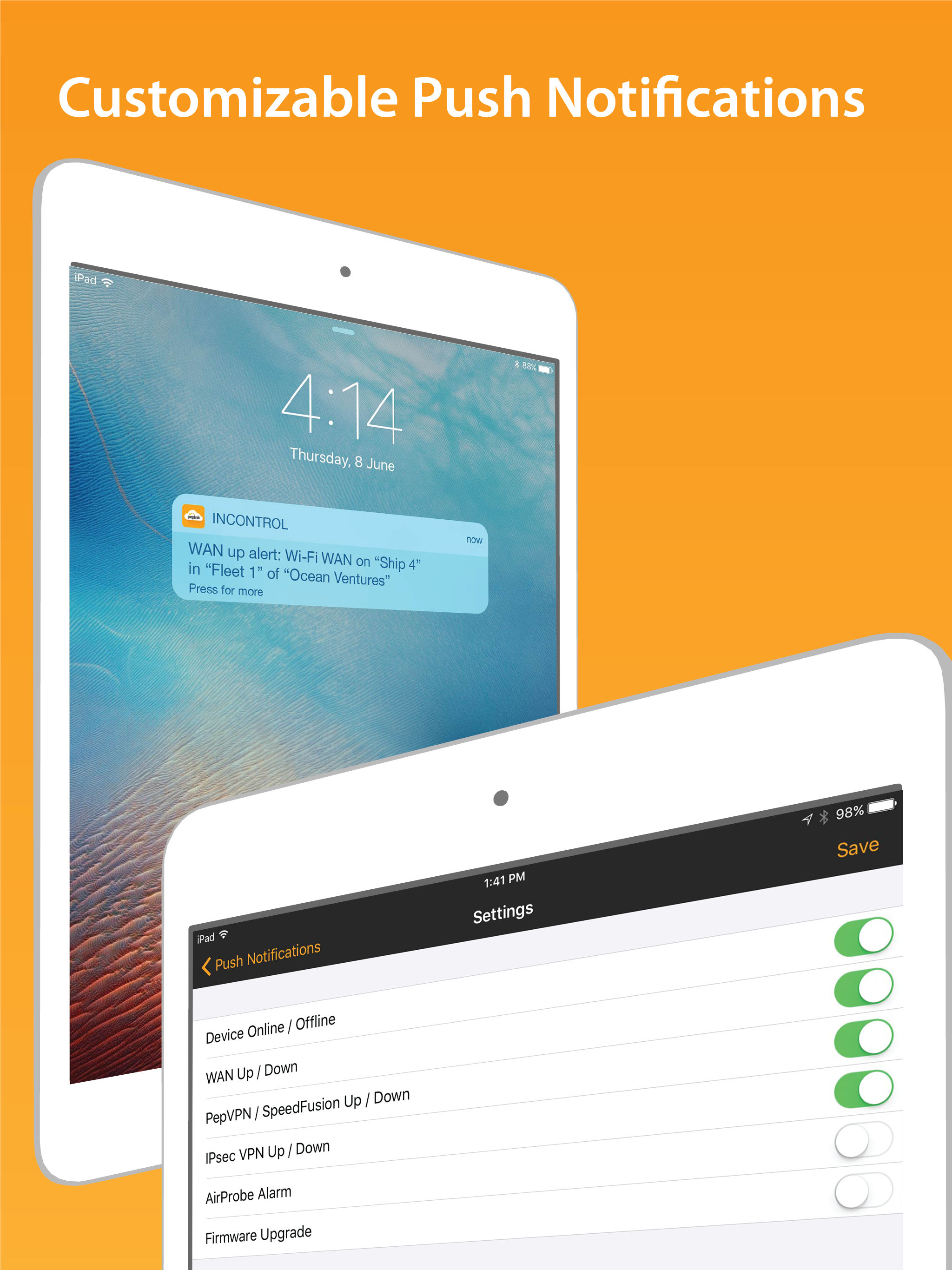
Study the product story and store experience behind the acquisition funnel.



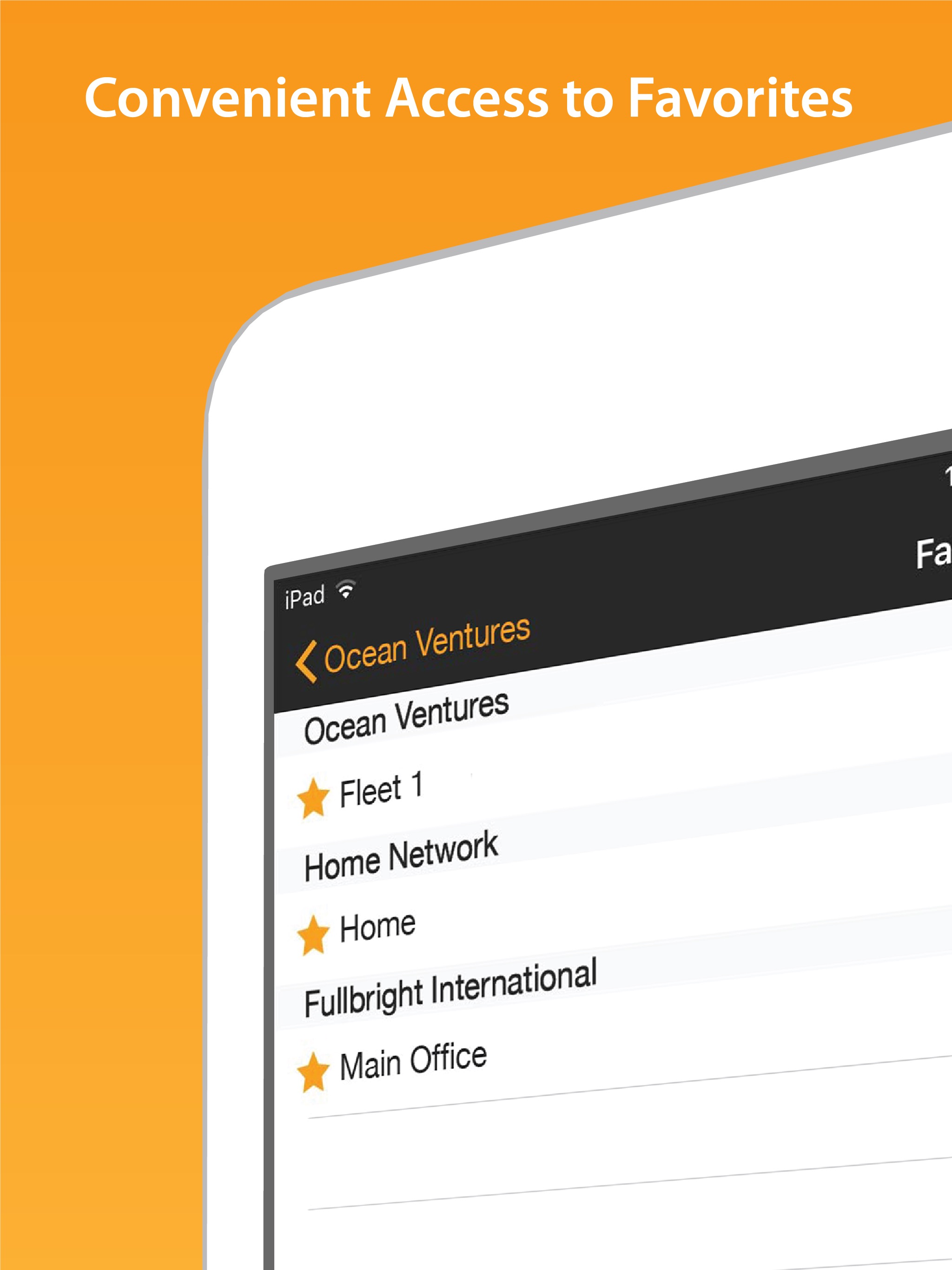
03 / Market context
Keep revenue, downloads and store rankings separate from advertising performance.
This app, like all of peplinks apps, is bordering on utter garbage. This app too is janky AH. It does quite literally nothing. Changing sim priority: nope. Viewing or modifying any settings: nope. Wol: nope. Looking at current wireless or cellular settings: nope. Doing quite literally anything even remotely useful: again, nope nope nope. The *one* saving grace is that this app does give you access to the remote console, which you can *then* use to do useful stuff. It also has a weirdly limited log viewer. But for the remote web admin, this app is pointless. And for that one reason alone, it is indispensable. Once again, it is shocking and disappointing to me how janky these apps are. This is especially so considering how robust and well built the actual router is. I absolutely love the peplink routers, but OMG these apps are beyond useless. I really wish peplink would spend some time writing an even marginally useful app. Then they’d have a truly killer, highly manageable, robust powerhouse. This, on the other hand, is some weak tea.
I can access my Balance 20x but for some reason the map is not working. I do appreciate I can see who/what’s connected in and current status but do want to see the map working. Map works fine through browser.
Interface is simple and easy to use. The details are a bit hard to read quickly on a small phone. Very little meat in this initial version. The only morsel was the Remote Web Admin which worked well and you could do anything you needed to do. Compared to the Peplink Router app, I liked this In-Control app less except for the Remote Web Admin and Events area where Peplink has smart filtered for router functionality and made the results helpful at that level. Wish for more smart filters here (and in the Router app too). The rest is not any better than the earlier Peplink Router app. Useable, especially for Remote Web Admin, with room for improvement.
InControl for Peplink is your companion app for real time monitoring of your Peplink networks while you are on the move. With this app, you no longer...


