
Check the acquisition promise
Read the store headline, screenshots and description. What problem is the app promising to solve?
Study the storefront ↗
Hubbell Inc · iOS
Explore the ad evidence, study the storefront, and build your next acquisition hypothesis.
01 / Creative research
Read the store headline, screenshots and description. What problem is the app promising to solve?
Study the storefront ↗Explore apps with direct store-link matches. Compare their hooks and formats without assuming the same approach works here.
Browse observed advertisers ↗Store rankings and revenue estimates describe market context. They do not establish ad spend, conversions or ROAS.
Review the market context ↗02 / Storefront & product
Study the product story and store experience behind the acquisition funnel.





03 / Market context
Keep revenue, downloads and store rankings separate from advertising performance.
Both my light switch and wall switch have both disappeared from the app. When I try to reinstall them it sends me to home kit which does not recognize them. Not sure who to blame or if I have to start as they’re new products, but my devices that aren’t iDevices are still on their app from my hue bridge. Doesn’t make sense. Even when they were there the little circle on the for the device would spin sometimes for days before I could turn on or off. Still works on Alexa and didn’t disappear from that app. Seems insensible. I know since apple updates lately lots of devices do not work on home kit. So I switched to Alexa and all is fine. Also when apps change companies or their platform/software updates these days your devices from there own company will not work. Maybe just trying to get us to buy new devices. Who knows I’m not a genius but have been using apps and devices problem free for over 10 years and nothing but issues with most of the popular companies apps and devices lately.
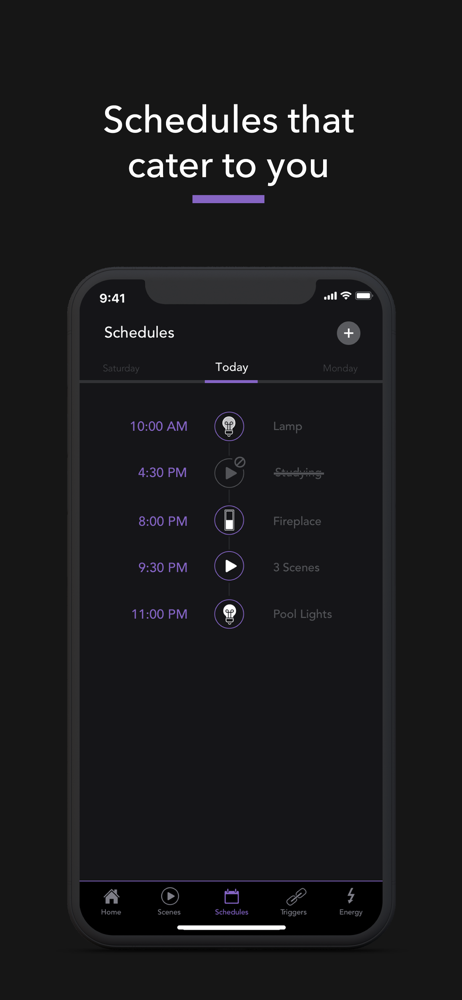
I’ll give you one star for each fix annoyance. I have two thermostats currently. One upstairs and one downstairs.Why can I only add temperature to schedule? My thermostats are located in the hallway and the rooms have the windows. So the sunlight makes the rooms hot but the thermostat never sees the temperature rise until the user goes to the thermostat and changes it all the way down to 59’F just to kick on the fan to circulate the air. I would like to be able to add a change of fan mode to the schedule so I can turn on the fans and circulate the air periodically without having to change the set temperature. So my workaround is to create two scenes: one turns fans on the other turns fan auto. Then schedule the scenes throughout the day. Schedule both fans on at 2pm. Then both fans auto 2:15. And again at 3pm, 4pm etc. this solves the problem but the nice schedule view doesn’t know how to handle a fan mode so it blanks it.Annoying. Also for some weird reason when I set to schedule a scene I start the second scene schedule but every time it hiccups the new schedule scene and resets losing the new scene, forcing me to do it again. Annoying. What would be ideal is to have an option to just let me schedule the fans to come on periodically throughout the day, like every hour. For 10 min or every other hour for 15 min etc. just two sliders to let me control it. Maybe get creative two and add a start time and stop time. And a setting for days of the week. The othe annoyance is when scrolling the schedule it only goes a page at a time. I cannot scroll like a web page I can only scroll lock one page down then one page up. So if you wanna see what’s happening after the schedule at the bottom you simply have to scroll up and down and up and down to get an idea of the schedule. Annoying.
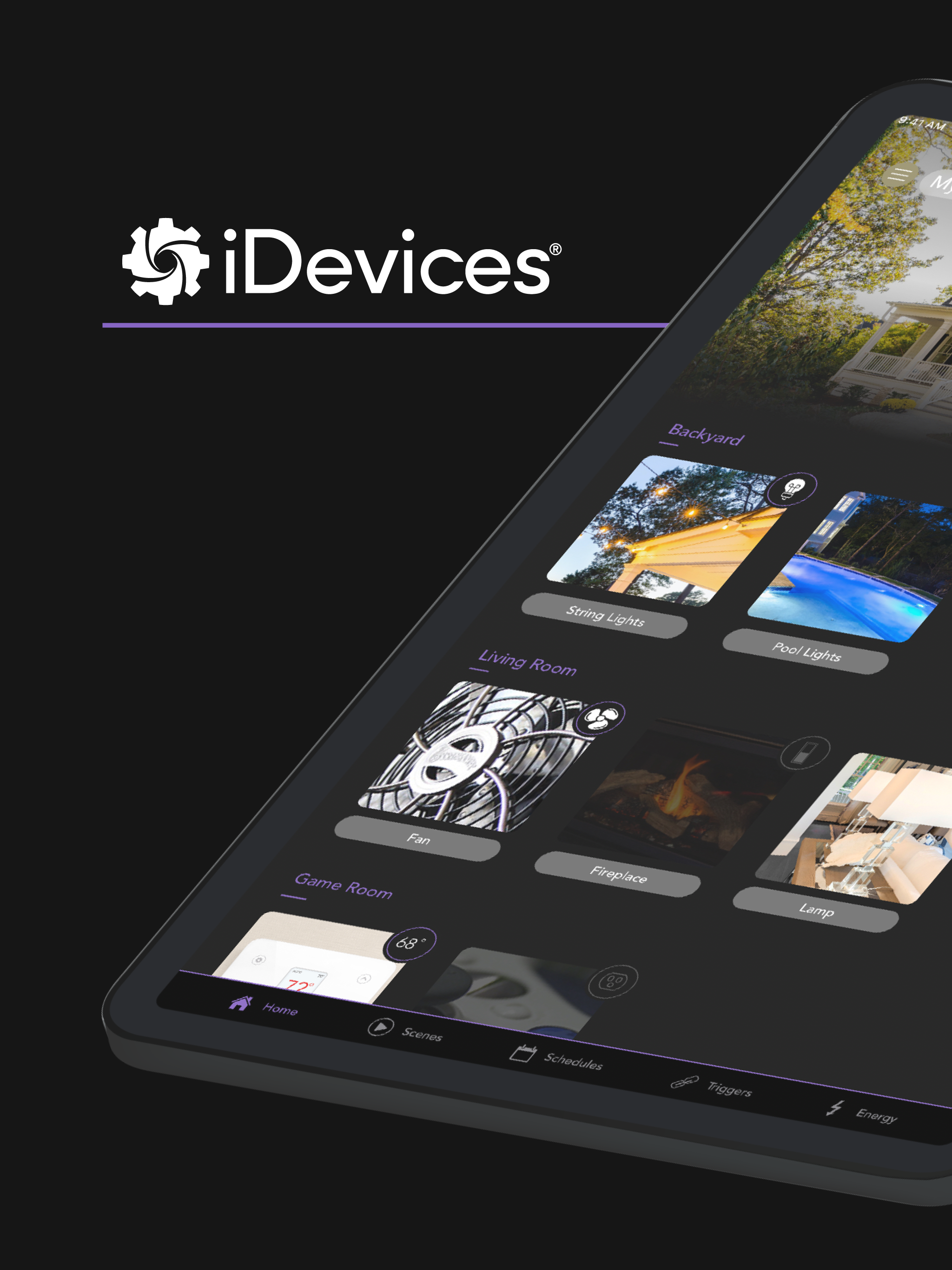
I believe I have a similar issue as rws1812, except I want to mention that the issue isn’t only apparent with multiple thermostats. The iDevices home screen and the Apple Home app both use a multi level approach for users to identify the device they want to control. The iDevices app “forgets” this on all menus except the home screen. If I am looking at energy usage, or a scene, I would like to know if a device I named “Lamp”, for example, is in the upstairs bedroom, or the office! My point is, the app should always show the Room, then the device name. Not everyone wants to take a descriptive photo to identify each device. Even if they did, the icons in many lists are so small, it may not help much. I suggest every list of devices show Room, then Name to help solve this problem.
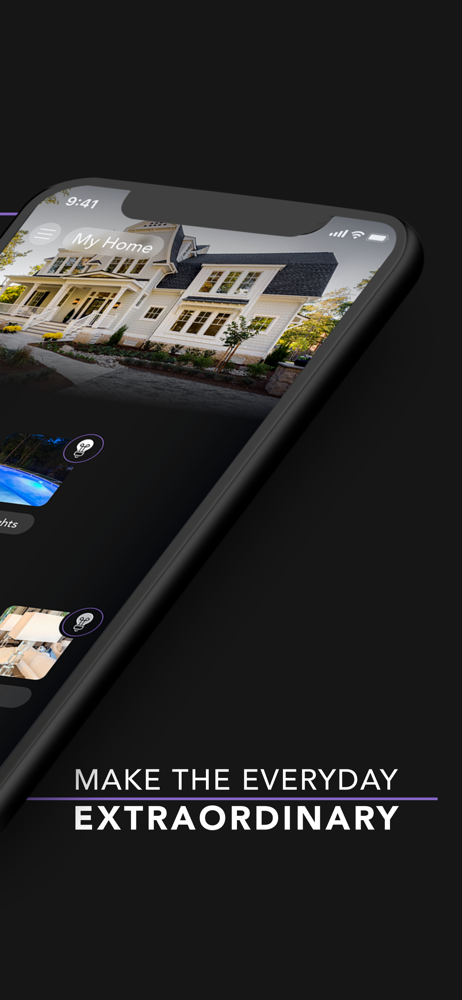
Create the smart home you envision and realize the connected lifestyle you expect with iDevices Wi-Fi-enabled switches, outlets and thermostat. Whethe...


