Check the acquisition promise
Read the store headline, screenshots and description. What problem is the app promising to solve?
Study the storefront ↗
CURLYBRACE APPS LTD · iOS
Explore the ad evidence, study the storefront, and build your next acquisition hypothesis.
01 / Creative research
Read the store headline, screenshots and description. What problem is the app promising to solve?
Study the storefront ↗Explore apps with direct store-link matches. Compare their hooks and formats without assuming the same approach works here.
Browse observed advertisers ↗Store rankings and revenue estimates describe market context. They do not establish ad spend, conversions or ROAS.
Review the market context ↗02 / Storefront & product
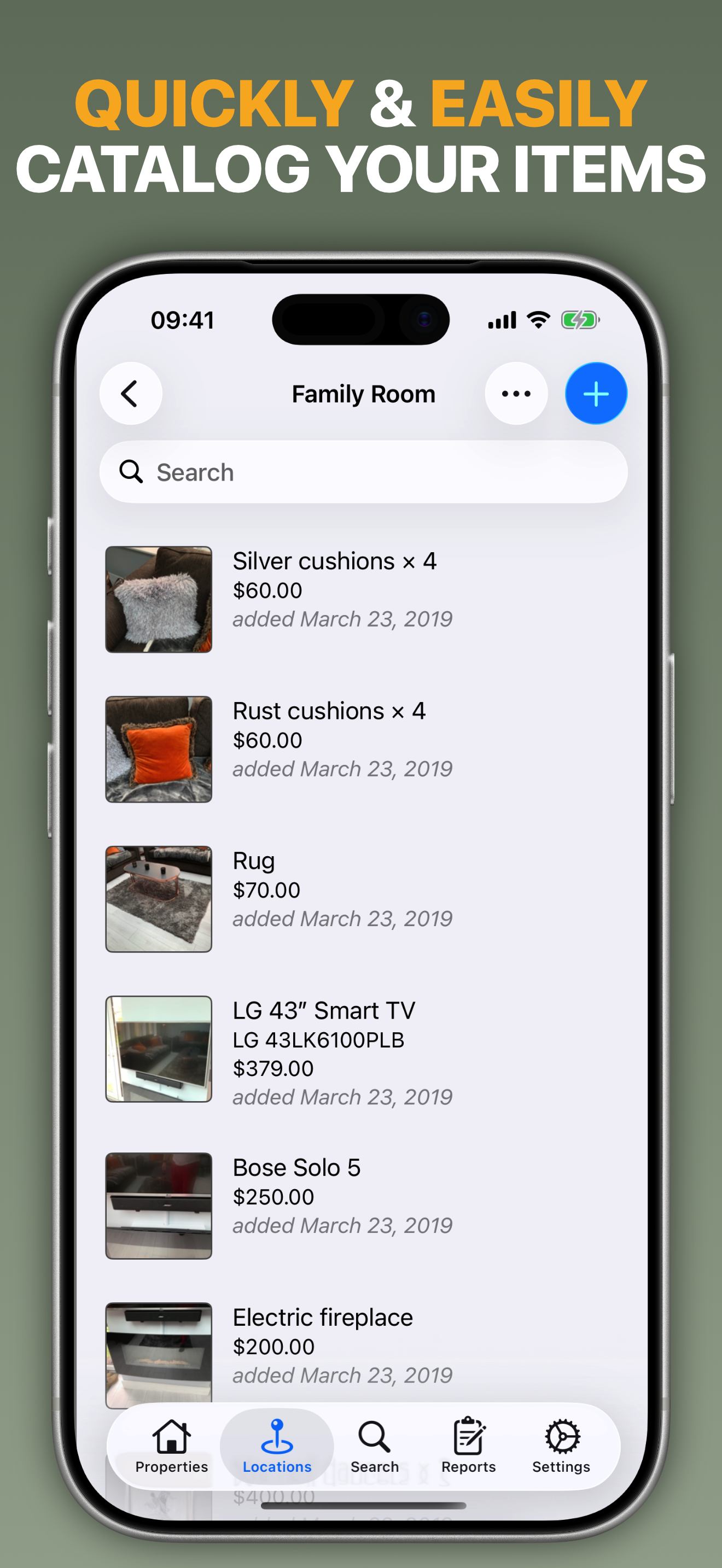
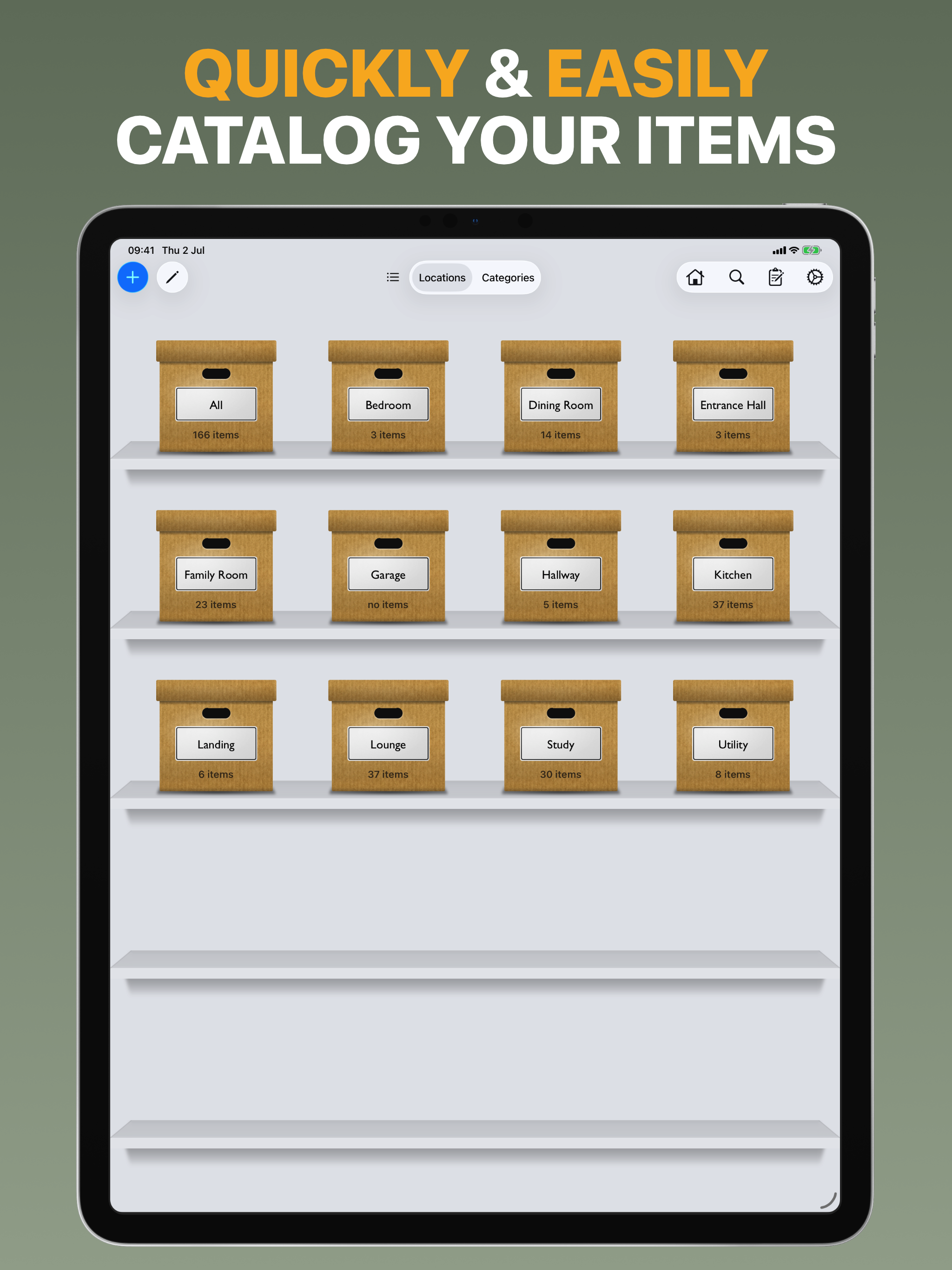
Study the product story and store experience behind the acquisition funnel.





03 / Market context
Keep revenue, downloads and store rankings separate from advertising performance.
This app has been amazing!! Idk how I would have got through the inventory I had to do for my insurance company after our house fire that resulted in what the call a “total loss”. Th only thing it didn’t have that I needed to provide the insurance company with was the approximate age of each item. If it had a space for each item to list its age that would have been great. I personally just used one of the other spots my insurance company didn’t ask for then let them know that’s how I did it. But overall I love this app!! Not to mention it’s literally the only one of its kind in the Apple App Store. I was a little worried at first it being the only one. As soon as I opened my fears were gone!! I recommended this app to anyone that has to do an inventory for their insurance company !!! Thank you for making this app!! P. S. I haven’t EVER wrote a review for a app!! I love this and recommend this so much I had to comment!!
For years, I have wanted a way to easily inventory “stuff” around my house and garage. The big things I can usually locate, but the small things that get packed away in boxes and cabinets are often difficult to find. On many occasions, I have spent hours searching for a tool or part that I know I have somewhere. I just can’t find it. My initial plan was to take a photograph of each item when I buy it. I could then create albums in iPhoto to organize the images. This method was slow and I was not satisfied with the search features in iPhoto. This app has solved all my issues. I tried it for free for one afternoon. That was enough to convince me to buy it. Here is my strategy. Whenever I buy a new part or tool, I take a picture of it with my iPhone. I also take a photo of the place that I store the item. At a future time, I sit down with an iPad and create new entries of each item and the storage location. I may not ever get all my “junk” organized, but I am starting to get ahead of things. It took me decades to get disorganized, so it will take a while to get everything in order. I am getting there.
I’ve tried hundreds of apps to keep my household inventory and for one thing or another each has failed. I knew this was the perfect app in less than five minutes after running through the features and adding items, printing PDFs, then syncing to my icloud. As a person who’s suffered a traumatic brain injury, has problems learning new things, and has basically no short term memory; THIS APP IS SO INTUITIVE!!!! I never felt lost or dumb trying to figure things out. It’s complex with everything you could possibly want an app like this to have but so well organized in its flow and layout, I feel like I’ve had this app my whole life instead of an hour I wish I could give more than five stars. Outstanding job developers! Y’all should take a bow for a job excellently done then go make us lots more apps cause you guys are awesome :)
The fastest way to create a complete home inventory. Capture First. Organize Later. Home Contents’ unique Quick Capture mode lets you walk through e...
| Name | Price | Type |
|---|---|---|
| UNLOCK ALL FEATURES | $5.99 | One-time |