
Check the acquisition promise
Read the store headline, screenshots and description. What problem is the app promising to solve?
Study the storefront ↗
Scripps Networks, LLC · iOS
Explore the ad evidence, study the storefront, and build your next acquisition hypothesis.
01 / Creative research
Read the store headline, screenshots and description. What problem is the app promising to solve?
Study the storefront ↗Explore apps with direct store-link matches. Compare their hooks and formats without assuming the same approach works here.
Browse observed advertisers ↗Store rankings and revenue estimates describe market context. They do not establish ad spend, conversions or ROAS.
Review the market context ↗02 / Storefront & product
Study the product story and store experience behind the acquisition funnel.



03 / Market context
Keep revenue, downloads and store rankings separate from advertising performance.
I downloaded this app to my Samsung TV. It's horrible! Here's why... - In watching an HGTV program, as well as in the myriad of commercials, the sound/voices do not synch up with the mouths moving! Like watching a poorly dubbed Japanese movie or show. Uninstalling and reinstalling/restarting TV and app does NOT fix the problem. The voices speak before the mouths move even on the ads. - Can't get back to "Home" screen. Whatever HGTV show I watched last, is what appears on screen the next time I use the app. I see nothing to click on the screen or on my remote to get back to main home screen to choose a different show. Again, uninstalling/reinstalling and restarting TV and app does not resolve the problem. NOTE::: Because I can’t get back to Home Screen to choose a different show, I do not know if the problem with the audio not matching up to the mouths is a problem with ALL shows and ads, or just the episodes of shows I’ve been watching (entire Season 1 and Season 2 of “My Lottery Dream Home” - Lots and lots of commercials!! At least 18 commercials for only a 30 minute show, which of course cannot be fast-forwarded/skipped in an app. Going to delete this app and hope that down the road, it is updated to work correctly.
Hgtv. I have been watching HGTV right don’t know how long I think right at the very beginning I watched more houses being decorated rebuild and build it’s just a fun place to be on a cold winter nights and days. When I was surviving my cancer surgery, I watch HGTV as many times as I could, and during exercises, it was a thing that was in my ears and I could hear David laughed. I have now just rediscovered HGTV on my iPad with a joy because now I’m retired and I’m freezing to death so I sit by my love fireplace and watch HGTV on my iPad. It’s great some old ones are good. Some of the new ones are better. It’s all a different story to me now, so whoever thought of putting this on an iPad thank you thank you thank you you are the nest.
Since this app was upgraded, every single time I try to watch a program, the app tells me that my television subscription (Dish) does not carry the program. I just tried to log in again to watch the end of a program I had started watching on Dish. So I know my subscription includes that show. The app tells me I am logged in with Dish but won’t let me watch locked programs that are included with my Dish subscription. It only works if I delete the app and then download it again and pair it again with Dish. Every single time. Please fix this. Update to my previous comment. The developer (bot?) that responded to my problem directed me to the help page of Discover. This help page was not helpful at all and the virtual chat bot could never understand my question. I am very suspicious that this is just a distraction or delaying tactic for the developers who can’t seem to fix the problem we have with the connection to our TV provider being dropped and only being restored by deleting, reinstalling and pairing again with our TV provider. Don’t bother to go over there to Discover help. It is not helpful. *******Second and final update. Thank you for instructing me to manually log into the app instead of linking it to TV Provider in iPad settings. I didn’t want to turn off the TV provider completely (I use it for other apps) but it can be turned off separately for any app that uses it. I turned it off for the HGTV Go app and logged in manually to the app with my Dish credentials and since then I have not had a problem with the app dropping my authentication. It’s a bulky work-around but so far it has worked. So my review is now 4 stars. Thank you.
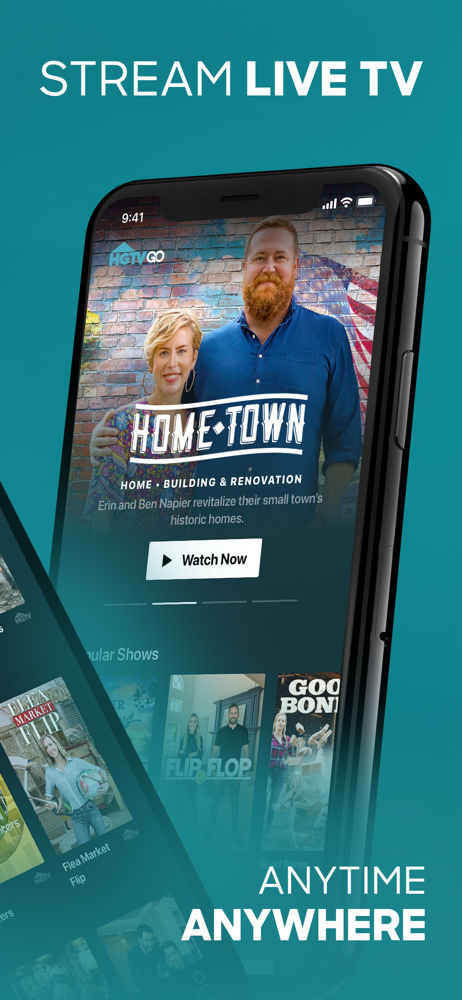
Catch up with your favorite HGTV shows anytime, anywhere with the all-new HGTV GO app - and now get access to up to 14 additional networks including T...


