Check the acquisition promise
Read the store headline, screenshots and description. What problem is the app promising to solve?
Study the storefront ↗
John Yu · iOS
Explore the ad evidence, study the storefront, and build your next acquisition hypothesis.
01 / Creative research
Read the store headline, screenshots and description. What problem is the app promising to solve?
Study the storefront ↗Explore apps with direct store-link matches. Compare their hooks and formats without assuming the same approach works here.
Browse observed advertisers ↗Store rankings and revenue estimates describe market context. They do not establish ad spend, conversions or ROAS.
Review the market context ↗02 / Storefront & product
Study the product story and store experience behind the acquisition funnel.



03 / Market context
Keep revenue, downloads and store rankings separate from advertising performance.
I’ve used facetracking as well as home-made IR solutions for head tracking, but this works very well using the iPhone’s excellent camera. Very smooth (providing your OpenTrack setup is set right). Also make sure iPhone camera is set to shoot 60fps video for best performance. I would only suggest adding an option to turn the screen off when tracking is on and just show the tracking axis. It’s handy to see yourself when initially testing the app, but after a while it’s just distracting to have your face looking out at you while you game.
使用该软件headtracker时,我的设备通常是横屏状态,但是无论我关闭或者打开ipad的旋转锁定,在该软件中摄像头始终按照竖屏来摄像,导致该软件获得的视场很小,而且大部分情况下,我无法调整摄像头的竖屏摄像方式(软件自身的旋转按钮不显示),请在软件当中添加一个一直显示的按钮来让我调整摄像头为横屏摄象 When using the software headtracker, my device is usually in landscape, but no matter if I turn off or turn on the rotation lock on my ipad, the camera always shoots in portrait in the software, which results in a very small field of view that the software gets, and most of the time I can't adjust the camera to shoot in portrait (the software's own rotate button doesn't show up), so please add add a button to the software that is always displayed to allow me to adjust the camera to landscape orientation.
First and foremost. It works!! It’s easy to set up and easy to use. You have to download Opentack to your PC, it’s free. I have zero patience for setting stuff like this up but I was up and running in about 10 minutes. I have never used Track IR so I cannot compare them. But I also cannot imagine trackIR is 150$ better than this. I play DCS, IRacing , and WarThunder. I will probably go VR in the future but I still find the image quality of VR distracting. So I’m waiting for the tech to mature. In the meantime head tracking seems to be a great in-between option. Plus if you are busy, this beats having to take off VR gear every time someone needs you. I’m going to take some time fine tuning the “curves” but even in its default state it works well. It’s the best 2$ I’ve spent in a long time!
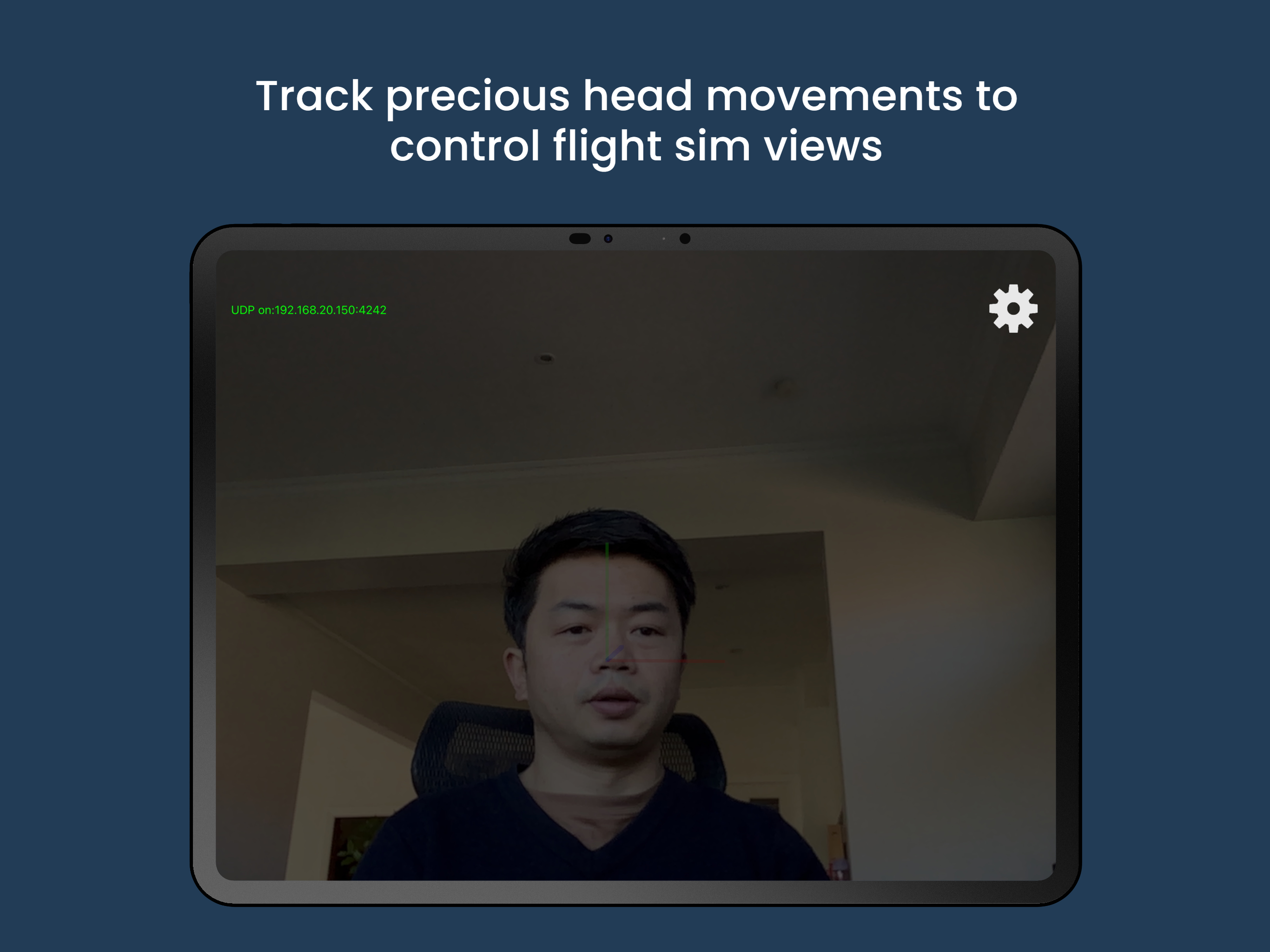
Head Tracker uses iPhone’s front-facing TrueDepth camera to provide responsive and accurate 6DOF (degree of freedom) head tracking input to opentrack....
| Name | Price | Type |
|---|---|---|
| Full Version | $1.99 | One-time |